Updated October 2026
The DJI Mavic Pro was the drone that made a lot of photographers rethink what a drone could be. Before it, a camera drone usually meant a big white quadcopter with a case to match. The Mavic Pro folded down to roughly the size of a water bottle and still carried a stabilized 4K camera. This post is a buyer’s guide to that model: what DJI says it does, who it suits, what to check before you buy and how to get better photos from it.
One note up front. I have not flown this drone myself, so everything below comes from DJI’s own announcement and published specs, not from a hands-on test. I will point out where a claim is the manufacturer’s and where you should check for yourself. The Mavic Pro was announced in September 2016, and DJI has released newer drones since then, so check current availability and compare it with newer models before you spend money.
What is the DJI Mavic Pro?
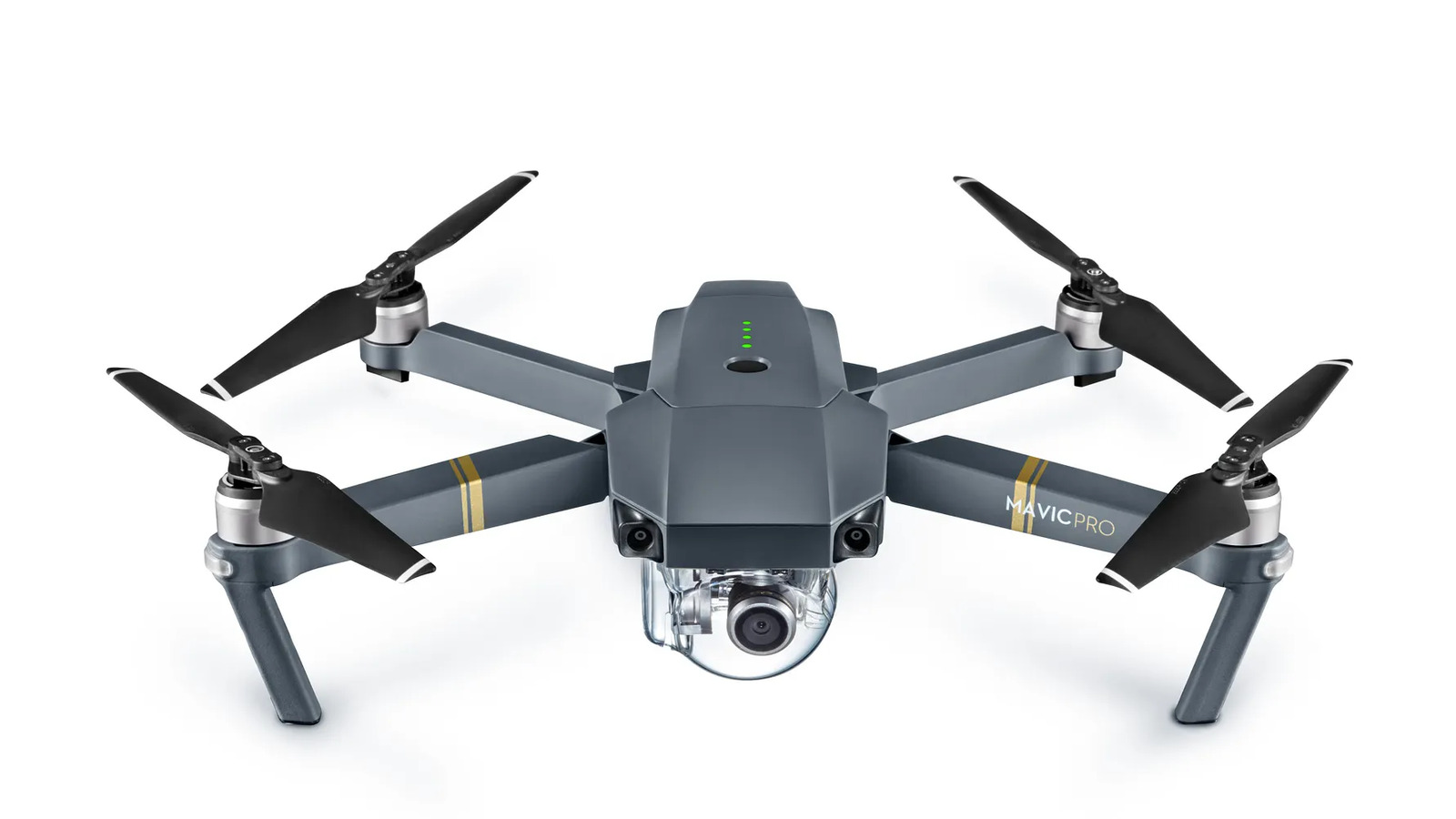
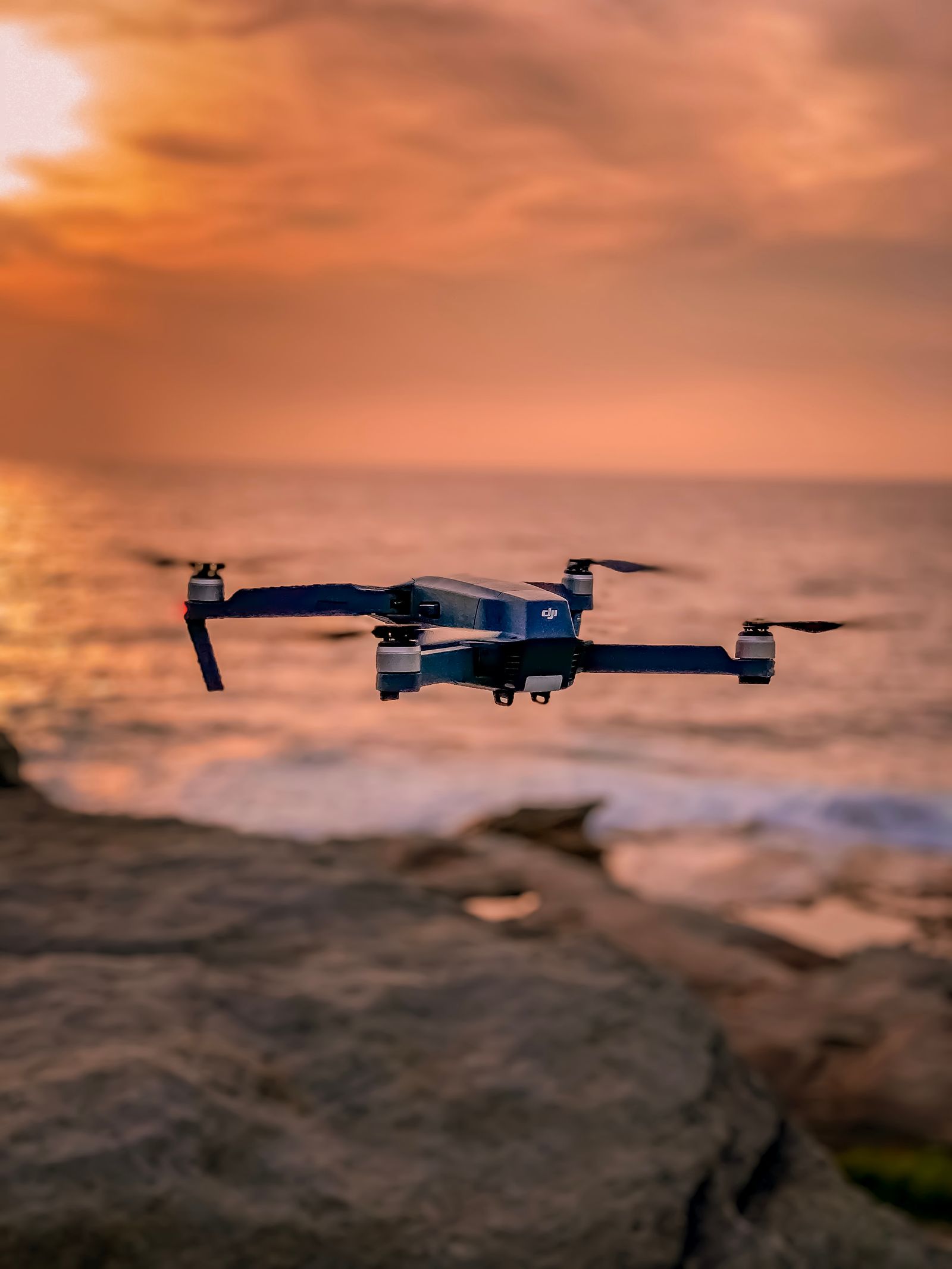
The Mavic Pro is a foldable camera drone from DJI. In its September 2016 press release, DJI described it as a portable, powerful and easy-to-use drone, and said its folding design compresses the whole aircraft to about the size of a water bottle. The four arms and the propellers tuck in against the body, so there is no need to mount propellers before every flight.
For a photographer, that is the big idea. A drone you can toss in a bag goes more places than one you have to plan a trip around. A camera that stays at home takes no pictures, and the same goes for a drone.
The key specs, according to DJI
These are the numbers from DJI’s launch announcement. Treat them as maximums measured by the manufacturer. Real results depend on wind, temperature, battery condition and how you fly.
- Camera: a stabilized 12-megapixel camera on a three-axis gimbal, with Adobe DNG RAW support for stills.
- Video: 4K at 30 frames per second, and 1080p at up to 96 frames per second.
- Flight time: up to 27 minutes per battery.
- Range: up to 4.3 miles (7 km) using the remote controller and DJI’s OcuSync link, with live view up to 1080p.
- Obstacle avoidance: a system DJI calls FlightAutonomy, with five cameras, GPS and GLONASS, two ultrasonic range finders and redundant sensors. DJI says it can avoid most obstacles at speeds up to 22 mph.
- Sport mode: speeds up to 40 mph.
- Return to home: the drone returns to its launch point if it loses contact or the battery gets critically low.
- Intelligent modes: ActiveTrack, TapFly and Gesture mode for following subjects and taking selfies.
The camera detail that matters most for still photographers is the RAW support. A DNG file gives you much more room to edit than a JPEG, and the exposure range of a sky and a landscape is exactly where a drone camera needs help.
Why the folding design matters for photographers
Landscape and travel photographers already carry a lot. A tripod, a few lenses, filters and a bag full of batteries add up fast. A drone that folds small is easy to add to that kit, and it opens up angles you cannot get from the ground.
 Save
SaveThe folding arms also protect the propellers and the gimbal in transit. Many drone owners find that the best aerial photos come from the places where it is easy to launch, and where you were already standing with a camera. A quick setup means you are more likely to fly during the short window of good light at sunrise or sunset.
The camera: what you can expect from a 12-megapixel drone sensor
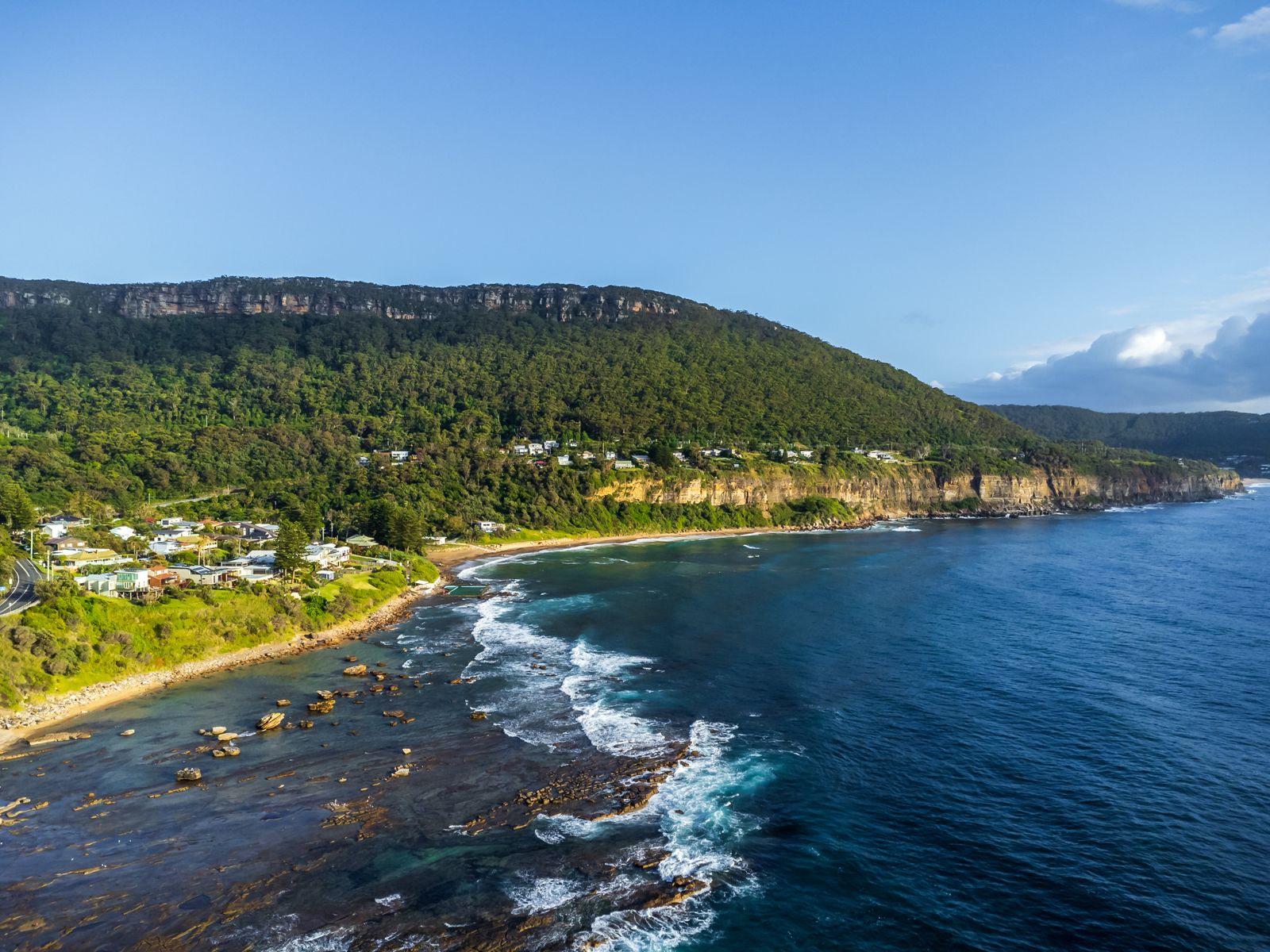
Twelve megapixels is plenty for web use, social posts and moderate prints. What matters more than the pixel count is the sensor size. Drone cameras of this class use small sensors, which means more noise at high ISO, less dynamic range than a mirrorless camera and a fixed lens with no aperture to speak of for depth of field. That is not a flaw. It is the trade-off for a camera light enough to fly.
In practice this means you should treat a drone like a daylight camera. Fly in good light, keep ISO low and expose to protect the highlights in the sky. Shoot RAW and bracket if the scene has strong contrast. DJI’s announcement also says the stabilized gimbal allows 2-second exposures in the air, which suggests that slower shutter speeds with ND filters are a realistic way to smooth water.
 Save
SaveWho is the Mavic Pro for?
It suits a few kinds of people better than others. Based on the published specs, here is who I would point toward it.
- Travel photographers who want one extra angle without a big bag.
- Landscape photographers who want to add aerial frames to their portfolio.
- Real estate and property shooters who need an exterior or a view from above.
- Beginners who want obstacle sensing and a return-to-home feature while they learn.
It is a weaker fit if you need a bigger sensor, longer flight time or the latest safety features. Newer drones from DJI have changed since 2016, so compare current options if you are buying new.
What to check before you buy
The Mavic Pro is an older model. If you are buying one, especially used, a few checks will save you trouble later.
- Check which bundle you are getting. A bare drone is not a kit. Look for the remote controller, charger, battery and propellers, and see whether extra batteries are included.
- Check battery health. On a used drone, battery condition matters more than almost anything else. Ask for the number of charge cycles, and look for swelling.
- Check for crash damage. Look at the gimbal, the arms and the propellers.
- Check software support. Make sure the DJI app you need works with this model on your phone.
- Check the rules where you live. Many countries require registration or have height limits, and some places ban drones completely.
Rules and safety
A drone is an aircraft, and the rules apply to it. Registration, height limits, no-fly zones around airports and rules about flying over people differ by country. Check your local aviation authority before you fly, and look at DJI’s own geofencing notices. DJI says the Mavic Pro uses its GEO system to help identify restricted areas, but it is not a substitute for knowing the rules yourself.
Keep the drone in line of sight, stay away from crowds and airports and watch the wind. Do not fly in rain. Be polite as well. A buzzing drone over a quiet beach can ruin someone else’s morning.
Getting better photos from a drone
Gear is the easy part. The pictures still come from the same habits that make any landscape good.
Fly for light, not just for height
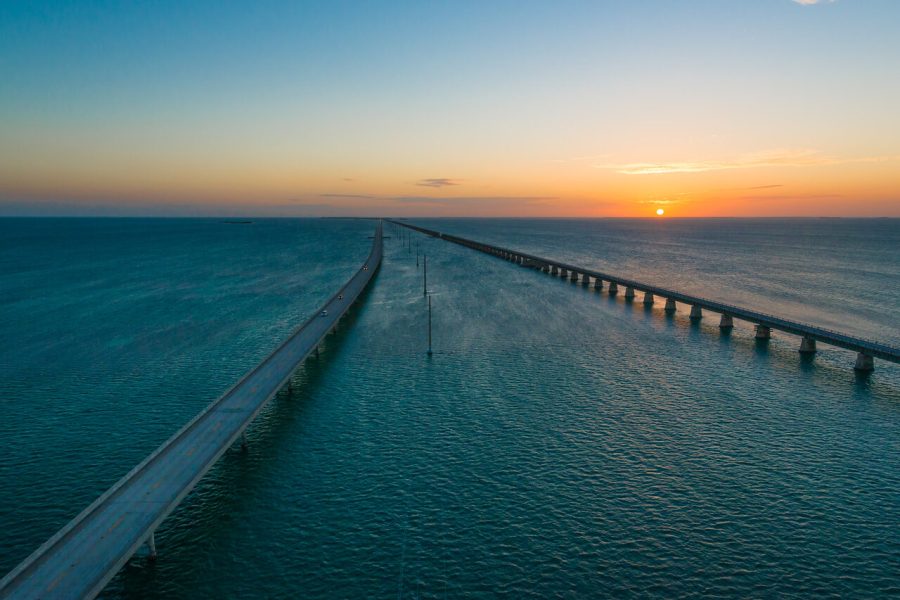
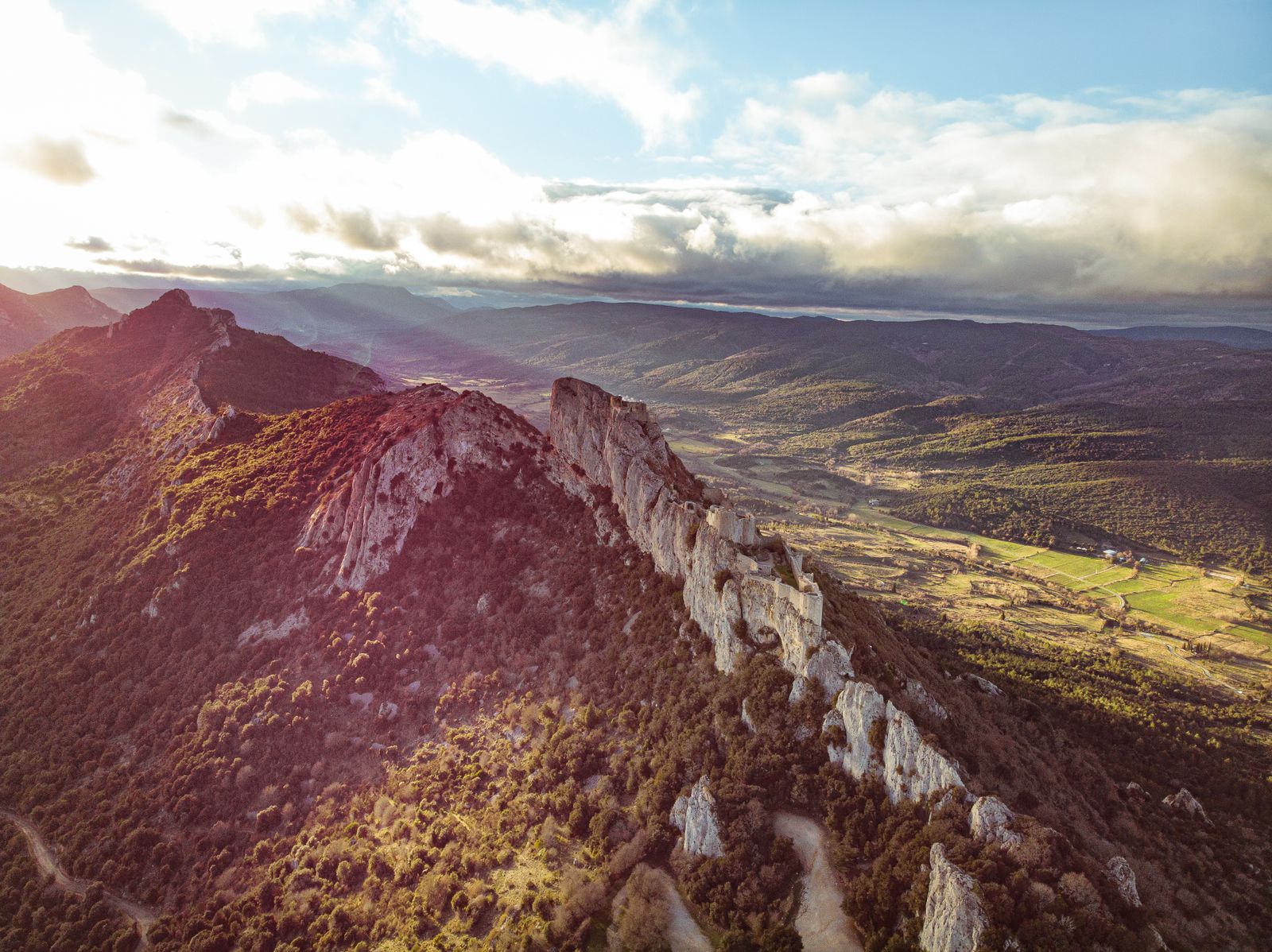
The same sunrise and sunset light that works from the ground works from the air, and the long shadows show the shape of the land. Midday sun from above flattens everything.
Look for lines and patterns
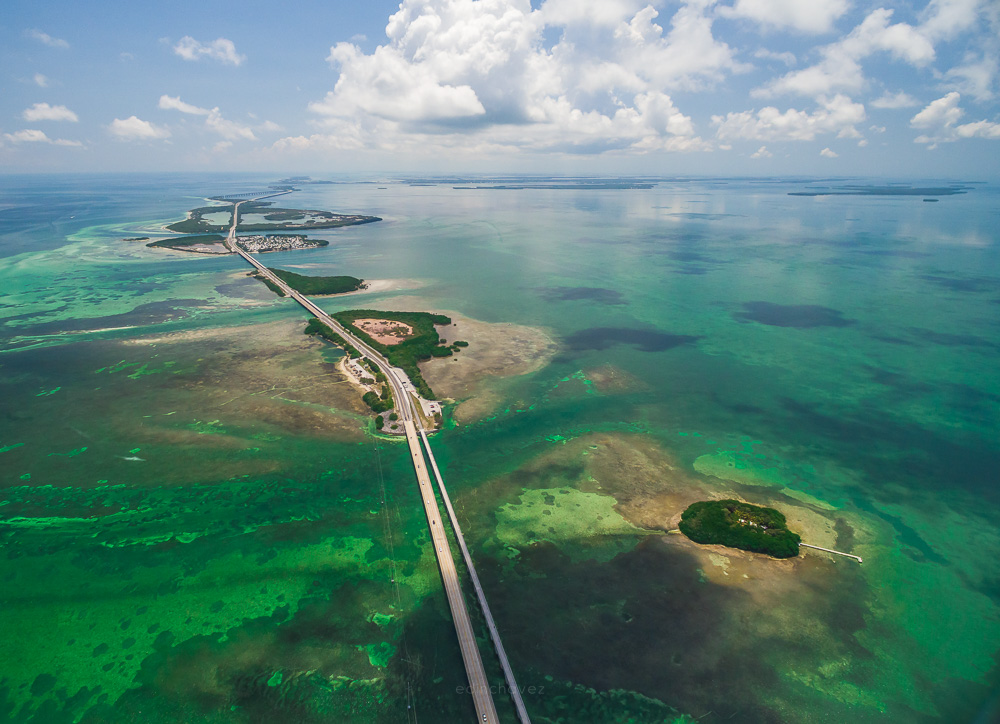
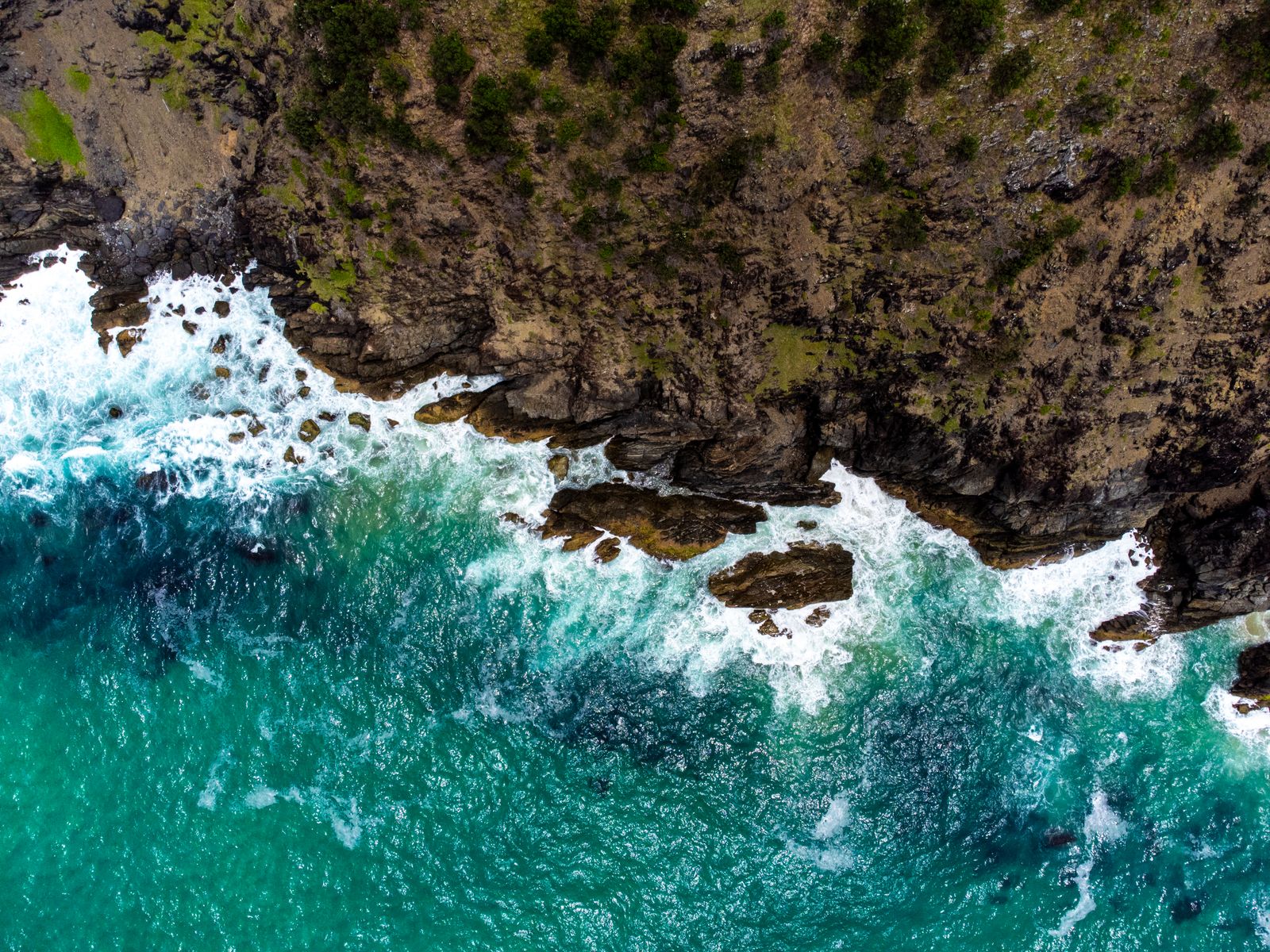
From above, roads, rivers, shorelines and field edges become graphic shapes. Look for a leading line, a strong curve or a repeating pattern, and then position the drone so it fills the frame.
 Save
SaveUse ND filters for video
For smooth video, you generally want a shutter speed around twice the frame rate. In bright light that means an ND filter. Without one, motion looks choppy. Check that any filter set is made for your exact drone, because the gimbal balance can be sensitive to extra weight.
Shoot RAW and bracket
A small sensor gives you less dynamic range, so bracketing and RAW files give you room to recover sky and shadow detail.
 Save
SaveEditing your aerial photos
Drone files respond well to a simple edit. Start with white balance, then pull highlights down and lift shadows. Add a little contrast and clarity, use a graduated mask on the sky and a gentle HSL adjustment for the greens and blues. Fix any horizon tilt with the angle tool and remove sensor dust with the Spot Removal tool, which shows up as small dark circles in clear sky.
If you want those sliders explained clearly, the Lightroom editing course in the Shut Your Aperture Academy is a beginner-friendly post-processing course taught by Edin Chavez. It has 10 modules and 42+ parts you can finish at your own pace, with lifetime access. Browse the rest of the Academy courses too.
Planning a flight before you leave home
A good aerial photo usually starts on the ground. Look at a map and satellite view of the place, find a safe launch spot and note anything that could get in the way, such as power lines, tall trees or busy paths. Check the weather and the wind forecast, and charge every battery the night before.
Pick the light you want to shoot. If you want a sunrise over a coast, work out where the sun will come up and where the drone should be to catch it. Arrive early, because a drone flight takes longer to set up than a quick handheld frame, and the best light does not wait.
Finally, keep a short checklist: batteries, memory cards, propellers, a lens cloth and your phone with the DJI app already updated. A forgotten card is the most common way to lose a good flight.
Mavic Pro or something newer?
If you already own a Mavic Pro, it is still a capable camera for stills and web video, provided the battery is healthy and the software works. If you are buying new, newer DJI drones have different cameras, longer flight times and updated safety systems, so compare them before you decide. The Mavic Pro is most interesting today as a lower-cost used option, and only if you check the points above.
Whichever drone you choose, the same rule holds. The best drone is the one you will actually carry and fly in good light. Questions about the Mavic Pro or aerial photography? Drop them in the comments.
Frequently asked questions
What is the DJI Mavic Pro?
A foldable camera drone from DJI, announced in September 2016. DJI describes it as a portable drone with a stabilized 4K camera, a 12-megapixel sensor, up to 27 minutes of flight time and a range of up to 4.3 miles.
What camera does the Mavic Pro have?
According to DJI, a 12-megapixel camera on a three-axis gimbal. It records 4K video at 30 frames per second and 1080p at up to 96 frames per second, and it supports Adobe DNG RAW for stills.
How long does a Mavic Pro battery last?
DJI lists up to 27 minutes of flight time per battery. Real flight time varies with wind, temperature and battery age, so plan for less and carry spares.
Is the Mavic Pro good for beginners?
DJI built in obstacle avoidance, return to home and intelligent flight modes aimed at making it easy to fly. It is still an aircraft, so learn your local rules and practice in an open space.
Should I buy a used Mavic Pro?
It can be a good value if you check the battery condition, the gimbal and the arms, and confirm the remote and the app work. Ask for the number of charge cycles and look for crash damage.
Gear box: DJI Mavic Pro
These are starting points, not rankings. Check current specs, reviews and prices before you buy.
- DJI Mavic Pro Fly More Combo: the exact model, usually sold with the remote controller, extra batteries and a charging hub. Availability varies because this is an older drone, so check what is included before you buy. See it at B&H or on Amazon.
- DJI Mavic Pro Intelligent Flight Battery: a spare battery for longer sessions. Make sure the battery is made for the Mavic Pro, and check its charge cycle count if you buy used. See it at B&H or on Amazon.
- PolarPro ND filter set for Mavic Pro: ND filters sized for the Mavic Pro camera, useful for smooth video. Confirm the fit for the exact model, since extra weight can affect the gimbal. See it at B&H or on Amazon.
Affiliate disclosure: some links above are affiliate links. If you buy through them, Shut Your Aperture may earn a small commission at no extra cost to you.