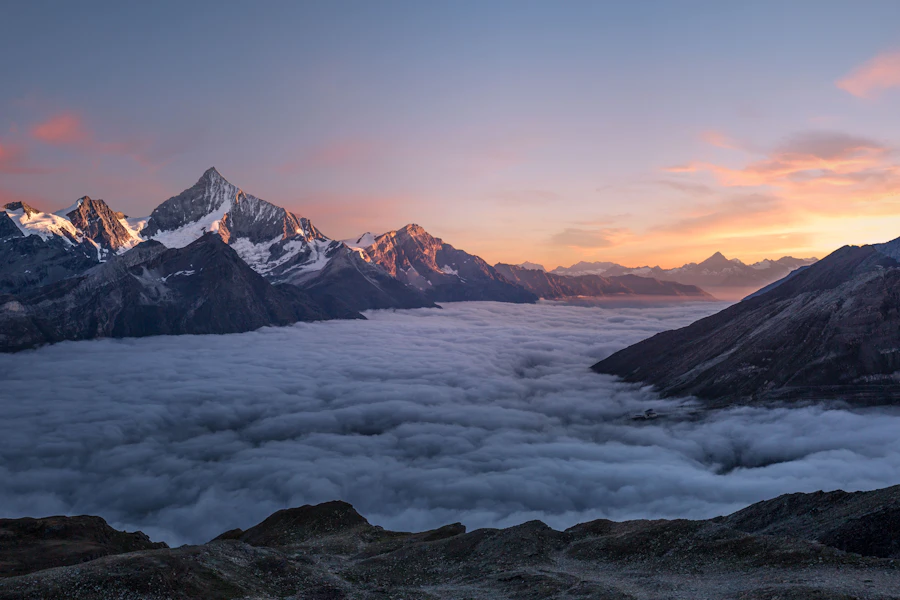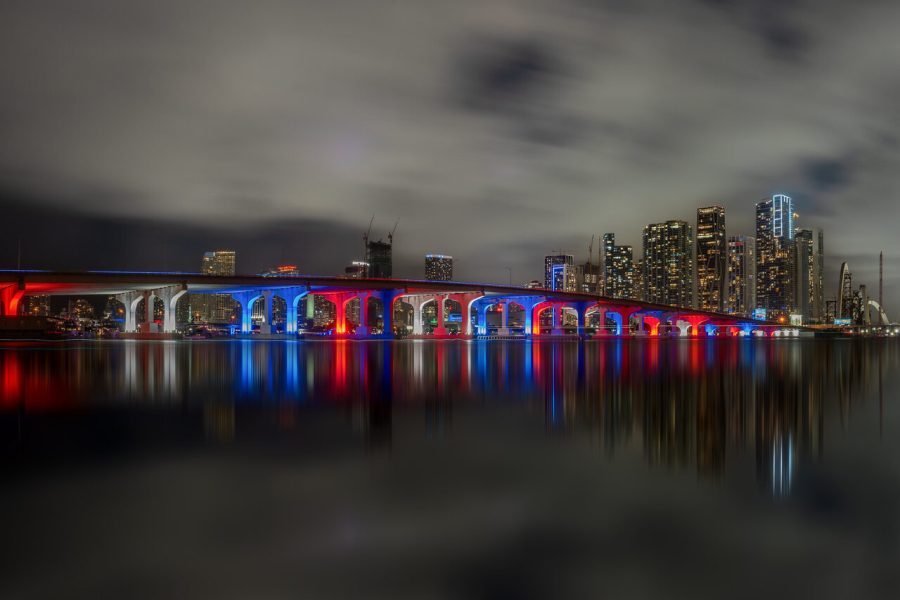
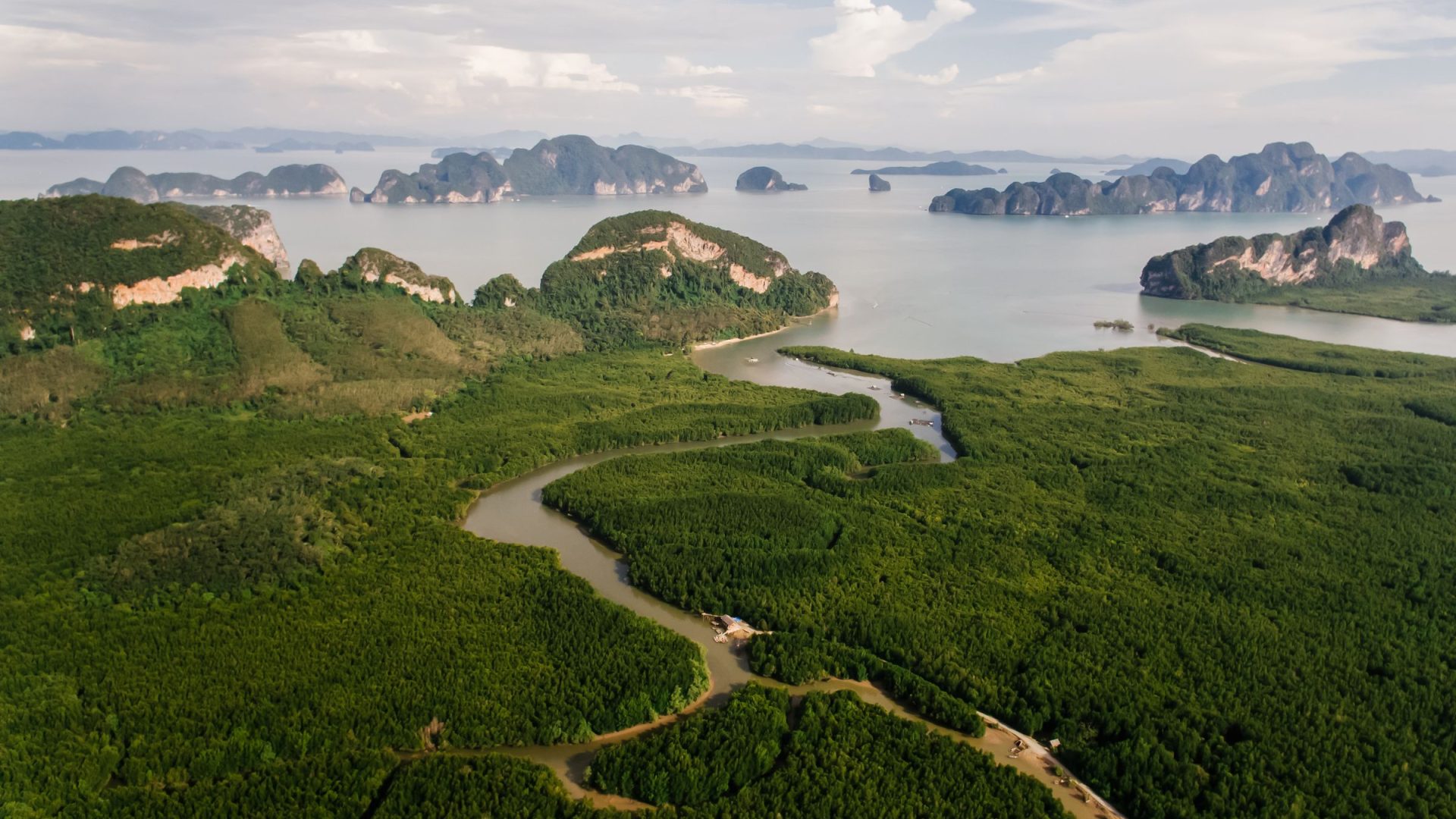
Featured photograph: Photo by Mikhail Nilov / Pexels / Pexels License. (Stock photo, illustrative.)
DJI introduced the Zenmuse X5 and X5R in September 2015 as interchangeable-lens Micro Four Thirds cameras for the Inspire 1 aerial platform. The idea was a camera and three-axis gimbal that gave an aerial crew more control over lenses, focus and aperture than the earlier fixed-camera approach. This is a historical guide to that system, not a hands-on review or a promise that an old kit will work with today’s phone, computer or flight requirements.
The distinction to remember is simple: the X5 and X5R are related cameras, but their video workflows are not interchangeable. Both were built around a 16-megapixel Four Thirds sensor. The X5R added a dedicated SSD recording path for CinemaDNG RAW video. A listing that says only “X5 series” leaves out information you need before choosing a camera, checking an archive or accepting a used package.
What changed with the X5 series
The original announcement described a compact camera, lens and stabilizing gimbal working with the Inspire 1. Remote focus and aperture control were part of the attraction, along with still photographs and 4K recording. These were system features, not a claim that a camera body could be attached to any aircraft with a similar-looking connector. The aircraft, mounting hardware, camera, lens and software all have to match.
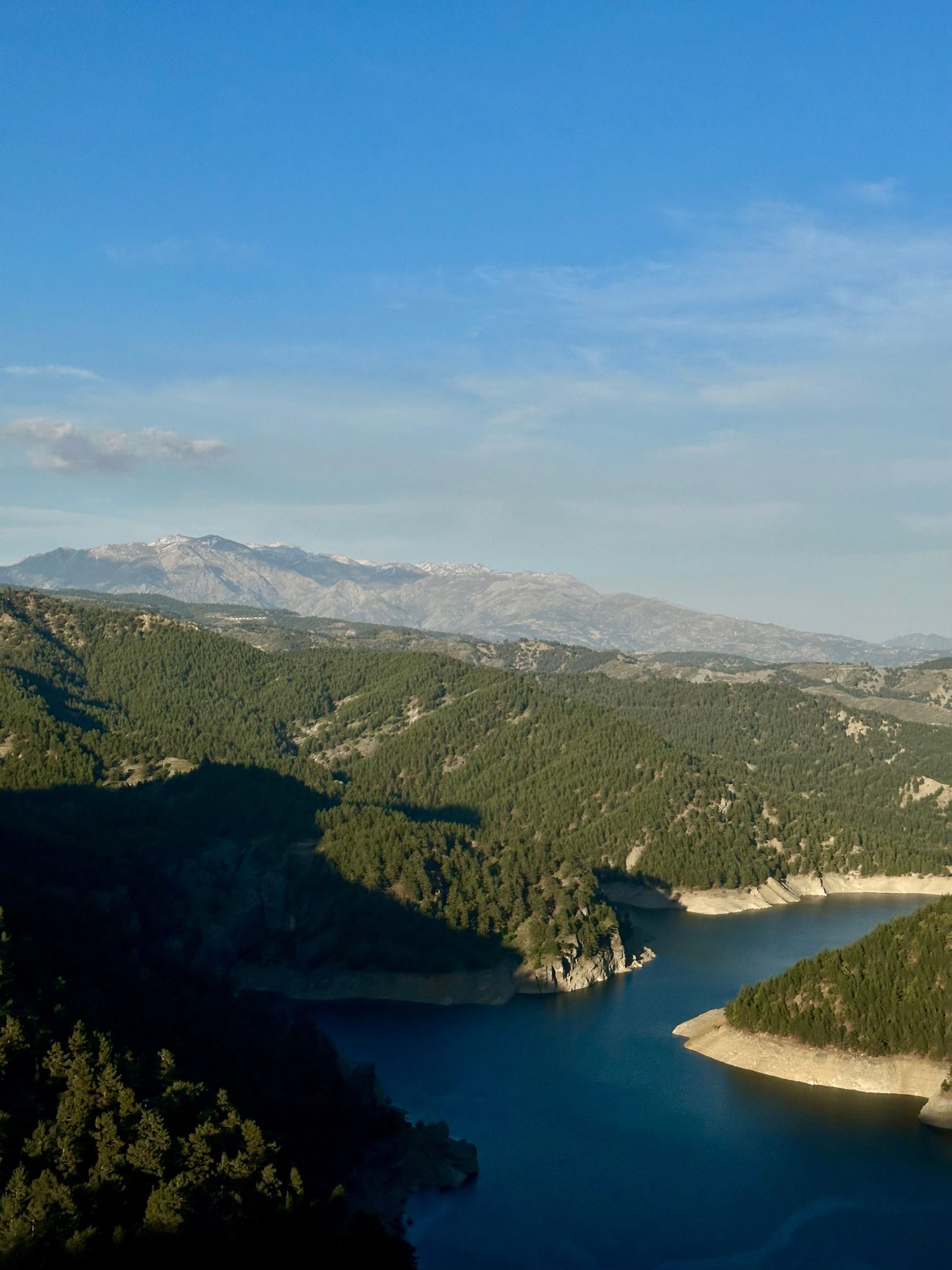
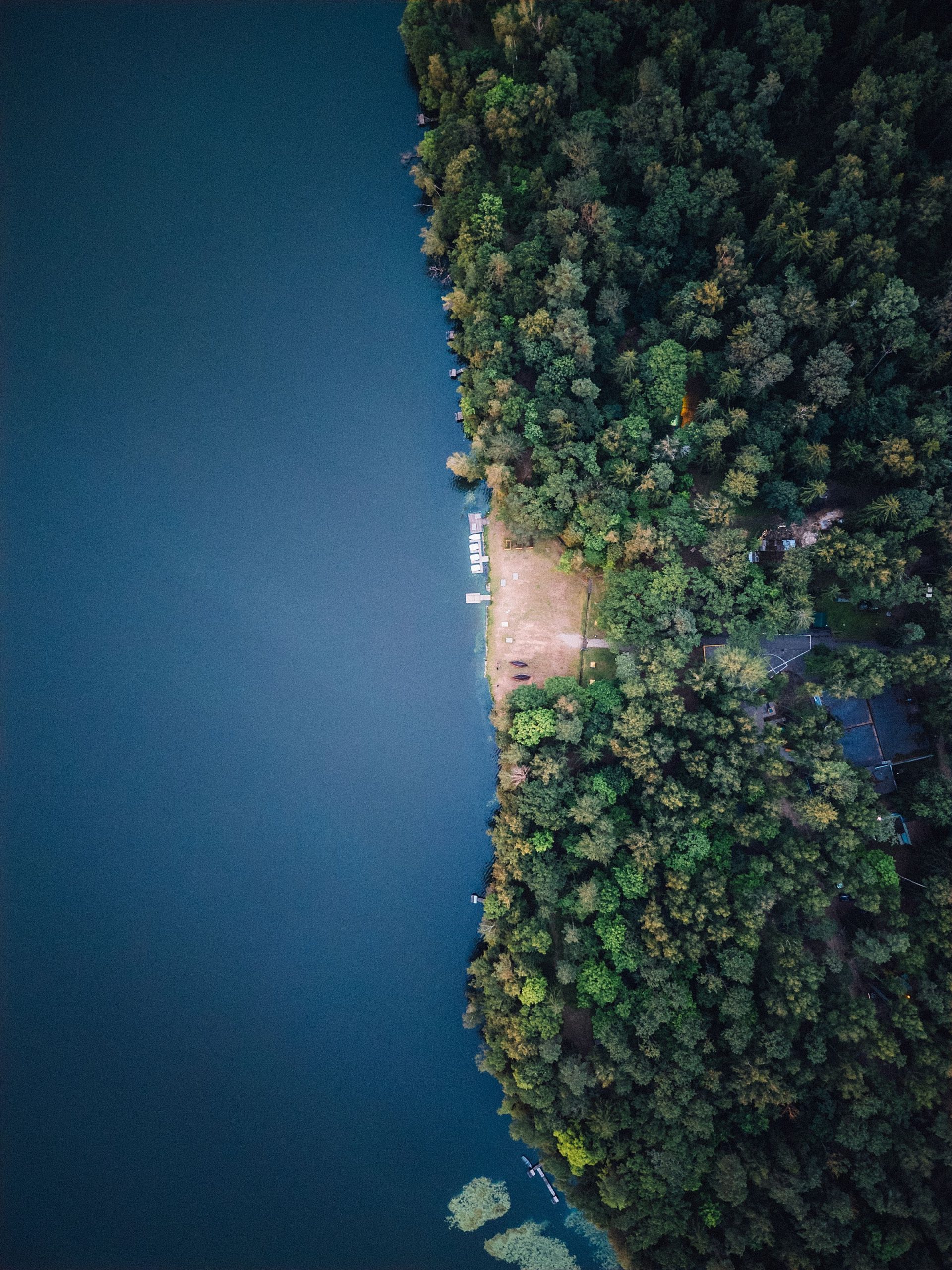
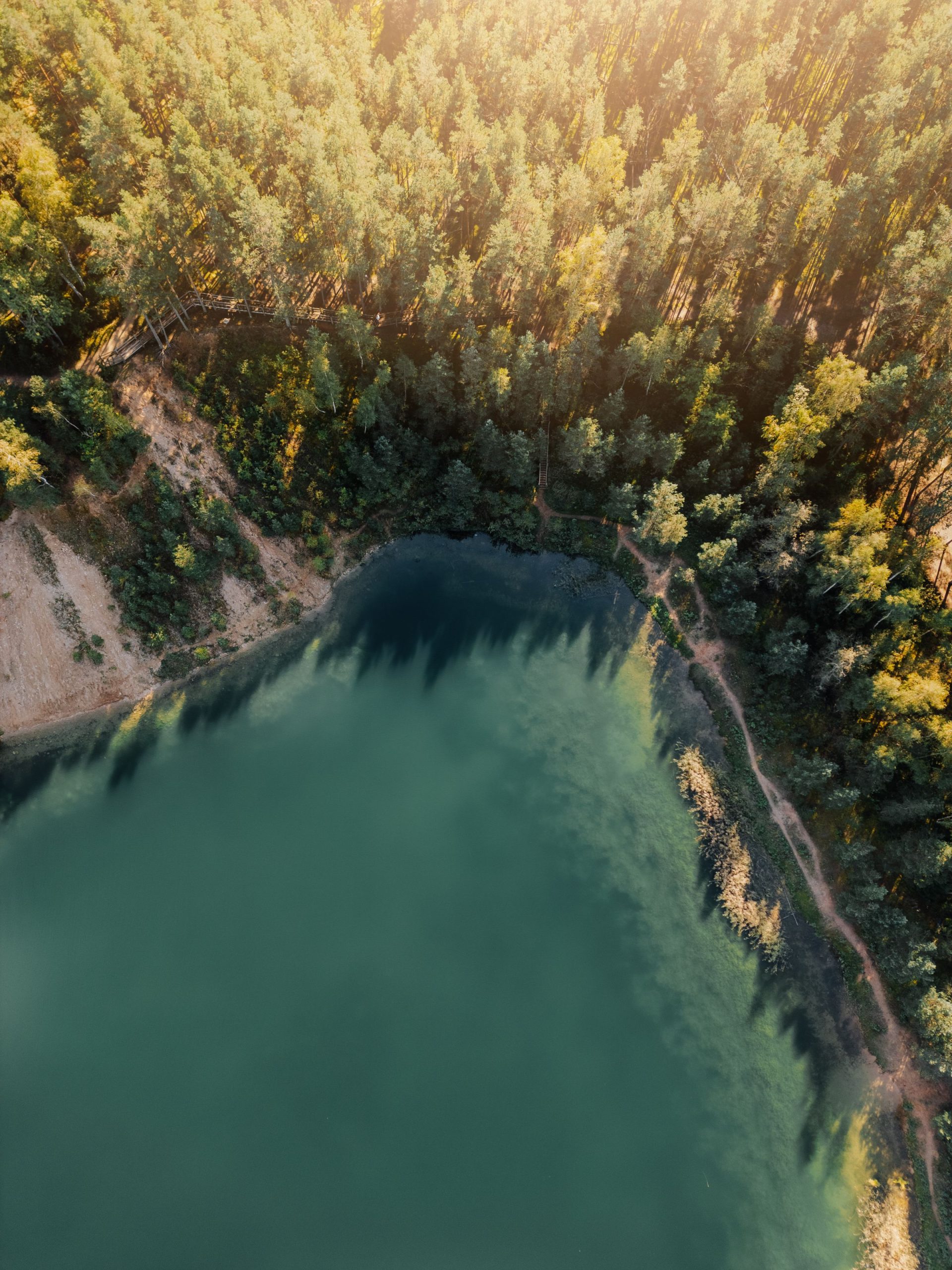
A larger sensor and interchangeable lenses can expand creative choices, but neither removes the need for careful exposure and movement. A shaky move, missed focus or clipped bright sky can still spoil the file. Treat the sensor specification as a description of the equipment rather than a guarantee of a finished image. The landscape photographs accompanying this guide are illustrative stock, not verified X5 or X5R samples.
DJI’s original language made strong claims about professional quality and fast setup. A more useful way to read that announcement today is to separate what the system records from what the crew must still do. You still need to check the equipment, understand the selected recording mode, plan a safe operation and confirm that the files can be opened in your editing setup before relying on it for a job.
X5 and X5R: similar name, different files
The X5 user manual lists video recording in MP4 or MOV using H.264, with a maximum video bitrate of 60 Mbps. It also lists JPEG and DNG still photographs. A DNG still image is not the same thing as a CinemaDNG video sequence. If someone describes an ordinary X5 as a RAW-video camera because it takes RAW photographs, ask them to identify the exact recording mode and show its files.
The X5R manual separates the microSD recording path from its dedicated SSD path. MicroSD video is listed as H.264 in MP4 or MOV, while the X5R SSD stores CinemaDNG with lossless JPEG compression. The manual lists a 512GB X5R SSD. That is dedicated recording media for this camera, not an instruction to insert any portable computer drive with the same capacity.
 Save
At the 2015 announcement, DJI described the X5R RAW recording bitrate as averaging 1.7 Gbps, with a maximum of 2.4 Gbps. Its later product page gives mode-specific figures, while the manual retains the headline average and maximum. Those numbers describe different summaries of the recording modes. Do not turn one headline into a precise runtime promise for every resolution, frame rate or scene.
The practical difference is the work after capture. A compressed video file can fit a different transfer and editing process from a folder of image-sequence data. Before choosing RAW because it sounds better, test a short representative recording through transfer, playback, adjustment and export. The useful format is one your actual project can handle reliably, with enough checked storage for the original material and its working copies.
Read resolution and frame rate together
“4K” is not a complete recording specification. DJI’s manuals distinguish the wider 4096 by 2160 frame from 3840 by 2160, and the available frame rates depend on the camera and recording path. Match the exact mode to the intended delivery instead of assuming that every frame size supports every frame rate. Check the original manual and the settings visible on the particular unit.
Also separate a recording format from an export format. Contemporary coverage discussed using DJI CineLight to handle X5R material and export or convert it for editing. That does not mean every format mentioned in a workflow is recorded directly by the camera. In particular, a ProRes mention on an old page is not enough evidence to promise direct ProRes capture on an X5 or X5R.
When evaluating sample footage, request a short original file rather than only a finished online clip. An uploaded video has already passed through editing, grading, scaling and the site’s compression. It can show a composition or a camera move, but it cannot by itself prove which camera settings, lens or recording mode produced the original. Keep those questions separate when judging an old system.
A Micro Four Thirds mount is not a universal lens pass
The original article named a 15mm f/1.7 and a 12mm f/2 lens. DJI’s documentation identifies specific supported lenses rather than approving every lens with a Micro Four Thirds mount. The later X5 manual includes DJI, Panasonic and Olympus models, with some entries limited to still photography. The exact model name matters, including whether a zoom or a similar focal length is a different product.
Physical fit is only part of the question. A gimbal must carry and balance the lens assembly, and the camera must support the required controls. DJI’s tables specify balancing rings or filters and lens-hood conditions for particular combinations. Adding a filter or swapping a hood changes more than the look of the lens. Check the accessory table instead of assuming a familiar thread size settles compatibility.
For the DJI MFT 15mm f/1.7 ASPH lens, DJI lists a view equivalent to 30mm in 35mm-format terms. That describes the angle of view, not a conversion of the lens into a different focal length. It helps explain why the original 15mm label should not be read as the same view a 15mm lens gives on a full-frame still camera.
 Save
Choose the view for the intended composition, then verify that the documented combination supports the work. A wider view may include more unwanted ground at the bottom or distracting objects at the sides. A tighter view can make small movement more obvious. Neither choice is automatically more cinematic. Make a simple framing test and inspect it before building a sequence around an assumption about focal length.
Check the whole Inspire 1 package
The manuals describe mounting the cameras to the Inspire 1 and include instructions for the appropriate gimbal mounting plate. An old aircraft advertised as an Inspire 1 is therefore only the start of a compatibility check. Identify the aircraft version, installed mount, camera model and required accessories from their labels and documentation. Do not rely on a seller’s photograph of parts arranged together as proof that the assembly works.
Keep X5, X5R and X5S names distinct. Similar names and shared branding are not evidence of interchangeable aircraft support or media workflows. This guide concerns the original X5 and X5R described in the 2015 announcement and their manuals. If a listing or instruction switches to another camera name, pause and check that model’s own documentation rather than borrowing a specification from this guide.
DJI’s instructions warn against attaching or detaching the camera while the aircraft is powered on. Read the full installation and safety instructions rather than treating a short article as a repair manual. A damaged connector, missing part or uncertain mounting history is a reason for a qualified inspection, not an invitation to force a connection until it appears to fit.
DJI GO, focus and exposure
The original system used DJI GO for live camera view and controls such as aperture and focus. That historical description should not be confused with a guarantee of compatibility with every current phone or operating system. Before an outing, check the actual device, application and camera combination. Make sure the live image, settings and recording behavior work together without relying on a screenshot from a different model.
Set focus deliberately and verify it in a test image. A live preview can be too small to reveal a soft subject, especially when the scene contains fine trees, distant buildings or low-contrast haze. Review a representative saved file at a useful magnification. An attractive preview is not proof that the original recording is sharp where the story needs it to be.
Exposure choices should follow the scene and intended motion. Decide whether the sky, land or subject contains the detail you most need to preserve, then inspect a test. A wide range of tones can exceed what one exposure records. RAW recording gives room for decisions after capture, but it does not restore everything lost through clipping, focus error or motion that was not intended.
White balance and other automatic adjustments can change the look during a continuous shot. Use settings deliberately and compare a test from the beginning and end of the planned move. The goal is not to reject every automatic control. It is to understand whether that control will create a visible change that makes the shot harder to match with the rest of the sequence.
 Save
Media and archive checks before a real shoot
The X5 and X5R manuals specify microSD support up to 64GB, with their listed speed requirements. Use the documentation for the particular camera instead of assuming a much newer, higher-capacity card will behave the same way. A card fitting into the slot does not prove that it can be formatted, recorded to and read back reliably in that system.
For the X5R, identify the dedicated SSD and the reader or transfer arrangement needed for its material. The manual describes DJI CineLight and a computer-based workflow for accessing the RAW footage. These are old software instructions, not a current operating-system certification. Test with your own computer before accepting a package whose value depends on being able to retrieve those recordings.
Build one small end-to-end test. Record an ordinary scene with texture, movement and a bright area, transfer the files, open them in the intended software and make a short export. Check that the export contains the expected duration and frame size. Then reopen both the source and exported file. Finding a missing step now is much cheaper than discovering it after an unrepeatable shoot.
Keep a checked copy of the original material separate from working exports. A rendered movie is not a replacement for the camera files if you later need a different grade or resolution. Likewise, one portable SSD is not a complete backup plan. Choose storage for the size and transfer needs of the project, and confirm copies before erasing the recording media.
Plan a shot, not a specification demo
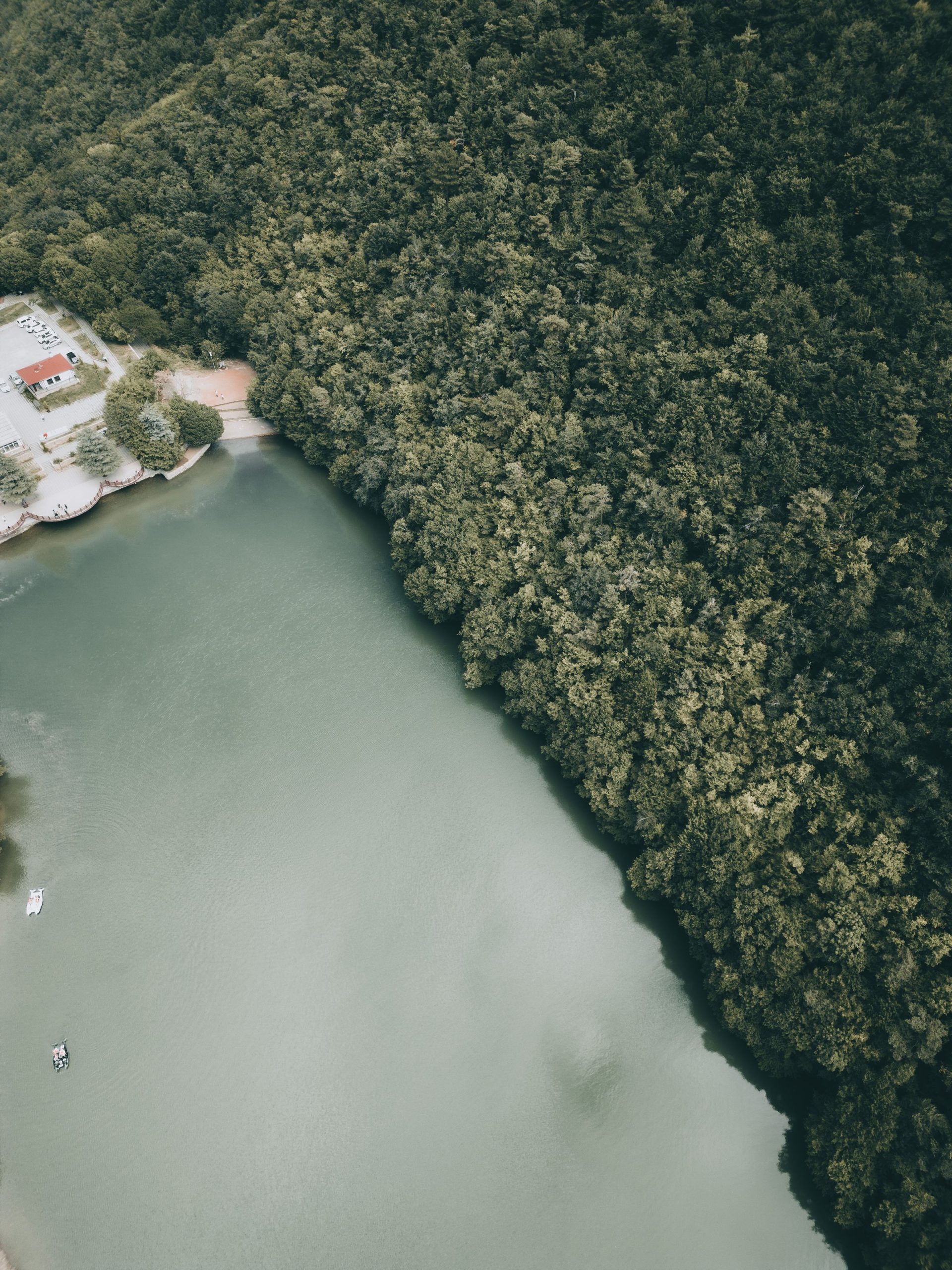
A useful camera move has a clear subject and a clear beginning and end. Decide what the viewer should notice before adding movement. A shoreline, a river bend or the separation between forest and open ground can provide structure, but the camera should not wander simply because it is mounted on a moving platform. A quiet frame can communicate scale better than a complicated move.
Compare the full frame with its edges. A strong center can hide a road, bright roof or distracting reflection near a corner. Think about where that object will move during the shot, not only where it starts. If you cannot remove the distraction safely and within the permitted operation, change the composition or choose a different shot rather than improvising a riskier position.
A camera guide does not establish permission to fly. Check current requirements for the actual place, aircraft and purpose, together with the operator’s responsibilities and the conditions on the day. Do not assume that an old promotional video, a scenic photograph or a previous flight proves the same operation is allowed now. Keep operational planning separate from choosing a lens or exposure setting.
 Save
How to read a used listing now
Ask for the exact camera model and an itemized package: lens, balancing accessories, mounting parts and recording media. For an X5R, include the transfer equipment and a demonstration that its original files can be retrieved. Treat the condition of each part as an open question until inspected. A low asking price is not a useful comparison if a missing component prevents the workflow you need.
Check current return terms, support options and the total package cost directly with the seller before any purchase. This article does not quote a current price, stock status or repair promise. The 2015 launch information explains why the system mattered; it does not establish today’s value. If you already own the kit, the same checklist helps decide whether to maintain a working archive or move a project to a different system.
The lasting lesson of the X5 introduction is the relationship between capture and workflow. Interchangeable lenses, a larger sensor and RAW video expanded the choices available on that platform, but every choice added something to verify. Identify the actual model, use its documentation, test the complete file path and make the photograph or sequence serve a clear idea. That remains more useful than repeating a launch slogan.
Source notes and original references
DPReview’s September 10,2015 announcement and Newsshooter’s September 11,2015 coverage provide the contemporary launch context. Historical launch prices and release forecasts are not current offers.
DJI’s Zenmuse X5 manual version 1.2 and X5R manual version 1.0 support the model-specific lens, recording, media and installation distinctions. Despite the download folder name, those PDF covers identify X5 and X5R, not X5S. DJI’s X5R product archive, Inspire 1 camera page and Heliguy’s lens guide provide additional context. Old documentation does not certify current phone, software or flight compatibility.
Related reading: our aperture guide. The original DJI promotional destination is retained as a historical reference, not a verified current price or availability offer.
Keep your file archive together
Keep your own original files, edit notes and finished exports together. A black Samsung T7 Shield portable SSD, 1TB model MU-PE1T0S/AM, is one storage option to compare. Check capacity and your computer connection before buying. Open the copied files and maintain another checked copy separately. A drive does not replace a complete backup plan. Compare the current retailer specifications; no hands-on test, price or stock promise is being made here.
Compare Samsung T7 Shield Portable SSD Black 1TB MU-PE1T0S/AM on Amazon | Check Samsung T7 Shield Portable SSD Black 1TB MU-PE1T0S/AM at B&H
Affiliate disclosure: We may earn a commission from qualifying purchases through these gear links at no extra cost to you. As an Amazon Associate, Shut Your Aperture earns from qualifying purchases.
Frequently asked questions
What is the main difference between the Zenmuse X5 and X5R?
The X5 records H.264 video to microSD. The X5R adds a dedicated SSD path for CinemaDNG RAW video. Both can make RAW still photographs; that does not make their video workflows the same.
Can every Micro Four Thirds lens be used?
No. Check the exact lens in the manual for your camera and platform, including balancing-ring, filter and lens-hood requirements. Some documented lens combinations are limited to still photography.
Is the X5 the same as the X5S?
No. This article concerns the original X5 and X5R announced for the Inspire 1 generation. Similar model names do not establish interchangeable aircraft support or recording media.
Does the X5R record ProRes directly?
Do not infer direct ProRes capture from an old workflow headline. The X5R manual identifies CinemaDNG on its SSD and H.264 on microSD. Contemporary CineLight coverage also discussed conversion and export.
Can I use any 512GB SSD for X5R recording?
No. The manual specifies the dedicated 512GB X5R SSD. Identify the correct media and transfer equipment, then test that its original files can be retrieved on your computer.
Does this guide confirm current phone or computer support?
No. DJI GO and CineLight are described in their historical context. Verify your actual device, operating system and file-transfer workflow before relying on an old kit.
Were the photographs here made with an X5 or X5R?
They are credited illustrative stock photographs, not verified camera samples or author test photographs. Their inclusion does not establish flight permission at the places shown.
The credited stock photographs illustrate landscape composition. They are not verified Zenmuse X5 or X5R samples, author-made test photographs or proof of flight permission at the locations shown.