
Featured photograph: Photo by Burak The Weekender via Pexels (source; Pexels license). (Stock photo, illustrative.)
Updated October 2026
A beautiful logo cannot rescue a confused portfolio. If a potential client lands on your page and cannot figure out what you photograph, who the work is for or how to contact you, the branding has missed the point. Start with those answers. The colors and type come later.
Photography branding is the set of choices that makes your work recognizable and your offer understandable. Your photographs carry most of that weight. The way you describe a shoot, arrange a gallery and answer an inquiry should support them, not compete with them. You do not need to look like a huge studio. You need to look like a photographer who knows what they are doing and delivers what they promise.
Start with a job, not a mood board
Write down the kind of work you want someone to hire you for. Be specific enough that you can build a useful portfolio around it. “I photograph everything” gives you very little direction. “I make clean product photographs for small food brands” tells you which pictures belong on the opening page and what a client might ask next.
This is a working decision, not a lifetime contract. If you are still choosing a direction, work through how to find your photography niche first. Branding gets easier when you have tested the work instead of trying to invent a personality around an untested idea.
Use a simple brief: the audience, the assignment, the visual approach and the next step. For example, a food photographer might write, “Small restaurants need a useful set of menu and website photographs. My work uses clear color and close detail. I want the visitor to ask about a shoot.” This is a planning example, not a claim that every restaurant wants that style.
 Save
SaveFind the pattern in your own photographs
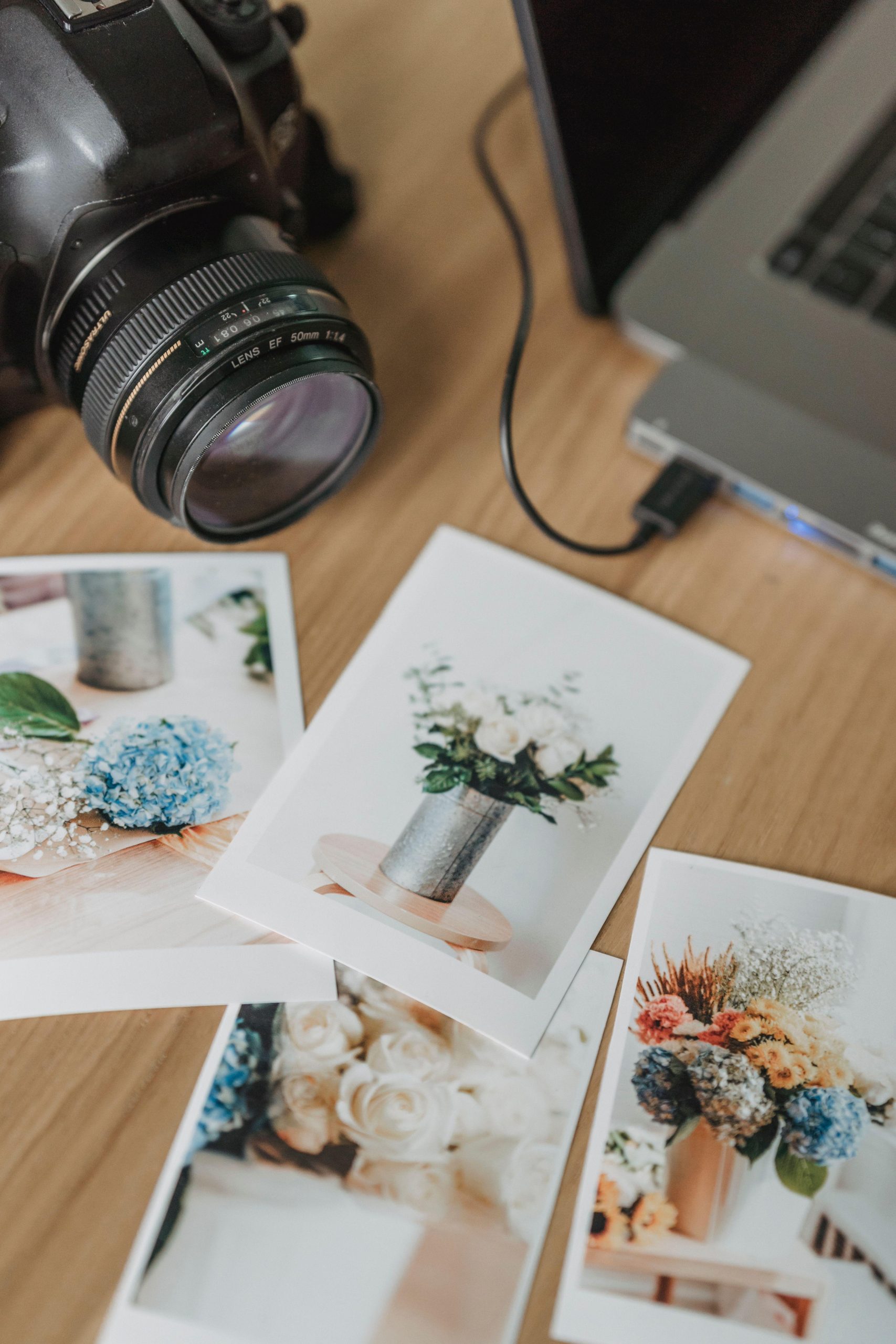
Open a group of images you are proud of and look for repeated decisions. Do you work close or leave breathing room? Do you build the frame around bold color, clean geometry, quiet gestures or dramatic light? Which of those choices survives across more than one shoot?
Write down the pattern using plain words. Then test it against the actual pictures. “Warm and intimate” means nothing if your opening gallery is all cool architectural exteriors. Either the words are wrong or the selection is wrong. Fix the mismatch before paying someone to put those words into a beautiful identity presentation.
Do not force every photograph into the same preset. Consistency is a reasoned visual approach, not a requirement that a cloudy exterior and a candlelit room have identical color. Compare skin, neutrals, contrast and saturation across a sequence. Keep the images that belong together and let the light remain believable.
Build a smaller, clearer portfolio
Your brand should be visible before anyone reads the About page. Select an opening group that supports the work you want next. One striking travel photograph can be wonderful and still be a distraction on a page selling restaurant interiors. Put it in the right gallery rather than expecting the visitor to connect the dots.
Try a first edit of twelve to twenty photographs as an exercise. The number is a starting point, not a rule. Cut repeated frames, weaker versions and anything included only because it was difficult to make. Difficulty belongs to your memory of the shoot; the viewer sees the finished picture.
Arrange the sequence deliberately. Give the opening image a clear job, vary the scale of the pictures and finish with something worth remembering. If you need a deeper editing process, use our photography portfolio guide. A strong edit is branding work even when you have not touched the logo.
 Save
SaveWrite a clear introduction and offer
Say what you photograph, where you work when relevant and what the visitor can do next. Avoid filling the first paragraph with “passionate storyteller” and “capturing timeless memories” unless you can turn those phrases into something concrete. A useful introduction lets someone decide whether they have reached the right photographer.
Keep a short version for profiles and a slightly longer version for your website. They should agree on the important facts. If your service area, specialty or contact method changes, update the places where people actually find you. A polished website pointing to a neglected profile is still an inconsistent experience.
Describe the service without inventing promises. Explain the kinds of assignments you accept, how an inquiry starts and which details you need to prepare a response. Do not advertise a turnaround, usage right or included deliverable until you know you can support it. If something depends on the assignment, say so and discuss it before the shoot.
Choose type that lets the pictures lead
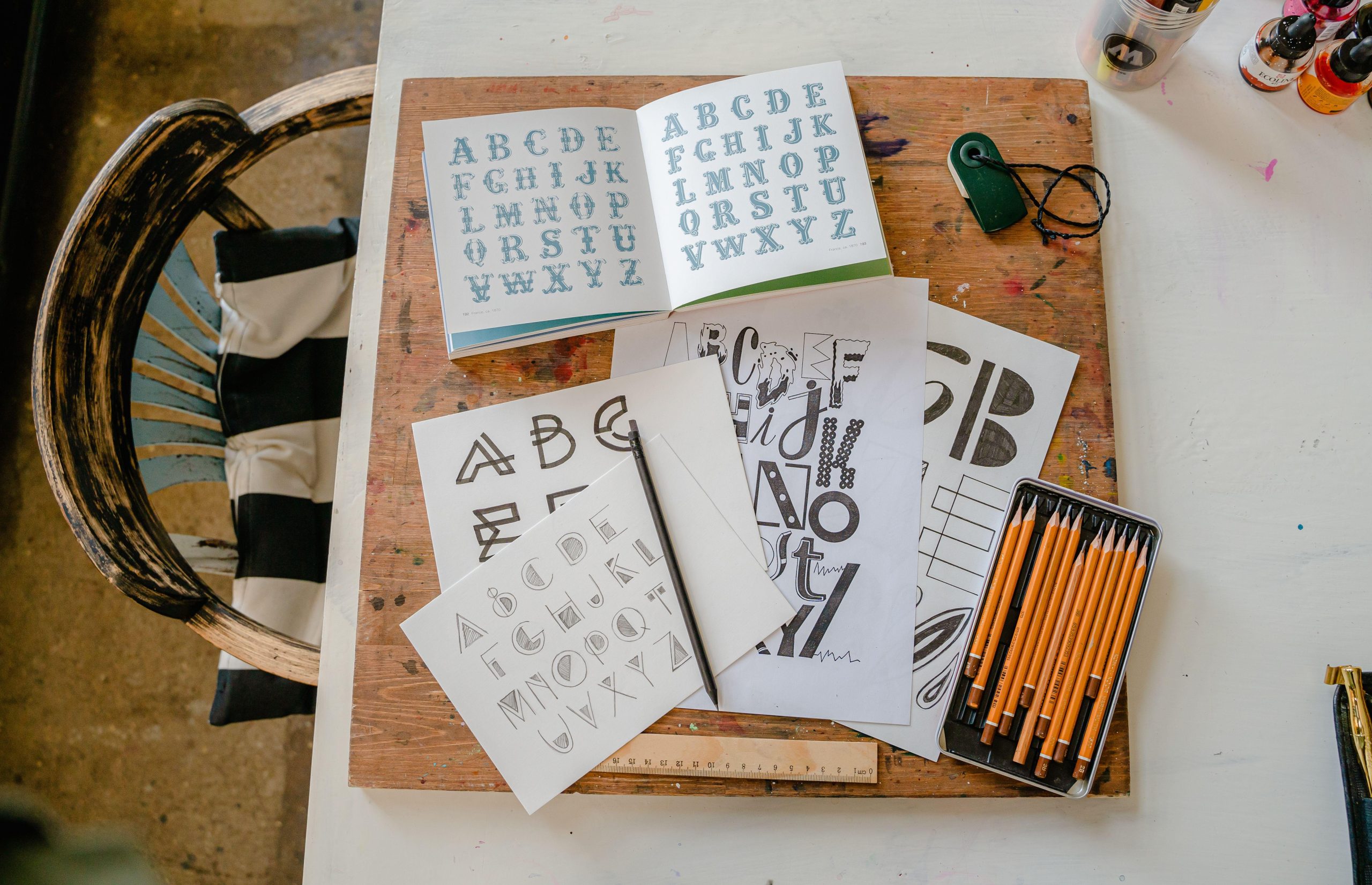
Start with one readable type family or a restrained pairing. Test it in real headings, captions, navigation and paragraphs, not only in a sample that says your business name. Long place names, email addresses and multi-line headings are where an attractive type choice can become awkward.
Make a small type sheet with a heading, subheading, paragraph, caption and button label. View it on a phone-sized screen and a larger screen. If the caption is tiny or the decorative letters are hard to scan, simplify. Your reader should not have to work harder because you wanted the page to feel artistic.
A custom wordmark can wait. Begin with a clean presentation of your name and spend the saved time on portfolio selection. If you commission a designer later, that type sheet and your actual image edit make a better brief than a folder of unrelated logos.
 Save
SaveChoose colors for the interface, not for every photograph
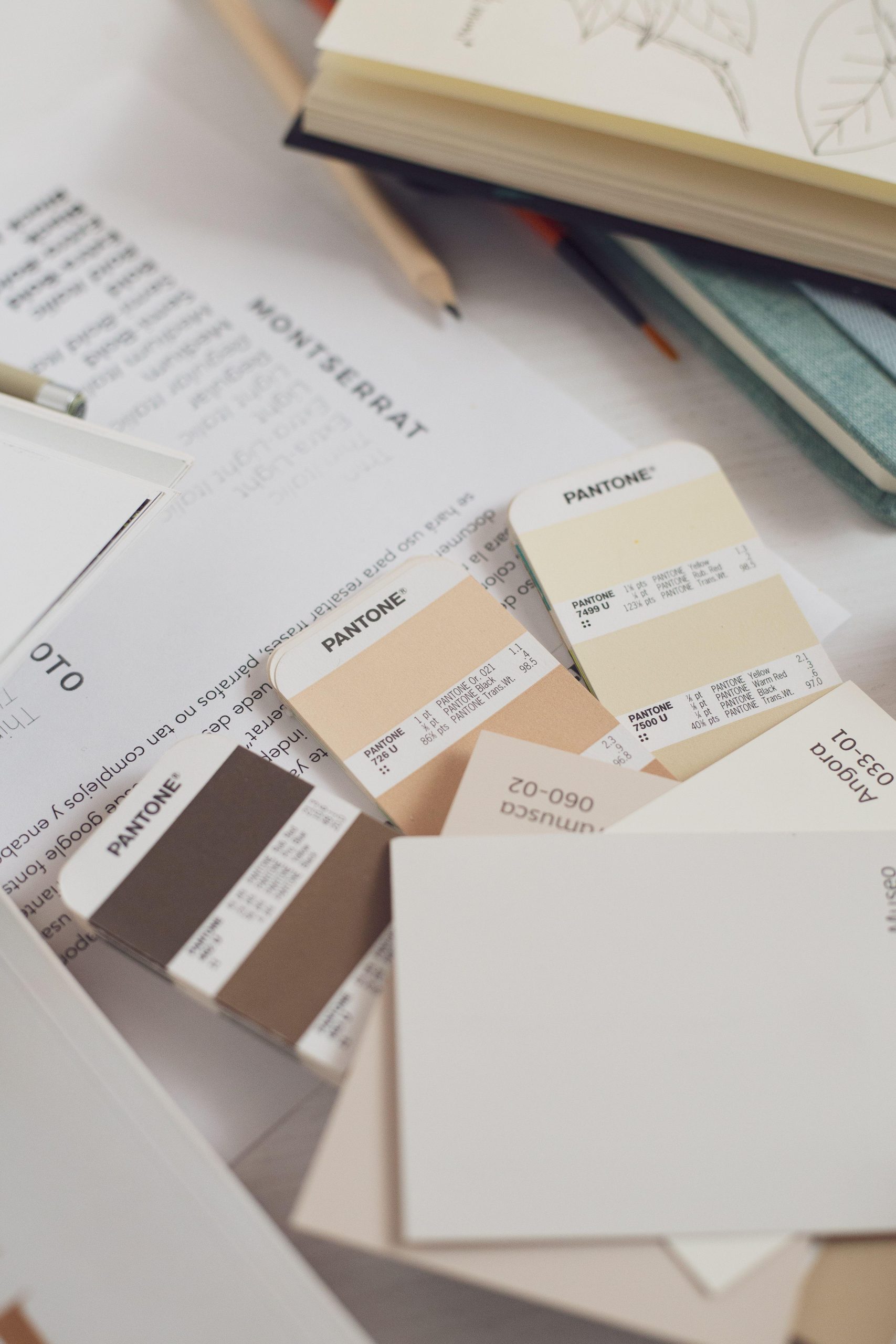
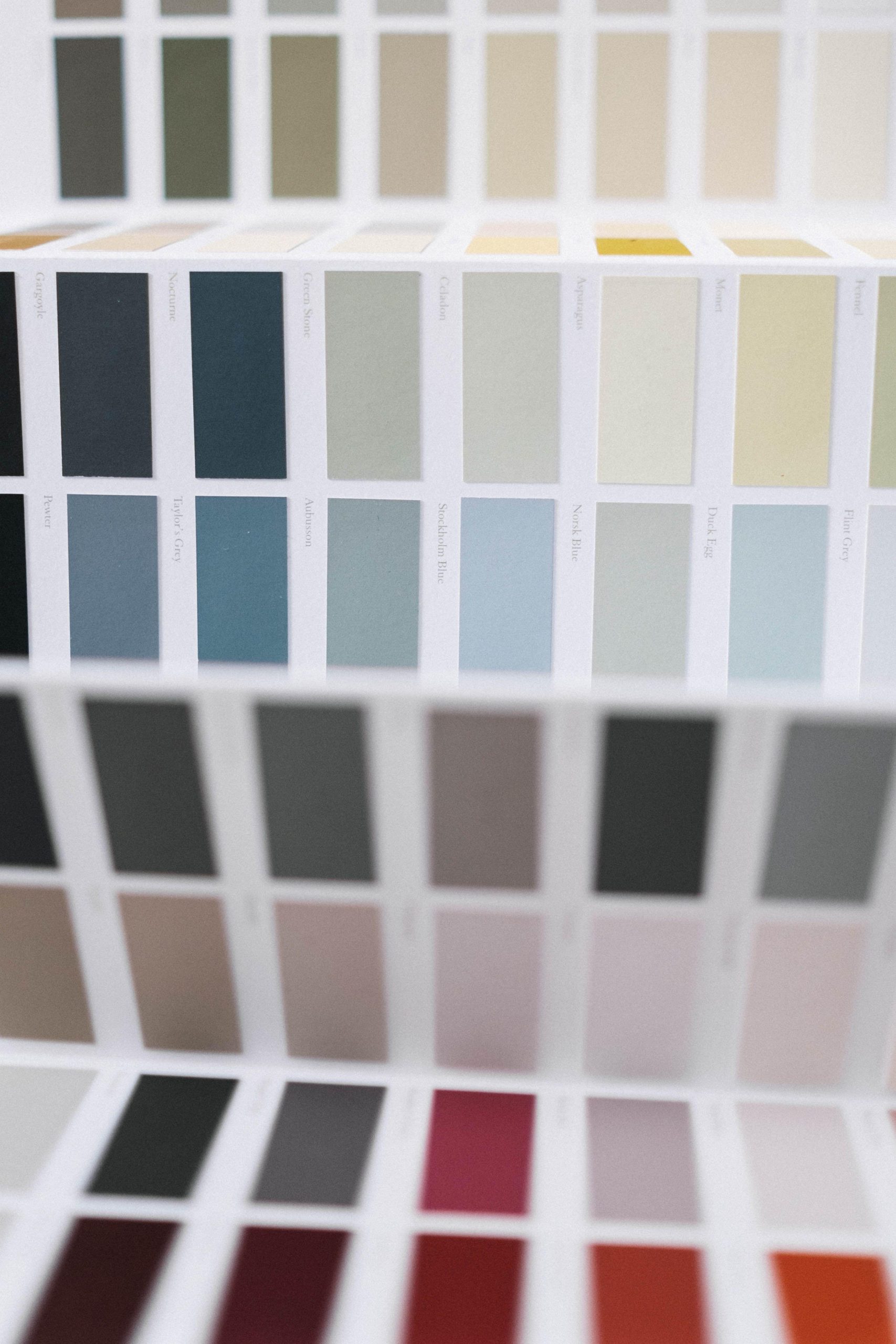
A brand palette is useful for navigation, backgrounds, buttons and small accents. It does not mean you must recolor the sea, a client’s product or someone’s clothing to fit it. Keep the identity around the photographs quiet enough that the pictures retain their own color.
Build a sample page before deciding. Place a bright photograph, a dark photograph and a neutral photograph against the proposed background. Add actual text and links. A color that looks beautiful on a swatch can be distracting behind a detailed image or difficult to read under small text.
The W3C’s accessibility design tips recommend sufficient foreground/background contrast and warn against using color as the only way to convey information. Apply that to real page elements. A contact button needs a clear label, and an important note should not depend only on a change from green to red. An attractive palette is not proof that a page is accessible.
 Save
SaveMake the client experience match the presentation
A calm, precise brand should not become vague when someone asks about a booking. Prepare a useful inquiry checklist: the assignment, intended use, location, timing and the best way to reach the person. Ask what you need to understand the work, then respond to that assignment rather than sending a wall of generic sales copy.
Review your documents for the same names and descriptions used on the website. A welcome note, estimate and delivery email can share a simple header and readable typography without becoming a design project. More importantly, their factual details should agree with the arrangement you made with the client.
Do not copy a competitor’s contract, usage terms or policy because it looks professional. Those words have consequences beyond appearance. Get suitable advice for your business where needed and keep the public promise aligned with the agreement. Branding cannot substitute for clear terms or careful follow-through.
Keep a one-page brand guide
Write a short reference you will actually use. Include your approved name, short description, contact route, color values, type choices and a few portfolio examples. Add notes about what does not fit: heavy skin smoothing, random decorative type or a different logo on every platform, for instance. Choose exclusions that reflect your own work.
Keep the source logo and design files in an organized folder with usable exports. Label versions so you can tell the current file from last month’s experiment. Save copies of the page text too. If someone helps you later, they should not need to guess which attachment represents the business.
For the website itself, follow our photography website launch checklist. Test the actual public pages, image crops, mobile navigation and contact route. A consistent brand still needs a working website underneath it.
 Save
SaveRun a practical brand check before changing everything
Give your opening page to someone who has not watched you build it. Ask what work they think you do, which photograph they remember and how they would contact you. Do not lead them toward the answer. Their response can show where the page is unclear, though one person’s reaction is not a market verdict.
Then compare the website with the profiles you use to bring people there. Check the name, image selection, description and links. You do not need identical layouts everywhere. You do need enough continuity that someone does not wonder whether they found a different business.
Change one group of decisions at a time. If the portfolio is confused, fix the edit before redesigning the footer. If inquiries show that people misunderstand the service, improve the explanation before changing the brand color. Record what you changed and why so the next revision is a decision, not another restless redesign.
A manageable first-week plan
Use the first session to write the brief and select the work. Use the next to build the type and color sample with real photographs. Then revise your introduction, contact page and the profiles that matter to your audience. Leave time for a signed-out website check and a real test inquiry.
Finish with the one-page guide and a folder of current files. You now have something you can maintain. The goal is not to emerge with a brand nobody will ever change. It is to make the next visitor understand your photography and take a useful next step without fighting through the design.
Sources and further reading
Interface contrast and color guidance checked against the W3C accessibility design tips. The editing exercises and planning sequence are practical suggestions, not a promise of bookings or income. Illustrative photographs use the Pexels license; individual sources are credited with each image.
Frequently asked questions
What does branding mean for a photographer?
It is the set of choices that makes your work recognizable and your service understandable. Start with the photographs, the audience and the work you want to do. Your name, introduction, website design and client communication should support that direction instead of telling different stories.
Do I need a custom logo before launching my photography business?
A custom logo is not the first task in this workflow. Begin with a clear name, a focused portfolio, readable type and a working contact route. If you hire a designer later, your selected photographs and written brief will give them useful direction.
How do I choose brand colors for my photography website?
Test a restrained palette around real photographs rather than judging swatches alone. Check bright, dark and neutral images against the background, then inspect actual text, links and buttons. Follow accessibility guidance for contrast and do not make color the only way an important message is conveyed.
Does every photograph need the same editing preset?
No. Look for a consistent visual approach while respecting the light and subject of each photograph. Review color, contrast and sequence together. A preset is a tool to test, not a reason to make unrelated lighting conditions look identical or to change a product color inaccurately.
What belongs in a simple photography brand guide?
Keep your approved name, short description, contact route, type choices, color values and a few representative images in one reference. Include notes on what does not fit your work. Store current design files and exports in a labeled folder so you or a collaborator can use the right version.
How can I tell whether my photography branding is clear?
Ask someone unfamiliar with the site what you photograph, who the work seems intended for and how they would contact you. Compare their answer with your brief. Then check your website and active profiles for conflicting names, descriptions, images or links before deciding what to change next.
Equipment references for the workflow
Start with the files and equipment you have. These storage references are optional tools for capture and file handling, not a requirement for building a photography brand or the equipment used in the illustrative photos. Check current specifications and compatibility on the linked pages.
- SANDISK 128GB Extreme PRO UHS-II SDXC Memory Card: An optional capture-media reference for a practice project. Confirm the card type and recording requirements in your exact camera manual before buying.
- Samsung 2TB T7 Shield Portable SSD (Black): A portable storage reference for organizing or copying project files. Check your computer connection and actual capacity needs. A single drive is not a complete backup plan.
Affiliate disclosure: if you buy through these B&H links, Shut Your Aperture may earn a commission at no extra cost to you.

