

Every photographer meets the dust spot sooner or later. You shoot a clean blue sky, a long exposure over still water or a foggy skyline at f/16, and there they are on the back of the camera: little dark blobs sitting in the same place on every frame. Do not panic. It is normal, it is fixable, and most of the time you can fix it yourself in a few minutes with a handful of cheap, purpose-made tools. This guide walks through the whole ladder, from the easy software fix to the swab, and tells you where to stop and hand the camera to a pro.
How this guide was built: the steps below follow the published advice of DPReview and KEH, plus the instructions that ship with sensor swab kits. Always follow your own camera maker’s manual for your exact body.
Updated October 2026.
 Save
SaveWhy dust ends up on your sensor
Any time you take a lens off, the inside of the camera is open to the air. Dust, fibres, pollen and grit float in, and some of it lands on the glass that sits in front of the sensor. You can slow it down with habits, but you cannot stop it if you change lenses. DPReview puts it plainly: dealing with sensor spots is a normal part of camera maintenance.
Two things worth knowing before you touch anything. First, you are not cleaning the sensor itself. A protective glass layer sits over it, and that is the surface you wipe. Second, spots show most against bright, plain areas like sky and walls, and at narrow apertures such as f/16 or f/22. That is why landscape shooters notice them first.
Step 0: confirm it is the sensor, not the lens
This is the test KEH recommends. Use aperture priority or manual and pick a small aperture such as f/16 or f/22. Photograph a plain white wall, cloudy sky or other bright, clean surface, and defocus the lens slightly so the texture disappears. Review the frames at 100 percent on a computer. Dark spots that appear in the same place across several images suggest sensor dust. If the spots change when you try another lens or filter, inspect that accessory first.
Step 1: edit them out and keep shooting
You do not have to throw away the frames you already took. DPReview points out that editing software makes spots easy to remove. In Adobe Camera Raw, open the Remove tool and tick Visualize Spots. It flips the image into a high-contrast view that makes specks pop, with a slider for sensitivity, and then you can brush them out. If you open several images at once the spots sit in the same place every time, so one pass can cover a whole series.
This is the right fix when you are on location with three or four faint spots and the light is about to go. Clean properly when you get home or when there is a calm, well-lit spot to work.
If you want to get faster and more confident with this kind of editing, my Lightroom editing course in the Shut Your Aperture Academy has a module called “The Develop Module, Demystified” that goes through every panel and slider. It is optional; the steps in this guide work without it.
Step 2: use the camera’s built-in sensor cleaning
Many modern cameras have a cleaning mode that vibrates the sensor assembly to shake loose dust off. In the menu it is usually called sensor cleaning or clean now. It costs nothing, so run it first. Sometimes that is all it takes. When it is not, move on to the next step.
Step 3: the bulb blower
A hand-squeezed rubber bulb blower is the most important sensor tool you can own, and it handles most loose dust by itself. It is cheap, safe and has nothing to touch the glass with.
- Work indoors in good light with a fully charged battery. A camera that shuts off while the mirror is up can slap the shutter closed. Low power is the classic way to cause damage.
- Read your camera maker’s manual for the exact cleaning mode before you open anything. DSLRs often offer a mirror lock-up or sensor cleaning menu option, and mirrorless cameras may differ by brand and model. Then hold the camera with the mount facing slightly downward so loose particles fall away.
- Give a few gentle, controlled puffs with the blower, following your maker’s instructions and holding the tip away from the glass. Do not poke the tip into the chamber.
- Blow off the rear element of the lens too before you put it back on.
- Shoot a new test frame at f/16 and check at 100 percent.
Never blow into the camera with your mouth. DPReview warns it just adds moisture and debris. And never use canned air or any spray-type duster. Those can leave propellant residue and can freeze or deposit moisture on the glass.
 Save
SaveBefore you touch the sensor: check your maker allows it
The blower is as far as a lot of people should go. Brushes and swabs touch the protective glass, so only continue if your camera maker permits user contact cleaning for your exact body. Some makers do not, and Sony publishes its own cleaning-mode instructions for specific models, including notes on whether the camera should stay on during cleaning. Start with your manual, such as Sony’s cleaning mode help guide for the cameras it covers. If your maker does not permit it, or the manual is unclear, use authorized service.
Step 4: a sensor brush for stubborn dust
If the blower leaves a few specks behind, a sensor brush is the next rung. These look like small paintbrushes but they are not the same thing. They are made to lift dust with a static charge, which is how they attract particles off the glass. Do not use any old brush from a drawer or art kit. It will add dust and oils instead of removing them. A good brush is reusable, which also makes it the budget-friendly option. Keep it sealed in its case, and never touch the bristles with your fingers.
Step 5: wet cleaning for oily or sticky spots
Some spots are not dry dust. A smear, a splash or an oily mark will not move for a blower or a brush. That calls for wet cleaning, and it is the step where you need to slow down.
- Use sensor cleaning fluid only. It is not the same as lens fluid or screen cleaner. Sensor fluid is made to evaporate quickly, leave very little residue and avoid harming the coatings.
- Use swabs sized for your sensor. A swab that is too small can leave streaks across a bigger sensor. Match the swab width to a full-frame, APS-C or Micro Four Thirds sensor.
- Use each swab once. Reusing one drags old dirt across the glass.
- Do not over-wet it. A few drops on the swab edge is the usual instruction. Follow your kit’s directions exactly.
The general method most kits describe is a few drops of fluid on the swab, then one smooth pass across the glass in a single motion. Many kits then have you flip the swab to a fresh edge for a pass in the other direction. Do not scrub and do not press. If a spot is still there, start again with a fresh swab and recheck your test frame.
What never to use on a sensor
- Canned air or any spray duster
- Your breath
- Lens cleaning fluid, screen cleaner or household cleaners
- Microfiber cloths, which can trap grit that scratches the glass
- Lens pens, which can transfer grease
- Cotton buds, ordinary brushes, paper towels and tissue
- Vacuums, which KEH lists as risky around delicate camera parts
DPReview shows a sensor that was permanently damaged by a student who used products never meant for sensors. It is the kind of mistake that turns a free fix into a repair bill.
When to send it to a pro
You can clean a sensor at home if you use the right tools and follow your manufacturer’s instructions, but can does not always mean should. Send the camera to the maker or a reputable repair shop if any of these apply:
- The camera is still under warranty and the manual says to use authorised service.
- The sensor is covered in debris, not a few specks.
- There is a sticky or oily film that a swab has not cleared on the second try.
- You can see a scratch or damage.
- You are nervous. That is a perfectly good reason. A professional clean is cheap compared with a damaged sensor.
Compact and fixed-lens cameras are a different case. Check your warranty first, and if it is still covered, send the camera back to the manufacturer for a proper clean.
 Save
SaveHow to keep dust off in the first place
- Change lenses out of the wind and away from sand, beach spray and dusty tracks. A car interior or a jacket works as shelter.
- Point the camera down while the lens is off.
- Check your manual for the recommended way to change lenses on your model.
- Keep the rear cap on every lens you are not using and the body cap on the camera.
- Blow off the rear lens element before mounting.
- Run the built-in cleaning cycle now and then.
- Consider a zoom or fewer lens swaps on dusty trips.
Treat this as maintenance, not a drama. A tidy habit and a blower in the bag will take care of most of it.
 Save
SaveYour sensor cleaning kit, in the order you will use it
You do not need much, and you do not need all of it at once. Start with the blower. Add the rest only if the blower is not enough.
- A fully charged battery. Not a purchase, but the most important item. Power loss with the mirror raised on a DSLR is the thing to avoid.
- A hand-squeezed bulb blower. The workhorse. It touches nothing and costs little.
- A sensor brush. The step between blowing and wet cleaning. Keep it clean and stored in its case.
- Sensor swabs matched to your sensor size, plus sensor cleaning fluid. For smears and oily spots only. Use each swab once.
- A bright, clean surface to test against. A clear sky or white wall at a small aperture lets you check your work.
- A well-lit, draught-free room. KEH advises a clean, still room without fans, open windows, pet hair or kitchen steam. A table indoors with the window shut beats a car boot on a windy trail.
DSLR or mirrorless: what changes
Do not assume every camera works the same way. A DSLR has a mirror and shutter in front of the sensor, and many offer a mirror lock-up or sensor cleaning mode that raises the mirror, which is why a full battery matters. Mirrorless cameras vary by brand and model: some have in-body stabilization, protective shutter options or their own cleaning settings. Check your maker’s manual for the exact cleaning mode before you open the camera or touch anything.
The cleaning ladder at a glance
| Step | Tool | Good for | Relative risk (rough guidance, not a guarantee) |
|---|---|---|---|
| 1 | Software spot removal | A few faint spots, on location | No physical contact with the camera |
| 2 | Built-in sensor cleaning | Loose dust | No hand contact; follow your maker’s manual |
| 3 | Bulb blower | Most dry dust | Low if the tip stays away from the glass |
| 4 | Sensor brush | Stubborn dry specks | Low to moderate |
| 5 | Swab and sensor fluid | Oil, smears, stuck dirt | Moderate; follow the kit |
| 6 | Service centre | Anything you are unsure about | Lowest, a trained technician handles it |
 Save
SaveFrequently asked questions
How do I know if my sensor is dirty?
Shoot a plain white wall or clear sky at f/16 or f/22 with the lens slightly defocused, then check at 100 percent on a computer. Dark spots that appear in the same place across several images suggest sensor dust. If they change with another lens or filter, inspect that accessory first.
How often should I clean my camera sensor?
Only when you see spots in your images. Do not clean on a schedule. Every contact is a small risk, so use the least invasive method that works.
Can I use canned air?
No. Spray dusters can leave propellant residue and moisture on the glass. Use a hand-squeezed bulb blower.
Can I use lens cleaning fluid on a sensor?
No. Use purpose-made sensor cleaning fluid and swabs only. Lens fluid and screen cleaners can leave streaks and may harm coatings.
Is wet cleaning safe to do at home?
Only if your maker permits contact cleaning for your exact body; otherwise use authorized service. It carries more risk than a blower or brush, so if your camera is under warranty or you feel unsure, use a service centre.
Do mirrorless cameras get dust too?
Yes. Any camera with interchangeable lenses can collect dust whenever the lens comes off. Mirrorless cameras differ by brand and model, so check your maker’s manual for the exact cleaning mode before opening or touching anything.
Want to get more out of every frame once your sensor is clean? Our camera buying guide helps if you are weighing new gear, and our landscape photography tutorials cover the craft behind clean, sharp skies and water.
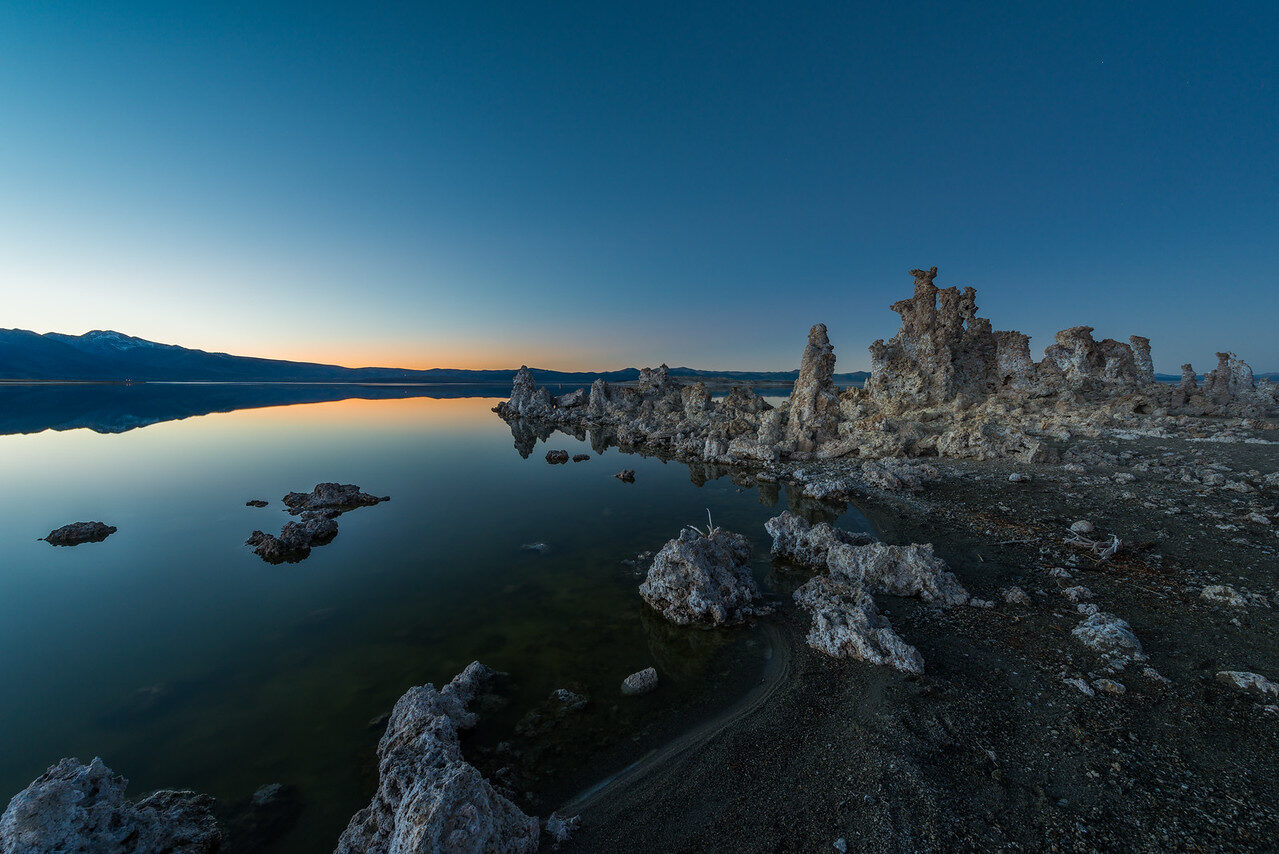
Photography by Edin Chavez; illustrations, not a test of any cleaning product. Details checked October 2026 against DPReview and KEH. Follow your own camera maker’s manual.

