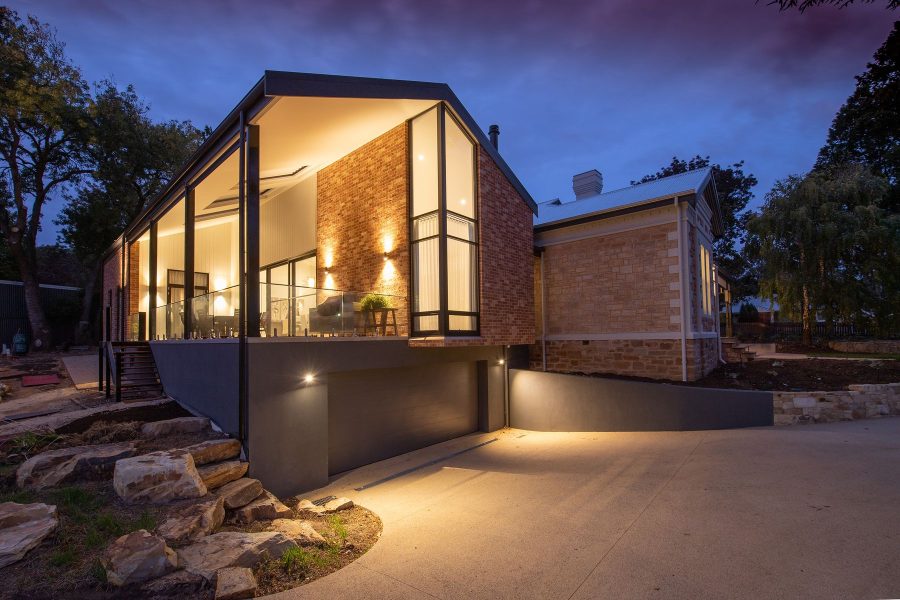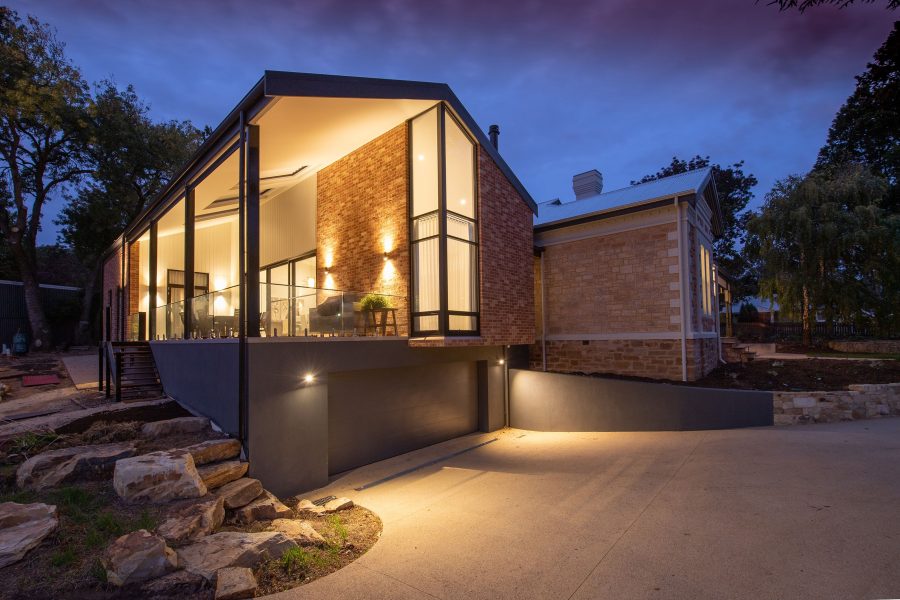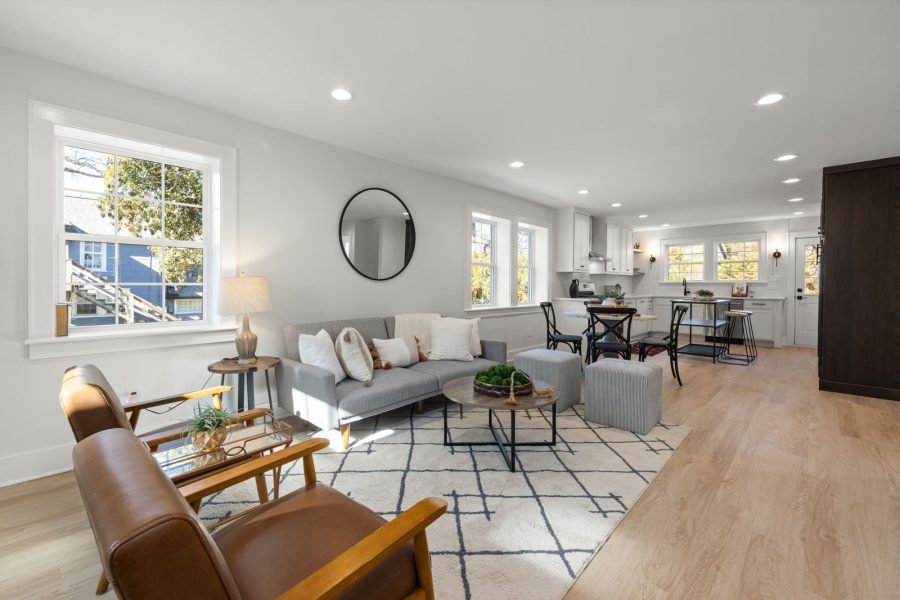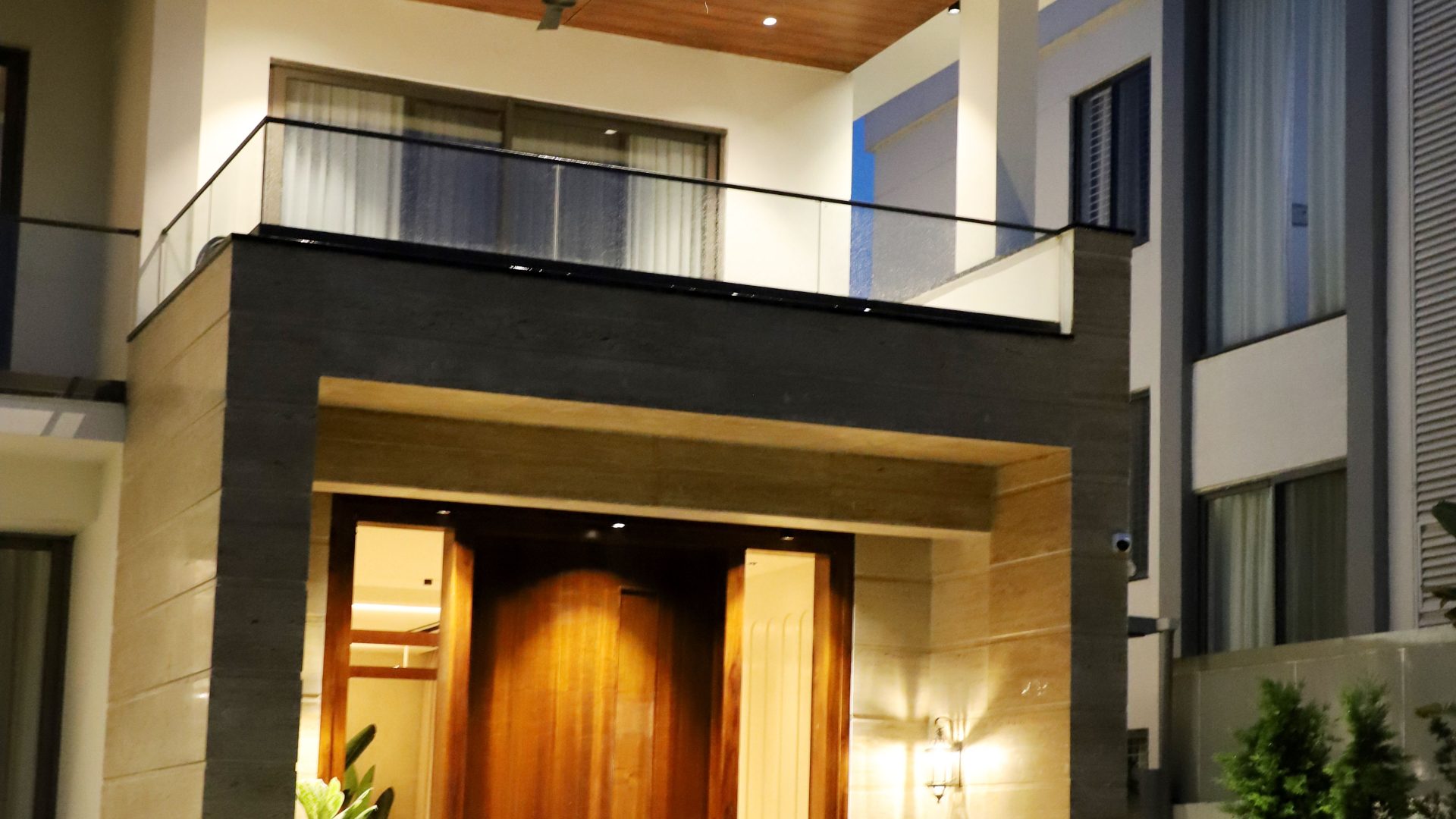
OM-1 Mark II Real Estate Settings: Accurate Rooms and Windows
OM-1 Mark II real estate settings should represent the room accurately. A sturdy camera position, deliberate focus, credible color and careful window exposure matter more than a fixed ISO and shutter range. These are manual-backed starting points, not a claim that we shot a property with this body.
OM-1 Mark II real estate settings to check
- Support and shutter: Use a stable tripod when the room is still. A slower exposure can preserve a low ISO; 1/60 second is not a required tripod minimum. If curtains or people move, use a faster shutter to avoid unwanted blur.
- Aperture: Try a moderate setting that holds important room details sharp. On Micro Four Thirds, f/8-f/11 can introduce diffraction softness on some lenses, so compare a test file instead of copying a full-frame chart.
- Focus: Pick a meaningful focus point within the room and magnify the result. Avoid letting autofocus select a high-contrast window while the interior details remain soft.
- Color: Mixed lamps and daylight may make white walls look inconsistent. Change the light or white balance and compare the exported file with the real finishes.
- Window exposure: If a single frame cannot hold the room and view, bracket exposures from the same position and blend carefully. Check for halos and double edges. Do not replace a property’s actual view or digitally change permanent features.
Want to go further? The ShutYourAperture Academy’s Architectural & Interior Photography (8 modules, 32+ lessons) is built to help you compose with steel, glass and light the way architects do.
Inspect before delivery
Check vertical lines, mirrors, clutter, focus and window detail at the size the listing will show. Any High Res Shot or other composite mode needs its mode-specific manual limits and a check for artifacts from movement. Label a composite honestly when the context calls for it.
The OM-1 Mark II manual covers stabilization, focus and capture modes. Our aperture tips and shutter-speed tips cover exposure choices.
Support for a fixed room composition
A Peak Design Aluminum Travel Tripod is one support option for keeping a room composition fixed while you compare exposures. Check the full kit weight, mounting plate and working height, then test the camera position before the assignment. Keep the legs out of doorways and mirror reflections. A tripod does not correct leaning verticals, remove moving people from a blend or make inaccurate property edits acceptable. Compare the current retailer specifications; no hands-on test, price or stock promise is being made here.
Compare Peak Design Aluminum Travel Tripod on Amazon | Check Peak Design Aluminum Travel Tripod at B&H
Affiliate disclosure: We may earn a commission from qualifying purchases through these gear links at no extra cost to you. As an Amazon Associate, Shut Your Aperture earns from qualifying purchases.