Updated October 2026
Real estate photography rewards precision more than speed. The room does not move, so you can take your time with a tripod and get the exposure, the verticals and the color right. That is where a high-resolution camera such as the Sony A7R V earns its keep. Its 61-megapixel sensor gives you room to crop, to straighten a slightly tilted frame and to deliver sharp images to a listing site, a brochure or a large print.
This guide gives starting settings for real estate photography with the Sony A7R V: aperture, shutter speed, ISO, focus, white balance and a simple shooting routine. It is built from Sony’s published specifications and standard interior photography practice. I have not shot a property with this camera myself, so treat the numbers as starting points and adjust to each room.
 Save
SaveWhat the A7R V brings to real estate
According to Sony’s help guide, the A7R V has a 35.7 x 23.8 mm full-frame sensor with about 61 million effective pixels. Still images use an ISO range of 100 to 32,000, expandable down to 50 and up to 102,400. The shutter runs from 1/8000 second to 30 seconds plus Bulb, which covers a bright window exposure and a long interior exposure on a tripod. Sony lists a flash sync speed of 1/250 second at full frame.
On Sony’s product page, the camera lists 8 stops of in-body stabilization based on CIPA standards, AI-powered Real-time Recognition AF using 693 phase-detection points with a full-frame lens, and a Pixel Shift Multi Shooting mode that combines multiple images into a high-resolution composite. Sony notes that Pixel Shift suits still subjects such as architecture and needs a tripod.
The body weighs about 723 g with a battery and card and measures 131.3 x 96.9 x 82.4 mm. For a day of shooting several homes, that is light enough to carry with a tripod, a wide zoom and a small flash.
The starting recipe
Put the camera on a tripod and use these settings as a starting point for a typical interior.
| Setting | Starting value | Why |
|---|---|---|
| Mode | Manual or Aperture priority | Keeps depth of field fixed while you change the exposure. |
| Aperture | f/8 to f/11 | Sharp from the foreground to the far wall, before diffraction softens fine detail. |
| ISO | 100 | Cleanest files. The tripod makes slow shutter speeds safe. |
| Shutter speed | Whatever the meter needs, often 1/4 to 4 seconds indoors | The room is still, so use time rather than ISO. |
| Focus | Single AF on a point one-third into the room | Gives front-to-back sharpness at a small aperture. |
| White balance | Custom or Kelvin, not Auto | Keeps color the same across a set of photos. |
| Format | RAW | Lets you recover window highlights and fix color. |
| Drive | Self-timer or remote release | Avoids shake when you press the shutter. |
Aperture: sharp from corner to corner
Interior photos need depth of field. Start at f/8 and go to f/11 for deeper rooms. A 61-megapixel sensor shows fine detail, and very small apertures such as f/16 begin to soften it through diffraction. Take a test frame, zoom to 100 percent on a far corner and check that it is sharp. If it is not, move the focus point or change the aperture before you shoot the rest. Our guide to aperture explains how the number affects the look of your photo.
Shutter speed and ISO: let the tripod do the work
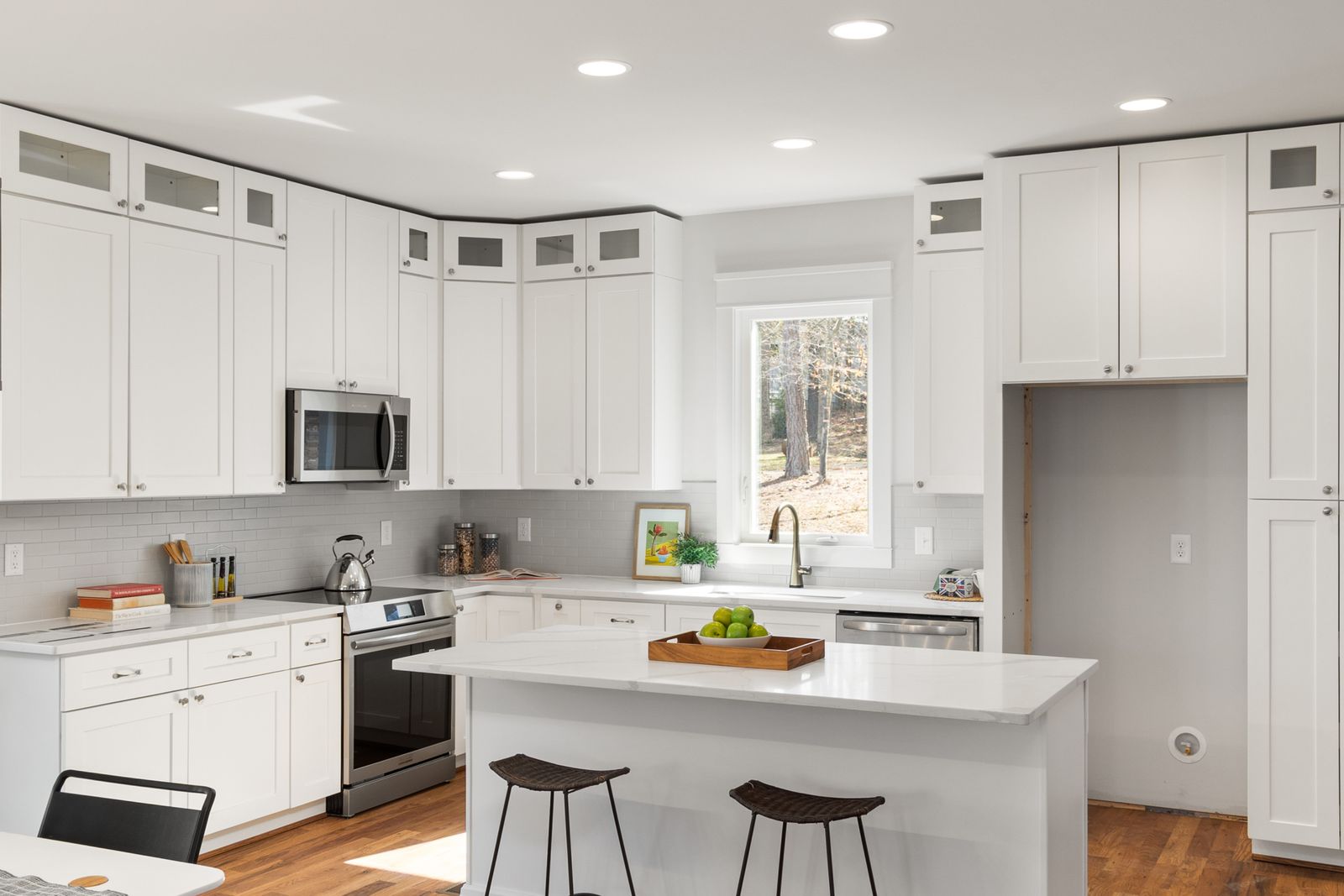
Because the camera is on a tripod and the room does not move, you can keep ISO at 100 and let the shutter speed run long. That gives you the cleanest files and the most detail. Indoors, a one-second exposure is normal. If a ceiling fan, a person or a tree outside the window moves, raise the shutter speed or wait. The in-body stabilization is helpful for handheld work, but for listing photos a tripod gives sharper, straighter images. Learn more about shutter speed and ISO.
 Save
SaveHandling bright windows
Windows are the main challenge. A well-lit room can be several stops darker than the view outside. There are three common ways to deal with it. First, expose for the room and let the window blow out slightly, which is simple and often looks natural. Second, bracket your exposures, such as one for the room and one for the window, and blend them in editing. Third, add flash to lift the room so one exposure holds both. Choose the method that fits your time and your editing style. Keep the look natural, and avoid heavy HDR with halos around the window frames.
Focus and composition
Use single-shot AF and place the focus point about one-third of the way into the room, then check sharpness at 100 percent. Sony lists AI-powered Real-time Recognition AF, but for still interiors, a simple focus point and a zoomed check are more reliable than tracking. Keep the camera level and use the electronic level and grid lines to keep verticals straight. Put the camera at about chest height, not eye level, and shoot from a corner so the room looks open without bending the walls. Keep the camera level and fix small tilts in editing.
White balance and mixed light
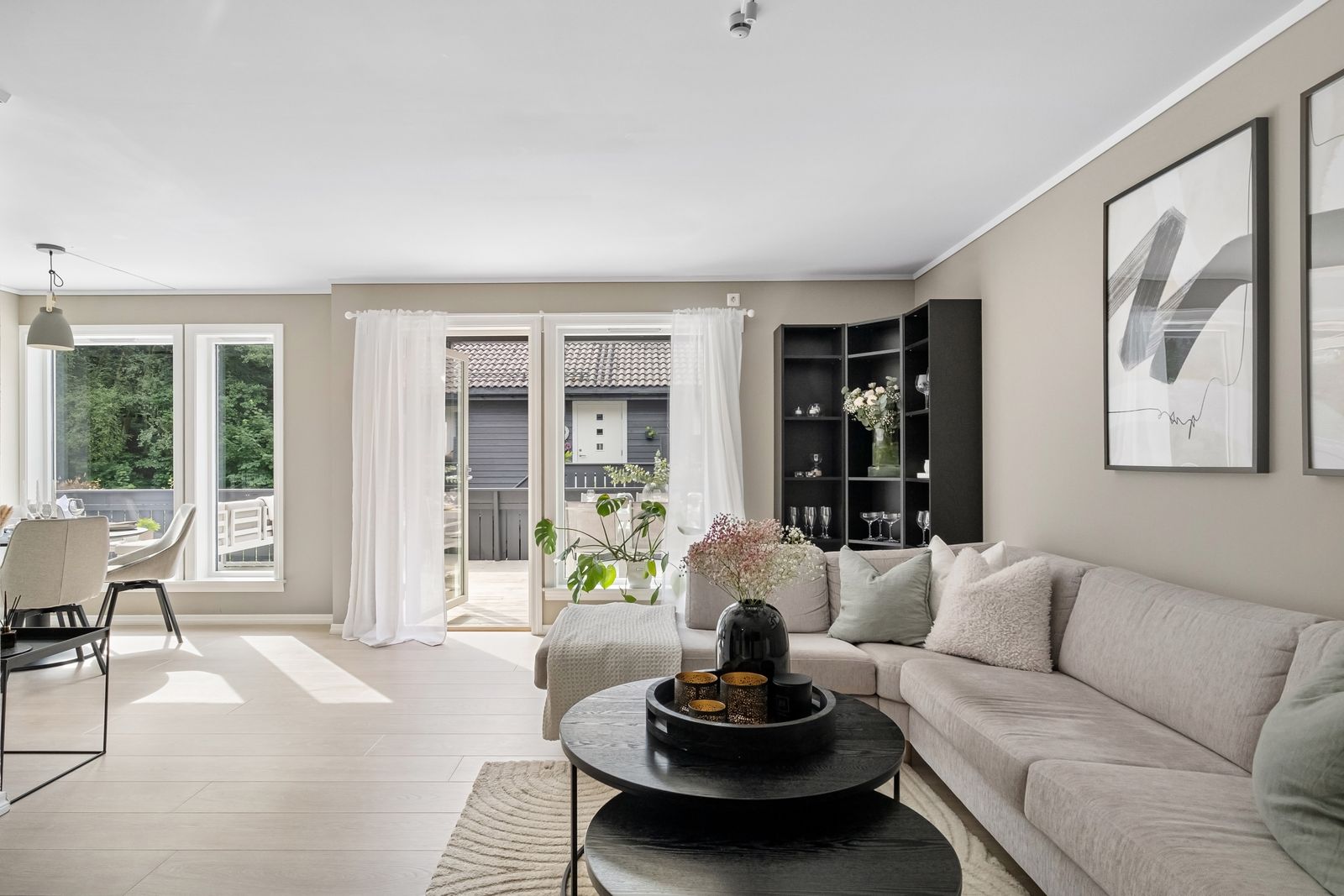
Interiors mix daylight, warm bulbs and sometimes colored walls. Auto white balance can jump from frame to frame. Set a Kelvin value or a custom white balance, and keep it for the whole property. If you see one room with warm lamps and another with cool daylight, turn off the lamps when you can and keep the light consistent. Fine-tune in editing with RAW files.
 Save
SaveLenses for interiors
Most real estate photographers use a wide-angle zoom in the 16-35mm range or wider, because rooms are small. A 24mm tilt-shift lens is the specialist option for straight verticals. Ultra-wide lenses exaggerate depth, so keep the camera level and do not make a small room look unrealistically large, which can mislead buyers. A 24-70mm lens works for details, such as a kitchen counter or a fireplace. The A7R V uses Sony E-mount, so native and third-party options are plentiful.
Detail shots and Pixel Shift
Sony says Pixel Shift Multi Shooting combines multiple images and is suited to still subjects such as architecture. A four-image shot produces about 60.2 million pixels, and sixteen images combine to about 240.8 million pixels, according to Sony. That is far more than a listing needs, but it can help for large prints of a showpiece property. Use a tripod and a very still scene, and expect extra work on a computer to composite the files.
A simple shooting routine for each room
- Open curtains and blinds, turn on the lights that look good, and remove clutter.
- Set the tripod at chest height and level the camera with the electronic level.
- Set Manual or Aperture priority, f/8, ISO 100, RAW, and a Kelvin white balance.
- Take a test shot, check the histogram and zoom in to check sharpness.
- Bracket if the window is bright, or add a flash if you prefer one exposure.
- Shoot from a corner, then from the opposite corner if the room is large.
- Take a few detail shots, then move on.
Editing real estate photos
Keep editing honest and consistent. Fix exposure, color, verticals and lens distortion. Brighten shadows a little and lower the highlights in the window. Do not remove structural features, change the view or alter the size of a room. Buyers compare photos to the real property, and trust matters more than a flashy edit. Export in the size that your listing site needs, and keep a full-resolution copy.
Exteriors and twilight shots
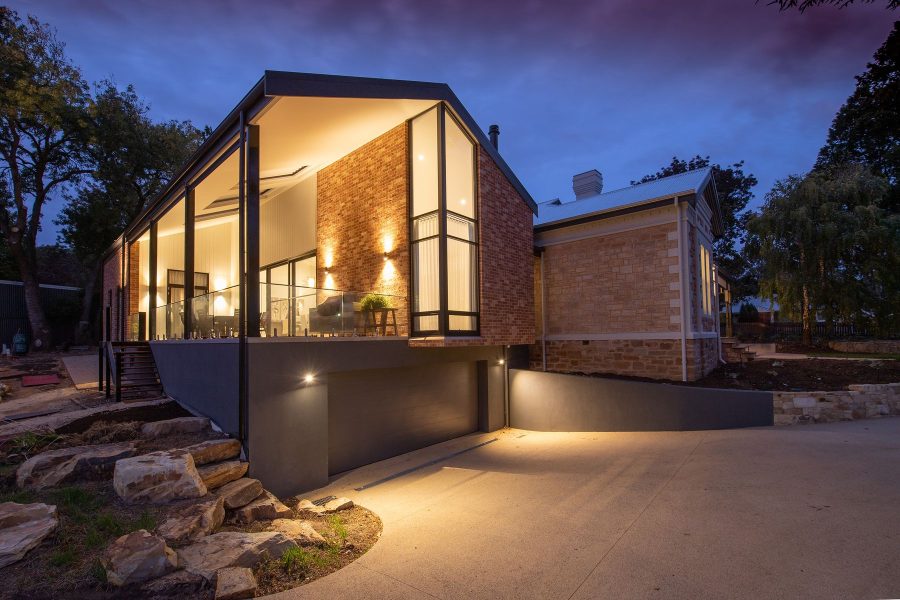
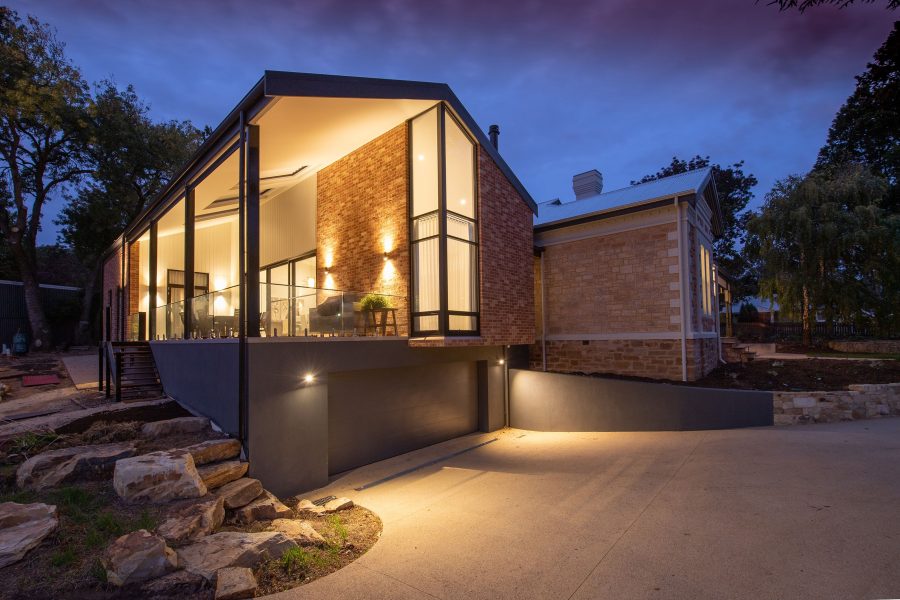
The front of the house sells the listing, so shoot it carefully. Photograph the exterior in soft, even light, such as an overcast day or the hour after sunrise, and avoid harsh midday shadows on the facade. A twilight shot, taken when the sky is deep blue and the interior lights are on, is a popular hero image. Use a tripod, ISO 100, f/8 to f/11 and an exposure of several seconds. Take a few frames as the sky darkens and choose the one where the sky and the windows balance. Check for cars, bins and hoses before you shoot.
File size, workflow and delivery
A 61-megapixel RAW file is large. A property with thirty rooms and brackets can produce hundreds of gigabytes in a season, so plan your storage. Use fast cards, back up the same day and keep a consistent folder structure for each address. Many real estate photographers deliver smaller JPEGs for the listing site and keep the full RAW files for a set time. If your clients only need web images, you can reduce the file size in the menu, but keep full-size RAW when you shoot a showpiece property. Our guide to online photo storage for photographers covers backup options.
Working with agents and sellers
A good shoot starts before you arrive. Ask the agent to have the property clean, the lights on and the cars off the driveway. Walk through the home first and choose the angles that show the best features. Move small objects out of the frame, such as toiletries and cables, but do not change the property itself. Be honest about what the listing shows, and deliver on time, because speed matters in a fast market.
Common mistakes
- Tilted verticals. Walls that lean look unprofessional. Use the level and fix small errors in editing.
- Mixed color casts. Warm lamps next to cool windows make a room look dirty. Set a white balance and turn off extra lights.
- Shooting too wide. Extreme wide angles distort furniture and mislead buyers.
- Skipping the focus check. At 61 megapixels, small focus errors show up.
- Overbaked HDR. Keep window views natural and avoid halos.
If you also shoot other subjects, see our other Sony A7R V guides, such as the Sony A7R V wildlife settings, and our review of cameras for real estate photography.
Sony A7R V real estate photography questions
What are the best Sony A7R V settings for real estate photography?
Use a tripod, Manual or Aperture priority, f/8 to f/11, ISO 100, RAW, a Kelvin or custom white balance and single AF on a point about one-third into the room. Let the shutter speed run as long as the room needs, and bracket or add flash for bright windows.
What aperture is best for interior photography?
Start at f/8 and go to f/11 for deeper rooms. A 61 MP sensor shows diffraction softening at very small apertures, so test f/16 before you rely on it.
Do I need a tripod for real estate photos with the A7R V?
A tripod is strongly recommended. Sony lists 8 stops of in-body stabilization based on CIPA standards, which helps handheld, but a tripod keeps ISO at 100, allows long exposures and keeps verticals level.
What does Pixel Shift Multi Shooting do?
Sony says it records multiple images and combines them on a computer into a high-resolution file. A four-image shot gives about 60.2 million pixels and sixteen images give about 240.8 million, per Sony. It needs a tripod and a still scene.
Is 61 megapixels too much for real estate?
Listing sites use much smaller files, so you will not need all the resolution for the web. The extra pixels help with cropping, straightening, large prints and brochures. If file size is a problem, shoot a smaller RAW or JPEG size.
What lens should I use for interiors with the A7R V?
A wide-angle zoom in the 16-35mm range or wider is a common choice, and a tilt-shift lens helps with straight verticals. Avoid extreme wide angles that distort furniture or make rooms look larger than they are.
Want to go further? The ShutYourAperture Academy’s Architectural & Interior Photography (8 modules, 32+ lessons) is built to help you compose with steel, glass and light the way architects do.
Gear box: the Sony A7R V for real estate photography
Sony Alpha 7R V, Sony E-mount. This is the camera discussed above. Budget separately for a wide-angle lens, a sturdy tripod, a remote release and spare NP-FZ100 batteries.
Affiliate disclosure and image sourcing: We may earn a commission from qualifying purchases through the Amazon and B&H links, at no extra cost to you. Images: Sony A7R V images via Wikimedia Commons: Henry Soderlund (CC BY 2.0) and PantheraLeo1359531 (CC BY 4.0). Interior photos from Pexels.