By Edin Chavez | Updated October 2026
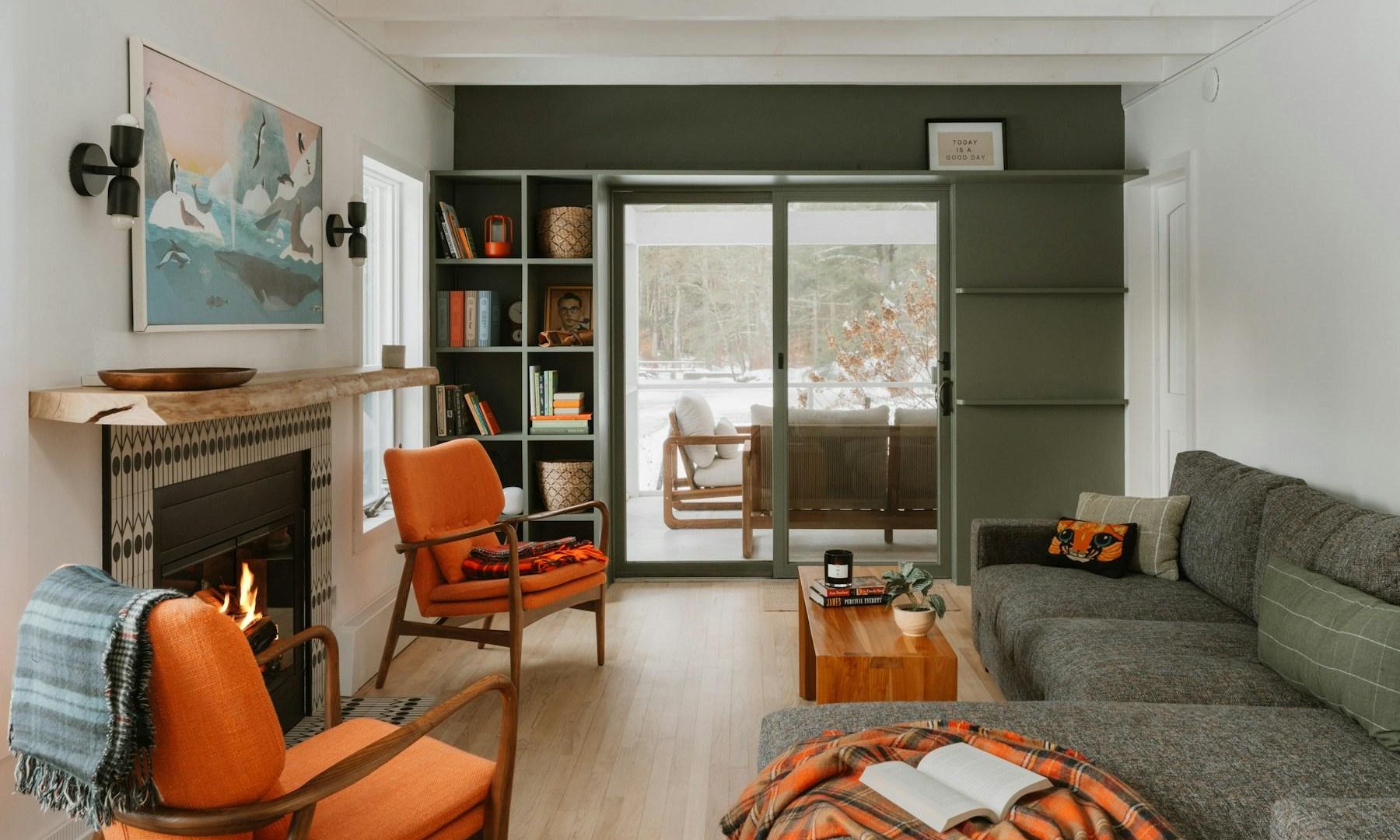
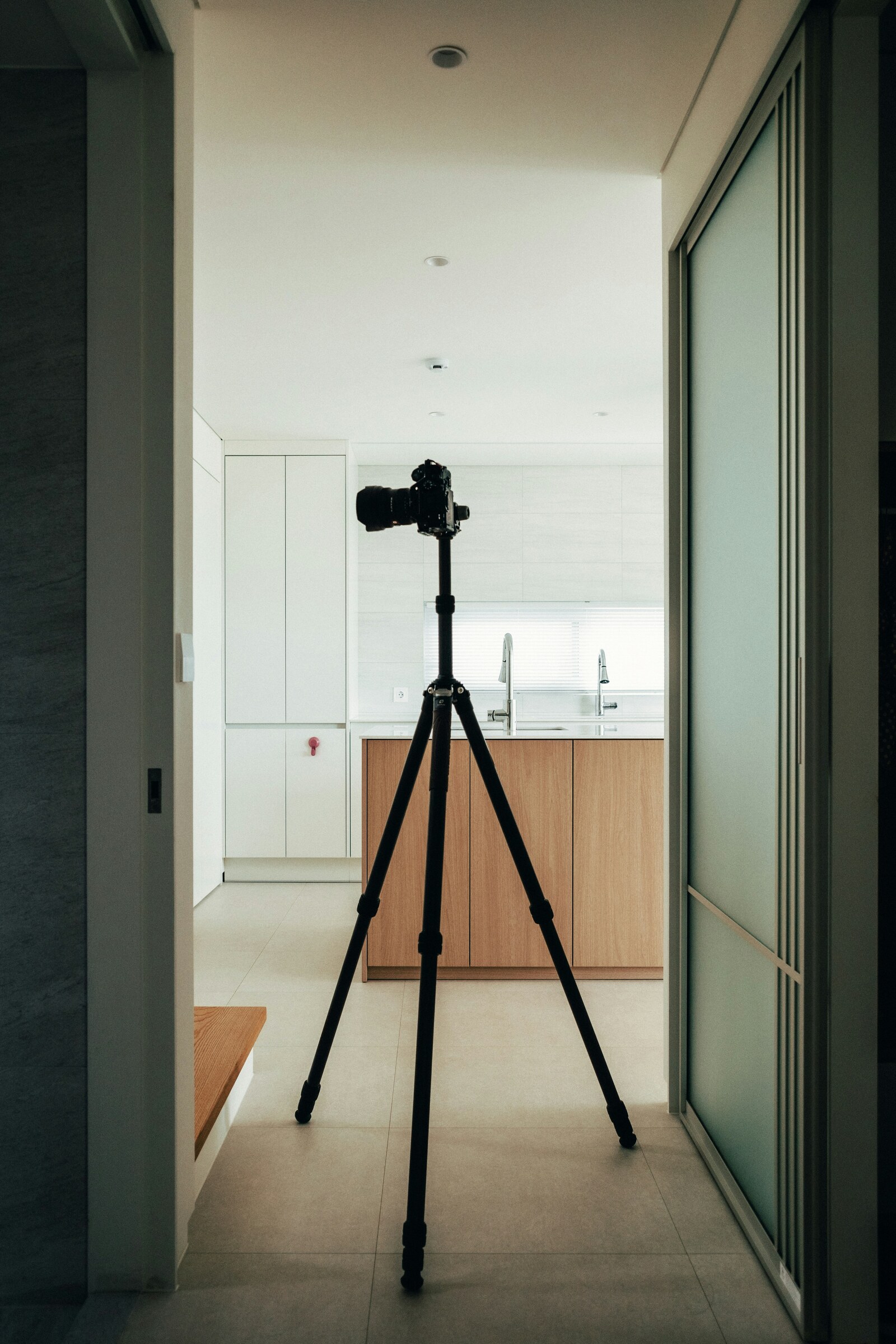
The lead photograph is an illustrative interior, not an Edin Chavez property assignment or a test image from a recommended camera.
A camera for real estate photography should fit the room, the delivery format and your editing workflow. Choose by lens coverage, tripod operation, exposure bracketing and file handling before choosing a model by rank. This is a buyer’s framework, not a hands-on review or a promise about property sales.
Choosing a camera for real estate photography
First list the deliverables: still photos, video, floor-plan inputs or virtual-tour capture. For interiors, the lens and camera position often matter more than a modest sensor-resolution difference. A wide lens must cover the room without making proportions misleading; keep the camera level and correct perspective as needed. Check compatible lenses, bracketing controls, tripod plate access, remote triggering and raw-file workflow on the specific body you consider.
Test these before you buy
- Dynamic range: Photograph a room with a bright window at several exposures. Check how its raw files combine without unnatural halos or false views.
- Lens and framing: Compare at the same position and output size; a wider focal length can distort a room when used carelessly.
- Handling: Check screen movement, level display, battery life and card reliability during an actual walkthrough.
- Delivery: Confirm export dimensions, color consistency and turnaround with the client. A model specification alone cannot show whether the resulting images meet their needs.
Spend on the whole kit
Add lens, stable tripod, lights where appropriate, cards, editing tools and backup. A phone or an existing interchangeable-lens camera may already meet a small listing’s needs; a specialist workflow may require more. Do not infer that any camera automatically improves search ranking or accelerates a sale. Consult the aperture guide when balancing room depth and available light.
Define the Listing Package Before Picking a Body
Ask the client what the package must contain: a set of still images, a short walkthrough, portrait-oriented clips, aerial work or a separate virtual tour. These are different deliverables. A conventional mirrorless body does not become a dedicated 360 camera because a lens is wide. Keep specialist capture requirements separate from the still-photo purchase, and confirm which parts of the assignment you are equipped and permitted to provide.
Write down the final image dimensions, expected crop, file type, color requirements and turnaround. A small web listing does not need the same output as a large architectural print. If multiple people edit the files, test their import and naming process. A camera with impressive specifications can still be a poor fit when its files slow the team’s established workflow.
Set a full-kit budget. Include a lens that covers the rooms, a stable tripod, a suitable head, spare power, approved cards and a reader, editing software and backup storage. Add lighting only after choosing a method you can use consistently. A more expensive body does not remove the need for those items, and a bargain body may stop being a bargain when it forces a lens-system change.
Lens Coverage and Honest Room Proportions
A wide view helps in a small room, but the widest possible frame is not automatically the most informative. Decide where the camera needs to stand to show the layout without emphasizing a chair or counter very close to the lens. Compare framing from the same position. Moving between comparisons changes perspective and makes it harder to see what the lens and body actually contribute.
Keep sensor format and lens coverage together. A lens designed for a smaller sensor may force a crop on a full-frame body. A mount name alone does not guarantee full coverage or complete autofocus support. Check the lens manufacturer’s compatibility notes, the camera’s crop settings and any adapter requirements before treating a saved lens as part of the new kit.
Camera tilt matters independently of lens distortion. The Digital Photography School real-estate guide explains how tilting a wide-angle camera makes architectural verticals converge or diverge. Start by leveling the camera and choosing a useful height, then review the composition. Perspective correction in editing may require a crop, so leave room around important edges.
Do not use equipment or editing to imply a property feature that does not exist. The purpose of a clear room photograph is to help someone understand the space. Check the client’s delivery rules and any applicable listing requirements. This guide does not claim that a particular camera improves property ranking, increases a sale price or shortens time on the market.
 Save
SaveThree Established Camera Systems to Research
The following bodies illustrate what to compare. They are researched candidates, not hands-on test winners or a list of the newest releases. Start with the mount you own and the output you need. If none fits the assignment, keep your current camera or compare another documented system rather than forcing a purchase from this shortlist.
 Save
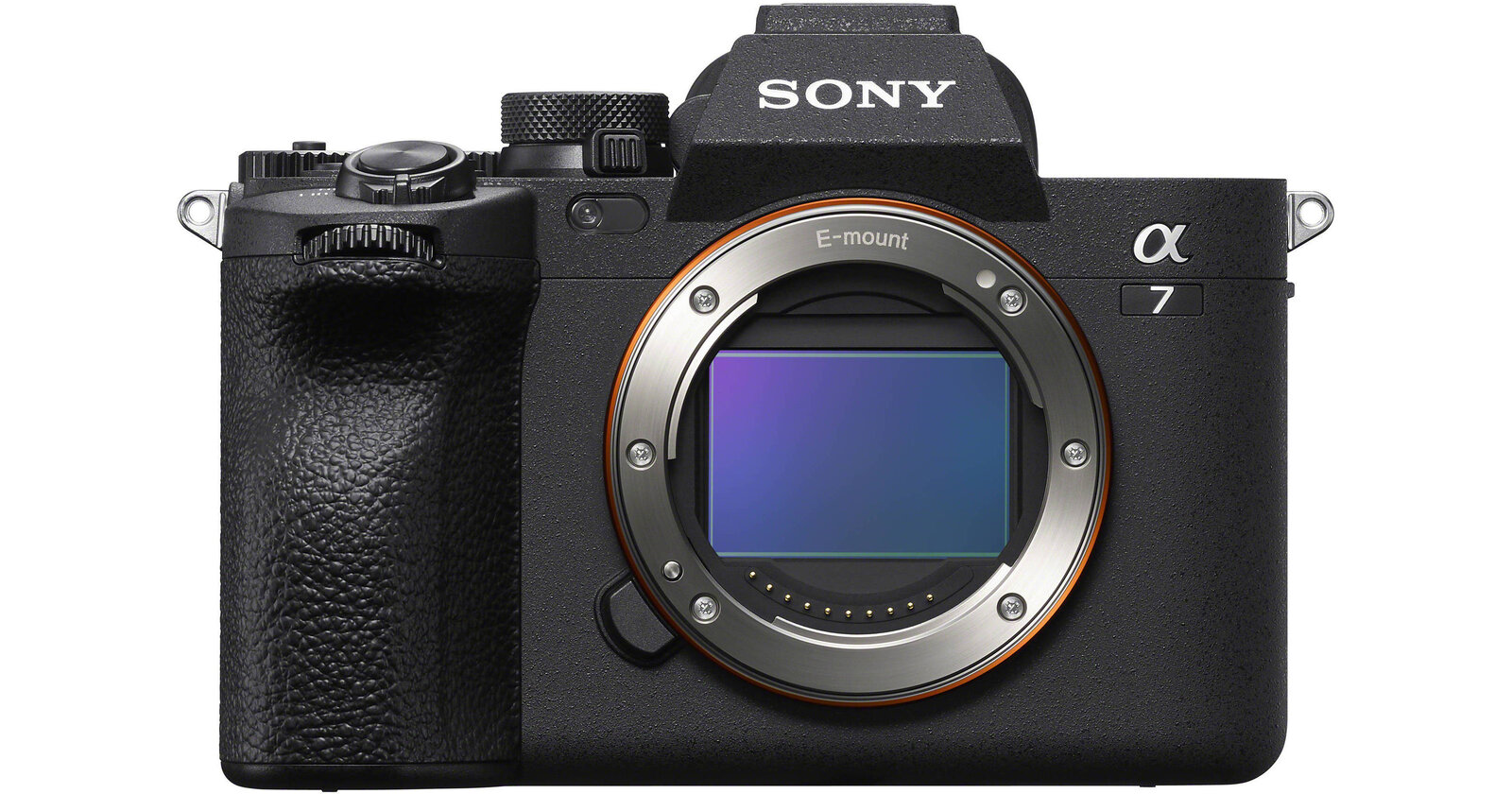
SaveSony A7 IV: E-Mount Still-Photo Workflow
Sony’s A7 IV specifications list approximately 33-megapixel full-frame output, E mount and raw still recording. That provides a useful candidate to investigate when you already own suitable FE lenses. Resolution alone cannot establish better window recovery or cleaner files than a competing camera; those are things to check in an actual room and export.
The continuous-bracket guide explains automatic exposure variation and selecting the number of shots. It notes firmware-dependent menu changes. Sony’s bracket-settings guide also lists a bracket self-timer and shooting order. Check the installed firmware and practice the controls instead of assuming an older tutorial matches the current menus.
Canon EOS R6 Mark II: RF Hybrid Candidate
Canon’s R6 Mark II specifications list a 24.2-megapixel full-frame RF body. It is a candidate when suitable RF or documented adapted EF lenses fit the job. Check the exact adapter route and lens coverage; access to an old lens collection is useful only when the combination works as required.
Canon’s AEB guide describes three consecutive images at different exposures within a specified range up to ±3 stops, in one-third-stop increments. Read the selected shooting mode carefully because exposure bracketing can adjust different settings. For a consistent interior sequence, verify that the chosen method does not change the depth of field unexpectedly.
 Save
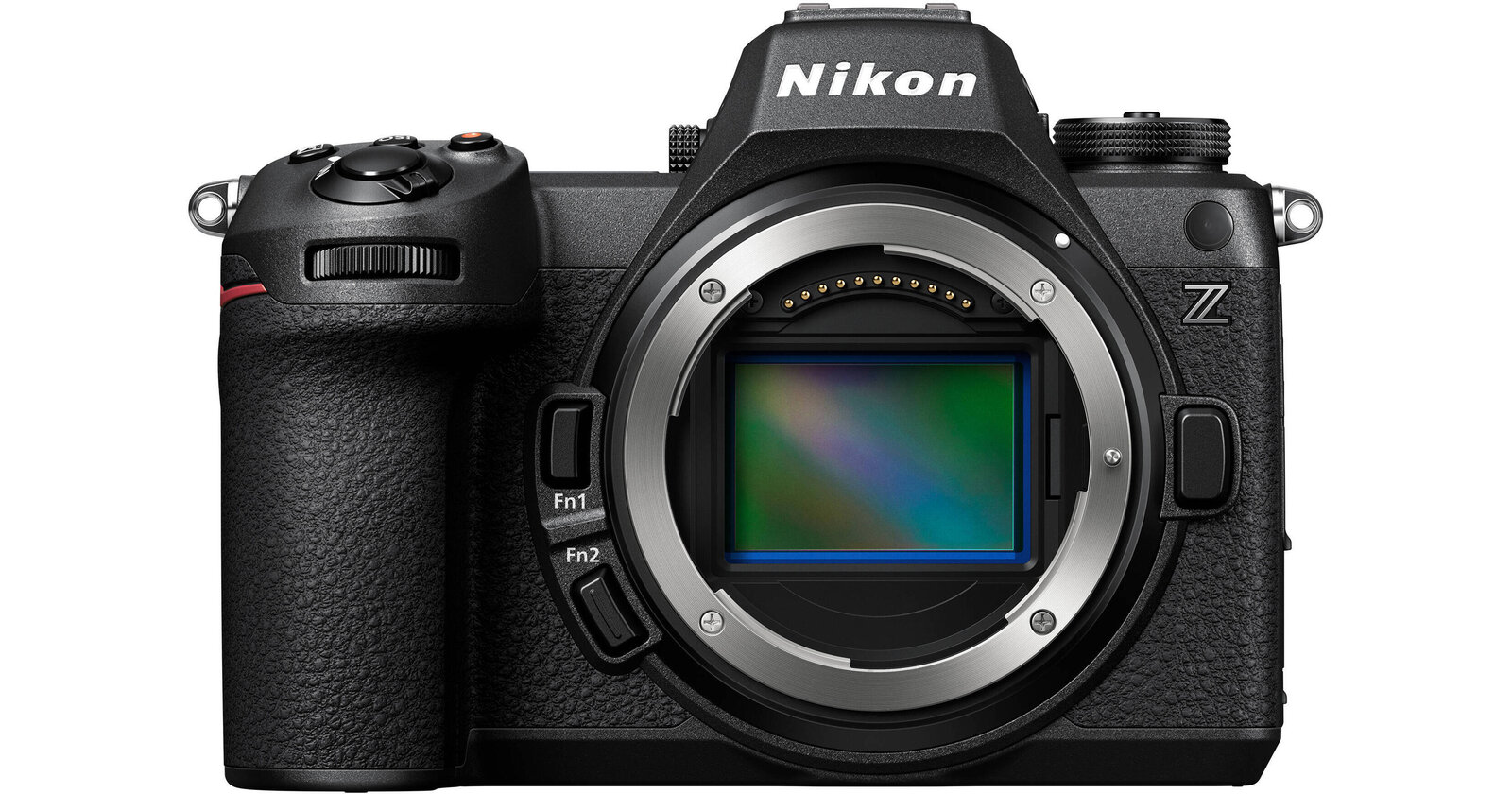
SaveNikon Z6III: Z-Mount Bracketing Choices
The Nikon Z6III page lists a 24.5-megapixel full-frame Z-mount body. Its sensor description is not proof of a better real-estate photograph. Consider it when the mount, lens coverage, screen handling and file workflow fit your kit. Check accessories and compatibility before counting older lenses toward the purchase.
Nikon’s auto-bracketing manual shows that shot count and exposure increment interact. Programs with increments of 2 EV or larger allow a maximum of five shots; selecting seven or nine at those increments changes the count to five. This is exactly why a generic nine-shot-bracket claim is less useful than the manual for the actual setting.
Build a Repeatable Bright-Window Workflow
Find a base exposure that describes the room, then inspect the brightest window and the darkest important surfaces. Record additional exposures when the scene needs them. There is no universal bracket count or spacing that solves every interior. The exposure range must cover the real scene, and movement in curtains, people or outdoor foliage can complicate a merge.
Keep the camera stable and review each sequence before moving on. Use a consistent white-balance plan and make sure focus and depth of field remain suitable. A timer or compatible remote can help avoid disturbing the setup, but confirm how that control works with bracketing on the particular body. Do not assume a method available for single frames behaves identically for a bracket.
Look at the actual image as well as the histogram. A darker exposure should help preserve bright-window detail; a lighter exposure may help describe darker interior surfaces. Check the relevant areas at useful magnification. Do not confuse a graph shifted toward the shadows with a brighter exposure. A merged result still needs inspection for halos, ghosting, color shifts and misleading window views.
Bracketing manages contrast; it does not create attractive directional lighting everywhere. Supplemental light may be useful when a dark surface needs separation or the room’s lighting is uneven. Test ambient, bracketed and lit approaches before selecting one for paid work. A camera feature is not a substitute for a repeatable method you can deliver within the agreed schedule.
Exterior and Twilight Work Are a Separate Check
For an exterior, inspect the sun direction, weather and what the client needs to show. A room workflow is not automatically the right method outside. Keep important facade lines and property features clear, watch reflections and avoid an angle that conceals a material part of the space. Confirm access and any restrictions before bringing equipment onto the property.
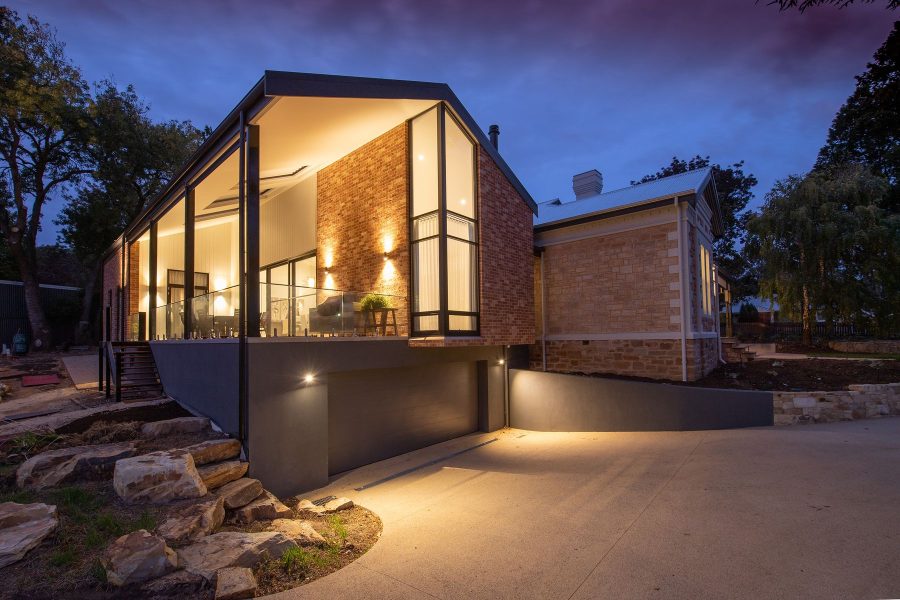
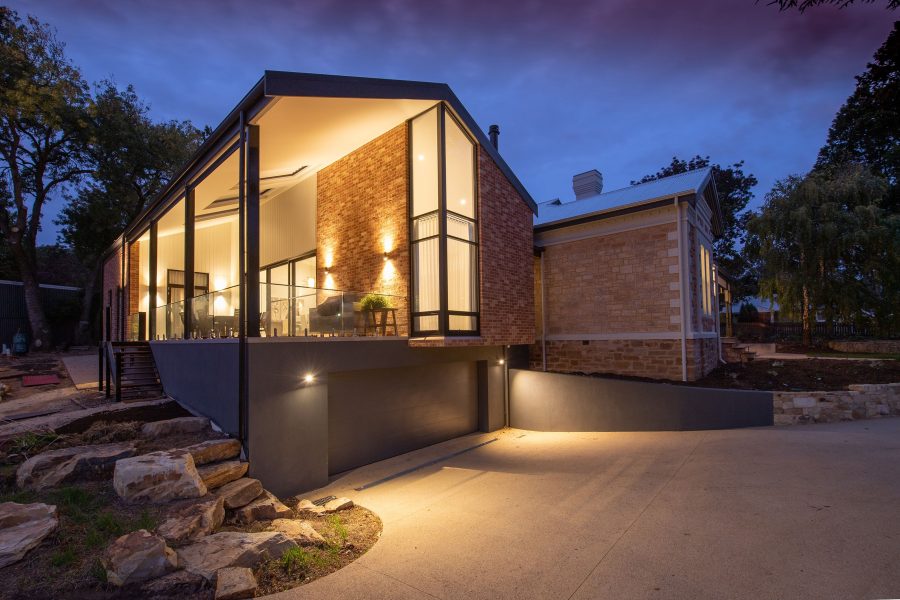
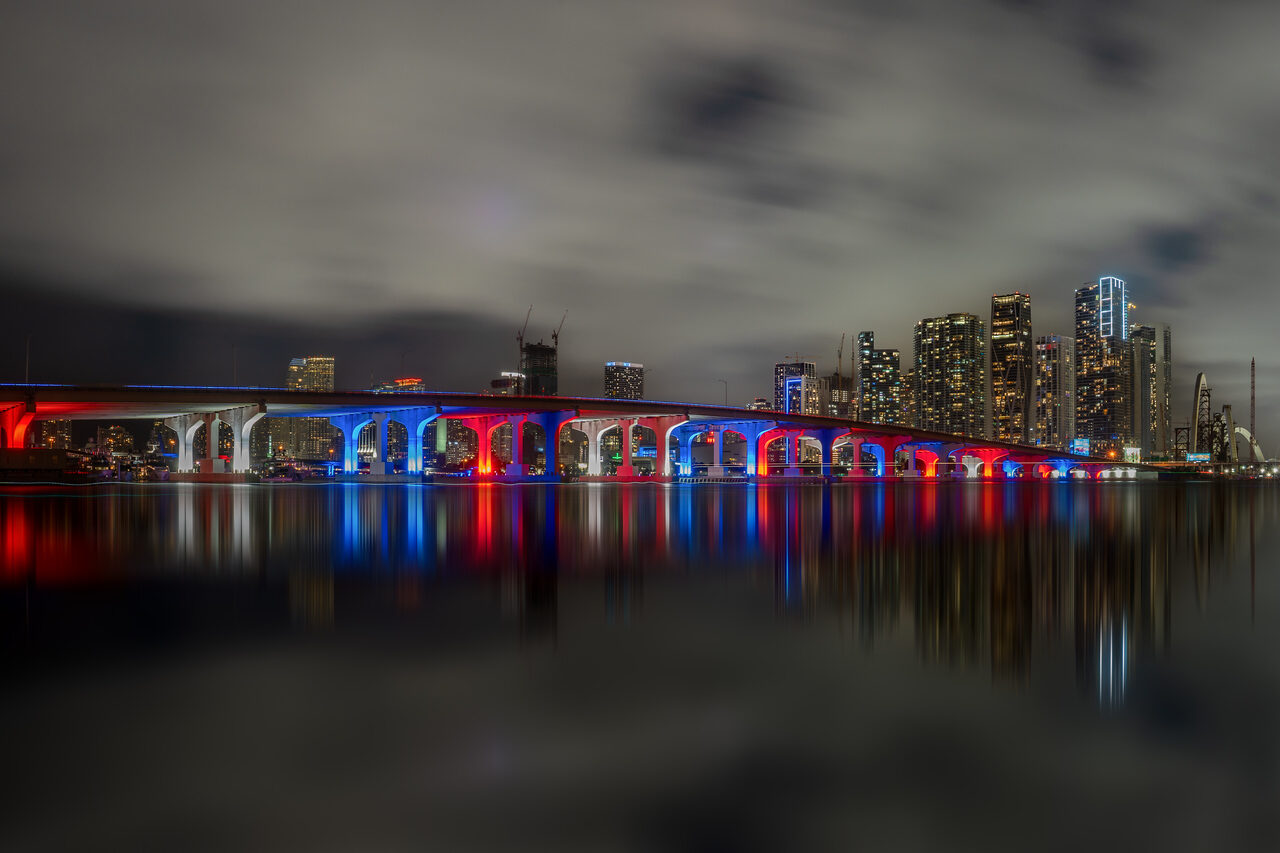
Twilight adds timing and power demands. Rehearse the tripod, controls and exposure changes before the light fades. Compare bright signs or lamps with darker walls, and keep an honest record of the scene. The photograph below illustrates night architecture and reflections, not a real-estate listing, a named property assignment or an image made with a recommended body.
 Save
SaveTest the Whole Job Before Buying
Borrow or rent a candidate kit and photograph a room with a bright window, a small space and an exterior. Use the intended tripod and lens, then import and edit the files on your own computer. Compare at the final delivery size rather than only at extreme magnification. Record what actually slows you down: framing, controls, focus, copying, merging or export.
Inspect a full delivered set for color and exposure consistency. Check that vertical correction has not cut off needed features. Verify filenames, orientation and output dimensions, then make and inspect a backup. If the current camera passes this exercise, a lens, tripod or lighting change may be the better purchase. Replace a demonstrated limitation rather than a model’s age.
Use the free aperture-chart PDF when balancing depth of field and light, and the free shutter-speed chart PDF when checking exposure and camera stability. For the broader body tradeoffs, read the full-frame comparison. These references support planning, not universal settings for every property.
Real-Estate Camera Q&A
Do I need full-frame for real estate?
Not automatically. Start with lens coverage, file quality at the delivery size and the working method. A smaller-sensor camera or existing kit may meet the assignment. Test the room and export before treating format as a requirement.
How many megapixels are enough?
Use the client’s final dimensions and crop needs. A higher count provides no automatic promise of better composition, window detail or faster delivery. Compare finished files at the intended output size and budget storage accordingly.
Should I always use the widest lens?
No. Choose the view that explains the room without exaggerating foreground objects or hiding important layout. Camera position and leveling matter alongside focal length. Check the whole frame, including edges, before moving to the next room.
Is exposure bracketing the same as HDR?
No. Bracketing captures separate exposures. Merging or blending is a later workflow choice. You can inspect and select individual frames, and a successful merge still needs checking for movement, halos and unnatural color.
Can one body handle listing photos and video?
Often, but verify video modes separately. Frame rate, crop, audio and heat limits may change the kit you need. A strong still-photo workflow does not prove the same body meets a long walkthrough or slow-motion brief.
Will a better camera help a property sell faster?
No camera specification can promise that. Clear, accurate photographs are one part of a listing, alongside price, property condition, location and other factors. This guide makes no sales-performance claim.
Want to go further? The ShutYourAperture Academy’s Architectural & Interior Photography (8 modules, 32+ lessons) is built to help you compose with steel, glass and light the way architects do.
Real-Estate Gear Box: Compare the Full A7 IV Kit
If the established A7 IV and suitable FE lens fit your tested workflow, compare the body-only model at Amazon or B&H. This is one researched option, not a universal winner or newest-model claim. Add a compatible lens, tripod, head, power, media, reader, editing and backup to the total. Check seller, condition, warranty and returns before buying.
Affiliate disclosure: Some gear links are affiliate links. We may earn a commission at no extra cost to you. Manufacturer, technique, photo-credit and free-chart links are plain references. No hands-on camera test, current-price guarantee or property-sales promise is implied.