Updated November 2026.
The Nikon D850 announcement belongs to 2017, not today’s camera news. Nikon announced development on July 25, 2017, then published the full product announcement on August 24, 2017. The original date of this article sits at the first stage of that timeline. Keeping those stages separate prevents an old development notice from turning into a misleading new-camera launch or a current stock claim.
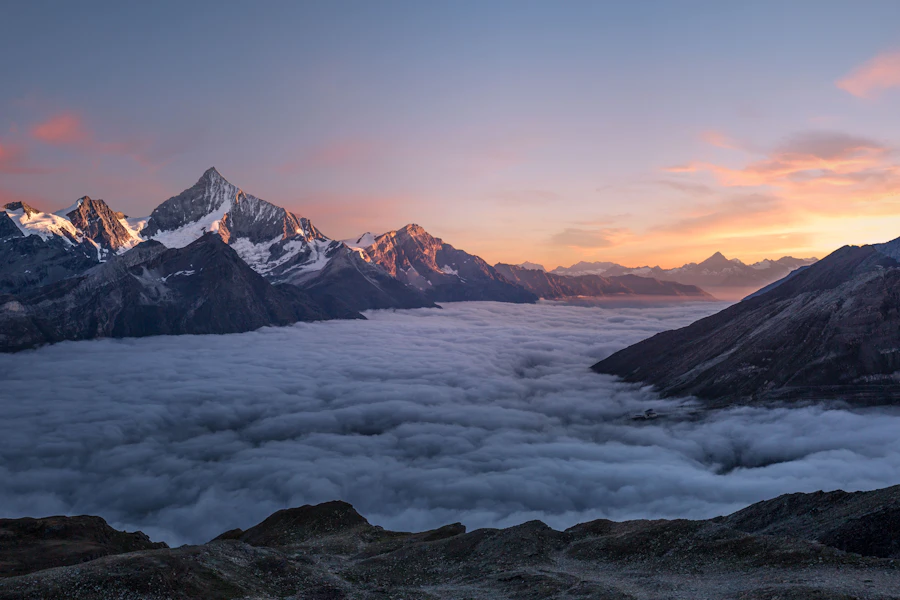
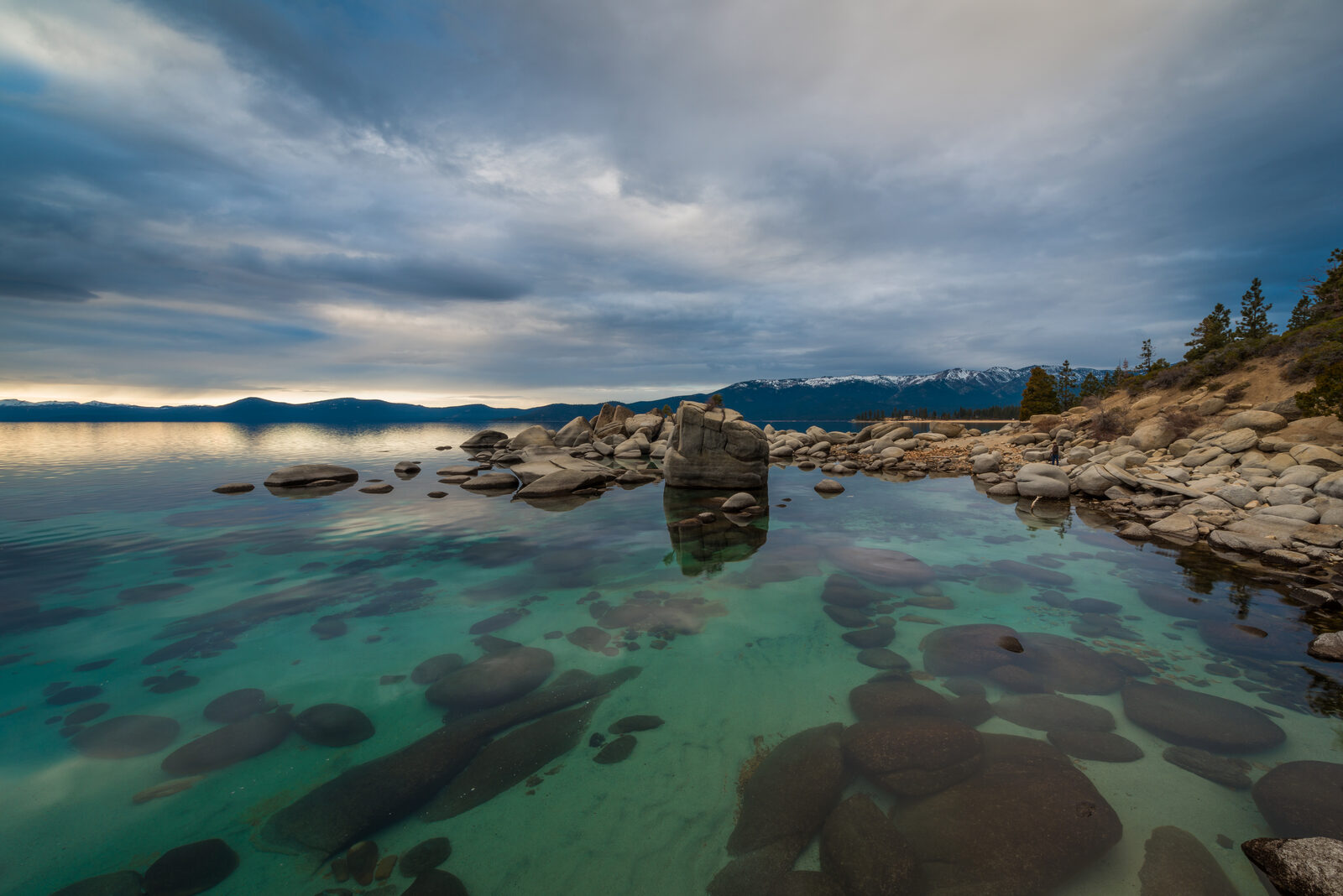
This is a historical and practical guide based on Nikon’s published information, not an invented hands-on review. The credited scene photographs illustrate light, subjects and composition. They are not verified D850 sample files or evidence of this camera’s image quality. If you are considering a body now, its condition, included equipment and supported workflow need their own checks.
July 25 was a development announcement
Nikon’s July 25 development notice identified the D850 as an upcoming full-frame DSLR and successor to the D810. It described the intended combination of high resolution and speed, but said release information would come later. That is a statement of direction, not the same thing as a complete specification sheet or a retailer confirming a shipment.
Read an early announcement with its date attached. A reader looking back can easily combine information learned later with what was actually known at the time. That makes a tidy story, but it changes the record. In this case, the clean account is that Nikon named the developing camera in July, then supplied the detailed product information in August.
The original Shut Your Aperture post quoted the development announcement while final release details were pending. This version keeps that historical purpose without copying a long press release as though it were fresh reporting. It also avoids an unverified embedded launch video. A dated manufacturer source is more useful than an old player that no longer shows the intended material.
August 24 supplied the detailed product announcement
Nikon’s August 24 announcement explicitly refers back to the July development notice. It identifies a 45.7-megapixel effective sensor, standard ISO 64 to 25600, EXPEED 5 processing and a combination of resolution and continuous-shooting speed. These are the later published specifications, not details that should be retroactively presented as a confirmed July shipping offer.
The separate United States launch release stated September 2017 availability. That is historical regional information. It does not establish today’s stock, a current price or the condition of a particular secondhand body. An original suggested price can help explain the launch era, but it should never masquerade as a current buying quote.
When reading archived camera news, ask which question the source answers. A development notice answers what a company is working toward. A product announcement answers what it has formally described. A seller’s current listing answers what that seller says it is offering now. Even then, the listing does not replace an inspection or the actual sale terms.
What 45.7 megapixels means for a photograph
The D850’s effective resolution is a specification, not an automatic improvement to every picture. It can give room for detail and cropping when the lens, focus, exposure and subject support it. It cannot restore a missed expression or make a poor background interesting. Begin with the photograph, then decide how much resolution the intended output actually needs.
For a landscape, inspect the frame edges and the placement of foreground objects before concentrating on tiny detail. A sharp rock does not help if it blocks the route through the picture. For a still life, watch reflections, unwanted highlights and color relationships. Those decisions remain visible at any output size and often matter before the sensor count becomes the limiting factor.
More image data also asks more of the workflow. Allow space for original files, working edits and separate backups. Test that your software opens the file type you plan to use, then check how it behaves through a normal editing session. Our camera buyer guide is a broader starting point, not a certification of any individual D850.
 Save
Seven frames per second and the optional nine-frame setup
Nikon lists approximately seven frames per second with the body alone. The approximately nine-frame rate needs the optional MB-D18 battery pack and the specified EN-EL18-series power arrangement. Nikon’s launch information names the EN-EL18b or EN-EL18a battery, with the BL-5 battery chamber cover and the appropriate MH-26-series charger also required. Attaching a grip by itself is not the complete high-speed setup.
Check the power source and settings before repeating the headline number. The official specification table separates frame rates by power arrangement. A used listing showing a grip does not prove that the necessary battery, cover or charger is included. Ask what is actually in the sale and verify the parts against Nikon’s instructions.
Choose a burst rate around the subject, not around the biggest available number. A short sequence of a meaningful gesture can be easier to review than dozens of almost identical frames. Practice following the movement and leaving room in the direction of travel. Speed gives you more choices within the moment; it does not decide which moment deserves a photograph.
Autofocus numbers still need a real setup
Nikon describes a 153-point autofocus system, including 99 cross-type sensors. Its specification table also distinguishes the total from the 55 points available for selection. That distinction matters when someone reads a headline and expects every sensor position to be a separately selectable point. Use the camera’s own manual and menus to understand the available area modes.
A useful focus test includes the intended lens, subject distance and background. Start with a still subject so that you can separate basic focus placement from movement. Then make a controlled sequence with a subject moving across the frame or toward the camera. Review the whole sequence instead of judging the system from its best frame alone.
Do not let a tracking problem hide a shutter-speed problem. A correctly focused subject can still move during the exposure. Equally, a very short shutter speed does not repair focus placed on the background. Change one thing at a time, repeat the test and keep notes. That makes the results useful rather than turning a handful of files into a sweeping claim.
 Save
Lens compatibility is more than a matching mount
The D850 uses Nikon F-mount lenses, but that does not mean every F-mount combination supports every function. Nikon’s compatible-lens table separates autofocus, electronic rangefinding, exposure modes and metering. Read the row for the exact lens or accessory and follow its notes. A broad claim that all old Nikon lenses work the same way would erase important limits.
Check teleconverters and older non-CPU lenses as specific combinations. A physical connection is only the first part of the question. You also need to know which focusing and metering behavior is supported and whether the accessory has an incompatibility warning. If a seller cannot identify the exact lens model, resolve that before treating it as part of a ready-to-work package.
Bring the intended lens when inspecting a used body if possible. Confirm that controls respond, aperture changes behave as expected and focus works in the modes you need. An unrelated lens used for a seller’s demonstration does not settle your combination. The test should resemble your work, including the distances and light you normally face.
Focus shift captures a sequence, not a finished stack
Nikon’s focus-shift instructions explain that the camera varies focus over a series of photographs. The photographs can then be copied to a computer and combined with third-party focus-stacking software. Do not confuse capturing the ingredients with producing the final combined image inside the camera.
The instructions require an AF-S or AF-P lens for this function. They also describe preparation and feature conflicts. Check those requirements before planning a detail photograph around an old manual lens or another unsupported setup. A feature name on a specification sheet is not permission to assume that any mounted lens can drive the sequence.
For an initial test, choose a still subject, stable support and steady light. Review the individual frames to confirm that focus covers the areas you need before attempting the stack. Watch for movement in leaves, flowers or fabric between exposures. Software cannot make every moving edge merge cleanly, and a longer sequence can introduce more chances for the scene to change.
 Save
Separate full-frame 4K from slow-motion and time-lapse
Nikon lists full-frame 4K UHD recording at 30p, 25p or 24p labels, with actual rates specified in the product table. It separately lists Full HD slow-motion settings such as 30p at four-times slowdown and 24p at five-times slowdown. Those are different modes with different output goals. The slow-motion label does not mean the camera records 4K at those higher capture rates.
A time-lapse sequence is another distinct process. Photographing frames that can be assembled for a high-resolution time-lapse is not the same as recording an ordinary continuous movie at that resolution. Before buying for video, write down the required resolution, playback rate, recording duration, audio and editing workflow. Then check the exact mode rather than treating every video-related number as interchangeable.
Record a practical test and open it in the intended editing software. Check framing, focus behavior and the output file, not just the menu setting. If a job needs an uninterrupted take, verify the relevant recording and operating limits in Nikon’s documentation. A successful short clip does not prove that a longer assignment will fit the same conditions.
Inspect a used camera as working equipment
Historical specifications describe the model, not a particular camera’s present condition. Inspect the mount, screen, viewfinder, doors, controls and connections. Ask about repairs, impact or moisture exposure and read the actual return terms. A clean exterior and a familiar model name do not establish reliable operation or a clean sensor.
Use the recording media and accessories needed for your work during the inspection. Make files, open them on a larger screen and repeat the test when something looks wrong. Shutter count is one piece of the history, not a complete health certificate. Battery condition and missing parts can affect the real cost of putting a used body into service.
Finish with an ordinary photograph rather than only a stress test. Look for consistent exposure, focus and file handling. Compare repeated frames with similar processing, and avoid diagnosing a fault from one unexplained image. The aim is a grounded decision about a working setup, not an argument about whether an older camera still deserves a place in a headline.
A simple test plan before an important shoot
Start with the output. Decide whether you need a large print, a closely cropped detail, an action sequence or a short video. Make one test for each actual requirement instead of trying every menu feature. That keeps the inspection tied to your work and makes it easier to notice a missing accessory or an unsupported combination before the important day.
For the still-photo test, use a scene with detail near the center and the edges, plus a clear subject for focus. Keep the light and processing consistent while comparing repeats. If a result looks unexpectedly soft, check the focus point, shutter speed, support and lens before drawing a conclusion about the sensor. More resolution can make small mistakes easier to see, but it does not explain which mistake occurred.
For movement, repeat a manageable action and review the sequence from beginning to end. Look at the subject’s position as well as focus. If the camera follows the subject but your framing cuts off the important part, the useful fix may be practice or a different position. If the exposure changes as the subject crosses the background, inspect the metering and exposure choices rather than changing the autofocus at random.
Finally, run the files through the whole delivery path. Copy them, open the originals, make a small edit, export the intended size and check the export. Keep the card until you have verified separate copies. This is also a useful way to evaluate storage and editing needs before buying more equipment. A successful camera test is incomplete if the files cannot make it safely to the finished photograph.
 Save
Keep the archive useful without pretending it is new
The D850’s announcement is useful because it shows what Nikon introduced and when. It becomes less useful if a July development notice is presented as current news, or if later specifications are mixed into an early quote without explanation. Keep the two announcement dates visible and separate the manufacturer’s historical claims from today’s equipment decision.
For your own photography, make a short list of the tasks the camera must support. Check the complete system: lens, power, media, editing and backup. Then test the setup against that list. A camera does not become unsuitable merely because its announcement is old, but its original launch reputation cannot replace evidence about the body you are considering now.
Who this archive still helps
An announcement page stops being news quickly, but it stays useful as a reference. If you are considering a used D850 today, this is the record of what Nikon actually promised and when, which lets you check a seller’s claims against the original specifications rather than against memory. Read it alongside the used-inspection section, verify the firmware and shutter count on the body in front of you, and treat the launch excitement as history. The camera either survived a decade of work or it did not, and that matters more than the press release.
Frequently asked questions
When did Nikon announce development of the D850?
July 25, 2017. Nikon said release information would follow later; that notice was not the complete product launch.
When was the full D850 product announcement?
August 24, 2017. The United States release stated September 2017 availability, which is historical information, not a current stock claim.
Does a battery grip alone give nine frames per second?
No. Nikon specifies the optional MB-D18 and the required EN-EL18-series power arrangement. Check the exact battery, cover and charger requirements.
Are all 153 autofocus points selectable?
No. Nikon distinguishes 153 total autofocus points from the 55 points available for selection. Read the manual for area-mode details.
Does focus shift create the finished stack inside the camera?
No. The camera captures a sequence with changing focus. Nikon describes combining the files on a computer with third-party focus-stacking software.
Are the photographs D850 sample files?
No. They illustrate light, subjects and composition and are not presented as verified files made with this camera.
Is this a new launch or a hands-on review?
No. It is an updated historical and practical guide based on published Nikon information about the 2017 camera.
Keep your own original photo files
For your own photo projects, keep original files separate from finished exports. This storage link is not a camera recommendation or a claim about the D850. A black Samsung T7 Shield portable SSD, 1TB model MU-PE1T0S/AM, is one storage option to compare. Check capacity and your computer connection before buying. Open the copied files and maintain another checked copy separately. A drive does not replace a complete backup plan. Compare the current retailer specifications; no hands-on test, price or stock promise is being made here.
Compare Samsung T7 Shield Portable SSD Black 1TB MU-PE1T0S/AM on Amazon | Check Samsung T7 Shield Portable SSD Black 1TB MU-PE1T0S/AM at B&H
Affiliate disclosure: We may earn a commission from qualifying purchases through these gear links at no extra cost to you. As an Amazon Associate, Shut Your Aperture earns from qualifying purchases.
References: Nikon July development notice, August product announcement, United States launch release, D850 specifications, focus-shift instructions and lens compatibility.
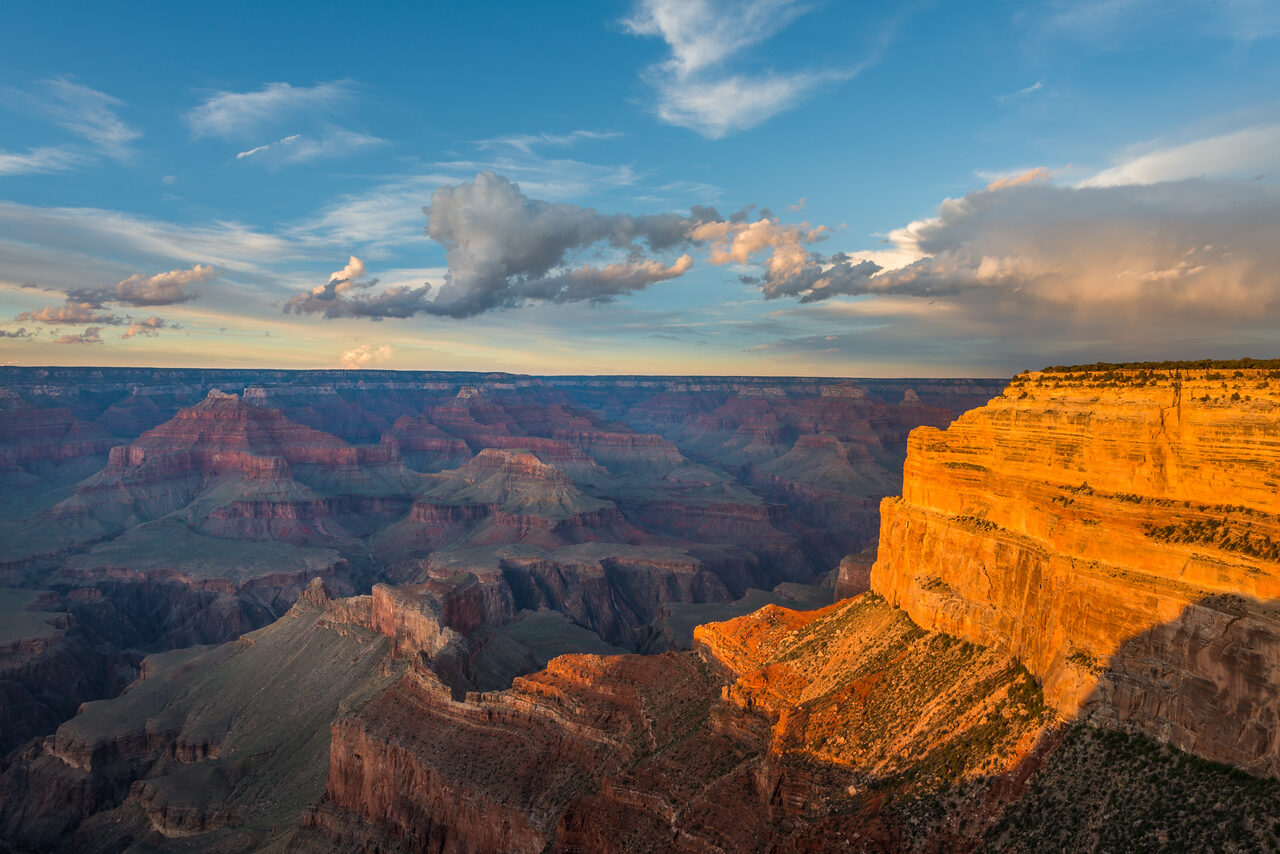
Featured photograph: An orange-lit cliff above layered rock formations at the Grand Canyon, Arizona, beneath a blue sky with scattered clouds. Photograph by Edin Chavez. Copyright Edin Chavez; used with permission. Illustrative photograph, not a verified Nikon D850 sample file or demonstration of camera image quality or performance.
Affiliate disclosure: We may earn a commission from qualifying purchases through these gear links at no extra cost to you. As an Amazon Associate, Shut Your Aperture earns from qualifying purchases.