

Good light is not defined by whether it came through a window or out of a flash. Good light does something useful for the photograph. It gives the face shape, separates the subject, brings out texture, or keeps the mood you want. Start there. The label on the light source comes second.
Natural vs artificial light in photography is a practical decision about control, timing, color, and movement. You can make a strong photograph with either. You can also combine them. This guide gives you a way to decide what your scene needs without turning every shoot into a shopping trip or treating daylight as automatically better.
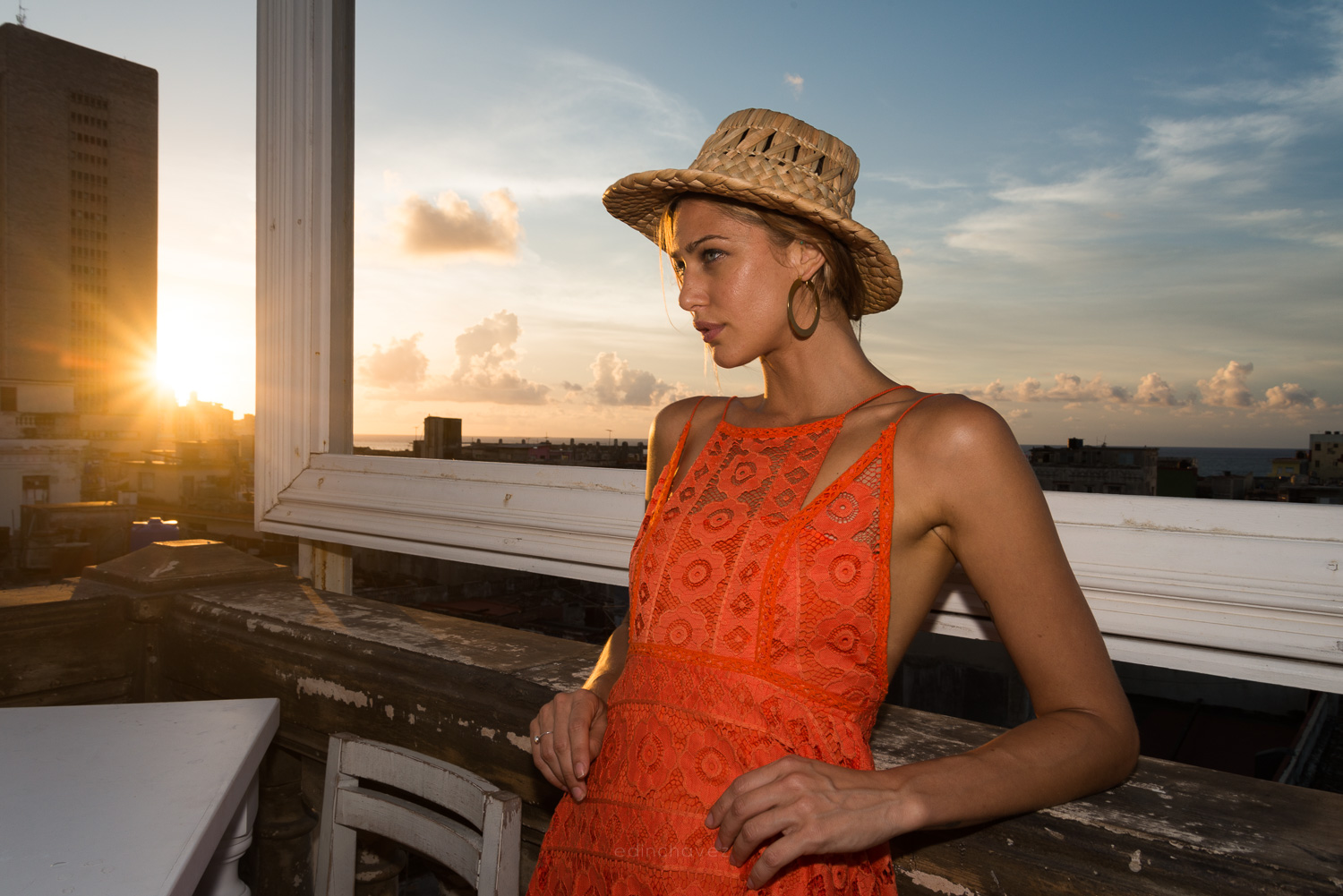
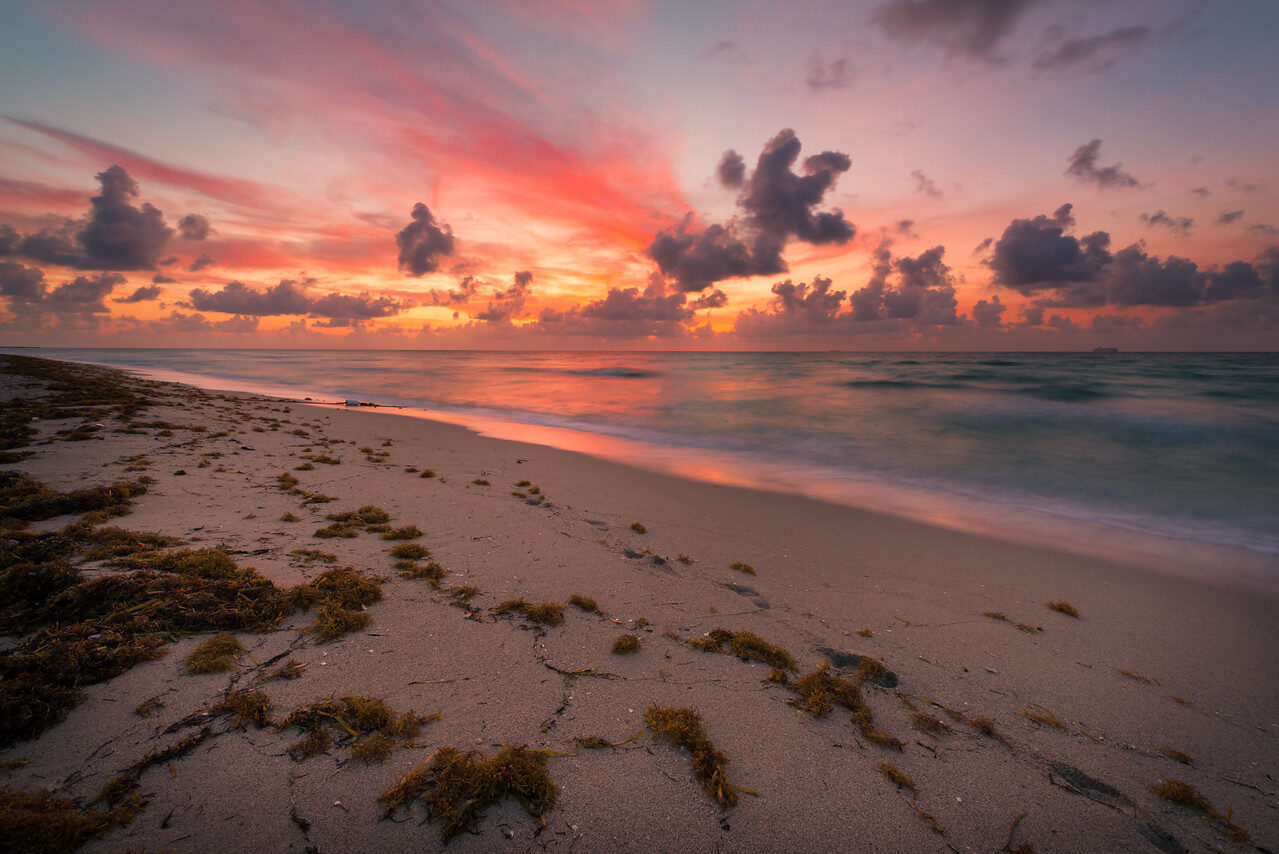
Updated October 2026. The photos illustrate subjects and lighting conditions. They are not a controlled comparison of natural and artificial sources, and their exact lighting setups and capture settings are not documented here.
Natural vs artificial light in photography: the real difference
Natural light comes from sources such as the sun and the sky. You usually control it by choosing the time, location, angle, and position of your subject. You can work in open shade, near a window, or in direct sunlight. Each choice changes how the light reaches the subject. Daylight is not one fixed look.
Artificial light includes continuous lamps and photographic flash. You may be able to move the source, change its output, or use a suitable modifier. That gives you options when daylight is too weak, poorly placed, or changing too quickly. But control is not automatic: a small bare lamp can make hard shadows, and a poorly placed flash can flatten a face.
The useful question is not which source is more professional. It is which source lets you make the photograph you intend, safely and within the time you have. If a window already gives you the right light, use it. If you need a repeatable setup after sunset, consider a suitable lamp or flash. If you need both a warm room and a clear face, you may need to balance more than one source.
Check direction before buying more power
Walk around your subject and watch where the light falls. Front light can reduce visible shadows, while side light can reveal shape and texture. Backlight can separate an edge but leave the front of the subject darker. None of these is always right. Decide what you want the viewer to notice.
With natural light, changing position may be easier than adding equipment. A person turned slightly toward a window can look very different from the same person facing away. A small move can replace a distracting background or improve separation. Take a test frame, review it, and adjust before asking the person to hold a pose for several minutes.
With artificial light, move one source at a time. Start with a simple position, make a frame, then shift the source and compare. If you change direction, output, distance, and camera exposure at once, you will not know which change helped. A deliberate test teaches you more than piling on lights until the room feels bright.
Understand softness and apparent source size
Softness describes the transition between light and shadow. A source that appears larger from the subject’s position generally gives softer shadow edges. A window can act as a broad source; a small distant lamp can act as a hard source. A softbox or umbrella can change how a compatible photographic light reaches the subject.
Do not confuse soft light with dim light. A bright source can be soft, and a dim source can be hard. Likewise, cloudy light is not automatically dull. It can hold gentle detail in a face or surface that would otherwise have a sharp division between sun and shadow. The photograph still needs a clear subject and useful tonal separation.
Distance matters too. Moving a lamp changes both the light level and how large the source appears. Moving a subject away from a window changes the relationship with the room and background. Make a test rather than trusting a fixed distance from someone else’s tutorial. Rooms, modifiers, subjects, and available space differ.
Use only diffusion materials intended for the source and its heat output. Do not drape household fabric over a hot lamp. Keep modifiers mounted as the manufacturer directs, leave required ventilation clear, and stop using any setup that feels unstable or unsafe.
Choose natural light when the scene supports it
Natural light is a good starting point when you can choose where and when to shoot. It lets you work with fewer items and observe the scene directly. A window portrait, an outdoor detail, or a landscape can begin with a simple question: where does the light already help?
Watch the background as carefully as the subject. Open shade may give comfortable light on a face while the sunlit background is much brighter. You might change angle, move toward a darker background, or include less sky. Do not assume a camera can retain every bright and dark detail in a high-contrast scene.
Daylight changes. Clouds move, the sun shifts, and a window that worked earlier may not work later. If you need a series of matching photographs, review exposure and color as conditions change. A setting that was correct fifteen minutes ago is not a promise about the next frame.
Outdoors, let comfort and safety set the limits. Do not ask someone to stare into intense sun or stand in an unsafe location for a better background. Shade can be the right choice for comfort as well as the photograph. Wind also matters if you use a reflector or stand: large surfaces can catch it quickly.
Choose artificial light for a specific problem
Artificial light can help when the room is too dim for the motion you want to freeze, when the existing source is in the wrong place, or when you need a repeatable arrangement. Name the problem first. That tells you whether you need a continuous light, a compatible flash, a modifier, or simply a different location.
Continuous light lets you observe its effect before taking the photograph. It can be useful for a small still life or a simple portrait, provided output and comfort suit the job. Check how the light behaves with your camera. Some artificial sources can produce flicker or banding at particular shutter settings; review test frames and consult the equipment instructions if you see uneven brightness.
Flash provides a brief burst and has its own exposure and synchronization requirements. The camera’s shutter setting, the flash’s mode, ambient light, and subject movement all matter. Do not assume any flash will work with any camera. Check the mount, trigger system, supported features, and manufacturer instructions before buying or using it.
Start with one light. Place it deliberately, review the shadows, and adjust the background. More equipment creates more variables and more things to manage. If one light solves the problem, there is no reward for using four.
Protect shutter speed when people move
Bright-looking light to your eyes may still be too dim for the shutter speed a moving person needs. Review a frame at a useful size. Is the whole frame shaky, or is only the person’s hand blurred? Those are different problems. Stabilizing the camera helps camera movement, not a subject who is walking, laughing, or turning.
Choose the aperture for the depth of field you need, then make sure shutter speed suits the movement. Raise ISO when that is the sensible way to keep the important detail sharp. Noise is not always the biggest flaw in a photograph. A clean but accidentally blurred face may be less useful than a slightly noisy sharp one.
For a static still life, a longer exposure on stable support may be a good solution. For a moving person, consider better available light or suitable added light if that fits the setting and permissions. Our shutter priority guide explains how to think about movement, while the exposure guide connects the main settings.
Watch color and white balance
A white object can look different under different light sources. Your eyes adapt; the camera may need help. Auto white balance is a useful starting point, but review the result. A warm room, cool window light, and a colored wall can all affect the picture. Choose whether you want a neutral rendering or to keep some of the scene’s warmth.
Do not assign a fixed color to every lamp by name. LEDs vary, and many tungsten or halogen sources appear warm rather than cool blue. Look at the actual scene. A daylight preset is not a cure for every indoor photograph, and a Kelvin value is not a guarantee that mixed sources will all look neutral.
A suitable neutral reference in the subject’s light can help you set or check white balance. Follow your camera’s custom-white-balance procedure. If different parts of the scene receive different colored light, one global adjustment may not fix every area. Turning off an unnecessary room light or changing position can be cleaner than trying to repair conflicting casts later.
Keep a RAW original when your equipment supports it and when you want more editing flexibility. That gives you room to revise white balance, but it does not solve missing exposure detail or every problem caused by the source. Nikon’s white balance guide explains the camera-side choices.
Mix sources with a clear priority
When combining window light with a lamp or flash, decide which source should lead. Is the room atmosphere important? Is the person the main subject? Make a frame with the existing light first so you know what the added source changes.
Then add the second source at a restrained level and compare. Watch skin, reflective surfaces, and shadows. Two shadows pointing different ways may distract. A strong added light can make the room seem darker relative to the subject. That may be your intention, but it should be a choice rather than a surprise.
Matching color can require suitable gels or other equipment-specific adjustments, but do not buy a kit before you understand the mismatch. Check heat compatibility and mounting instructions. Sometimes the simplest fix is to remove one source from the scene instead of adding another accessory.
A simple comparison exercise
Use a small nonreflective object and a safe working area. Photograph it near a window, then under one suitable lamp from a similar direction. Keep framing similar and review the subject at the same size. The goal is to see shadow edges, direction, color, and separation, not to declare a winner.
For each setup, adjust exposure appropriately. Identical camera settings would not be a fair comparison if one source is much dimmer. Keep notes about the source position and what changed. If you make an editing adjustment, note that too. Your own test frames will teach you more than guessing which source made an undocumented example photograph.
Practice with the equipment you already own and continue through Shut Your Aperture Academy. The best lighting choice is the one you understand well enough to repeat, adapt, and use safely.
Natural and artificial light FAQ
Is natural light always softer?
No. Direct sunlight can produce hard shadows. Softness depends on the apparent size and placement of the source, not simply whether it is natural.
Do I need flash for indoor portraits?
Not always. A suitable window or continuous source may work. Check exposure, subject movement, light direction, and comfort before deciding to add flash.
Are halogen lamps blue?
Not inherently. Many halogen sources look warm. Test the actual source and white balance rather than relying on a blanket color claim.
Can white balance fix every mixed-light scene?
No. Different areas can receive different colored light. A global adjustment may not neutralize all of them; simplifying the sources can help.
Does a tripod fix a moving person’s blur?
No. A tripod helps stabilize the camera. Subject motion still needs a suitable exposure and lighting approach.

