
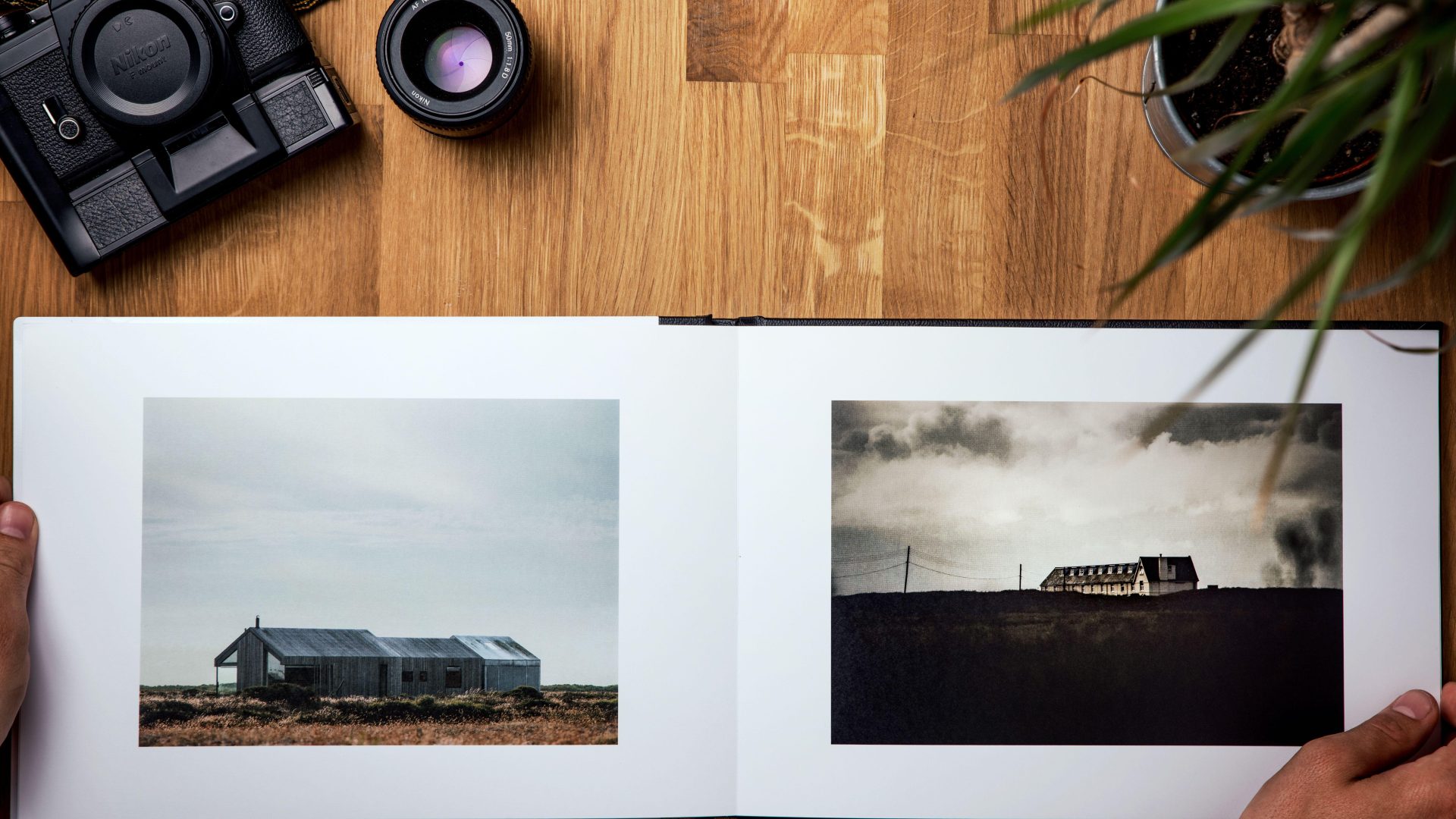
Featured photograph: Photo by Alex Andrews via Pexels (source; Pexels license). (Stock photo, illustrative.)
A photography portfolio needs to make one thing clear: what can someone trust you to photograph? A folder of favorites is a starting point, not an answer. The strongest edit gives the viewer a reason to keep looking and a clear idea of the work you want next.
Start with the photographs, not a website theme. Decide who the portfolio is for, pull a broad selection, then cut until every image has a job. You can build a useful first version without a new camera, a huge archive or a complicated site. What matters is the relationship between the pictures and the promise you make around them.
Give the portfolio a specific audience
Write one sentence before you open the archive: this portfolio is for someone looking for a photographer to do a particular kind of work. Be specific enough to guide a choice. A restaurant owner looking for menu photographs has different questions from a family booking portraits or a designer looking for architectural interiors.
Your audience does not have to be a paying client. A personal project, an exhibition proposal and an application can each need a different edit. Read any submission instructions before choosing the images. Required file counts, dimensions, captions and delivery methods take priority over your preferred presentation.
Now write the action you want the viewer to take. That could be contacting you about an assignment, reviewing a project proposal or viewing a print collection. Put that action somewhere obvious. A beautiful gallery with no explanation or next step can leave the viewer admiring the pictures without understanding why you sent them.
If you work in several fields, give each field its own clear route. Do not make someone sort through unrelated work to find the service they need. You can have more than one interest without forcing every interest into the same opening sequence.
 Save
SaveBuild a broad first selection, then edit twice
The first pass is for gathering. Pull photographs that might fit the purpose without trying to settle the final order. Keep the originals safe and work with a collection, duplicate selection or other organization method that does not require moving files around blindly. Give the selection a name and date so you can return to it.
In the second pass, judge the actual files. Look beyond the thumbnail. Check the intended point of focus, distracting edges, color, bright areas and anything that may become obvious at the viewing size. An image can have strong mood and still need a cleaner crop or a more careful edit before it belongs in the portfolio.
Ask what each photograph proves. It might show controlled lighting, timing, a useful point of view, a complete scene or attention to detail. If your only reason for keeping it is that the session was difficult, set it aside. The viewer cannot see how far you drove or how long you waited unless that story is part of the project.
Keep a separate holding group for images you are unsure about. Removing a picture from this edit does not mean it is a bad photograph or that you must delete it. It may belong in another project, a supporting gallery or a later version. Separating those decisions makes the edit less personal and more useful.
Remove near-duplicates before adding more photographs
Several frames from the same moment can make a portfolio feel larger without saying more. Put similar photographs beside one another and compare them directly. Choose the version with the clearest expression, gesture, arrangement or framing for the purpose of this edit. Do not keep a weaker variation just because it is a different file.
Variety should come from what the viewer learns, not from random changes in subject. A landscape set might move between a wide view, a tighter arrangement and a small detail. A product set might show a clean overall view and a useful texture or feature. Those changes can add information while keeping the work connected.
Watch for repetition that hides in different locations: the same horizon placement, the same lighting direction or the same pose. Repetition can be intentional, especially in a series, but it should be a choice. If the sequence feels stuck, try removing an image before looking for something new to fill the space.
 Save
SaveSequence the pictures as a viewing experience
Open with a photograph that gives a clear introduction to the work. It does not have to be the loudest image in the archive. It should be strong enough to stand on its own and relevant enough to establish what follows. Avoid using an unrelated dramatic shot as bait for a completely different service.
Then look at pairs. How does the next picture change the pace? Do adjacent images have similar colors, shapes or scale? A visual connection can make the transition feel considered. A deliberate contrast can work too. The test is whether the sequence helps the viewer understand the set rather than distracting from individual photographs.
Try the edit in a simple contact sheet or with small test prints. Move pictures around before committing to a page layout. Look at the entire set, then return to individual frames. A photograph that feels indispensable on its own can be redundant when surrounded by stronger images that do the same job.
Finish with intention. The closing image can bring the set back to its main idea or leave a useful final impression. Do not let the final position go to the weakest remaining picture merely because you ran out of decisions. If the set works better without that photograph, end sooner.
 Save
SaveShow your role without making the caption do everything
The pictures should carry the visual argument, but a little context helps. Name the project or service and explain your role where that matters. If you photographed a collaborative assignment, distinguish photography from styling, design or retouching you did not do. Do not let a viewer infer that you handled the entire production if you did not.
Use captions for information the viewer needs, not an explanation of why a weak image should impress them. A short project description can explain the brief, approach and intended output. Keep claims specific to what you can support. Do not invent client praise, results or publication credits to make the work sound more established.
Label self-directed work honestly. A practice project can demonstrate useful skills without being presented as a commissioned campaign. If you include several images from a longer project, make the relationship clear so the viewer understands whether they are seeing a sequence or unrelated examples.
Before making any work public, confirm that you are allowed to show it in that context. Review the agreements and permissions that apply to the actual photographs, especially client work and sensitive subjects. When the scope is unclear, get a clear answer rather than assuming that access to the files settles publication rights.
Make a simple digital version that works on a phone
Choose a layout that lets the photographs be read without a puzzle. Keep navigation plain, group related work and make contact information easy to find. You do not need every layout option your platform offers. A restrained page that loads and behaves predictably is a useful place to start.
Test the images at the sizes the site actually displays. Do not judge a gallery only in its editing screen. Check a normal browser view and a phone-sized view. Look for awkward thumbnail crops, cut-off subjects, unreadable captions and buttons that are difficult to tap. If a thumbnail crop changes the meaning of the image, choose a different crop or presentation.
Export files for their intended use rather than uploading a camera original without checking the result. Adobe’s Lightroom Classic export documentation explains that exported files can have chosen filenames, color spaces and pixel dimensions. Use those controls deliberately, then inspect the files after upload. The platform may resize or compress them again.
Write useful alternative text for meaningful images. Describe what is actually shown, in the context of the page, instead of filling the field with a string of search phrases. Keep visible captions for project information a sighted reader also needs. Check how the page behaves with keyboard navigation as well as a mouse or touchscreen.
 Save
SaveAsk for feedback that can change the edit
Show the portfolio to someone without giving a long introduction. Ask what kind of work they think you do, which photograph they remember and where the sequence loses their attention. Those questions tell you more than asking whether the portfolio is nice. If they misunderstand the offer, examine the selection and page structure before rewriting every caption.
Ask a photographer about image quality and sequencing, but also ask someone closer to the intended audience about clarity. The two viewers may notice different problems. You are not collecting votes for your favorite picture. You are checking whether the portfolio communicates the thing you intended it to communicate.
Record the comments before changing anything. Look for repeated observations and specific problems you can test. A suggestion to remove an image may lead you to change its position instead. Compare the revised sequence with the earlier version and decide which one serves the purpose better.
Keep ownership of the edit. Feedback is useful evidence, not a command to adopt every preference. If two people disagree, return to the audience and purpose you wrote at the beginning. Make a reasoned change and test it rather than trying to satisfy everyone with a larger, less focused selection.
 Save
SaveBuild a repeatable update and delivery routine
Keep a dated record of the published edit and its exports. When you make new work, compare it with what is already there. A new photograph should earn its position by strengthening the set, not simply by being recent. Replace deliberately instead of adding indefinitely.
If you use Lightroom Classic, a regular collection can help organize a chosen group without treating it as a new folder of originals. Adobe documents that photographs can belong to more than one collection and that removing a photograph from a collection does not remove it from the catalog. Check the command you are using before deleting or moving anything.
For a portfolio you send directly, follow the recipient’s requested format and size. Test the attachment or download in the same form they will receive. Open the final file, check the order and captions, and make sure the contact details and links work. Do not assume a successful export means the deliverable is ready.
Finish with a short checklist: purpose clear, weak repetitions removed, photographs checked at viewing size, role described accurately, publication permission settled, mobile layout inspected and next step easy to find. The portfolio is ready when it communicates your work cleanly. You can improve it after the next project without waiting for a mythical perfect archive.
Sources and further reading
Software details checked against Adobe’s Lightroom Classic export workflow and photo collections documentation. For file protection, see planning a photography business kit and backup workflow. The Lightroom Classic shortcut guide covers repeat editing tasks. Illustrative photographs use the Pexels license; individual sources are credited with each image.
Frequently asked questions
How many photographs should a photography portfolio include?
Use the number that communicates the intended work without weak repetition, unless a submission gives a required count. Compare similar photographs directly and remove images that add no useful information. A smaller clear edit is more useful than a larger set assembled to reach an arbitrary number.
Can I include personal projects in a client portfolio?
Yes, when the work is relevant to the service you want to show. Label self-directed projects honestly rather than presenting them as commissioned campaigns. Explain your actual role and check that you have permission to publish the photographs in that context.
Should I mix different photography genres in one gallery?
Give each audience a clear route to the relevant work. Related photographs can share a sequence, but unrelated services may be easier to understand in separate galleries. Judge the structure by whether a new viewer can tell what you offer without searching through everything.
How should I export photographs for an online portfolio?
Use the dimensions and format required by the intended presentation, then inspect the uploaded result. Lightroom Classic lets you choose export filenames, color spaces and pixel dimensions. Check phone and desktop views because the website may resize or crop the files after upload.
Does removing a photograph from a Lightroom Classic collection delete the original?
Adobe states that removing a photograph from a collection does not remove it from the catalog or send it to the system trash. Collections organize groups within a catalog. Check the actual command before using it, because deleting or moving files is a different action.
When should I update my photography portfolio?
Review it when new work can strengthen the selection or when the intended audience changes. Compare a new image with the current edit before adding it. Keep dated versions and test the final gallery or delivery file so an update does not introduce broken links, poor crops or incorrect captions.
Equipment references for the workflow
Start with the files and equipment you have. These storage references are optional tools for capture and file handling, not a requirement for building a portfolio or the equipment used in the illustrative photos. Check current specifications and compatibility on the linked pages.
- SANDISK 128GB Extreme PRO UHS-II SDXC Memory Card: A capture-media reference if you are making new work for the portfolio. Confirm the card type and recording requirements in your exact camera manual; it does not improve an existing edit.
- Samsung 2TB T7 Shield Portable SSD (Black): A portable storage reference for organizing or copying portfolio files. Check your computer connection and actual capacity needs. A single drive is not a complete backup plan.
Affiliate disclosure: if you buy through these B&H links, Shut Your Aperture may earn a commission at no extra cost to you.

