Candid conference photography is the art of recording a real event without turning it into a photo shoot. You are there to catch a speaker mid-sentence, a hallway conversation, a room reacting to a good idea. People who feel watched stop acting like themselves, so the job is part camera work and part manners. This guide covers the planning, the settings, the shooting habits and the etiquette that keep the pictures honest and the attendees comfortable.
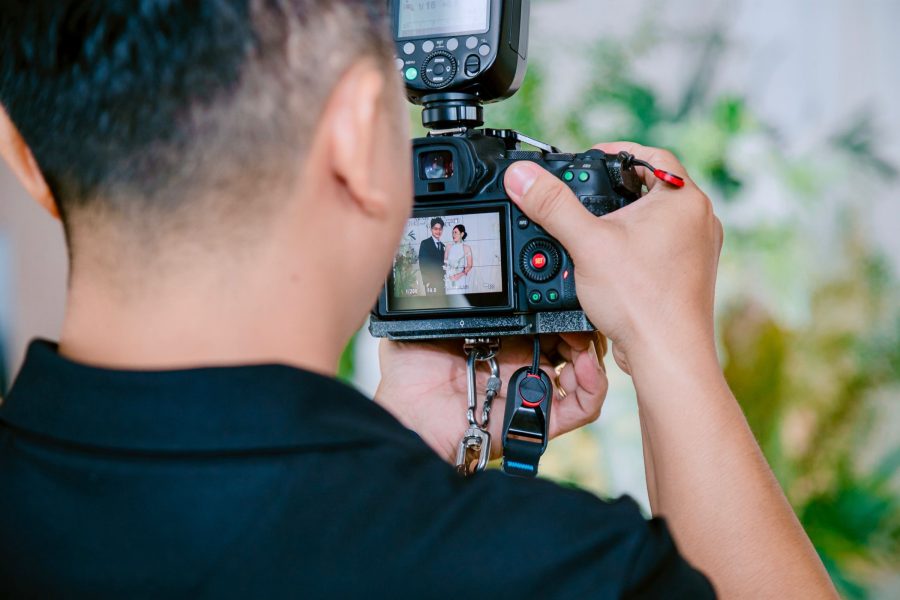
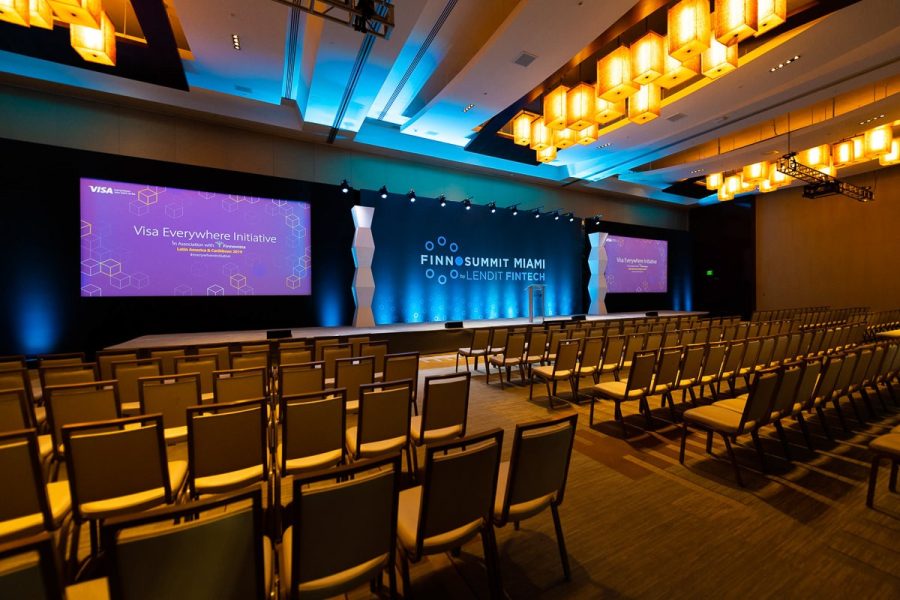
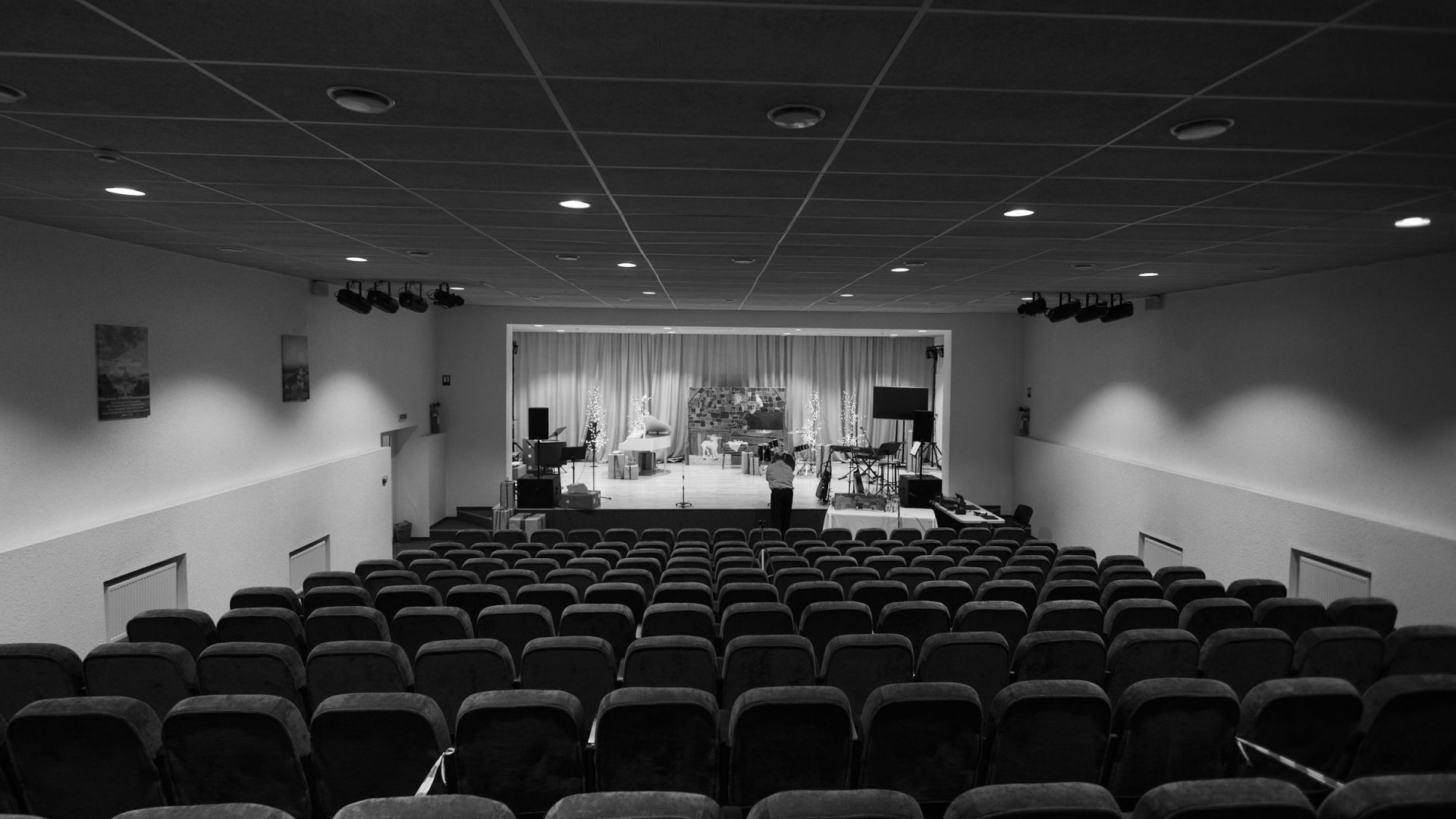
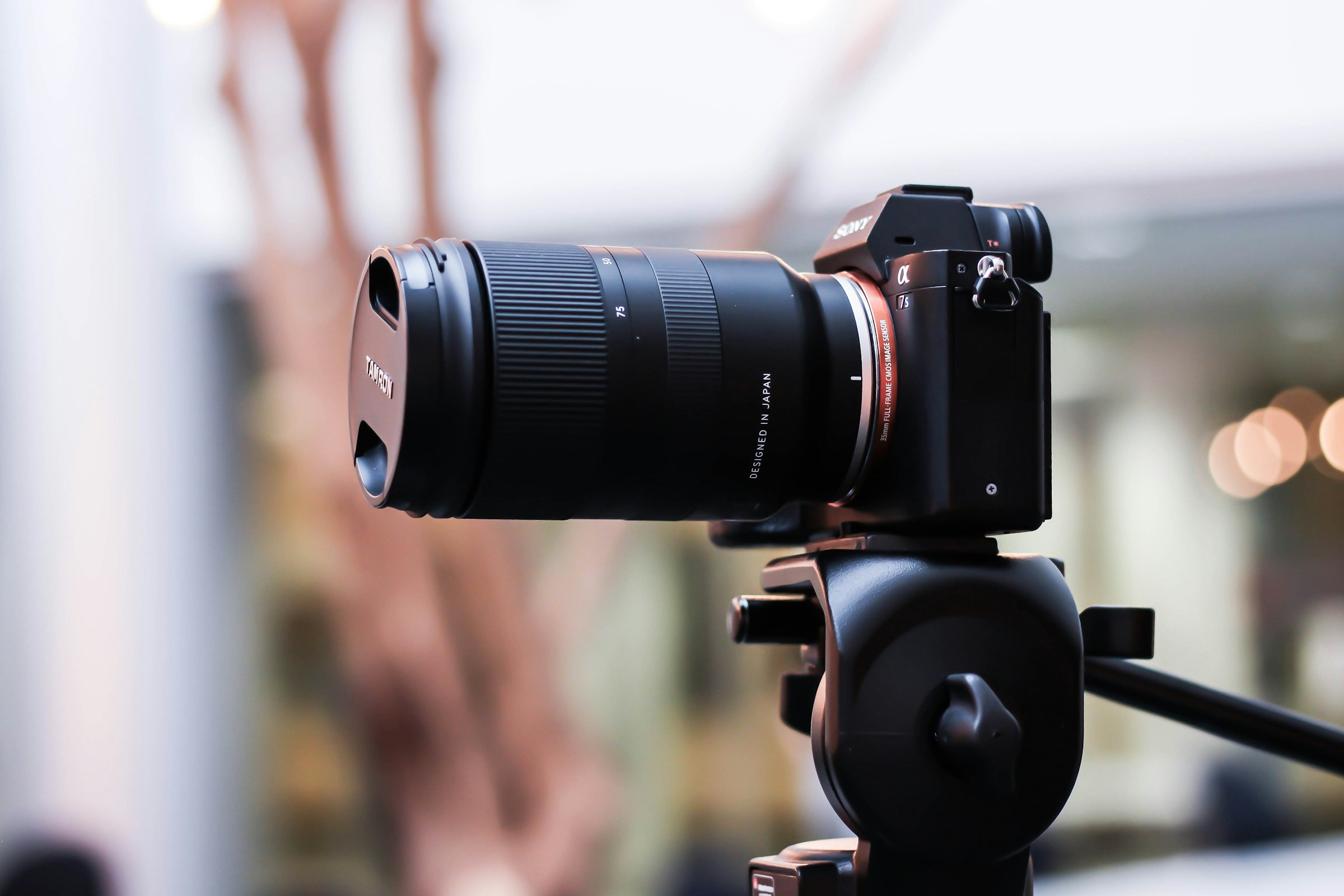
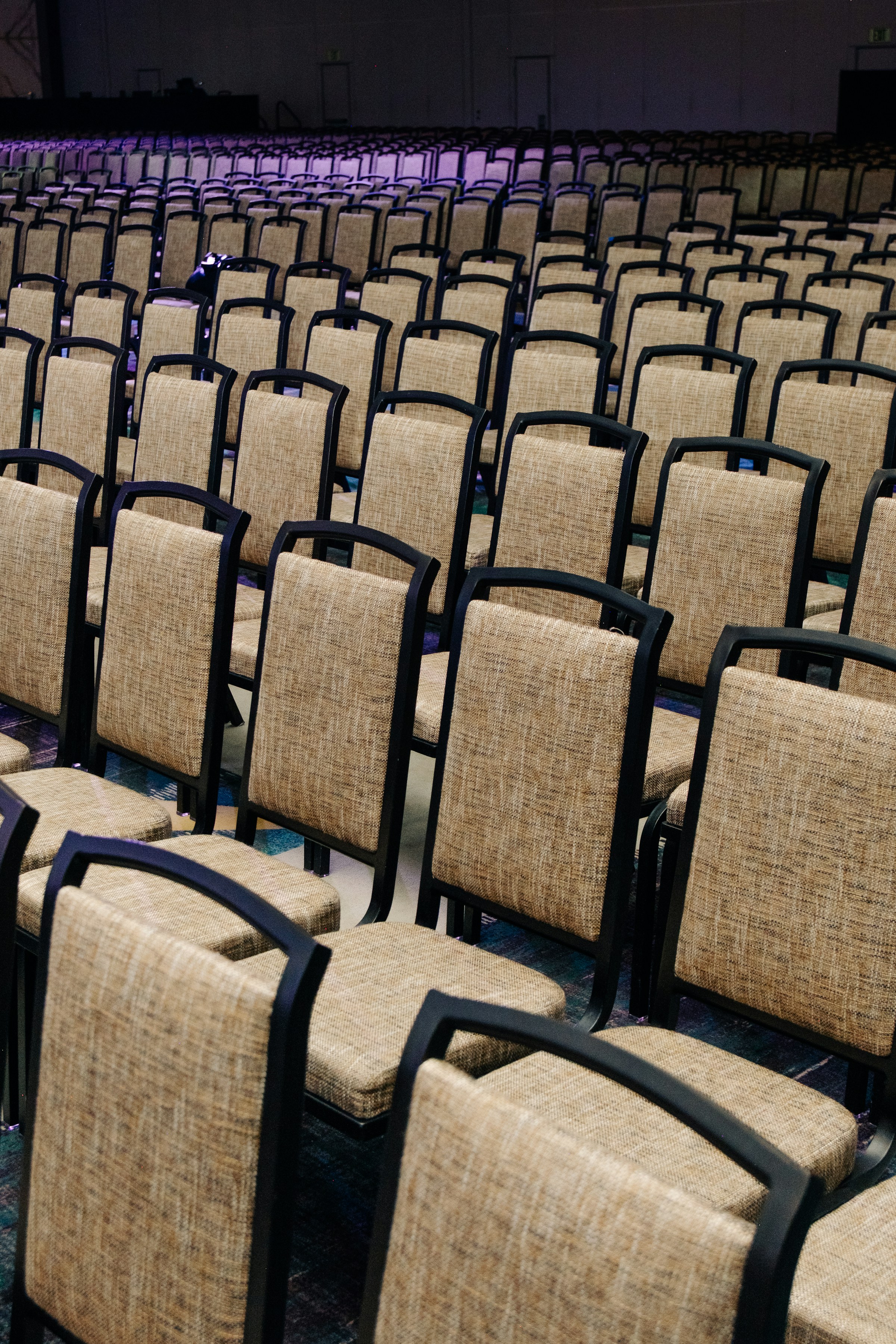
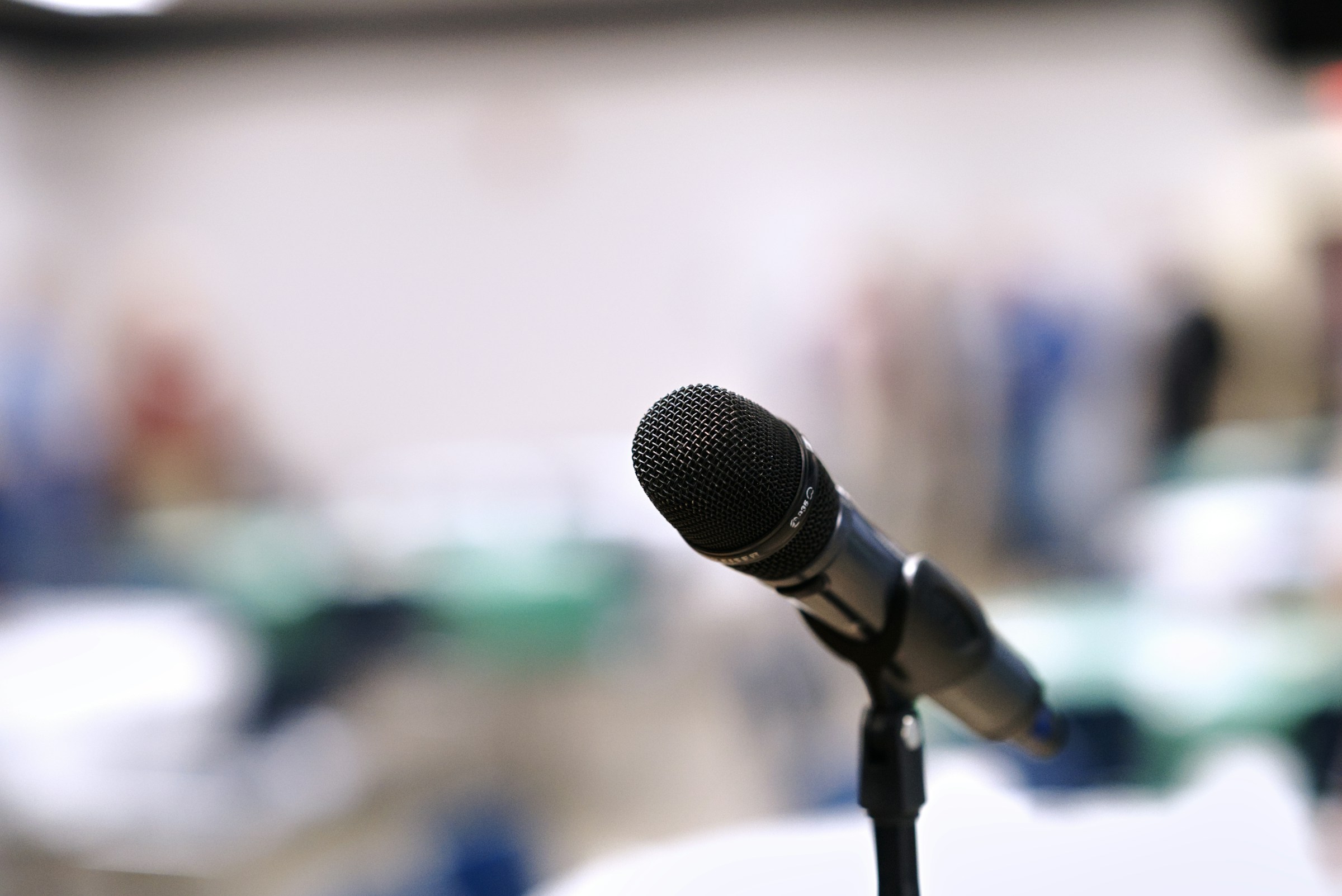
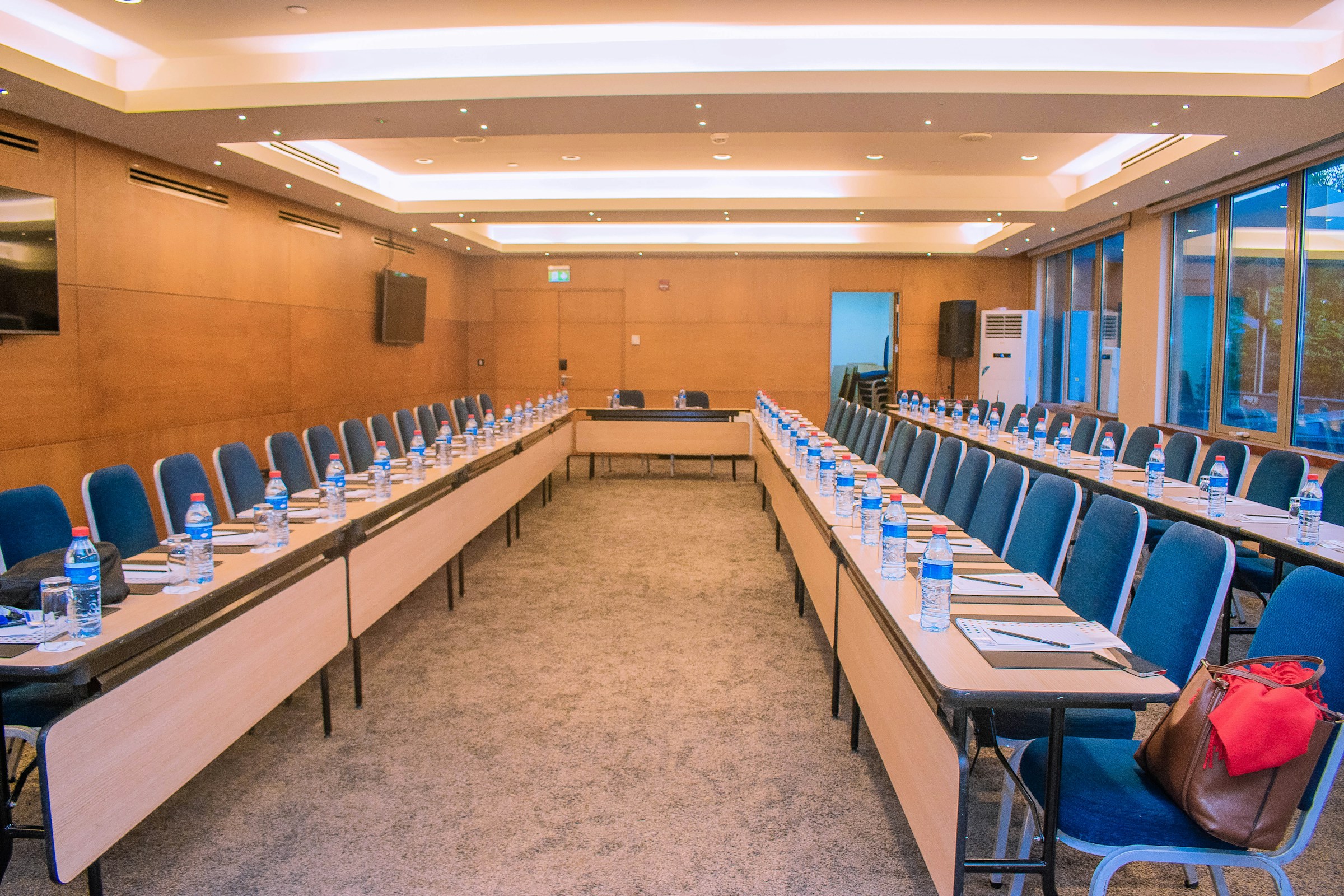
One note on the pictures in this article. They are stock photos of venues and gear, credited in the notes below, and they are here to show rooms and equipment. They are not my own event work.
 Save
SaveWhat counts as a candid conference photo?
A candid frame shows something that was already happening. Nobody stopped to pose, and nobody was told where to stand. At a conference that usually means a speaker gesturing on stage, two attendees comparing notes at a coffee station, a front-row listener laughing, or a hand raised during questions.
Candid does not mean secret. Everyone in the room should be able to see that a photographer is working, and the event should have said so in advance. The goal is to be unremarkable, not hidden. When people know there is a photographer and see that the person is fair and unobtrusive, they tend to relax, and you get closer to the moments you came for.
How do you plan before the day?
Most good candid work is decided before the first session starts. Ask the organizer for four things: the schedule, a floor plan, a list of must-have shots, and the rules about photography. The must-have list usually covers keynote speakers, sponsors, awards, and a few wide room shots for the recap.
Then ask what the organizer wants to avoid. Some events have attendees who must not be photographed, such as people who have opted out, children, or guests under a confidentiality agreement. Ask how those people are marked, often with a colored badge or a sticker, and learn the system before you shoot.
- Get the agenda with room names and start times.
- Ask who approves the final selects and how fast they are needed.
- Confirm whether flash is allowed in each room.
- Find out where you may stand during talks and where you may not.
- Ask for a contact who can solve problems on the day.
What gear works at a conference?
Rooms are dim, subjects move, and you cannot ask a speaker to repeat a line. That points to fast, quiet gear. A camera with good high ISO performance helps. A quiet or electronic shutter mode, if your camera has one, can keep a quiet room calm, but test it first. Electronic shutters can show banding under LED screens, projectors and some stage lights, and they can skew fast motion (rolling shutter). If a test frame shows bands or skew, switch to the mechanical shutter or a quiet mechanical mode if your camera offers one.
 Save
SaveMany shooters carry two focal ranges. A standard zoom such as a 24-70mm covers wide room shots and tight group frames. A longer lens in the 70-200mm range reaches the stage from the back without walking down the aisle. A fast prime gives you a second option in dark hallways. Whatever you choose, keep the kit small enough that you can move through a crowd without bumping anyone.
Bring spare batteries and cards, a lens cloth, and a small bag you can keep out of walkways. Many conferences also supply an internet connection for fast delivery, but do not count on it. Carry a card reader and a laptop or tablet if you will deliver on site.
Which camera settings help in low light?
Indoor stage light is uneven. A speaker may stand in a bright spot while the room behind is nearly dark. Shoot in a mode where you control shutter speed first. A shutter speed of 1/250 sec is a sensible start for a speaker who moves, and you can go slower for someone standing still at a podium.
- Aperture: start wide in low light, then check depth of field. On a group or a speaker at an angle, a wide aperture can leave some faces soft, so confirm the faces you need are sharp and close down if they are not.
- ISO: use Auto ISO with a cap you have tested, and accept some grain over blur.
- Focus: continuous autofocus with face or eye detection if your camera has it.
- White balance: set it by hand if the room has mixed lights, or shoot RAW and fix it later.
- Exposure: meter for the face, not the screen behind the speaker.
Presentation screens fool the meter. If the slide is bright, the camera darkens the speaker. Check the back of the camera after the first few frames and use exposure compensation to bring the face back up. For more on how aperture, shutter speed and ISO trade off, see our guides to aperture, ISO and low light photography.
Where do you stand, and how do you move?
Stand where the audience is not looking. The side aisles and the back of the room are usually good, and a position about a third of the way from the stage gives a clean angle on a speaker. Avoid standing in front of the stage during a talk. You block views, and your presence becomes part of the event.
 Save
SaveMove between talks, not during them. When you must move mid-session, crouch, keep your bag small and go along the walls. Take a few frames, then step back. A photographer who hovers in one place can make a speaker self-conscious.
Arrive early and walk the room with the camera. Note where the stage lights are warm and where they are cold, which seats catch window light, and where the projector throws glare. Scouting gives you a plan for the light and the angles before the first session starts.
How do you catch real moments instead of posed ones?
Watch the room, not the viewfinder. Many of the best frames happen in the half second before or after the obvious moment: the speaker taking a breath before the punchline, a listener nodding, a hand moving to a notebook. Keep the camera at your eye line or at your chest and start shooting before the moment peaks.
Shoot in short bursts and then stop. Long bursts fill the card and, if the shutter is audible, annoy the room. Learn to anticipate. Applause follows a good line, and laughter follows a pause. If you read the room, you can place yourself for the next frame without chasing it.
Include context. A tight face is good, but a frame that shows the lectern, a screen edge and the audience tells the story of the event. Plan for a mix of wide, medium and tight frames from each session so the organizer has options for a recap.
 Save
SaveHow do you photograph people politely?
Conference photography is people work. Introduce yourself to the speaker before the session, say what you will be shooting, and tell them you will be quiet. For attendees, a short smile and a nod when you lift the camera goes a long way. If someone turns away or covers their face, lower the camera and move on.
Respect opt-outs without a fuss. If the organizer supplied a way to mark them, scan for it before you press the shutter. Never photograph screens that show private information, badges that carry personal details, or documents that are not meant to be shared.
Be careful with sensitive moments such as arguments, people eating, or someone who is visibly upset. A candid image should not embarrass the person in it. If you would not want the picture of yourself on the event website, do not take it and certainly do not publish it.
How do you test the venue’s light before the first session?
Run the same short test in every room, since each one has its own stage lights, screens and windows.
- Shoot a few frames of the stage and of the screen with the mechanical shutter, then with the electronic shutter if you plan to use it.
- Zoom in on the back of the camera and look for bands, flicker or skewed edges.
- Take a frame of a face under the stage light and check white balance and skin tone.
- Check focus on faces at the aperture you plan to use, including a second row of faces if you will shoot groups.
- Set an Auto ISO limit you have checked, and note the shutter speed that keeps a moving speaker sharp.
- Write down the settings that worked so you can return to them after a lighting change.
What about consent, releases and usage?
Rules on photographing people at events vary by country and by venue, and they are not the same as the rules for photographing in public. Many events handle this with a notice at registration or on the door that says photography will happen, and a way to opt out. Permission to capture is not the same as permission to use. A notice that covers photography at the event may not cover promotional use of attendee, speaker or client images on a website, in ads or in sponsor decks. Ask the organizer whether the notice says images may be used to promote the event, how people opt out, and whether speakers or clients signed their own agreement. A simple sample notice reads: ‘Photography and video will be taken at this event and images may be used to promote it. If you do not want to be photographed or featured, tell the registration desk.’ Have the organizer or their lawyer approve the exact wording. This article is general guidance, not legal advice. If you are working for a client, ask them what their notice says and what rights they want.
- Agree usage in writing: web, print, social and promotion are separate things.
- Ask who owns the files and how long you may keep them.
- Keep a record of any opt-outs and delete any frames of those people.
- For speakers, confirm whether the organizer or the speaker approves their images.
- For minors, follow the organizer’s rules and local law, and when in doubt do not shoot.
 Save
SaveHow do you structure the day?
A simple order keeps you calm. Start with setup shots of the empty room while the staff finish, since there are no people to worry about. Move to arrivals and registration, then to the first session. Pick a few sessions to cover fully and sample the rest.
Build in breaks. Coffee stations and hallway talks are where many of the most natural frames occur, because people are relaxed and moving. Leave time to eat and rest your eyes. After lunch, energy drops in the room and in you, so look for small signs of life like a joke, a laugh or a good question.
At the end, shoot closing remarks, a wide shot of the room, and a few frames of people leaving. Check your cards before you pack up, and make a second copy of everything before you leave the venue.
How do you edit and deliver?
Cull the same day if you can. Delete frames with closed eyes, awkward mid-word mouths and soft focus, then pick the best from each moment. Keep the number of final images reasonable. A recap with 80 strong frames is more useful than 600 average ones.
Edit with a light hand. Correct white balance, lift shadows, trim distracting edges and keep skin tones believable. Use the same look across the set so it feels like one event. Resist heavy effects. Candid work looks best when it looks like the room felt.
Deliver in a gallery link with captions for speakers and sponsors, and send a short list of the top picks so the organizer can post quickly. For gear and learning resources, see the camera buyer guide and the shop.
What mistakes should you avoid?
- Using flash in a room that does not allow it.
- Blocking the audience’s view or the video camera.
- Shooting only speakers and missing the room.
- Over-editing so faces look unnatural.
- Skipping the permission and opt-out check.
- Forgetting to back up before leaving the venue.
Most of these come from rushing. Slow down at the start of the day, and the rest of it goes better.
Candid conference photography FAQ
What is candid conference photography?
It is the practice of photographing real moments at an event, such as speakers, conversations and reactions, without staging them. The photographer works openly but unobtrusively.
What camera settings should I use indoors?
Start with a shutter speed around 1/250 sec, a wide aperture while checking that all the faces you need stay sharp, Auto ISO with a tested limit, and continuous autofocus. Meter for the face, not the screen behind the speaker.
Is flash allowed at conferences?
Often it is not. Ask the organizer before the event. Flash distracts speakers and audiences, so most event photographers rely on a fast lens and higher ISO instead.
Do I need permission to photograph attendees?
It depends on the event and where you are. Many events put a photography notice on registration or the door and offer an opt-out, but permission to capture is not permission to use images for promotion. Ask the organizer what the notice covers and follow it. This is general guidance, not legal advice.
What lenses are best for conferences?
A standard zoom like a 24-70mm covers most room and group shots, while a 70-200mm reaches the stage from the back. A fast prime helps in dark hallways.
How do I stay quiet while shooting?
Use a quiet or electronic shutter mode if your camera has one, but test it under the room’s LED screens and lights for banding first, and switch to the mechanical shutter if you see it. Move between talks rather than during them, and stay at the sides or back of the room.
How many photos should I deliver?
Quality matters more than count. Many recaps work well with a curated set of strong frames, and the organizer can tell you what they need.
How soon should I deliver the photos?
Agree it up front. Some events want a handful of picks the same day for social media and a full gallery within a few days.
Be present, be fair, be quiet
Good candid conference photography rests on preparation and respect. Know the room, know the rules, keep the kit small and watch for the moments that happen between the planned ones. Do that, and the people in your pictures will look like themselves.