Low light is not one problem. A still building at dusk, a person walking through a dim room and a dark landscape ask different things from the camera. Start by deciding what must stay sharp and what can move. Then choose the exposure around that decision.
Do not make low ISO the goal at the expense of the photograph. A clean file with a blurred face is still a blurred face. This guide separates camera movement, subject movement, focus and exposure so you can identify the problem before buying another lens or pushing another slider.
Classify the scene before changing settings
Ask whether the important subject is stationary. A building may stay still while trees move in wind. A seated person may shift between breaths. A city scene may contain both architecture and traffic. Identify which part needs to be sharp and which movement could belong in the picture.
Next, ask whether you can support the camera. A tripod, safe firm surface or suitable support can reduce camera movement for a stationary scene. It does not stop a person moving during the exposure. If support is prohibited or unsafe, choose a handheld approach instead of blocking a walkway or balancing a camera precariously.
Finally, look for available light on the subject. A bright background does not necessarily illuminate the face you care about. A doorway, shop window, lamp or light-colored wall may give you a better position. Move when the location allows it, rather than expecting the sensor to solve a lighting problem by itself.
Those answers create two main routes: a supported camera for still subjects, and a shutter speed chosen for movement when the subject will not stay still. Mixed scenes require a deliberate compromise.
Understand what the exposure controls do
Aperture changes the lens opening and contributes to depth of field. Shutter speed controls the time light is collected and how motion appears. ISO changes the camera’s response to the captured signal. The three settings are linked, but they do not solve the same creative problem.
Nikon’s exposure basics explain that relationship. In practice, decide which setting protects the photograph’s purpose, then adjust the others within your equipment and output needs. Do not change all three randomly until the meter looks satisfied.
A wider aperture may admit more light but leave less depth acceptably sharp. A slower shutter may allow a lower ISO but blur movement. Raising ISO may let you keep the required shutter, with a different noise and detail tradeoff. You need to inspect the actual photograph to decide whether the compromise works.
Make a short note of the conditions and settings during practice. “Person walking, window light, blur in hand” is more useful than remembering only an ISO number. The note links the setting to the problem it was supposed to solve.
Route one: a stationary subject with support
For a building, still life or quiet landscape, start with a stable camera and a composition that includes the details you need. Check the support, the surrounding space and the lens before making a long exposure. Wind, vibration and an unstable surface can spoil the result even when the subject is still.
Choose an aperture for the depth and detail you need, not automatically the smallest opening. Make a test at a suitable ISO and adjust the shutter for exposure. Inspect the nearest and farthest important areas. If both are not sharp, check focus and depth before assuming the problem is camera quality.
Use a supported release method from your camera’s manual: a timer, remote or other appropriate control. Stabilization recommendations vary by camera and lens, so check the current instructions for supported use. Do not apply a remembered universal “always off on tripod” rule to every system.
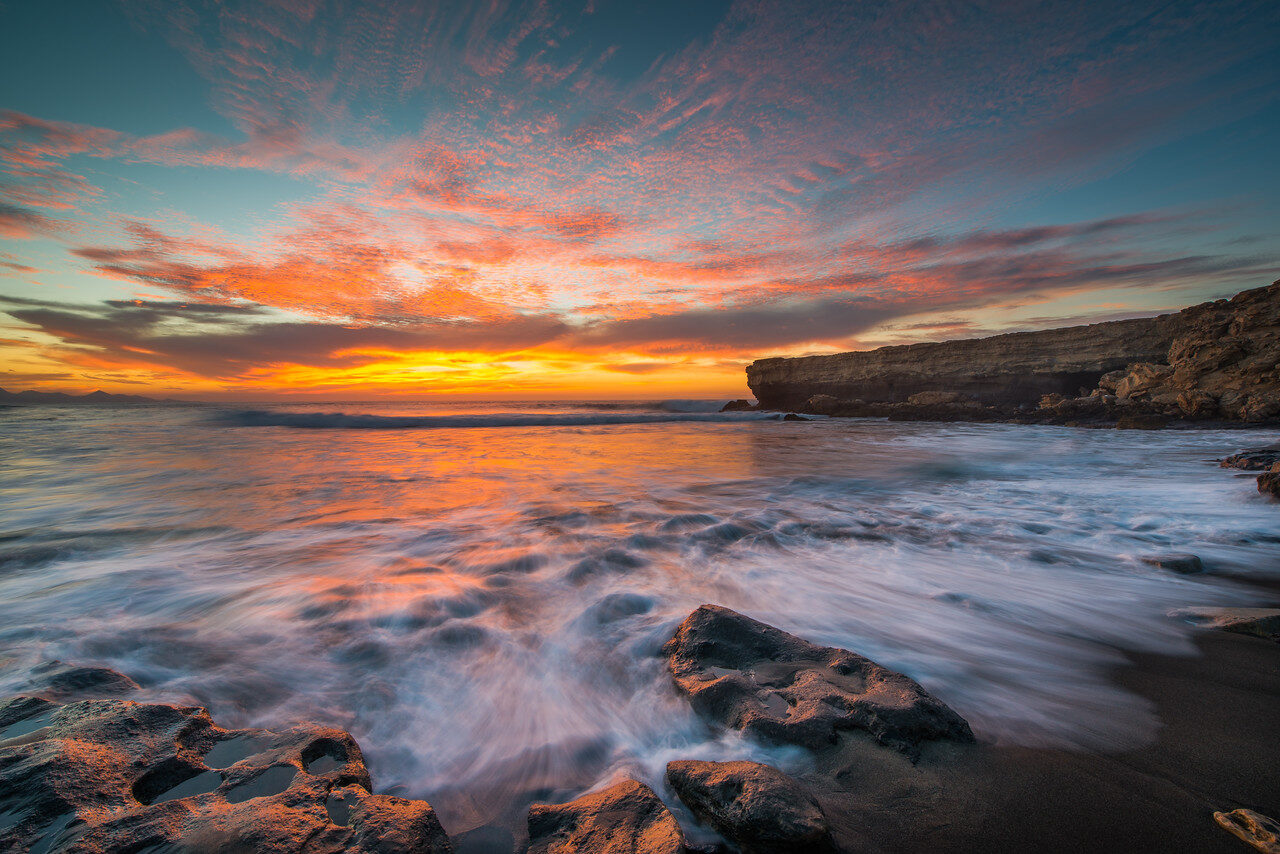
Watch the parts that still move. Leaves, flags, water, traffic and people can change during a long exposure. You may want their blur, or you may need a shorter exposure. Review the frame at full size, not only the stationary building in the center.
 Save
SaveRoute two: a moving subject handheld
Set a shutter speed that gives the subject a chance to stay sharp, then test. Ordinary walking, a quick gesture and dancing are different movement. Distance, direction and focal length change how that movement appears. A single speed cannot guarantee sharpness across them all.
As a practice starting point, try around 1/250 second for a person walking in useful available light. Review a face and a moving hand. If motion blur is still a problem, increase the speed and compare. If your intended result includes motion, you may choose a slower speed instead. The test is there to support the decision, not become a rule.
Open the aperture as far as the required depth allows. If two people are at different distances, the widest setting may not keep both readable. Raise ISO when necessary to protect the shutter and depth you actually need. Check the camera’s auto-ISO limits if you use them; the system may reach a ceiling without you noticing.
Support your stance and release smoothly, but do not expect technique or stabilization to freeze the subject. Stabilization addresses certain camera movements. It cannot make a moving face stand still during a slow exposure.
Find better light without inventing it
Look for light that gives the subject shape. A face turned slightly toward a window may have more definition than one directly under a harsh ceiling lamp. A person beside a lit storefront may separate from a dark street without any added equipment.
Check the background at the same time. A useful light source can also be a distracting white rectangle. Move the camera or the subject where appropriate to keep the light working without dominating the frame. Do not put someone in traffic or on an unsafe edge for a cleaner background.
If you can add light, make it a controlled choice. A bounced flash, suitable continuous light or reflector may change the scene. Confirm that it is permitted and appropriate. Flash can distract performers, wildlife or other visitors, and some venues restrict it.
Do not describe an altered scene as untouched available-light documentary work. If the purpose of the photograph requires a truthful record, follow the relevant publication, contest or client rules for capture and editing.
Focus on an actual target
Low contrast can make focusing harder. Choose a meaningful edge or detail at the required distance. Avoid focusing on a bright sign behind the person merely because the camera finds it easily. Check where the focus system selected, especially with wide apertures.
For a stationary scene, a magnified live view or manual focus aid may help if your camera provides it. Do not assume focus peaking proves perfect focus. Use it as a tool, then inspect a test file. Very bright points of light can look clear while nearby detail is not.
For moving people, test the camera’s continuous focus and subject-detection behavior in similar conditions. Check the manual for the available modes. A system that works well in daylight may struggle with a backlit face or a subject moving behind another person.
When a scene is too dark to focus reliably, find a safer or better-lit angle. Do not repeatedly press the shutter while hoping the camera eventually chooses correctly. A few controlled tests give you more information than a long sequence of unexplained misses.
 Save
SaveProtect the highlights you care about
Night scenes often contain small bright sources against large dark areas. A meter may try to lift the dark background and clip signs, lamps or illuminated skin. Decide which highlights need detail and examine them in the test frame.
Use the histogram and highlight warning where available, but interpret them in context. A bare light bulb may be impossible or unnecessary to retain in full detail. A face or important sign may matter much more. The goal is not a histogram with no bright pixels; it is an exposure that supports the subject.
If you reduce exposure to protect a sign, check whether the subject becomes too dark to use. You may need a different position, better light or a different composition. Do not assume you can pull unlimited clean detail from shadows later.
For a stationary high-contrast scene, exposure bracketing may be an option if your camera and editing workflow support it. Moving subjects complicate merges. Keep individual frames and inspect any combined result for ghosting or mismatched movement.
Use dusk as a controlled transition
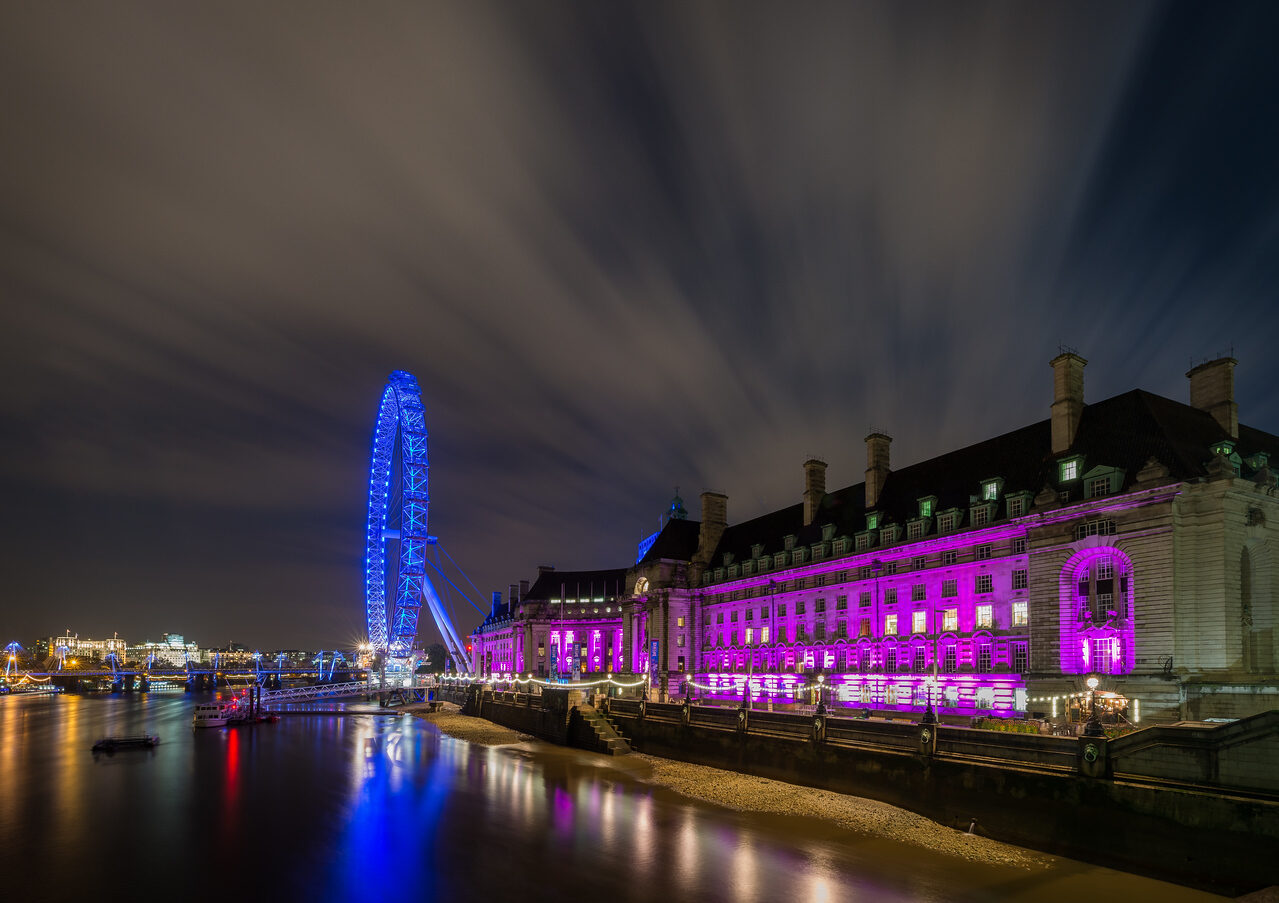
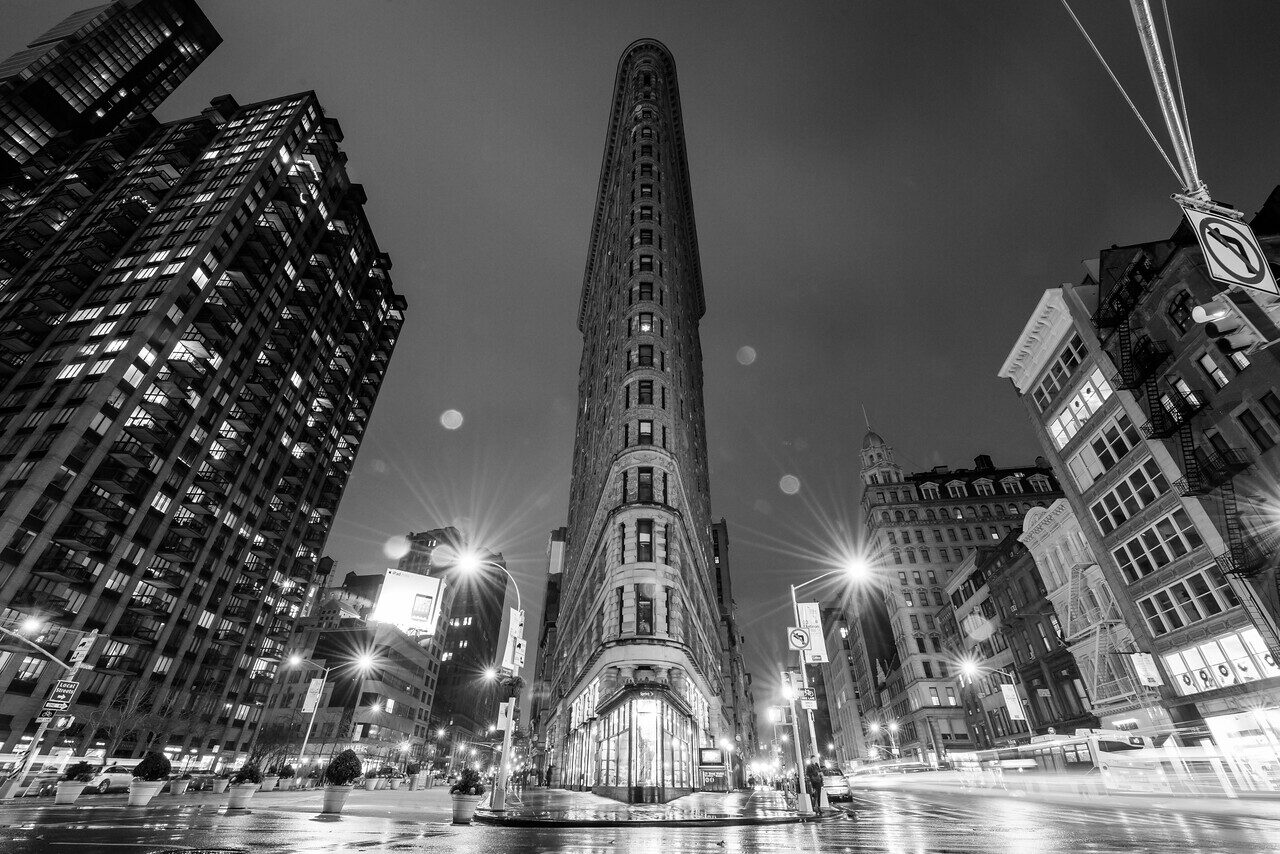
Dusk gives you a useful comparison between remaining sky light and artificial illumination. Arrive before the scene is fully dark, choose the composition and watch the balance change. Make several tests as the light falls rather than using one exposure throughout.
Nikon’s dusk and night guide discusses supported shooting and exposure decisions. Use it as a starting method, then judge your own sky, subject and movement. Conditions and city lighting are not identical from one evening to another.
Compare an early frame with a later one. The sky may give the architecture more separation before darkness. Artificial lights may become more prominent later. Choose the balance that describes the scene rather than assuming the latest frame is the most dramatic.
Keep the session safe. Scout access and the route out while you can see clearly. Carry a suitable light for movement, respect closures and do not let a long-exposure setup make you unaware of people or traffic nearby.
Run a noise test before an important shoot
Photograph one repeatable scene at the exposure conditions you expect to face. Keep the shutter and aperture appropriate to the subject, then compare the ISO values your workflow may require. Inspect the files at the intended delivery size as well as full size.
Look at skin, fine texture, dark areas and bright edges. Ask whether the file supports the actual use: a small web image, a large print or a client crop. Do not judge every photograph by the same magnified screen view.
If you test noise reduction, keep an untreated version. Compare detail as well as noise. Smooth skin, melted foliage or fabricated-looking texture can be worse than visible grain. A tool’s dramatic demo is not a benchmark for your camera files.
Keep the result practical. You are identifying a working range and its limits, not proving that your camera is better than another one. A test you can repeat on your own files is enough to improve the next shoot.
 Save
SaveA twenty-minute low-light exercise
- Choose a safe scene: Find a stationary object near one useful light source.
- Make a supported frame: Choose depth and focus, then expose without trying to handhold the camera.
- Make a handheld frame: Keep the composition similar and choose a shutter you can test for camera movement.
- Add movement: Where appropriate, photograph a consenting person walking through the light. Choose a shutter for that movement.
- Compare the failures: Separate camera shake, subject blur, missed focus, clipped highlights and noise.
- Change one cause: Repeat the frame after a specific correction, not a random sweep through settings.
The exercise gives each failure a name. Once you know the cause, the correction becomes clearer: support the camera, shorten the exposure, move the focus target, improve the light or reconsider the framing.
Edit without pretending the file contains everything
Start with a balanced exposure and white balance. Mixed lighting may not become neutral everywhere with one adjustment. Decide what should look natural in the photograph and check important skin or neutral surfaces.
Lift shadows cautiously and inspect texture. Strong shadow recovery can reveal noise or color problems. Lowering every highlight slider may make lamps dull without improving the subject. Make local changes for a clear purpose and compare against the original.
Sharpening is not a reliable cure for a badly missed focus or severe movement. Noise reduction is not a reason to ignore exposure. Keep the original and stop when the edit supports the photograph rather than hiding its limits under an effect.
Want to go further? The ShutYourAperture Academy’s Mastering ISO (6 modules, 24+ lessons) is built to help you go from clean to creative with sensitivity.
Gear for the supported low-light route
For a still subject in low light, support can be more useful than another camera body. The Peak Design Aluminum Travel Tripod is one option to compare. Check your camera and lens weight, plate fit and the height you need before buying. Use it only where support is safe and allowed. A tripod reduces camera movement; it does not freeze a moving person. Compare the current retailer specifications; no hands-on test, price or stock promise is being made here.
Compare Peak Design Aluminum Travel Tripod on Amazon | Check Peak Design Aluminum Travel Tripod at B&H
Affiliate disclosure: We may earn a commission from qualifying purchases through these gear links at no extra cost to you. As an Amazon Associate, Shut Your Aperture earns from qualifying purchases.
Frequently asked questions
Should I always use the lowest ISO?
No. Use an ISO that supports the shutter and depth your subject needs. For a supported stationary scene, a low value may work. For moving people, protecting the shutter may require a higher value.
Will stabilization let me photograph moving people at a slow shutter?
It can help with certain camera movement, not the person’s movement. Test the subject at the intended speed. If motion blur is unwanted, use a shorter exposure or improve the light.
Is a wide-aperture lens enough?
It can admit more light, but the required depth may prevent using the widest opening. Focus, subject movement, support and lighting still matter. Test the whole workflow before buying for one number.
Can editing rescue an underexposed frame?
Sometimes it can improve a usable file, but it cannot promise to recover missing detail or remove every noise problem. Check the result at the intended size and keep the original.
What should I practise first?
A still subject with support, followed by a moving subject in the same light. Compare why each frame succeeds or fails. That distinction is the foundation of a useful low-light workflow.
Protect the movement decision, find the light and verify the file. More practical photography tips: Shut Your Aperture.
Some links on Shut Your Aperture are affiliate links. If you buy through one, we may earn a commission at no extra cost to you.