Updated October 2026
Nikon Z8 street settings start from one fact that surprises people: this camera has no mechanical shutter. Every frame is electronic, and Silent mode can suppress the camera’s optional shutter sound on a quiet street. That is a gift for candid work. It also means a few habits from older cameras need to change, mainly around flash and artificial light.
This guide gives recommended starting points for street photography with the Z8: aperture, shutter speed, ISO, autofocus and shutter behavior. We built it from Nikon’s published specifications, not from a street session we shot with this body, so treat each value as a first guess and test it where you shoot. For other options, see our best camera for street photography guide and the main street photography section.
 Save
SaveWhat the Z8 offers on the street
According to Nikon’s Z 8 page, the body has a 45.7-megapixel sensor, up to 20 fps in Continuous H with RAW files, subject detection combined with 3D tracking, and two card slots (one CFexpress Type B and one SD UHS-II). Nikon lists a native ISO range of 64 to 25600 and flash sync at 1/200 sec or slower. It describes the shutter as all-electronic, with no moving shutter parts.
Two things matter most for street work. The quiet shutter lets you shoot candidly in places where a mechanical clack would draw attention. The high-resolution sensor gives you room to crop when you cannot get close.
The starting recipe
| Setting | Starting point | Why |
|---|---|---|
| Aperture | f/5.6 to f/8 | A deep zone of focus so you can shoot fast |
| Shutter speed | 1/250 to 1/1000 | Starting range for reducing motion blur; test the result |
| ISO | Auto, base ISO 64 and tested ceiling, such as 6400 | Raises ISO as light drops, within your selected limit |
| Focus area | Wide-area AF or 3D-tracking, with people detection | Subject detection works in supported AF-area modes |
| Focus mode | Continuous AF | Tracks someone walking toward you |
| Release mode | Single, or a short burst for action | Keeps your cull small |
| White balance | Auto | Handles changing light between streets |
| File format | RAW, plus JPEG if you like | Room to edit in Lightroom |
Aperture: f/5.6 to f/8 and the zone of focus
Street scenes move quickly, so depth of field helps. At f/5.6 to f/8 with a 28mm to 40mm lens, a large part of the scene is sharp. You can pre-focus on a doorway or a pool of light and wait for someone to walk into it. In dim light, open to f/2.8 and be more careful with focus. With a 45.7-megapixel sensor, small focus errors show up at full size, so check a few frames at 100 percent as you work.
Shutter speed on an electronic shutter
Start around 1/250 sec for people walking across the frame and 1/500 to 1/1000 for cyclists or traffic. These are starting points, not guarantees: subject speed, distance and direction affect motion blur. Because the Z8 is all-electronic, very fast moving subjects can show distortion if the sensor reads out too slowly, so test fast pans and passing cars before you trust it. Check your own frames in the situations you shoot most.
ISO and Auto ISO
In A mode, enable Auto ISO, select a tested maximum sensitivity such as ISO 6400, and choose 1/250 sec for Minimum shutter speed. Nikon’s ISO sensitivity settings manual says this minimum applies in P and A modes. It is not a hard floor: the shutter can fall below the selected speed when the camera cannot get the right exposure at your maximum ISO. Watch the actual shutter speed as the light drops.
In M mode, set shutter speed and aperture yourself, then use Auto ISO to adjust sensitivity within the selected limit. Start at 1/250 sec for walking subjects and increase it for faster movement. At the ISO ceiling, the camera may underexpose rather than changing your chosen shutter speed. Nikon lists ISO 64 to 25600 as the standard range; a ceiling such as 6400 is a preference to test, not a universal quality cutoff. Review files at the size you will publish or print.
 Save
SaveAutofocus: subject detection and 3D tracking
Nikon says the Z8 combines subject detection with 3D tracking. For street work, choose Wide-area AF or 3D-tracking, set subject detection to people and use continuous AF. Subject detection is not available in every AF-area mode, so do not treat dynamic-area AF as the same option. The camera follows a face or body as the person moves. In a crowd, the camera may pick the wrong person, so switch to a smaller area placed where you expect your subject, or pre-focus manually.
Silent shooting: the Z8 advantage and its limits
Turn on Silent mode when you do not want the camera’s optional shutter sound. Nikon notes that autofocus and aperture adjustment can still be audible, and optional flash units will not fire with Silent mode on. Quiet operation can help on a street, but it is not permission to photograph where cameras are restricted. Check local rules and avoid treating silence as a way around someone’s refusal. A separate electronic-shutter limitation is flicker. LED signs, fluorescent tubes and some screens pulse faster than your eye sees, and an electronic shutter can show that as banding. Nikon lists flicker reduction as a feature on the Z8, but conventional Photo flicker reduction and High-frequency flicker reduction serve different lighting problems. Test the relevant option under the actual lamps or signs; neither is a guarantee that every electronic-shutter frame will be clean.
Flash on the street
Nikon lists flash sync at 1/200 sec or slower, with Auto FP high-speed sync supported. Turn Silent mode off before using flash. For fill flash in bright sun, keep the shutter at 1/200 or slower with a standard flash, or use a compatible Nikon Auto FP setup when you need a faster speed. Many street shooters never use flash, which is fine, but a small bounced flash can help in deep shade or at night.
Using the high resolution
With 45.7 megapixels, you have room to crop. A tight crop from a 35mm frame can match the look of a longer lens, which helps when you cannot get close or do not want to. Frame carefully first and crop second, because heavy crops reduce detail and cost you the cleanest files. Large files also fill cards and drives quickly, so bring spares and a plan for backups.
Choosing a lens
A 28mm, 35mm or 40mm lens is the classic street range. A compact prime keeps the Z8 reasonably light and discreet. A standard zoom gives you flexibility for travel. Spend on the lens first, then on the body. Our composition guide covers framing street scenes.
 Save
SaveWorking in different light
- Bright sun: Look for open shade, doorways and strong shadows. Expose for the highlights.
- Overcast: Soft light suits faces. Raise ISO to hold 1/250.
- Golden hour: Long shadows and warm tones. Shoot toward the light for silhouettes.
- Night and rain: Wet streets reflect signs. Use Auto ISO up to your ceiling and test flicker under signs.
A simple one-hour street walk
- Pick one block and walk it once without shooting.
- Set f/8 in A mode with Auto ISO and a 1/250 minimum, watching for slower speeds at the ISO ceiling. Or use M mode to set both aperture and shutter speed directly, then enable Auto ISO. Choose continuous AF and a supported people-detection area.
- Choose two or three backgrounds and wait at each for a few minutes.
- Take short bursts as people pass, then move on.
- Review your frames at the end and change one thing next time.
Pre-focus and zone shooting on the Z8
When people move quickly through a scene, pre-focusing beats chasing. Switch to manual focus, set your lens to a distance such as 3 to 5 meters, and use f/8. The usable depth-of-field range depends on focal length, aperture, focus distance and how large you display the photograph. That is a starting point to check, not a promise that every passing person will be sharp. Many street photographers use this at 28mm or 35mm because it removes the wait for autofocus and puts all your attention on timing. Switch back to continuous AF when the scene calls for tracking.
Handling the size of the Z8
The Z8 is a serious body, bigger than the compact cameras many street photographers choose. That is not a problem if you plan for it. Use a wrist strap or a sling that keeps the camera at hip level, pick a small prime, and stay close to your subject so the camera and lens look like one unit. Tired arms lose pictures, so build in coffee breaks and short walks between your best locations.
Black and white and a street look
Shoot RAW and convert later. This keeps the color data and lets you decide in editing. Look for contrast and shape: a hard shadow across a wall, a figure in a doorway, a face in window light. If you like to preview black and white while you shoot, set a monochrome picture control for the screen and keep recording RAW so the color file stays intact.
Project ideas to keep you shooting
- One street at four times of day
- Reflections in shop windows and puddles
- Hands at work: markets, kitchens, phones
- Signs and light: neon, painted lettering, long shadows
- Layers: foreground, middle and background telling one story
Buffer, cards and battery for a long walk
A street walk can mean hundreds of frames, and the Z8 writes large files. Nikon lists a CFexpress Type B slot and an SD UHS-II slot, so use a fast CFexpress card as your main and an SD card as a backup, or as overflow if you prefer. Short bursts of two or three frames are usually enough for street work, so you will rarely stress the buffer. Carry at least one spare battery, since electronic viewfinder use, long days and cold weather all drain power faster than you expect. Format your cards in the camera before you leave, and copy the files to two places when you get home.
Seeing the street before you shoot
Good street photographs come from patience and observation, not from fast gear. Before you raise the camera, notice where the light is falling, which doorways people use and where the background is clean. Pick a spot and let the scene come to you. When you know your settings are right, you can stop thinking about the camera and start reading faces, gestures and small moments between strangers. That habit is worth more than any menu option on the camera.
Etiquette and approach
Laws and customs differ from place to place, so learn them before you shoot. Be open, smile and show a photo when someone asks. Take care with children and private moments. A silent camera makes candid work easier, which also makes respect more important, so do not hide what you are doing from people who ask.
Working a scene
Find a background first, such as a mural, a window or a strip of light, then wait for a subject to enter it. Shoot several frames as people pass, because the best gesture often comes a half second after the obvious one. Change your height and angle, and keep the edges clean of distractions like poles that grow out of heads.
 Save
SaveEditing street photos
Keep it simple. Fix exposure and white balance, pull back bright highlights, lift shadows slightly and crop only when it improves the frame. Black and white suits street work because it removes color distractions and brings out shape and contrast. With 45.7-megapixel files, use a fast drive and a catalog you can search. See our Lightroom guide.
Mistakes to avoid
- Trusting an old guide that tells you to use a mechanical shutter. The Z8 does not have one.
- Shooting under LED signs without testing for banding
- Using a shutter speed under 1/125 on moving people
- Pixel-peeping every frame instead of shooting
- Skipping spare batteries and cards
Street session checklist
- f/5.6 to f/8, Auto ISO with a tested ceiling, shutter 1/250 or faster
- Continuous AF with subject detection on people
- Test the relevant flicker-reduction option under your actual lights, signs and screens.
- One small prime from 28mm to 40mm
- Spare batteries and cards
For more, read our camera buyer guide and our travel photography guide.
Nikon Z8 street photography questions
Does the Nikon Z8 have a mechanical shutter?
No. Nikon describes the Z8 as all-electronic, with an optional shutter sound. Silent mode suppresses that sound. Test for banding under LED and fluorescent light.
What aperture is best for street photography on the Z8?
Start at f/5.6 to f/8 and open to f/2.8 in dim light.
What shutter speed should I use?
1/250 for walking people, 1/500 to 1/1000 for cyclists and traffic.
What ISO range should I use?
In A mode, use Auto ISO with a tested maximum such as 6400 and a 1/250 minimum shutter speed. The minimum applies in P and A and can be crossed when the ISO ceiling is reached. In M mode, choose shutter speed and aperture directly, then use Auto ISO. Nikon lists a standard ISO range of 64 to 25600.
What is the Z8 flash sync speed?
Nikon lists 1/200 sec or slower, with Auto FP high-speed sync supported.
Is the Z8 too big for street photography?
It is a larger body than compact street cameras. If size matters, pair it with a small prime and a wrist strap, and decide whether you would rather carry something smaller.
Build the habits behind stronger candid photographs with the ShutYourAperture Academy Street Photography course. Take the instruction onto your next walk, then practice timing, framing and working a scene with the settings above.
Gear box: the Nikon Z8 for street photography
Nikon Z8, Nikon Z mount. This is the camera discussed above. Budget separately for a small prime lens, spare batteries, a CFexpress Type B card and an SD UHS-II card.
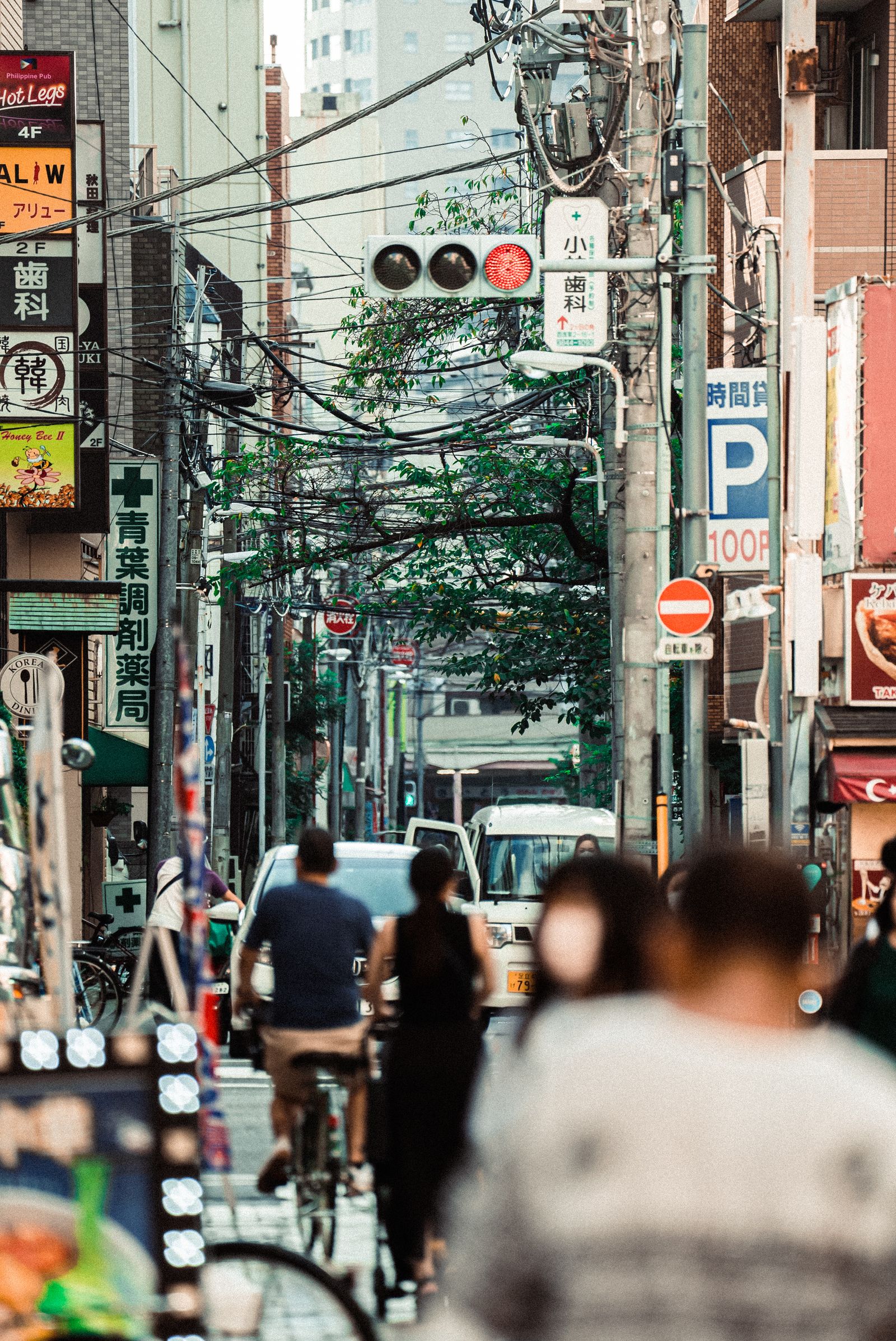
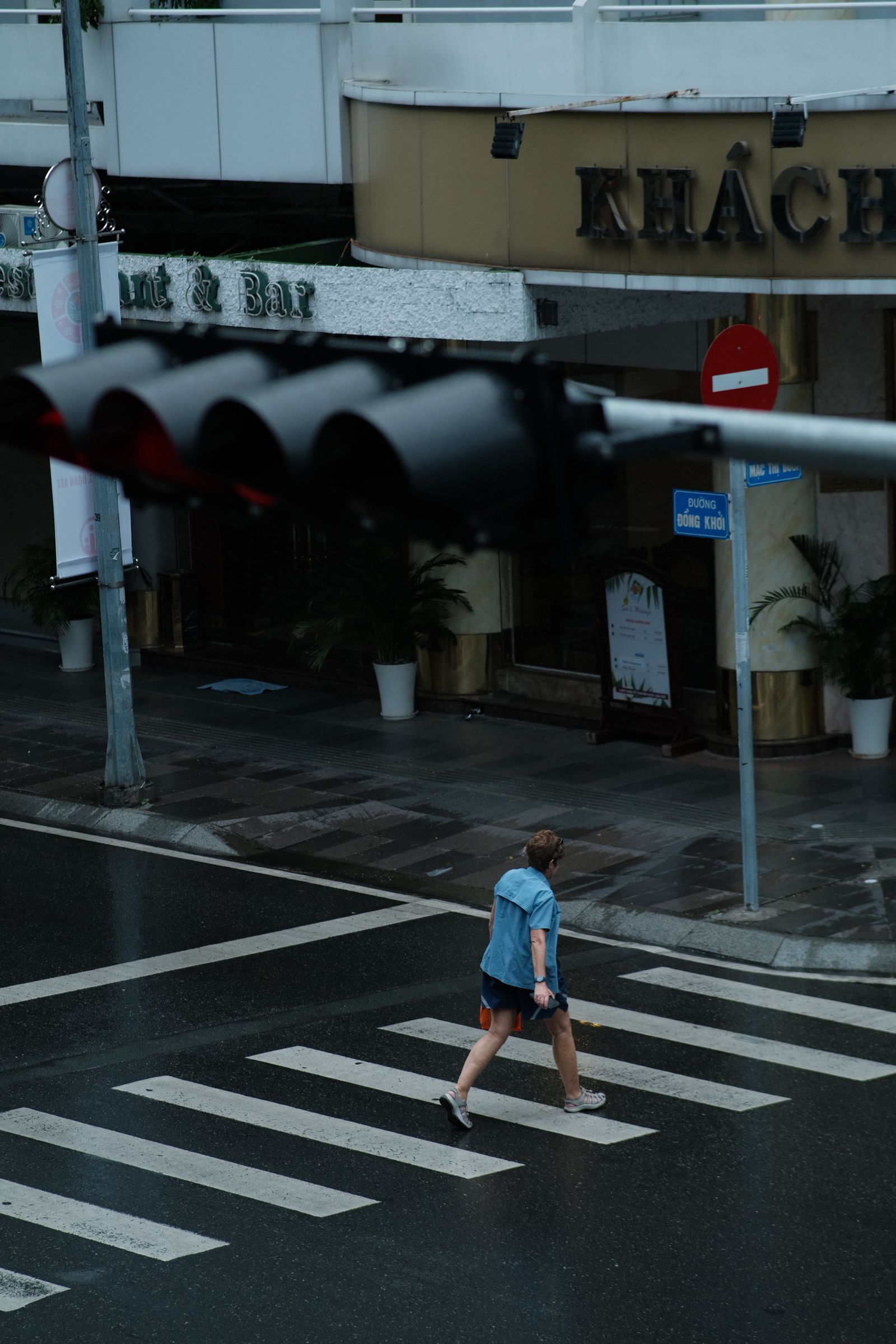
Affiliate disclosure: We may earn a commission from qualifying purchases through the Amazon and B&H links, at no extra cost to you. Settings are starting points based on Nikon’s published specifications, not hands-on testing with this body. Photos are illustrative street scenes from Pexels, not photographs made with this camera. Hero: Jimmy Chan / Pexels. Prices and stock can change.