Updated October 2026
Sony A7C II street settings are simple to set up and easy to forget about once you are walking. This is a full-frame, 33-megapixel body that weighs about 514 g with a battery and card, small enough to carry all day and quiet enough that people on the street rarely notice it. Set it once and you can spend your time looking at faces, light and doorways instead of menus.
This guide gives recommended starting points for street photography with the A7C II, from aperture and shutter speed to autofocus and silent shooting. We built it from Sony’s published specifications, not from a street session we shot with this body, so test each number on your own streets and adjust. If you are still choosing, see our best camera for street photography guide, or browse the full street photography section.
What the A7C II offers on the street
According to Sony’s A7C II specifications, the camera has approximately 33.0 effective megapixels, 5-axis in-body stabilization rated at up to 7.0 stops (CIPA), an ISO range of 100 to 51200 with Auto ISO of 100 to 12800, and a mechanical shutter to 1/4000 sec plus an electronic shutter to 1/8000 sec. Its autofocus recognizes human, animal, bird, insect, car, train and airplane subjects. Flash sync is 1/160 sec at full frame, and Sony lists continuous shooting up to 10 fps in the Hi+ mode.
 Save
SaveFor street work, the size and weight matter most, followed by the subject recognition that holds focus on a person walking toward you.
The starting recipe
| Setting | Starting point | Why |
|---|---|---|
| Aperture | f/5.6 to f/8 | Deep enough depth of field that you can shoot without refocusing |
| Shutter speed | 1/250 to 1/1000 | Freezes walking people; go faster for cyclists and traffic |
| ISO | Auto, 100 to 3200 | Keeps the shutter speed up as light changes between sun and shade |
| Focus area | Wide or zone, with human recognition on | Finds people quickly without placing a point |
| Focus mode | Continuous AF | Tracks someone moving toward you |
| Drive mode | Single, or low-speed continuous for action | Short bursts catch the best step or gesture |
| White balance | Auto | Handles shifting light between streets |
| File format | RAW, plus JPEG if you like | Room to recover shadows in Lightroom |
Aperture: f/5.6 to f/8 and pre-focusing
Street photography moves fast, so depth of field is your friend. At f/5.6 to f/8 with a 28mm to 35mm lens, a large part of the scene falls inside the zone of focus. You can pre-focus on a spot, such as a doorway or a pool of light, and wait for someone to walk into it. When the light is poor, open to f/2.8 and accept a thinner zone, but check your frames more carefully.
Wider apertures help when you want to isolate one person from a busy background. Use them on purpose, not by default.
Shutter speed: freeze the walk
People walking across the frame need about 1/250 sec to look sharp. Cyclists, kids and fast-moving traffic need 1/500 to 1/1000. Sony rates the in-body stabilization at up to 7.0 stops, which helps your own camera shake, but it does nothing for a moving subject, so keep the shutter up. If you want motion blur on purpose, slow down to 1/30 to 1/60 and pan with a walker or a bus.
ISO and Auto ISO
Street light changes every few steps, from bright sun to deep shade. In A mode, use Auto ISO with a tested ceiling, such as 3200 or 6400, and set ISO AUTO Min. SS to 1/250. Sony says this setting applies in P and A modes, and the shutter can still fall below it when the ISO ceiling is reached. Watch the actual shutter speed in the viewfinder. In M mode, set shutter speed to 1/250 or faster and choose your aperture directly, then use Auto ISO. Sony lists an Auto range of 100 to 12800, and you can limit it. At night, the ceiling matters more than the number, so pick the highest ISO whose noise you accept in a print or on your screen.
Autofocus: zone or wide, with human recognition
Sony lists subject recognition for people and several other subjects. For street photography, use continuous AF with a wide area or a zone area and human recognition on. The camera then picks up a face or an eye in the zone as someone steps in. In crowds, the camera may pick the wrong person, so switch to a smaller zone placed where you expect your subject.
If you prefer manual control, set the lens to a hyperfocal distance for your aperture and shoot without focusing. Many street shooters use that for candid work at 28mm or 35mm.
Silent shooting and the electronic shutter
Sony lists both a mechanical and an electronic shutter. The electronic shutter is silent, which is helpful in quiet places and for candid moments. It has limits: fast-moving subjects and artificial lights can show distortion or banding, so test it before you rely on it. In bright daylight with moving people, the mechanical shutter is the safer default.
Street photography with a full-frame sensor
The 33-megapixel sensor gives you room to crop, which is useful when you cannot get as close as you would like. A light crop to a 35mm frame lines up with what many street shooters do anyway. It also gives clean files at moderate ISO, so a dim street at dusk is workable if you keep the shutter fast and accept some grain. Remember that heavy cropping reduces detail, so frame carefully first and crop second.
Choosing a lens
A 28mm, 35mm or 40mm lens is the traditional street range. A small prime keeps the camera light and unobtrusive. A compact zoom gives you flexibility if you travel and shoot buildings as well as people. Pick the lens that suits how close you like to stand, and spend more on the lens than on any camera setting. Our composition guide covers framing street scenes.
Street photography in different light
- Bright sun: Look for open shade, doorways and strong shadows. Expose for the highlights and lift shadows later.
- Overcast: Soft light makes it easy to photograph faces. Raise ISO if needed to keep 1/250.
- Golden hour: Low sun creates long shadows and warm tones. Shoot toward the light for silhouettes.
- Night and rain: Wet streets reflect signs. Use Auto ISO up to your ceiling, open the aperture and use the stabilization for static scenes.
Hyperfocal starting points for a 35mm lens
If you want to shoot without focusing, set the lens to a hyperfocal distance. These are rough full-frame values for a 35mm lens, so check them against your own lens scale or an app before relying on them.
| Aperture | Focus distance | Approximate depth-of-field range |
|---|---|---|
| f/5.6 | About 7 m (23 ft) | 3.5 m to infinity |
| f/8 | About 5 m (16 ft) | 2.5 m to infinity |
| f/11 | About 3.6 m (12 ft) | 1.8 m to infinity |
Treat those distances as an approximate depth-of-field range, not a sharpness guarantee. Subject motion, focus errors and large prints can still reveal blur. Check a test frame at full size. This approach is easiest in good light, where you can hold f/8 and a shutter speed that suits the movement.
A simple one-hour street walk
- Pick one street or one block, not a whole district. Repetition helps you see.
- Set aperture f/8, Auto ISO with a minimum shutter speed of 1/250, continuous AF with human recognition on.
- Walk the block once without shooting. Note where the light falls and where people stop.
- Choose two or three backgrounds and wait at each for five minutes.
- Take bursts of two or three frames as people pass, then move on.
- Review at the end and note what you missed. Next time, change one thing.
Black and white and a street look
Many street photographers shoot RAW and convert to black and white later. This keeps your color data and lets you decide in editing. Look for contrast and shape: a strong shadow across a wall, a silhouette in a doorway, a face lit by a window. If you like seeing black and white while you shoot, set a monochrome picture style for the screen preview and keep shooting RAW so the color file stays intact.
 Save
Save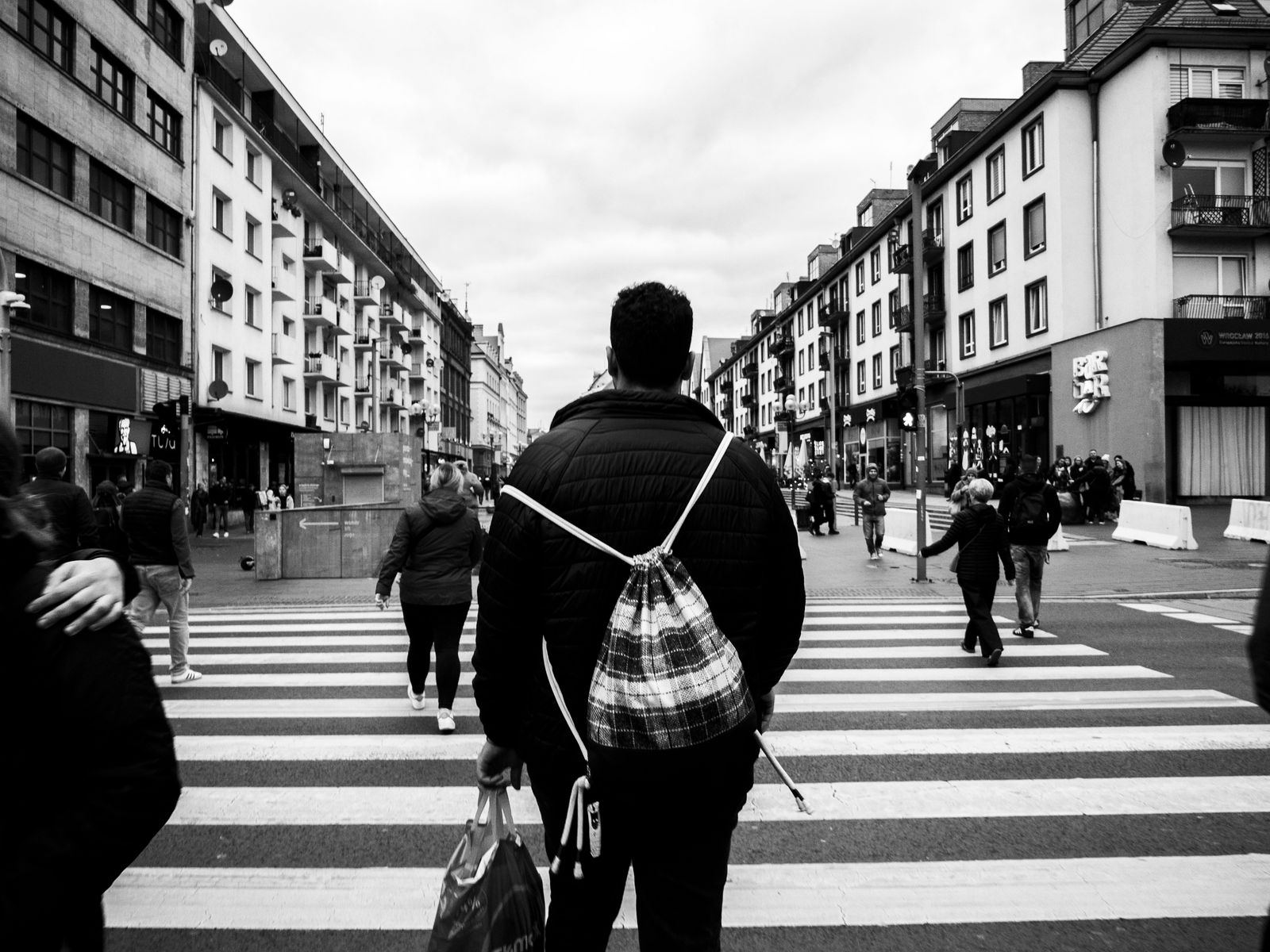 Save
SaveCarrying the A7C II all day
The point of a compact full-frame body is that you will actually bring it. Use a wrist strap or a thin sling so the camera stays ready at your hip. Keep one spare battery in a pocket. Turn off the screen preview when you can, since it saves power and keeps you looking at the street. Stay light, because tired photographers miss moments.
Project ideas to keep you shooting
- One street, four times of day
- Reflections in shop windows and puddles
- Hands: people at work, at markets and on phones
- Signs and light: neon, hand-painted lettering and shadows
- Layers: foreground, middle ground and background all telling the same story
Five minutes of setup before you leave the house
Most street frames are lost to settings you meant to change and did not. Do these checks at home, where nobody is walking past, and then leave the menus alone.
- Format a card and check the battery. A spare battery in your pocket costs nothing and saves a bad afternoon.
- In A mode, use Auto ISO and set ISO AUTO Min. SS to 1/250; watch for slower speeds when the ISO ceiling is reached. In M mode, set shutter speed to 1/250 or faster and choose the aperture directly, then use Auto ISO. Check subject motion rather than assuming either recipe guarantees a sharp frame.
- Pick your focus mode and area once. A wide or zone area with subject recognition on is a good default when people move through the frame quickly.
- Decide on shutter type. Silent mode is quiet but can distort moving subjects, so take a few test frames of traffic before you rely on it.
- Assign one custom button to the setting you change most, such as focus area or drive mode, so you can switch with your thumb without looking.
Take ten test frames on your own front step and look at them at full size. Check that the exposure looks right, that the eyes in a quick portrait are sharp, and that nothing is set to a mode you do not want. It is a short habit that pays off every walk.
Reading the street before you raise the camera
Settings only help if you are standing in the right place. Look for a background first, then wait for a person to enter it. A plain wall, a doorway or a patch of light gives you a stage, and the pedestrians who cross it become the subject.
Pay attention to where light falls. Narrow streets often have a strip of sun that lights faces for a few seconds, and the shaded side makes the exposure easy to judge. Meter for the lit face and let the rest fall away. If you shoot with Auto ISO, check the first frame in a new spot so the camera has not chosen a slow shutter speed.
Keep both eyes open if you can. The open eye sees who is about to walk into the scene, and you can press the shutter when they arrive instead of chasing them. Move your feet before you change your lens, because a few steps left or right often fixes a messy background.
Etiquette and approach
Laws and customs vary by place, so know the rules where you shoot. Smile, be open and show the photo if someone asks. Avoid photographing children or private moments without care. Work slowly and stay in one spot long enough that people forget you. A small camera helps, because it looks less like a job and more like a hobby.
Working a scene
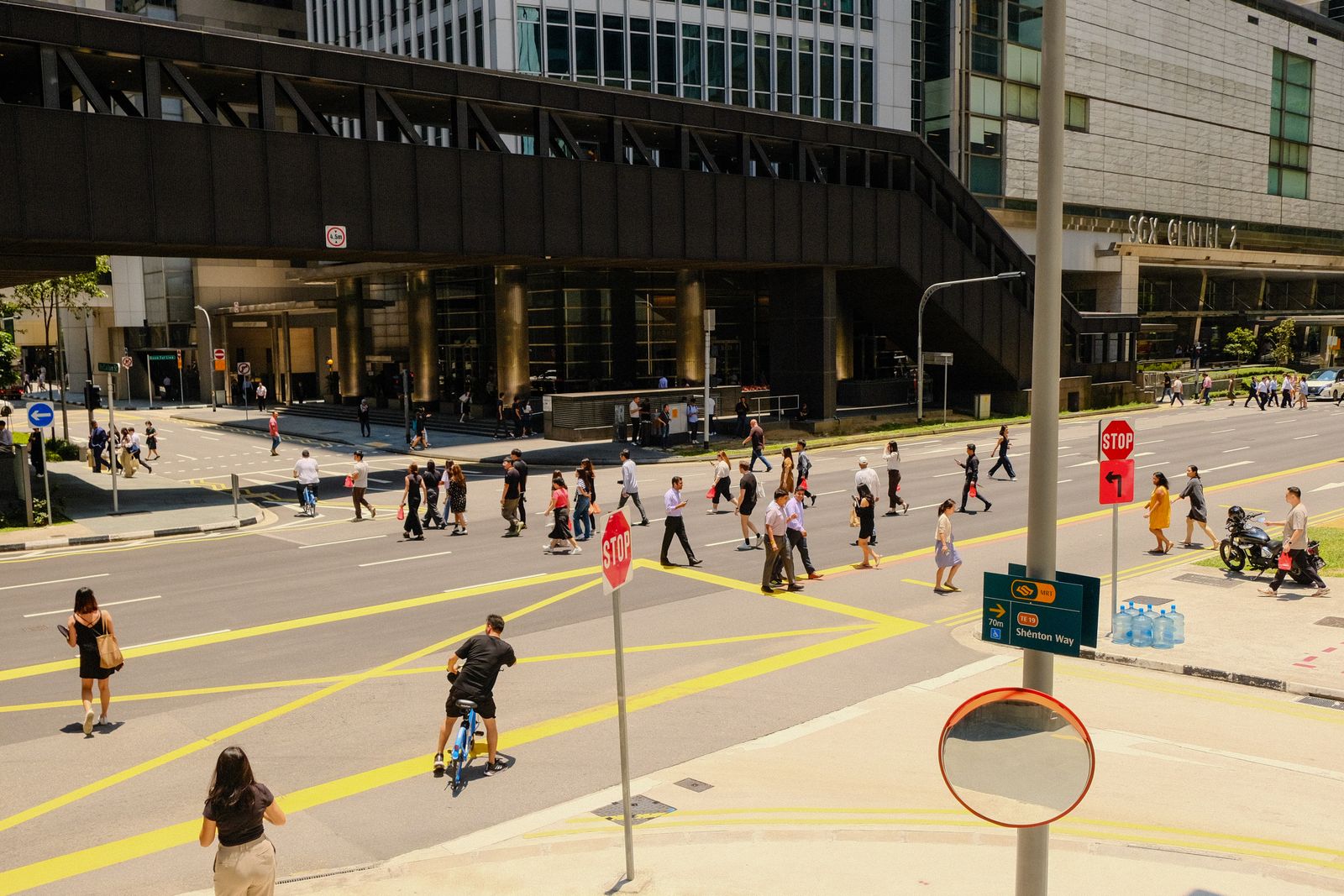
Find a background first, such as a mural, a window or a strip of light, then wait for a subject to enter it. Take several frames as people pass, because the best gesture is often a half second after the obvious one. Change your height and angle: crouch, step back, shoot through a window. Keep the horizon level and watch the edges of the frame for distractions like poles growing out of heads.
 Save
SaveEditing street photos
Keep editing simple. Fix exposure and white balance, pull back bright highlights, lift shadows a little and crop only if it improves the frame. Black and white suits street work because it removes color distractions and brings out shape and contrast. See our Lightroom guide for a clean workflow.
Mistakes to avoid
- Using a shutter speed under 1/125 on moving people
- Shooting at f/1.8 everywhere and missing focus
- Trusting the electronic shutter under artificial lights without testing
- Carrying too much gear and tiring before the light gets good
- Forgetting a spare battery
Street session checklist
- Aperture f/5.6 to f/8, Auto ISO with a tested ceiling, shutter 1/250 or faster
- Continuous AF with human recognition on, wide or zone area
- One small prime, 28mm to 40mm
- A spare battery and a spare SD card
- Comfortable shoes and plenty of time
For more, read our camera buyer guide and our travel photography guide.
Sony A7C II street photography questions
What aperture is best for street photography on the A7C II?
Start at f/5.6 to f/8 for a deep zone of focus. Open to f/2.8 in poor light or when you want to separate a subject from the background.
What shutter speed should I use for street photography?
Start at 1/250 for walking people and use 1/500 to 1/1000 for cyclists and traffic.
Is the A7C II good for street photography?
Its compact full-frame body, which Sony lists at about 514 g with battery and card, 33.0MP sensor and subject-recognition autofocus suit street work. We have not shot a street session with this body, so test it on your own streets.
Does the A7C II have a silent shutter?
Sony lists an electronic shutter up to 1/8000 sec. It is silent, but moving subjects and artificial lights can cause distortion or banding, so test it first.
What ISO range should I use for street photography?
In A mode, use Auto ISO and set ISO AUTO Min. SS to 1/250, with a tested ceiling such as 3200 or 6400. The shutter can still drop below that speed at the ISO ceiling. In M mode, set shutter speed and aperture directly, then use Auto ISO. Sony lists an Auto range of 100 to 12800.
Should I use a zoom or a prime for street photography?
A small prime from 28mm to 40mm keeps the kit light. A compact zoom is better if you also shoot buildings and travel scenes.
Want to go further? If you want structured street photography instruction beyond this guide, the ShutYourAperture Academy has a Street Photography course to build on these settings.
Gear box: the Sony A7C II for street photography
Sony A7C II, Sony E mount. This is the camera discussed above. Budget separately for a small prime lens, a spare battery and a UHS-II SD card.
Affiliate disclosure: We may earn a commission from qualifying purchases through the Amazon and B&H links, at no extra cost to you. Settings are starting points based on Sony’s published specifications, not hands-on testing with this body. Photos are from Pexels. Prices and stock can change.