Updated October 2026
Good video starts with sound, light and stable footage. The camera comes after that. Still, the body you pick decides how long you can record, how clean the footage looks and how much grading headroom you have.
The best camera for video in 2026 depends on whether you shoot interviews, travel, vlogs or short films. We compare three full-frame bodies that take different approaches: the Canon EOS R6 Mark III for a hybrid photo and video kit, the Panasonic Lumix S5 II for long-take shooting and the Sony ZV-E1 for a compact creator setup.
 Save
SaveWhat matters for video
Check recording limits and heat first, then stabilization, autofocus for moving subjects and codec options. Look at the card slots and ports too: a camera that takes a microphone and headphones makes better audio easier. Rolling shutter and low-light performance decide how usable fast pans and dim rooms are.
Spend on audio and light before you spend on a more expensive body. A cheaper camera with a good microphone beats the reverse.
Canon EOS R6 Mark III: the hybrid pick
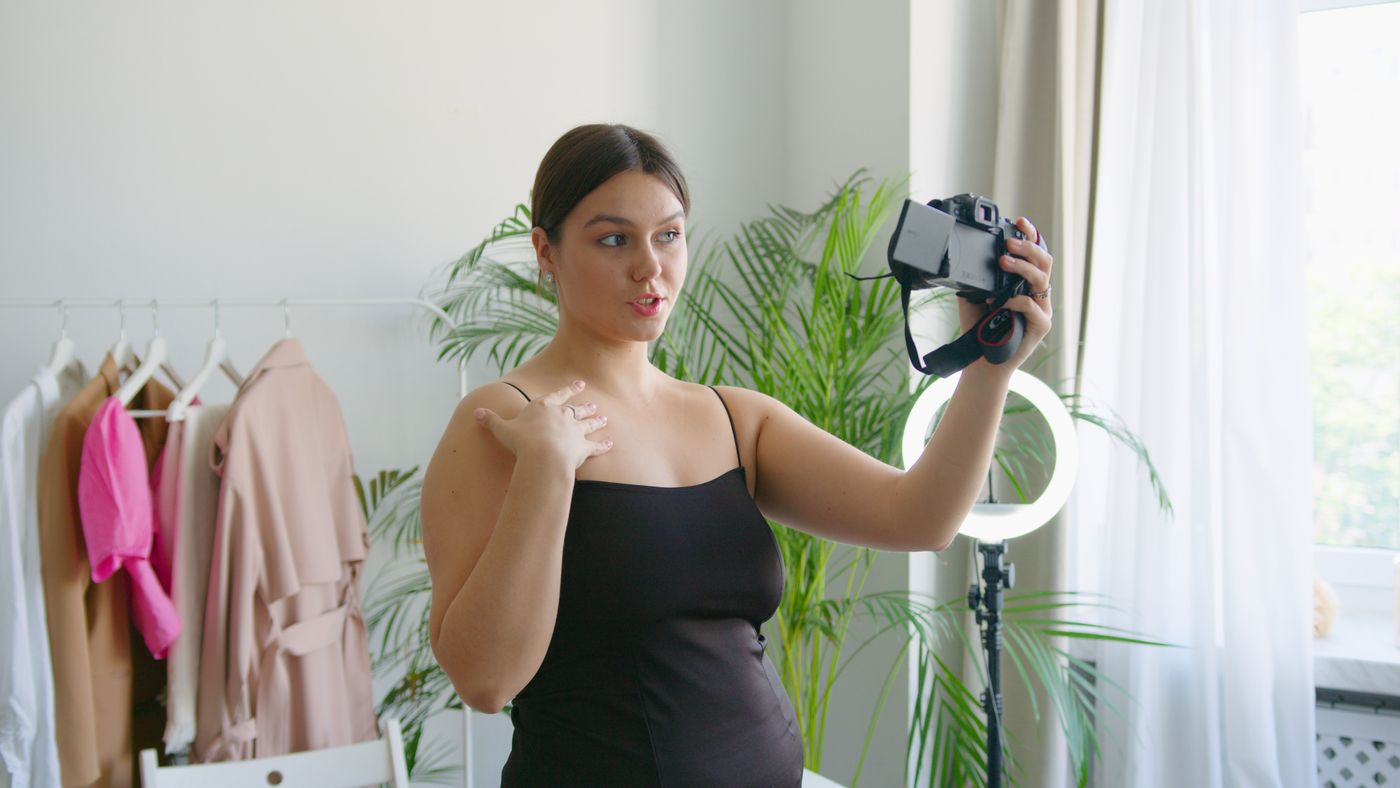
Canon’s official R6 Mark III specifications list up to 7K RAW video, an Open Gate recording mode and 4K MP4 options, alongside approximately 32.5 megapixels for stills. It suits you if you shoot both photos and video and already use Canon RF lenses. Check recording limits and card requirements for the modes you plan to use.
 Save
SavePanasonic Lumix S5 II: the long-take shooter
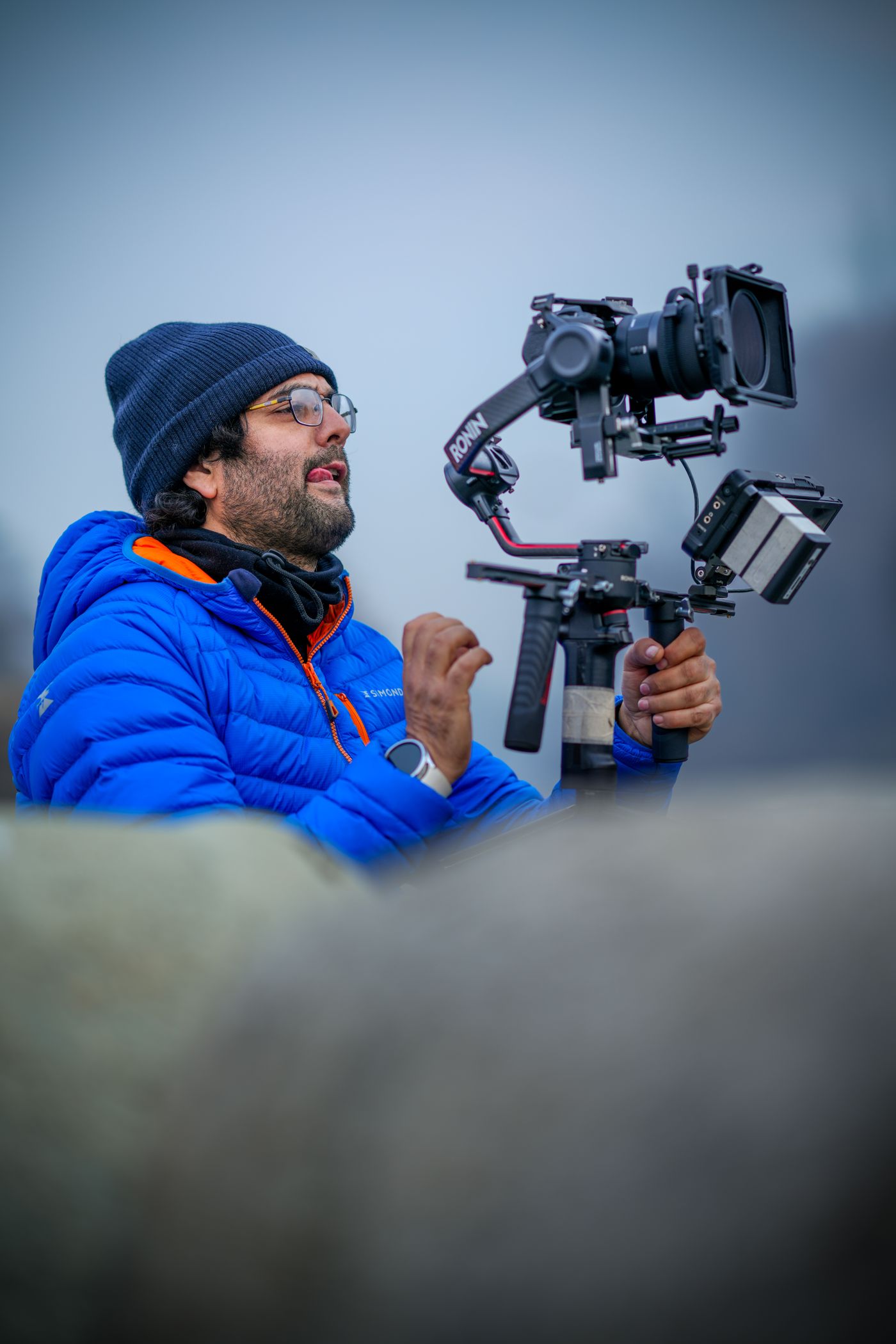
Panasonic’s official S5 II page lists a 24.2 MP sensor, Active I.S. for walking shots, C4K and 4K 60p 4:2:2 10-bit recording described as unlimited and V-Log. The body weighs 657 g with card and battery. It suits you if you shoot interviews, events or documentary work where you roll for a long time.
 Save
SaveSony ZV-E1: the compact creator camera
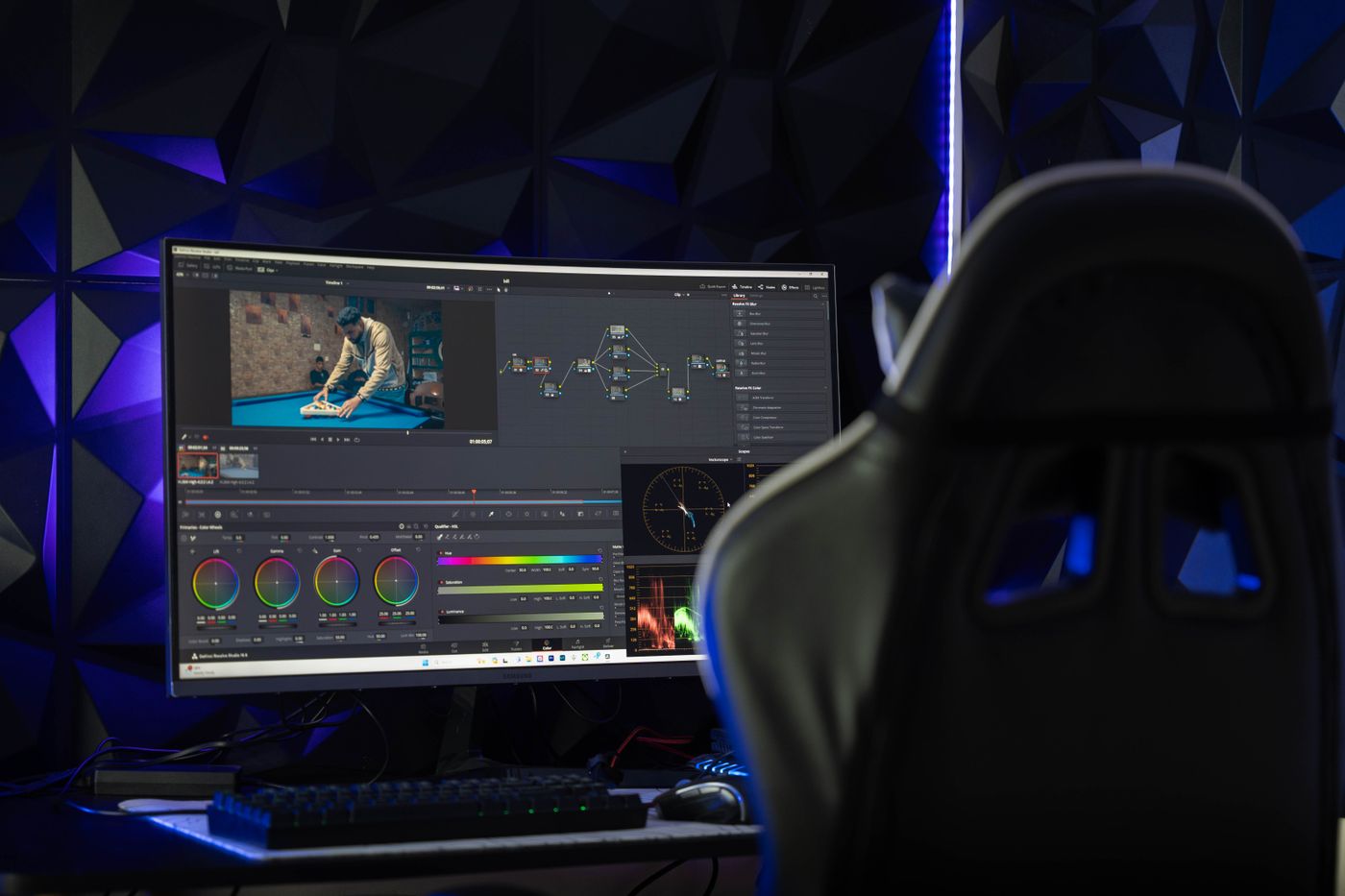
Sony’s official ZV-E1 specifications list approximately 12.1 megapixels for stills, 4K 4:2:2 10-bit recording up to 59.94p in XAVC HS and a single SD slot. A small body and a lower-resolution sensor suit solo creators who film more than they shoot stills. It is not the choice if you also need high-resolution photos.
 Save
SaveThe three cameras side by side
These figures come from each maker’s published specifications. Recording limits, heat behavior and codec options can change with firmware and settings, so check the maker’s page for the exact mode you plan to use.
| Canon EOS R6 Mark III | Panasonic Lumix S5 II | Sony ZV-E1 | |
|---|---|---|---|
| Sensor | Full frame, about 32.5MP | Full frame, 24.2MP | Full frame, about 12.1MP |
| Top video | 7K RAW Light up to 59.94p, Open Gate up to 7K 29.97p | C4K and 4K 60p/50p 4:2:2 10-bit, listed as unlimited recording | 4K up to 59.94p in XAVC HS, 4:2:2 10-bit |
| Stabilization | Up to 8.5 stops (center) | Active I.S. for walking shots | Up to 5.0 stops (CIPA), with Dynamic active mode in movies |
| Card slots | CFexpress Type B + UHS-II SD | See Panasonic’s specifications | One SD UHS-I/II |
| Weight | See Canon’s specifications | 657 g body only | See Sony’s specifications |
| Audio and ports | See Canon’s specifications | See Panasonic’s specifications | 3.5 mm mic and headphone jacks, HDMI micro |
Sources: Canon EOS R6 Mark III, Panasonic Lumix S5 II and Sony ZV-E1.
Recommended starting settings for video
These are starting points from the makers’ specifications, not results from a shoot with all three cameras. Test them with your own subject and light.
| Setting | Starting point | Why |
|---|---|---|
| Frame rate | 24p for a film look, 30p for talking heads, 60p for slow motion | Match the look you want and your delivery format |
| Shutter speed | Double the frame rate: 1/50 at 24p, 1/60 at 30p, 1/120 at 60p | Natural motion blur |
| Aperture | f/2.8 to f/5.6 | Balance subject sharpness and background blur |
| ISO | Base ISO or the camera’s native ISO, raised only as needed | Clean footage with room to grade |
| Exposure | Manual, with an ND filter outdoors | Keeps shutter speed fixed |
| White balance | Fixed, not auto | Stops color shifts mid-clip |
| Color profile | Standard for fast delivery, log if you will grade | Log gives more headroom but needs more work |
| Focus | Continuous AF with face or eye detection | Tracks a moving subject |
Audio comes first
Viewers forgive soft footage faster than bad sound. Use an external microphone close to the speaker, such as a shotgun mic on the camera or a lavalier on the subject. All three bodies need you to check the maker’s specifications for mic and headphone connections, and Sony lists 3.5 mm jacks for both on the ZV-E1. Monitor your levels with headphones, set levels so loud peaks stay out of the red, and record a few seconds of room tone before each shoot.
Light the subject, not the room
A single soft light from the side of your subject beats a bright overhead room light. Place a window or a softbox at a 45-degree angle, add a reflector on the other side and keep the background darker than the face. Match the color of your lights, and avoid mixing daylight with warm bulbs. Good light lowers ISO, which lowers noise and keeps footage easy to grade.
Stabilization and movement
In-body stabilization smooths small shakes, but it does not replace a tripod, a gimbal or good technique. Canon lists up to 8.5 stops on the R6 Mark III, Sony lists 5.0 stops on the ZV-E1 and Panasonic lists Active I.S. for walking shots on the S5 II. For interviews, use a tripod and turn stabilization off or to its mildest mode. For walking shots, turn on the strongest mode, use a wide lens and bend your knees to soften your steps.
Recording limits, heat and cards
Long takes can run into recording limits, heat or card speed. Panasonic lists C4K and 4K 60p/50p 4:2:2 10-bit recording as unlimited on the S5 II. Canon’s high-end modes, such as 7K RAW Light, need fast cards, and Canon lists a CFexpress Type B slot for that reason. Sony lists a single SD slot on the ZV-E1. Before you rely on any camera for an hour-long event, run a test at your settings and room temperature, and carry spare batteries.
Autofocus for video
Sony lists subject recognition for movies on the ZV-E1, and Canon and Panasonic offer subject tracking as well. For interviews, use face or eye detection with continuous AF and set the transition speed so the focus does not hunt. For b-roll, switch to manual focus when the scene is simple, so the camera does not pull focus on its own. Keep focus pulls slow and deliberate, and practice a few times before the shot.
Lenses for video
- A 24-70mm f/2.8 covers most interviews and events.
- A 16-35mm or 20mm prime suits vlogs and small rooms.
- A 50mm f/1.8 or an 85mm f/1.8 gives a soft background for portraits and interviews.
- A 70-200mm helps at events when you cannot get close.
Check that your lens has quiet autofocus and little focus breathing, which is a change in framing as you focus.
Editing and color
If you shoot log or RAW, plan time for color grading and a computer that can play the files. Standard profiles are easier and faster for web video. Make a simple workflow: sync audio, cut the story, fix color, mix sound and export. Our camera buyer guide helps you compare bodies, and our Lightroom guide covers the stills side of your workflow.
Common video mistakes
- Using auto white balance and getting color shifts
- Letting the shutter speed drift and getting choppy motion
- Skipping external audio
- Recording log without a plan to grade it
- Not testing recording time and heat before a long event
Video camera questions
What is the best camera for video in 2026?
It depends on the work. The R6 Mark III suits hybrid photo and video, the S5 II suits long takes, and the ZV-E1 suits compact solo creators.
What shutter speed should I use for video?
Double the frame rate: 1/50 at 24p, 1/60 at 30p and 1/120 at 60p.
Do I need a log profile?
Only if you plan to grade. Standard profiles are faster for quick delivery.
Does the Panasonic S5 II have a recording limit?
Panasonic lists its C4K and 4K 4:2:2 10-bit modes as unlimited, but test your settings and heat conditions before a long event.
Is a 12MP camera good for video?
Yes. The ZV-E1 records 4K from about 12.1MP, but it is not the right pick if you need high-resolution photos too.
Who should buy which camera
The Canon EOS R6 Mark III suits you if you shoot photos and video with the same body and use Canon RF lenses. Canon lists 32.5 megapixels, high-end RAW video modes and a dual card setup. It costs more than the other two, and the highest modes need fast cards and a plan for large files.
The Panasonic Lumix S5 II suits long takes such as interviews, events and documentary work. Panasonic lists unlimited recording in its C4K and 4K 4:2:2 10-bit modes, Active I.S. and a 657 g body. It is a strong value for people who care more about video than stills.
The Sony ZV-E1 suits solo creators and vloggers who want a small full-frame body. Sony lists about 12.1 megapixels, 4K recording up to 59.94p and a vari-angle screen. The lower resolution is not a problem for video, but it limits how far you can crop stills.
A simple one-camera shoot
- Pick your frame rate and set the shutter to double it.
- Fix white balance for your light, and set exposure manually with an ND filter outdoors.
- Place a microphone close to the speaker and set audio levels with headphones on.
- Light your subject from the side with a soft source and darken the background.
- Record a short test clip, check focus, color and sound, and fix any problem.
- Shoot a wide, a medium and a close-up angle so you have cutaways when you edit.
Budget: what to buy beyond the camera
A good tripod, a microphone and a light usually add up to as much as the camera difference between two models. Buy sound first, then light, then a fast zoom or two primes, then fast cards and spare batteries. A cage or a rig helps if you add monitors and microphones. Used lenses and lights stretch a budget, and renting lets you try an expensive item before you commit to it.
How to choose
Pick the R6 Mark III if you need strong photos and video from one body. Choose the S5 II for long recording sessions and a lower price. Take the ZV-E1 if you want a small camera for solo shooting. Hold the final choice until you have tested the files on your editing computer.
Rent your top choice for a weekend, shoot a real project and edit it before buying. Then add a microphone, a tripod and a light.
 Save
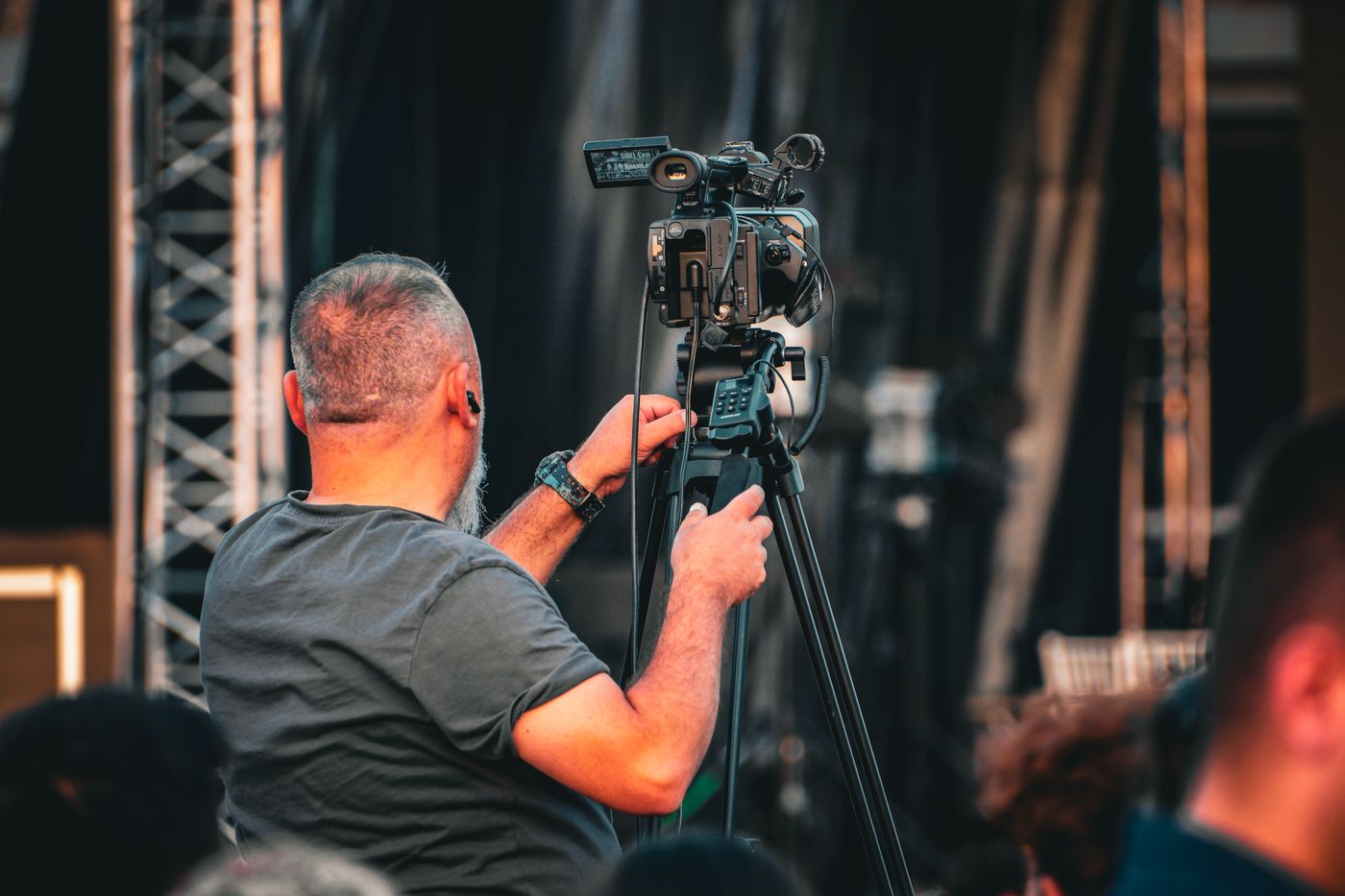
SaveWhatever you pick, shoot a short real project before you commit. A weekend rental, a simple interview and a quick edit will show you more about heat, sound, focus and file size than any spec table. Keep notes on what worked, and use them to choose your next lens or light.
Want to go further? The ShutYourAperture Academy’s Introduction to Videography (10 modules, 44+ lessons) is built to help you capture motion and tell stories.
Gear box: the three cameras
- Canon EOS R6 Mark III on Amazon | on B&H
- Panasonic Lumix S5 II on Amazon | on B&H
- Sony ZV-E1 on Amazon | on B&H
Affiliate disclosure: We may earn a commission from qualifying purchases through the Amazon and B&H links, at no extra cost to you. Guidance is based on published specifications and reviews, not hands-on testing; photos are illustrative, and prices and stock can change.