Updated October 2026 | By Edin Chavez, owner of Edin Studios
Disclosure: I am an Aftershoot affiliate. If you start a plan through my links, I may earn a commission at no extra cost to you. Check the offer and billing terms shown at checkout; I am not promising a particular discount.
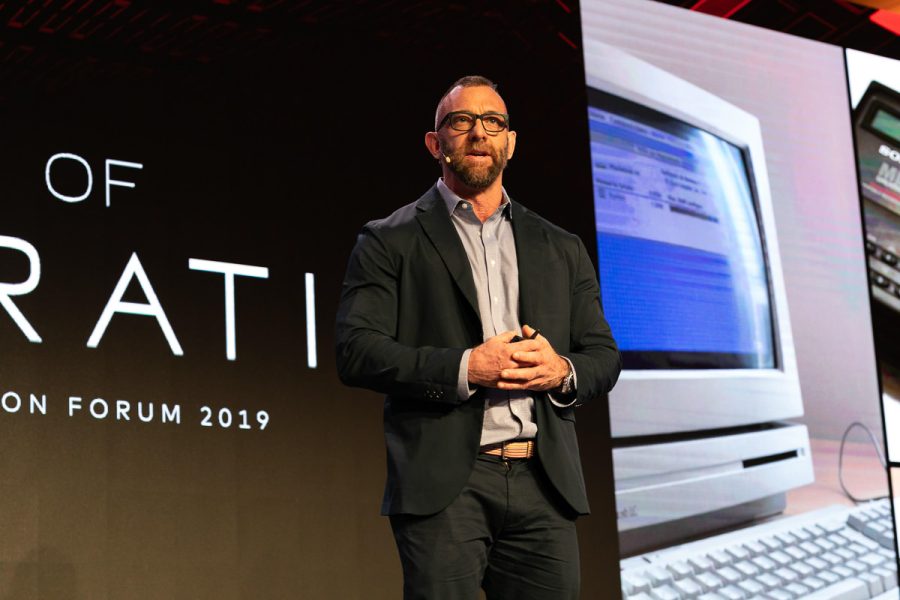
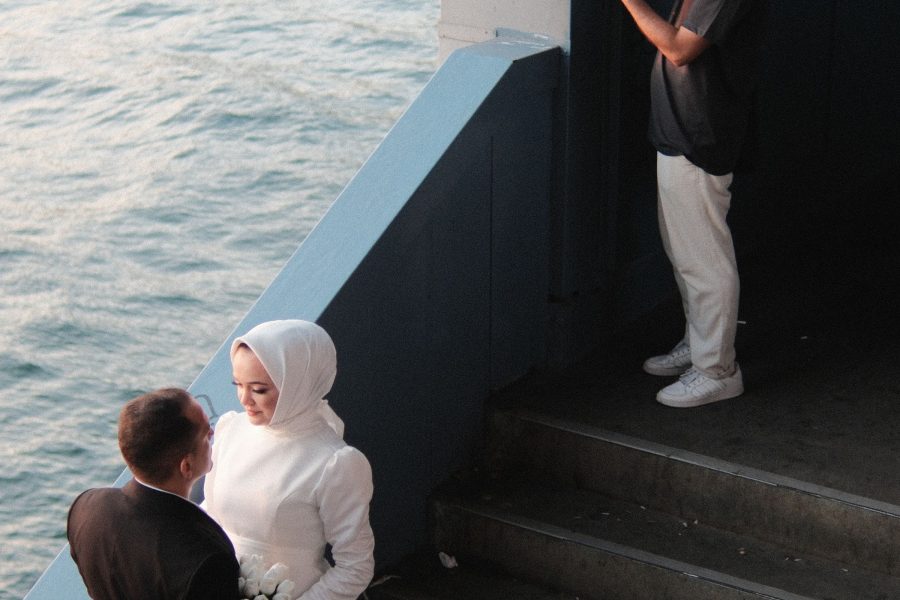
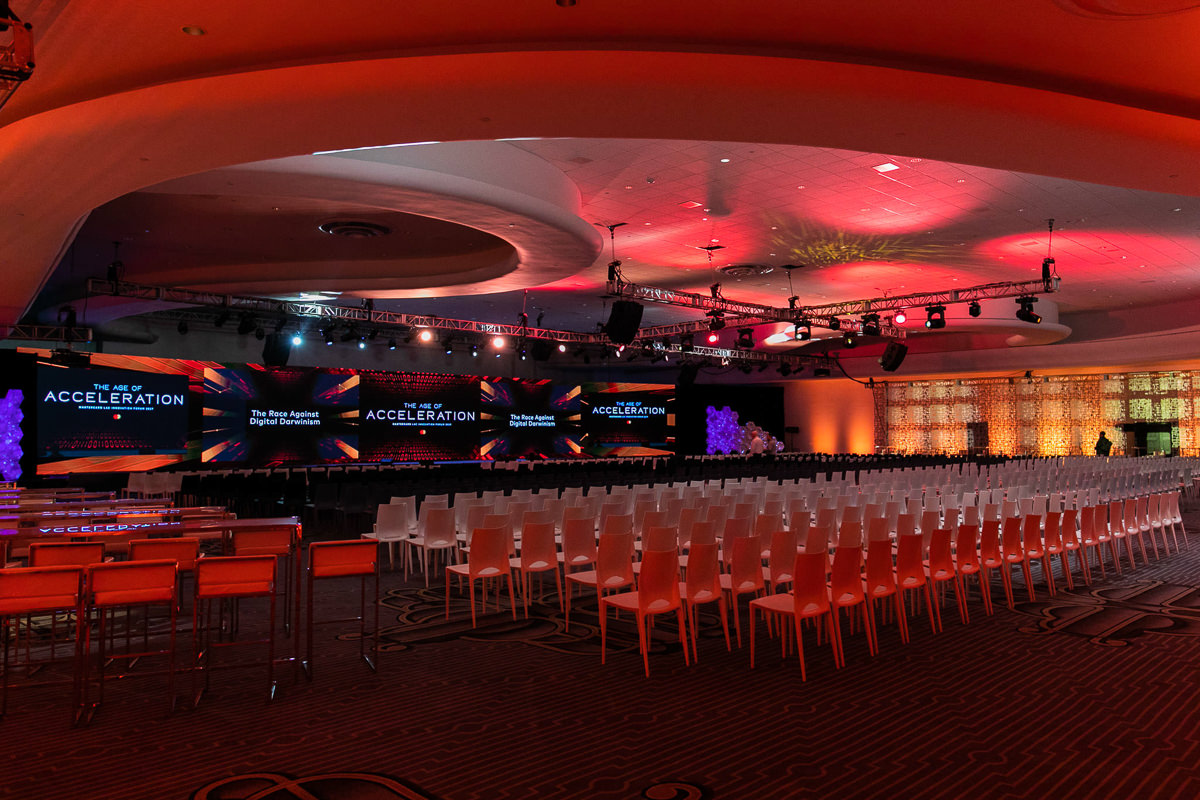
At an event, the clock is part of the job. The CEO wants a few frames for LinkedIn before the dinner ends. The client’s social team needs content while the hashtag is still trending. The bride’s sister wants to post a photo before midnight. “Within two weeks” is a fine delivery promise for a wedding gallery, but for events it is often the wrong answer. Speed is a service you can sell, and the photographers who can deliver it win repeat business.
This guide walks through a same-day and next-day delivery workflow for corporate events, conferences, parties, and similar shoots, built on AI culling, editing, and gallery tools. I will keep the claims about Aftershoot tied to the company’s own pages.
Fast delivery also builds trust. A client who gets a handful of strong images within hours knows you are on top of things. Keep that promise realistic, and make the full-gallery deadline just as clear.
 Save
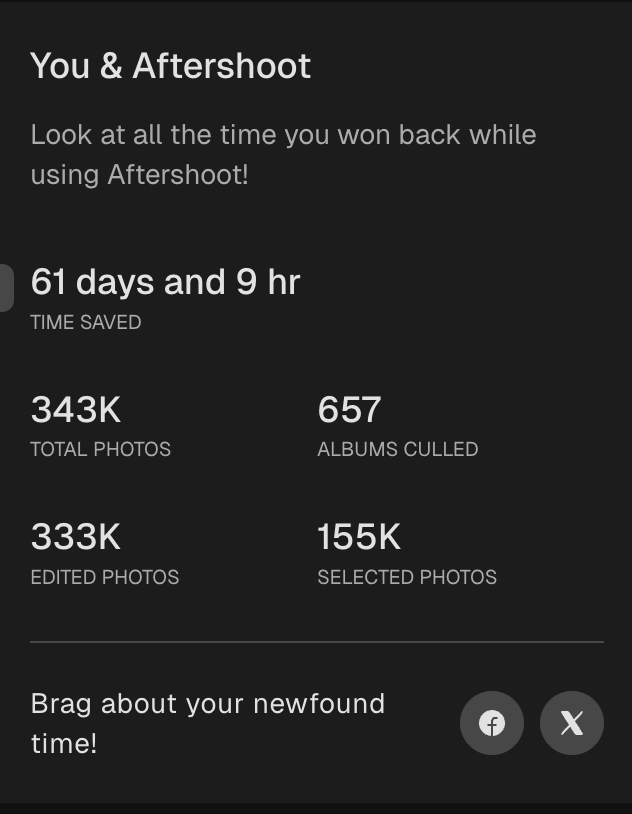
One honest note: I am describing a workflow plan built on documented features. The numbers above are real, but I am not going to invent a stopwatch result like “I delivered 40 photos in 12 minutes.” Test the timings yourself on your own gear and your own event types.
Table of Contents
- Why fast delivery wins events
- Three delivery tiers
- Prep before the event
- On-site: building the fast lane
- Culling fast
- Editing fast
- Highlights and sneak peeks
- Delivering fast
- Pricing speed
- Risks and how to manage them
- Questions event photographers ask
Why fast delivery wins events
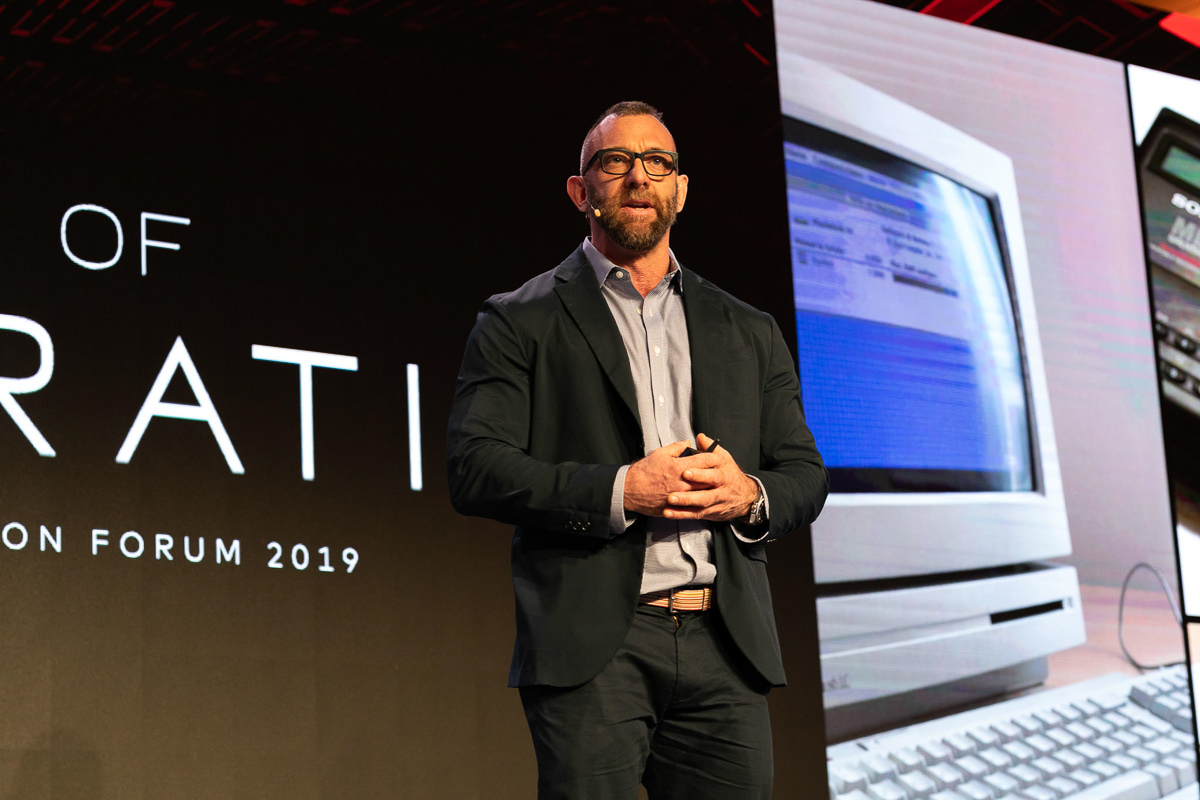
Event photos have a short shelf life. A photo posted the same night gets reposted, tagged, and shared. A photo posted two weeks later gets a polite like. For corporate clients, the value is in the moment: social posts, internal updates, press mentions, and sponsor thank-yous all happen during or right after the event.
Fast delivery also builds trust. A client who gets a handful of strong images within hours knows you are on top of things. Keep that promise realistic, and make the full-gallery deadline just as clear.
 Save
Three delivery tiers
Split delivery into three separate promises, each with its own workflow.
Tier 1: Live or same-night sneak peeks. 10 to 30 images, lightly edited, delivered during or shortly after the event. Built for social and press.
Tier 2: Next-day highlights. A few dozen to a couple hundred strong images, properly edited and retouched. Built for the client’s follow-up communications.
Tier 3: Full gallery. The complete deliverable set on your standard timeline, whether that is a few days or a couple of weeks.
Tiers 1 and 2 are where AI helps most, because they depend on getting through a lot of images quickly without losing quality.
Prep before the event
Fast delivery is decided before the event starts. Here is what to set up.
- Agree on what “same-day” means. In writing, with the client: how many images, by what time, for what use. A vague promise is how you end up editing in a hotel lobby at 2 AM.
- Know the must-have moments. Keynote speakers, award handoffs, sponsor logos, big-name guests. Have a list so you know what the fast set must contain.
- Prepare your editing profile. If you use AI editing, train and test your profile before the event, not during it. See our guide on AI photo editing for photographers.
- Set up your gear for speed. A laptop that can handle the load, fast card readers, a fast external drive, and charged batteries.
- Plan your internet. If you need to upload from the venue, check the Wi-Fi in advance or bring a hotspot.
 Save
On-site: building the fast lane
You cannot cull during the shoot with your hands full of camera, so the fast lane is about swapping cards and using breaks. Many event photographers use a short window, such as a break between sessions or dinner, to offload a card and start processing while the second shooter or their own second card keeps capturing.
A few habits help:
- Shoot in a way that makes culling easier. Fewer redundant bursts means less to sort.
- Rotate cards at natural breaks so you always have a completed batch ready to process.
- Always copy to two drives before you start processing, even under time pressure.
- Keep a short “must deliver” list in your notes as you shoot.
Culling fast
Aftershoot says its Select tool picks keepers, groups duplicates, and flags blur using 30+ factors. That helps narrow a large folder, but it does not know the event brief. Review the people, logos and moments that matter to your client. Neither a vendor speed comparison nor my app counter establishes how long your event will take.
For fast delivery, I would set it up this way:
- Cull in batches. Process a card or a session at a time rather than waiting for the whole event.
- Use a target. With Cull to Target, you set the photo count before you cull. For a sneak-peek tier, that count might be small and tight. See our guide to Cull to Target.
- Review the Selections first. Do not bother with the rest of the pile until the fast set is out the door.
- Use Survey Mode for key moments. Compare up to 16 images of the keynote or award moment and pick the winner quickly.
- Come back for the rest later. The full cull of For Review and the leftover frames can wait for the next tier.
Since processing runs locally and works offline, per the company’s pages, you are not waiting on venue Wi-Fi to cull.
 Save
Editing fast
Same-day editing is not the time to start from scratch. Apply your trained profile to the selected frames and then check them. With Aftershoot’s editing, the AI analyzes each image and applies your style based on its attributes, and you can fine-tune the RAW files without leaving the app. Smart cropping, straightening, and masking tools are also listed on the editing page for quick cleanups.
The checks I would never skip on a fast edit:
- Skin tones on every face in the set
- Horizons and verticals, especially on stage and venue shots
- Any visible text, such as sponsor logos or slides, for sharpness and correctness
- A quick look at the background for distracting items
For headshot and portrait moments at the event, light retouching can be batched. Keep it subtle and check every face before sending; a same-day deadline does not justify changing somebody’s appearance without the client’s agreement.
Highlights and sneak peeks
Aftershoot says it rebuilt how its Highlights feature picks your best shots more accurately, so you can get to delivering the first look to your clients faster. That fits the sneak-peek tier directly. If you try it, treat the Highlights as a shortlist, not a final answer, and still make the last call yourself.
A good sneak-peek set has range:
- A wide frame that sets the scene and shows the venue
- The key moment, such as the speaker, the award, or the toast
- Two or three candid, emotional crowd shots
- A detail or branding shot the client will want
- One or two portraits of the most important guests
Keep it to a number the client can use. Ten great images posted fast beat fifty so-so ones.
Delivering fast
Culling and editing are only half of fast delivery. You also need a way to get images into the client’s hands. Options include a shared cloud folder, a gallery link, or direct file transfer, depending on the client’s preference.
Aftershoot has a gallery product too. Its Galleries page lists faster uploads, client proofing, face detection, a print store, and an edit-to-delivery flow, and says you can create and share galleries directly without exporting and re-uploading. It also says clients can find their own photos with face-based filtering and keyword search. The page describes its pricing as a launch preview available for a limited time, and says you can start with 10 GB free, so check the Galleries page for current details. If your client already has a preferred delivery platform, use that one. The tool should fit the client, not the other way around.
Pricing speed
Speed has value, and you should charge for it. Some ways photographers do this:
- Include a small same-day set in higher packages.
- Offer a rush add-on with a clear flat fee.
- Set a firm limit on the number of rushed images, so the promise stays realistic.
As checked in October 2026, Aftershoot lists Select at $10/month billed annually ($120/year), Edit at $30/month ($360/year), Retouch at $20/month ($240/year), and Complete at $45/month ($540/year). Those are annual-billing equivalents, not month-to-month prices. Its pricing-tiers page lists monthly billing at $15, $35, $25 and $55 respectively. Individual workflows are separate subscriptions; do not assume Edit includes Select. Aftershoot says there are no per-image fees. Check the current pricing page and checkout before choosing a plan. Galleries has its own storage and launch-pricing terms, so do not confuse unlimited processing with unlimited free gallery hosting.
A same-day handoff plan you can rehearse
Work backward from the promised handoff, not from a theoretical processing speed. If the client needs a first set before the closing reception, identify the last usable break and reserve time for copying, checking, exporting and uploading. AI is one part of that chain. A quick cull cannot rescue a folder that takes too long to upload, or a gallery link that nobody can open. Rehearse the complete handoff with a representative batch before selling it as a service.
Keep one folder for the first delivery and another for the complete event. Use a clear event name and date so a second shooter cannot accidentally add frames from another job. Mark delivered files in your catalog or notes. Later, when you build the full gallery, you can avoid sending a different version of the same portrait without explaining it. Consistent filenames also help the client’s social team request a replacement crop without describing a thumbnail over the phone.
Copy the originals first and verify the copies before reusing a card. A second location should be independent of the working drive: another drive or a properly checked backup, not two folders on the same device. Keep cards intact until your backup process is complete. Under time pressure, the dangerous shortcut is often storage rather than editing. No app counter or delivery deadline makes an unverified copy safe.
Separate the brief from the algorithm
A technically sharp photograph is not automatically the right photograph. A sponsor may need a particular logo, the organizer may need a named guest, and an award handoff may matter more than a cleaner frame from seconds later. Put those requirements into the review checklist. AI can narrow repeated frames; you still own the story. If the event has restrictions on badges, minors or confidential slides, apply them before a shortlist becomes a client-facing gallery.
For each must-have moment, compare the expression and gesture as well as sharpness. Check the speaker’s face at useful magnification, make sure hands do not cover the award, and read the screen behind them. If no frame meets the brief, do not silently substitute a flattering but unrelated candid. Tell the client what you have and keep the fast set honest. Ten usable images with the right coverage can be worth more than a larger set that misses the announced moment.
Different light needs different attention. A tungsten dinner, a daylight foyer and a magenta stage can all occur in the same job. Check a sample from each lighting group before approving a batch. An AI profile should support the intended look, not turn every scene into identical white light. Keep stage color when it belongs to the atmosphere, but check skin and important product colors where accuracy matters.
Test the export and the recipient’s experience
Ask the client what the first delivery is for. A social team may want web-ready JPEGs; a press contact may require a higher-resolution file. Agree on size, crop and permitted use rather than sending the largest export by habit. Keep a separate full-resolution master so a quick social crop does not become the only finished version. Avoid baking an aggressive crop into every image simply because one channel prefers vertical posts.
Open the exported files, not just the previews inside the editor. Look for a wrong preset, missing logo, unusual sharpening, unexpected color shift or an export that omitted a file. Then test the actual gallery or folder link on a phone as a recipient. Make sure the client can download what you promised and that the link does not expose another event. If a password is required, confirm the handoff route with the client beforehand.
Have a fallback that does not depend on a new account or unfamiliar platform at the venue. If uploads stall, send a smaller agreed first set through the client’s approved route and explain when the remainder will arrive. Do not replace a private delivery with a public link just to beat the clock. The same-day promise is about useful access, not merely starting an upload before midnight.
Risks and how to manage them
Quality slips under time pressure. Keep the sneak-peek set small and the review checks short but real.
Data loss. Never skip the double backup, however tight the clock.
Overpromising. A client who hears “same-day” may expect the whole gallery. Say clearly what arrives when.
Gear or battery failure. Have a backup plan for the laptop and power.
Privacy and permissions. Some events restrict what can be shared and when. Check the contract and the client’s rules before sending anything out.
Want a faster edit without losing control of your color? My Complete Lightroom Editing Course at ShutYourAperture Academy offers instruction for deliberate color decisions and a repeatable Lightroom workflow. Learn to judge skin tones, contrast and consistency yourself so AI supports your look rather than choosing it for you.
Questions event photographers ask
Can I really deliver photos the same day?
Yes, if you plan for it. AI culling and editing shorten the middle of the workflow, but prep, backups, and clear scope are what make it reliable.
How fast can AI culling run?
Aftershoot processing speed depends on the computer, files and album. Test a representative batch and include human review, export and upload time before promising a delivery deadline.
Does it work without internet at the venue?
Per Aftershoot, processing is local and works offline. Uploading to a gallery still needs a connection.
What is the Highlights feature?
Aftershoot describes it as picking your best shots, rebuilt to be more accurate so you can deliver the first look to clients faster.
Should I edit sneak peeks heavily?
No. Keep edits light and consistent, then do the full pass later.
What does the software cost?
Annual-billing equivalents are $10/month for Select, $30 for Edit, $20 for Retouch and $45 for Complete. The pricing-tiers page lists month-to-month billing at $15, $35, $25 and $55 respectively. Galleries terms are separate. Check checkout for current pricing.
Do I need to use Aftershoot Galleries?
No. You can deliver any way your client prefers. Aftershoot exports to Lightroom Classic and Capture One, and you can use any delivery tool you like.
Have you tested a specific same-day timing?
I use Aftershoot daily for event photography at Edin Studios, but I have not published a stopwatch result for a specific delivery, so I am not going to invent one. Measure your own.
The bottom line
Fast delivery turns an event gallery into a service. Plan the tiers, prep before the event, cull in batches, edit light, check what matters, and deliver a tight set while the moment is still alive. The 30-day free trial is a low-risk way to test whether AI culling fits your event workflow. For the full cull-to-edit pipeline, start with how to cull wedding photos faster, since the same principles apply to events.
Storage for the same-day fast lane
The Samsung T7 Shield 1TB portable SSD is one specific option to compare for a laptop-based event workflow. B&H lists USB 3.2 Gen 2 Type-C connectivity and up to 1,050 MB/s read speed. Those are manufacturer ceilings, not measured ingest speeds on my setup. Check your port, cable and capacity before buying. One drive is not a backup.
Check the Samsung T7 Shield 1TB at B&H
B&H link is an affiliate link. I may earn a commission at no extra cost to you. This is a researched option, not a claim that I used it for this event workflow.
Sources and images: Edin Studios event photography; Edin Chavez supplied app snapshot; official Aftershoot press-kit promotional artwork. Feature and plan details checked against Aftershoot Select, Edit, Galleries, Pricing and the pricing-tiers article in October 2026. The Galleries starter currently lists 10 GB photo and 1 GB video storage; paid unlimited usage is subject to fair usage terms. Verify current details before buying.