Updated October 2026
Sony A7C II portrait settings come down to one idea: let the camera find the eye, and spend your attention on the person. This is a small full-frame body with a 33-megapixel sensor and some of the most capable autofocus Sony makes. Set it up well and it follows a face through a whole session while you talk, joke and wait for the real smile.
This guide gives you recommended starting points for portraits with the A7C II, from aperture to autofocus to flash. We built it from Sony’s published specifications, not from a portrait session we shot with this body, so treat each number as a first guess and test it on your own subject and light. If you’re comparing bodies, start with our best camera for portrait photography guide.
 Save
SaveWhat the A7C II gives a portrait photographer
According to Sony’s A7C II specifications, the camera has approximately 33.0 effective megapixels for stills, 5-axis in-body stabilization rated at up to 7.0 stops under CIPA conditions, and an AF system that recognizes human, animal, bird, insect, car, train and airplane subjects. It has a mechanical shutter to 1/4000 sec and an electronic shutter to 1/8000 sec, with an electronic front curtain option. Sony lists a flash sync speed of 1/160 sec at full frame, and the camera weighs about 514 g with a battery and card.
For portraits, the subject recognition and the compact size matter most. A smaller camera feels less intimidating to a nervous subject, and the AF does the hard work of keeping the eye sharp at wide apertures.
The starting recipe
| Setting | Starting point | Why |
|---|---|---|
| Aperture | f/1.8 to f/2.8 for one person, f/4 to f/5.6 for two or more | Soft background for a single subject, enough depth for groups |
| Shutter speed | 1/250 or faster | Freezes small movements and expressions |
| ISO | Auto, 100 to 6400 | Sony lists an Auto range of 100 to 12800 with selectable limits |
| Focus area | Wide or tracking with human eye detection | Lets the camera lock onto the eye |
| Focus mode | Continuous AF | Follows small movements |
| Drive mode | Single or low-speed continuous | Keeps the cull manageable |
| White balance | Auto, or a fixed value in controlled light | Keeps skin tone steady |
| File format | RAW, plus JPEG if you like | Full control in Lightroom |
These are first frames, not rules. Shoot one, look at the eye, check the skin tone and the background, then move one setting at a time.
Autofocus: let the camera find the eye
Sony lists subject recognition for people and several other subjects. For portraits, turn on human recognition with eye detection and choose a wide or tracking focus area. The camera finds the nearest face and the nearest eye, then follows it as your subject moves. That frees you to direct and talk instead of nudging a focus point.
If the camera picks the wrong eye or a background face, switch to a smaller focus area and place it yourself. For tight headshots at f/1.8, check sharpness on the eye you want by zooming in on the screen. At wide apertures, a miss of a few millimeters shows.
 Save
SaveChoosing which eye to focus on
The camera can find an eye. You still choose which one matters. Pick the eye closest to the lens, because that is the one viewers look at first. If your subject turns their head, the near eye changes, so check the focus frame after each pose change instead of trusting the last frame.
Sony’s help guide lists a Right/Left Eye Select setting that lets you choose auto, right eye or left eye, and the A7C II lets you assign controls to buttons. Look in your AF menu and custom key menu for these, because the exact names can change between firmware versions. Put the right/left eye choice on a button you can reach with the camera at your eye. Then you can switch in the middle of a session without diving through menus.
Here is a simple order to follow for each new pose:
- Ask the subject to hold still for a second after they settle into the pose.
- Look at the focus frame. Make sure it sits on the near eye, not on the hair, glasses frame or a face behind them.
- Take one frame and zoom in on the eye at full magnification.
- If the eye is soft, change the eye selection or move to a smaller focus area, and shoot again.
- Once the eye is sharp, relax and shoot freely until the pose changes.
Glasses, hair across the face and strong backlight can all pull focus away from the eye. When that happens, step the aperture down a little and give the camera a cleaner view. A few seconds of checking at the start of each setup saves you from finding soft eyes on the computer later.
Aperture and background
A wide aperture separates your subject from the background, but f/1.2 is not always the answer. At very wide apertures, the plane of focus is thin enough that one eye can be sharp while the other softens. For a single portrait, f/1.8 to f/2.8 usually gives a soft background and sharp features. Step down to f/4 or f/5.6 when you photograph two people or a family so everyone stays sharp.
Watch the background as much as the subject. Move your subject away from the wall, pick a clean backdrop and look for light behind them that will melt into soft color. Our composition guide covers placing a subject well in the frame.
Shutter speed and stabilization
Sony rates the in-body stabilization at up to 7.0 stops under specific test conditions, which helps with camera shake. It doesn’t freeze a moving subject, though. For portraits, keep the shutter at 1/250 or faster so small movements and changes in expression don’t blur. Drop to 1/125 only for a still, posed subject and a steady hand.
ISO in dim light
Sony lists an ISO range of 100 to 51200 for stills, with an Auto range of 100 to 12800 and selectable lower and upper limits. For portraits, set Auto ISO with a ceiling you’ve tested, such as 6400, and a minimum shutter speed. If the light is so dim that the ISO hits your ceiling, add light instead of accepting a noisy or blurry file.
 Save
SaveLight first, settings second
Good portraits come from good light. Window light is soft and free: place your subject at a 45-degree angle to a large window and watch how the shadows shape the face. Outdoors, open shade or the hour after sunrise and before sunset gives you soft, warm light that flatters almost everyone.
Avoid harsh midday sun overhead. It puts dark shadows in the eyes. If you must shoot in it, move your subject into shade or use a reflector or a flash to fill the shadows.
Flash: using the 1/160 sync speed
Sony lists the flash sync speed as 1/160 sec at full frame. That matters outdoors. At f/2 in bright light, 1/160 may be too slow and overexpose the frame, so you may need a neutral density filter, a smaller aperture or a flash that supports high-speed sync. Check your flash’s documentation for how it works with this body.
- Use a bounced or diffused flash for softer light
- Keep the flash power low for fill and raise it for a stronger look
- Watch the shutter speed against the 1/160 sync limit
- Take a test frame and look at the eyes for catchlights and shadows
Shutter choice: mechanical or electronic
Sony lists a mechanical shutter up to 1/4000 sec and an electronic shutter up to 1/8000 sec, plus an electronic front curtain option. For portraits with flash, use the mechanical shutter. For quiet sessions, such as a newborn or a candid moment, the electronic shutter is silent, though artificial lights can cause banding, so test first. The electronic front curtain is a good middle ground for reducing shutter vibration.
Lenses: spend here
A fast prime in the 50mm to 85mm range is a classic portrait choice, and a short telephoto zoom gives you flexibility. Pick a focal length that lets you work comfortably without crowding your subject. Rent a lens before buying so you know what suits your style. A sharp, fast lens does more for your portraits than any camera menu setting.
 Save
SaveA five-minute setup before your subject arrives
Do the camera work before the person is standing in front of you, so you can give them your full attention. Set the camera to manual or aperture priority, choose your starting aperture, and set Auto ISO with the ceiling you tested. Turn on human eye detection, set continuous AF and pick your focus area. Check the card, the battery and the lens, then take a few frames of an empty chair or a wall to confirm exposure and white balance.
Then move your light. Place your subject where the light is soft, take a test frame with a friend or a stand-in, and adjust the distance to the background. If you plan to use flash, test the sync speed now. Sony lists 1/160 sec at full frame, so you may need an ND filter or high-speed sync outdoors at wide apertures. When the subject arrives, you are only asking them to turn, tilt and smile.
Working with natural light, step by step
Natural light is the easiest way to learn portraits, and it costs nothing. Here is a simple routine you can repeat on any session with the A7C II.
- Pick the light before you pick the spot. Walk around and look at how the light falls on a hand or a sheet of paper.
- Place your subject so the light hits the face from the side or slightly in front, not from behind unless you want a rim of light.
- Set your aperture, then let Auto ISO handle the rest, with a minimum shutter speed of 1/250.
- Take a test frame, zoom in on the eye and check both focus and exposure.
- Use a white reflector or a bright wall to bounce light into the shadow side if the contrast is too strong.
- Shoot a series, not a single frame. Expressions change quickly.
Handling backlight and tricky skin tones
Backlit portraits look lovely, with a glow around the hair, but they trick the meter. If the face looks dark, add exposure compensation of about +0.7 to +1 stop and check the highlights on the screen. Another option is to place a reflector or a flash on the face. Mixed lighting, such as a window plus a warm lamp, can push skin tones in two directions, so turn off the lamp or set a fixed white balance and fix the rest in editing.
Using the A7C II for family and group portraits
When you photograph a family, depth of field matters more than blur. Move to f/4 to f/5.6, ask everyone to stand roughly the same distance from the camera and keep the faces on one plane. Use a wide or tracking focus area with human recognition on, then take several frames and pick the one where everyone has their eyes open. Smaller groups can work at f/2.8 if you keep them close together.
What to bring to a portrait session
- The A7C II body and two charged batteries
- One fast prime and one versatile zoom
- A fast UHS-II SD card and a spare
- A collapsible reflector
- A small flash or a portable light, if you use one
- A lens cloth, because smudges soften faces
Directing your subject
Most people feel awkward in front of a camera. Talk to them, give simple directions and keep the mood light. Ask for small changes: chin slightly forward, shoulders turned, eyes toward a window. Take a few frames between poses, because the best expression often arrives right after the pose breaks. A small camera helps here because it stays out of the way of the conversation.
Editing portraits
Start with exposure and white balance, then adjust skin tones, then work on local details like the eyes and the background. Keep skin retouching light so the person still looks like themselves. Use a consistent look across the set, and check skin tones in a calibrated view. If you want a full editing workflow, the Academy’s Lightroom editing course is a good next step.
Mistakes to avoid
- Shooting at f/1.2 on a group and losing half the faces
- Trusting eye detection without zooming in to check
- Letting the shutter speed drop below 1/125 with a moving subject
- Shooting under mixed light without fixing white balance
- Pointing direct flash at a subject’s face
- Ignoring the background
Portrait session checklist
- Human eye detection on, Continuous AF
- Aperture f/1.8 to f/2.8 for one subject, f/4 to f/5.6 for groups
- Shutter 1/250 or faster, Auto ISO with a tested ceiling
- Soft light: a window, open shade or bounced flash
- A clean background and a comfortable subject
- A spare battery and a spare card
For more on gear and technique, see our camera buyer guide and our portrait photography guide.
Sony A7C II portrait questions
What aperture should I use for portraits on the Sony A7C II?
Start at f/1.8 to f/2.8 for one person and f/4 to f/5.6 for groups. Zoom in on the eyes to check sharpness.
Does the A7C II have eye detection for portraits?
Sony lists subject recognition for people and other subjects. Turn on human recognition with eye detection and a wide or tracking area.
What shutter speed should I use for portraits?
1/250 or faster for most portraits. Use 1/125 only for a still subject.
What is the A7C II flash sync speed?
Sony lists 1/160 sec at full frame, so outdoors at wide apertures you may need an ND filter or high-speed sync.
What ISO range does the A7C II have?
ISO 100 to 51200 for stills, with an Auto range of 100 to 12800. Test your ceiling before a session.
Is the A7C II too small for portraits?
No. A compact body can feel less intimidating to a subject and still gives you a full-frame sensor. If you use large lenses, check that the grip feels comfortable in your hand.
Want to go further? If you want structured portrait instruction beyond this guide, the ShutYourAperture Academy has a Portrait Photography course to build on these settings.
Gear box: the Sony A7C II for portraits
Sony A7C II, Sony E mount. This is the camera discussed above. Budget separately for a fast portrait lens, a reflector or a bounce flash, spare batteries and a UHS-II SD card.
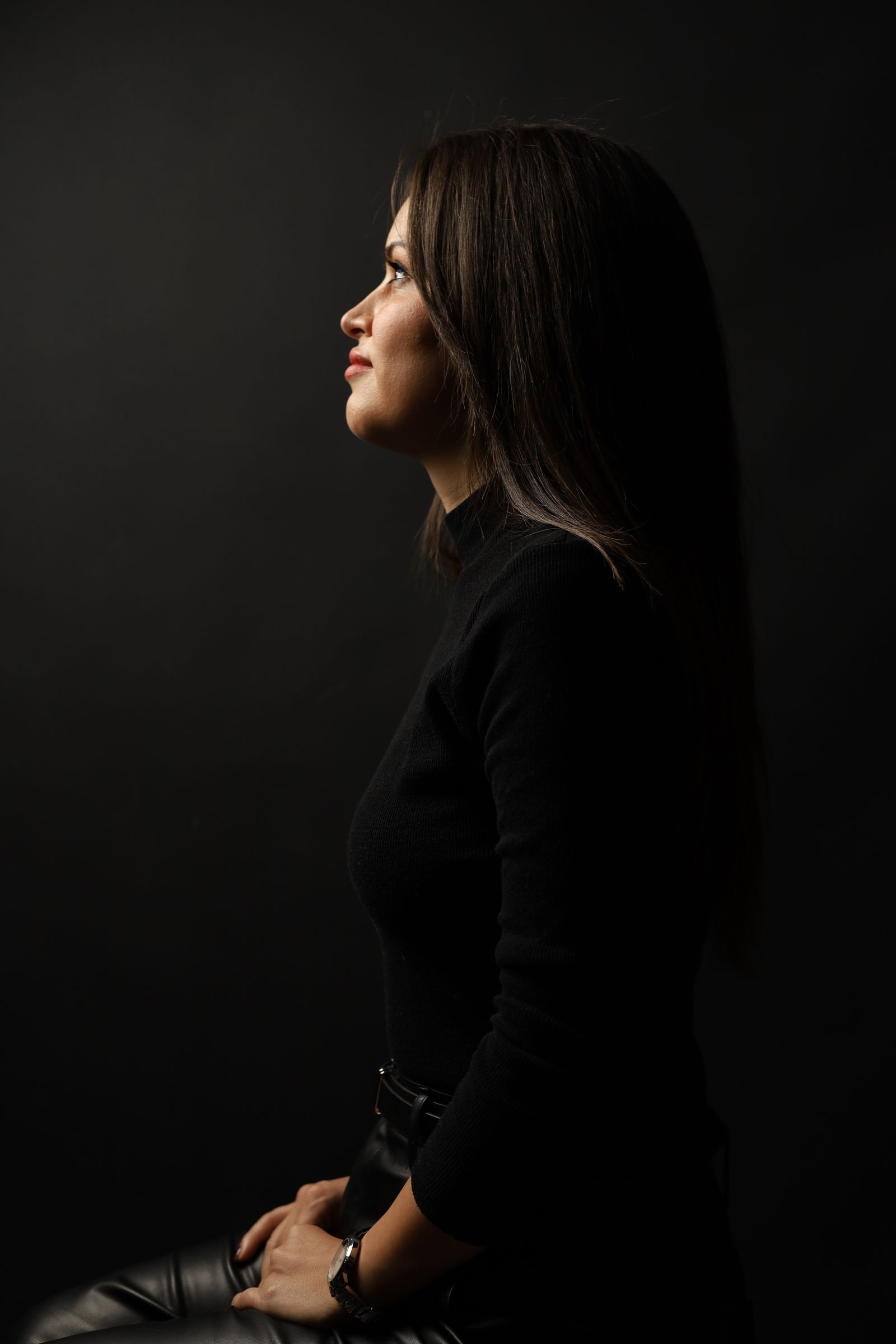
Affiliate disclosure: We may earn a commission from qualifying purchases through the Amazon and B&H links, at no extra cost to you. Settings are starting points based on Sony’s published specifications, not hands-on testing with this body. Portraits are from our own studio shoots and archive, plus photos from Pexels. Prices and stock can change.