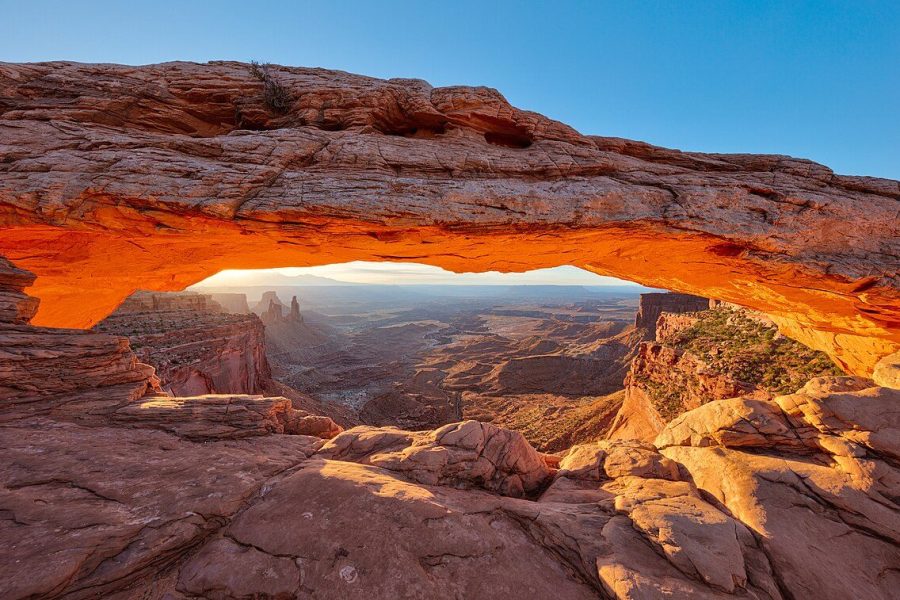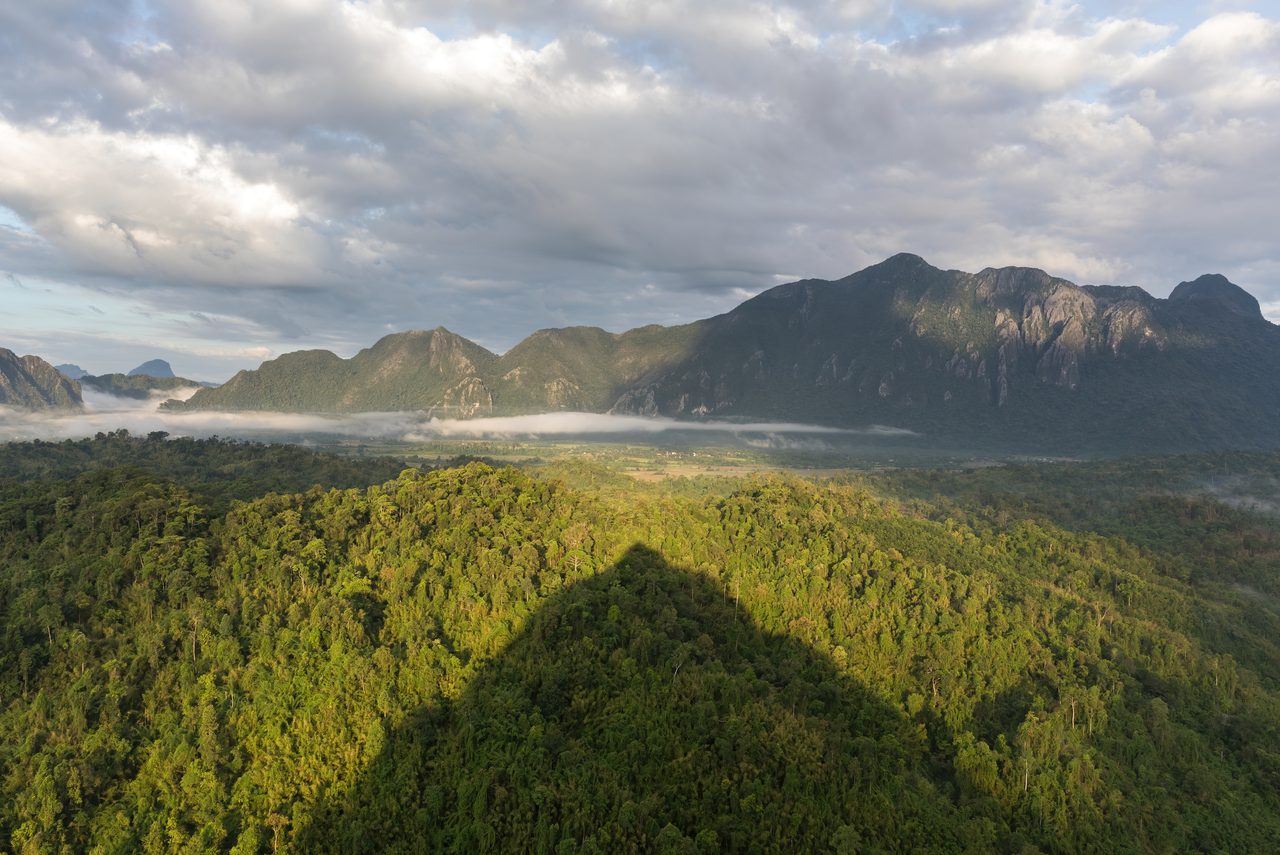
Most preset packs aimed at landscape shooters are built for Instagram first and image quality second. Pull one slider too far in any direction and you’ve got a flat sky, blown-out highlights, and a foreground that looks like it was dipped in orange juice. The presets that actually work are the ones that nudge a tone curve instead of bulldozing it, and that respect the way real light falls on real terrain.
This is a working photographer’s shortlist for 2026 — ten preset families I’ve either bought, tested on client landscape shoots, or watched produce consistent results in the hands of other landscape shooters. None of them are magic. All of them give you a faster starting point than the default Adobe Color profile and a more controllable finish than the canned “Vivid” or “Dramatic” creative profiles. Treat every one as a launchpad, not a finished destination.
SaveWhat a “good” landscape preset actually does
Before the list, the criteria. A landscape preset earns its keep when it does three specific things and stays out of your way on everything else.
- Lifts shadows without crushing them grey. Most landscape RAW files have deep canyon-side shadows that need to come up to show texture. Bad presets lift to +60 and call it a day, which mutes contrast. Good presets pair a shadow lift with a black-point pull-down.
- Tames sky highlights without going HDR. Skies need to retain cloud detail without turning the rest of the frame into a fake-looking landscape painting. Highlights at -40 to -60, whites untouched, dehaze used sparingly.
- Adds saturation in greens and oranges only. The HSL panel is where the difference between a pro look and a phone-filter look lives. Landscape presets that increase global vibrance always overcook skin tones on the rare frame that has a person in it.
If a preset is doing things outside that lane — adding split toning, faking film grain, pushing aggressive colour shifts — it’s a mood preset, not a landscape preset. Some of those are great. They’re just a different category.
The shortlist (in no particular order)
1. Visual Flow Modern Pack
The Visual Flow approach is built around “light strength” selection — you pick a preset based on whether your scene is front-lit, side-lit, or backlit, and the preset adapts the tone curve to that lighting direction. The Modern Pack is their landscape-leaning collection. Clean, natural, and the only preset family I’ve seen that consistently nails skies without obvious dehaze artefacts.
Best for: photographers who already understand light direction and want a preset that respects it.
2. Northlandscapes Signature Collection
Made by Jan Erik Waider, a fine-art landscape shooter working mostly in the Arctic. The Signature collection is moody, blue-leaning, and excellent for coastal, fjord, and alpine work. Pulls greens toward teal and shadows toward neutral grey-blue. Less suited for desert red-rock work, but unbeatable for Iceland, Norway, the Faroes, and the Pacific Northwest.
Best for: cold, moody, atmospheric landscape work.
3. ON1 Landscape Photography Presets
ON1 packages presets that work in Lightroom as well as their own software. The landscape pack leans warm and saturated without going overboard, and the dynamic range expansion is gentle. Their “Crisp Mountain” and “Golden Forest” variants are the two I reach for most often.
Best for: traditional landscape work — Rockies, Sierras, national parks in general.
4. Sleeklens Landscape Adventure Workflow
What sets Sleeklens apart from most preset packs is that it ships as a workflow — base presets for global adjustment, then dozens of small “brush” presets for local edits (dodge a peak, burn a shadow, warm a riverbank). Worth it just for the brush library if you’re doing serious landscape editing.
Best for: editors who layer adjustments rather than one-click finish.
5. Mastin Labs Adventurous Folk
Mastin Labs is best known for wedding film emulation, but Adventurous Folk is their outdoor-leaning pack and it’s excellent for landscape and travel work that wants a film-look base. The Portra 400 and Ektar emulations under landscape light look genuinely close to the real thing.
Best for: photographers who shot film and want a digital workflow with film roots.
6. Pretty Presets Modern Landscape Collection
A budget-friendly option that punches above its price. Twelve landscape presets across warm, cool, and neutral grading, with mobile DNGs included. Not as polished as Visual Flow but two-thirds the cost and 80% of the result.
Best for: hobbyist landscape shooters or photographers stocking a starter kit.
7. Greg Benz Photography Landscape Presets
Greg Benz is the luminosity-mask author who teaches the cleanest digital landscape workflow on the internet. His preset pack is built around using luminosity masks to target specific tonal ranges — bright sky, midtone foreground, deep shadows — without affecting the rest of the frame. Technical, but a different category once you start using them.
Best for: shooters who already mask in Photoshop and want a Lightroom equivalent.
8. RAW + Co Landscape Workflow
An Australian-made pack designed around scenes with sky-to-foreground extreme dynamic range — beaches at sunset, gorges with bright rims, that kind of thing. Their “Wide Latitude” base preset is one of the best starting points for high-contrast RAW files I’ve used.
Best for: coastal, desert, and canyon photographers.
9. Adobe’s Landscape Creative Profiles (free)
It’s worth saying this out loud: Adobe’s own Landscape creative profiles, accessed via the Profile dropdown above the Basic panel, are genuinely good and completely free. “Landscape” punches greens without overcooking them, “LR Landscape” adds slightly more contrast and warmth. Many photographers spend $50 on a preset pack when these two would have done the job.
Best for: every Lightroom user. Try these first.
10. PhotoSerge The Cinematic Landscape
Made by Serge Ramelli, who has been teaching landscape post-processing on YouTube for over a decade. The Cinematic Landscape pack pushes a desaturated film-look base then layers selective saturation through HSL. The result is restrained but rich, and it ages better than the high-saturation packs that look dated within a year.
Best for: landscape photographers building a portfolio that needs to hold up across seasons.
How to install presets in Lightroom Classic and Lightroom CC
Most modern preset packs ship as .xmp files (Lightroom CC, 2018+) or .lrtemplate files (Lightroom Classic legacy). The install paths differ.
- Lightroom CC / Classic (current versions): open the Develop module, click the + icon next to the Presets panel, choose Import Presets, and select the .xmp file or zipped pack.
- Lightroom Classic (legacy .lrtemplate): Preferences > Presets > Show Lightroom Develop Presets Folder. Paste the folder of .lrtemplate files in, restart Lightroom.
- Lightroom Mobile: sync via Adobe account from desktop, or import DNG-format preset files directly into the mobile app.
Settings to verify after applying any landscape preset
No preset is calibrated for your specific camera, lens, and scene. Before you call an edit finished, check three sliders.
- White balance. Many presets warm the file by 200-500K. If your scene was already warm, you may now be in orange-juice territory. Pull it back.
- Black point. Shadow lifts often leave the histogram floating off the left edge, which mutes contrast. Drag blacks down until the histogram touches the left edge.
- Vibrance vs. saturation. Vibrance protects skin tones and reds; saturation pushes everything. Landscape work usually wants vibrance, not saturation. If the preset cranked saturation, swap it for vibrance and reduce by 30%.
Master those three checks and every preset gets better. The frame still needs you.
Where presets fit in a serious landscape workflow
I use presets as a base layer — 20 to 30 seconds of work to get the file to a sane starting point. Then I do the actual editing: local dodges and burns, sky masks, foreground texture, colour grading in the calibration panel, sometimes a careful luminosity mask in Photoshop for the highest-stakes frames. The preset is the first 10% of the edit, not the whole edit.
If you’re editing a hundred files from a shoot, presets save you hours. If you’re editing one portfolio frame, they save you about ninety seconds. Both are valuable, but adjust your expectations accordingly.
And while we’re talking about getting files exposed properly in the first place — the right aperture choice during the shoot and the right shutter speed for the conditions matter more than any preset ever will. Bad RAW files don’t become good RAW files because you bought a $89 preset pack.
One last note on preset overuse
The fastest way to make your portfolio look dated five years from now is to lean hard on a trendy preset look. The 2018 teal-and-orange wave is now embarrassing. The 2020 mute-everything fade is on its way out. The presets that age well are the ones that look like good developing — warm where the light was warm, cool where it was cool, contrast where it was contrasty. If you can’t tell a preset is on, that’s a feature, not a bug.
Visit our Lightroom presets pillar for a deeper workflow breakdown, and feel free to spend an hour with Adobe’s built-in landscape profile before you spend a dollar on anything else.