
Updated October 2026
Landscape photographers rarely get the perfect sky. You find the right place, the light is wrong, and the clouds either never show up or cover everything. Sky replacement software lets you swap a flat or blown-out sky for a better one in a few minutes. Used with care, it can rescue a good scene. Used carelessly, it produces a fake-looking picture. This guide explains how sky replacement works, how to do it well, and how to choose a sky that matches your scene.
A note on the software. This post was originally written about Luminar AI, a Skylum editor that has since been followed by Luminar Neo. Skylum’s support site describes the sky replacement tool in Luminar Neo as SkyAI. The principles below apply to any editor with a sky replacement tool, including Luminar Neo and Adobe Photoshop’s Sky Replacement command, so the menu names may differ from your version.
What sky replacement does
Sky replacement tools use automatic detection to find where the sky starts and ends, then place a new sky behind the scene. Good ones also adjust the colors and brightness of the foreground to match the new sky, and add reflections if there is water. According to Skylum’s SkyAI documentation, the tool is designed for flat or blown-out skies, and can be refined with sliders for most other skies.
When sky replacement makes sense
- The sky is blank. A clear, empty sky is the easiest to replace, because there are no clouds to mask around.
- The sky is blown out. If the sky is white and has no detail, there is nothing to recover.
- The scene already has the right mood. The light on the foreground should be believable for the new sky.
- You are not documenting a real event. Do not swap skies in news, documentary or competition images where it is not allowed. Check the rules of the contest or the client before you do.
Be honest about it. If you share a picture with a replaced sky, say so in the caption, especially if you sell prints or enter contests. It builds trust with your viewers.
Start with a photo that suits the swap
 Save
SaveThe best images for sky replacement have a clean edge between the sky and the land. A skyline, a flat horizon or a mountain ridge with a clear outline is easy for the software to detect. Fine edges such as tree branches, wires and hair are harder, and they may need extra cleanup. Also pay attention to the direction of the light. If the sun is coming from the left in your scene, the new sky should show light from the left too.
How to replace a sky, step by step
- Edit the basics first. Correct exposure, white balance and lens distortion on the original RAW file before you start. Our post on why you should shoot RAW explains why RAW is the right starting point.
- Open the sky replacement tool. In Luminar Neo it is SkyAI. In Photoshop it is under Edit, then Sky Replacement.
- Choose a sky. Pick a sky that matches the time of day, the direction of the light and the mood of your scene. A golden sunset sky on a midday scene will not look right.
- Check the mask. Zoom in on the horizon, trees and buildings. Look for halos, jagged edges and leftover blue. Use the tool’s edge or fade sliders to clean them up.
- Match the light. Use the tool’s relight or color adjustment controls so the foreground picks up warmth or coolness from the new sky.
- Adjust the sky’s position and scale. Move the sky so the brightest part sits where the light would logically come from, and scale it so the clouds do not look too large or too small.
- Add reflections if there is water. If the new sky is not reflected in the water, the picture looks wrong.
- Finish with global adjustments. Adjust contrast, color and sharpening for the whole image so everything looks like one photograph.
- Zoom out and look again. If the sky is the first thing you notice, dial it back.
Choose a sky that fits
The most common mistake is a sky that does not match the scene. A few questions help you pick.
- What time of day is it? Match golden hour with golden hour, and midday with midday.
- Where is the light coming from? Shadows and highlights on the ground must agree with the bright part of the sky.
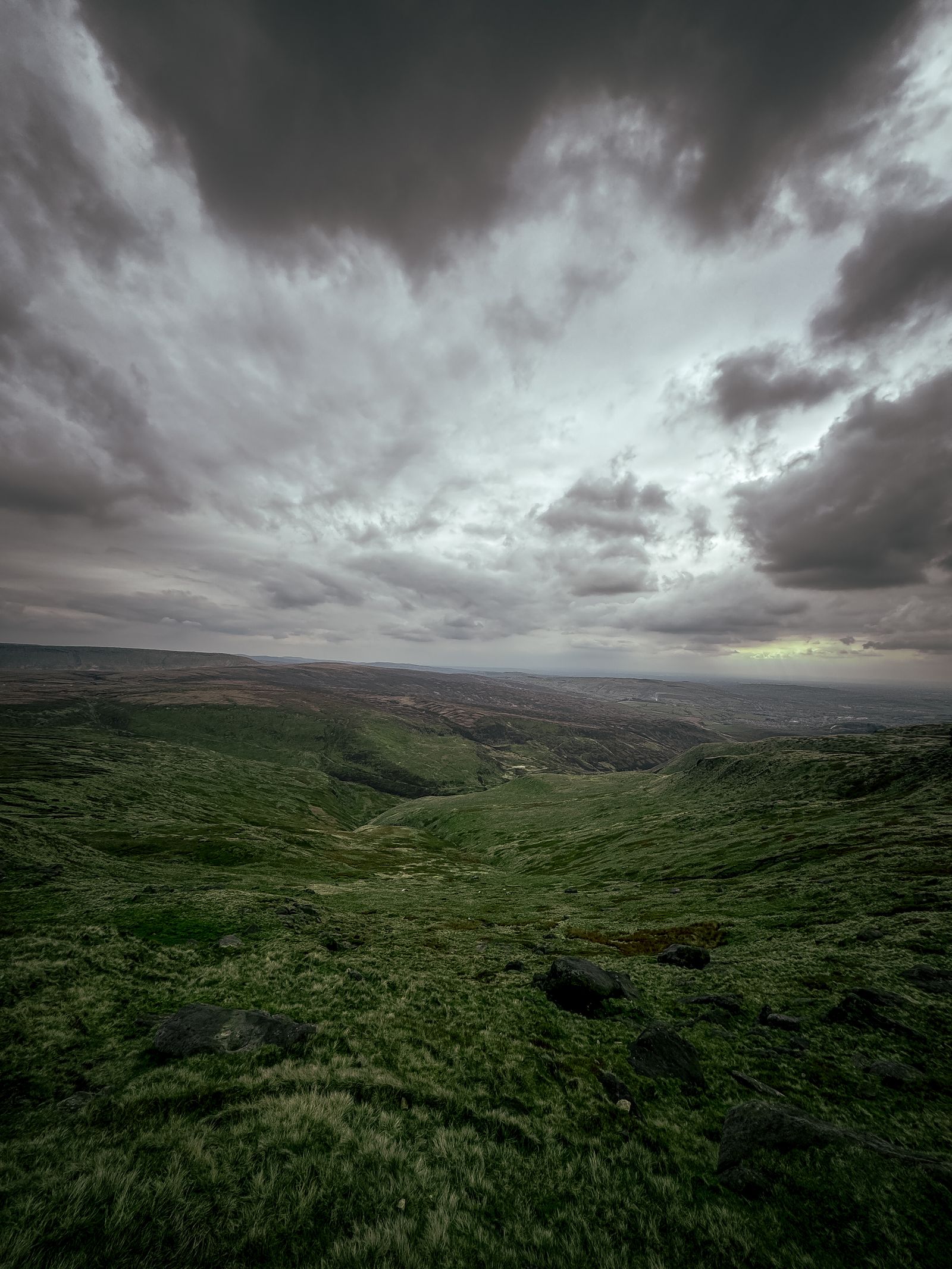
- What is the weather? A stormy sky over a dry, sunny foreground looks odd. Look at the wet ground, the shadows and the atmosphere in the scene.
- What is the perspective? A sky taken with a wide lens looks different from a telephoto sky. Keep scale and perspective consistent.
- Is the sky too dramatic? Sometimes a quiet sky with light clouds looks more believable than a huge storm.
Build a collection of your own skies
The most believable skies come from your own photographs. Whenever you see a dramatic sky, take a photo of it, even when you are not in the right place for a landscape. Over time you build a library you can use for replacements, and you will know the real conditions behind each one.
 Save
Save- Shoot the sky itself. Point the camera up and photograph the whole dramatic sky, with the sun low and the clouds lit.
- Use a wide, sharp image. Skylum’s guidelines for custom skies in Luminar Neo suggest JPEG files with at least 1,200 pixels on the short edge, and files under 10 megabytes for best performance.
- Label each sky. Add notes in the file name: time of day, light direction and weather.
- Keep the horizon out. If a sky photo includes the ground, crop it to remove the land.
- Do not use skies you do not have the rights to. Stock sky packs and downloaded images have licenses. Read them before you use or sell a picture that includes one.
Shoot with a replacement in mind
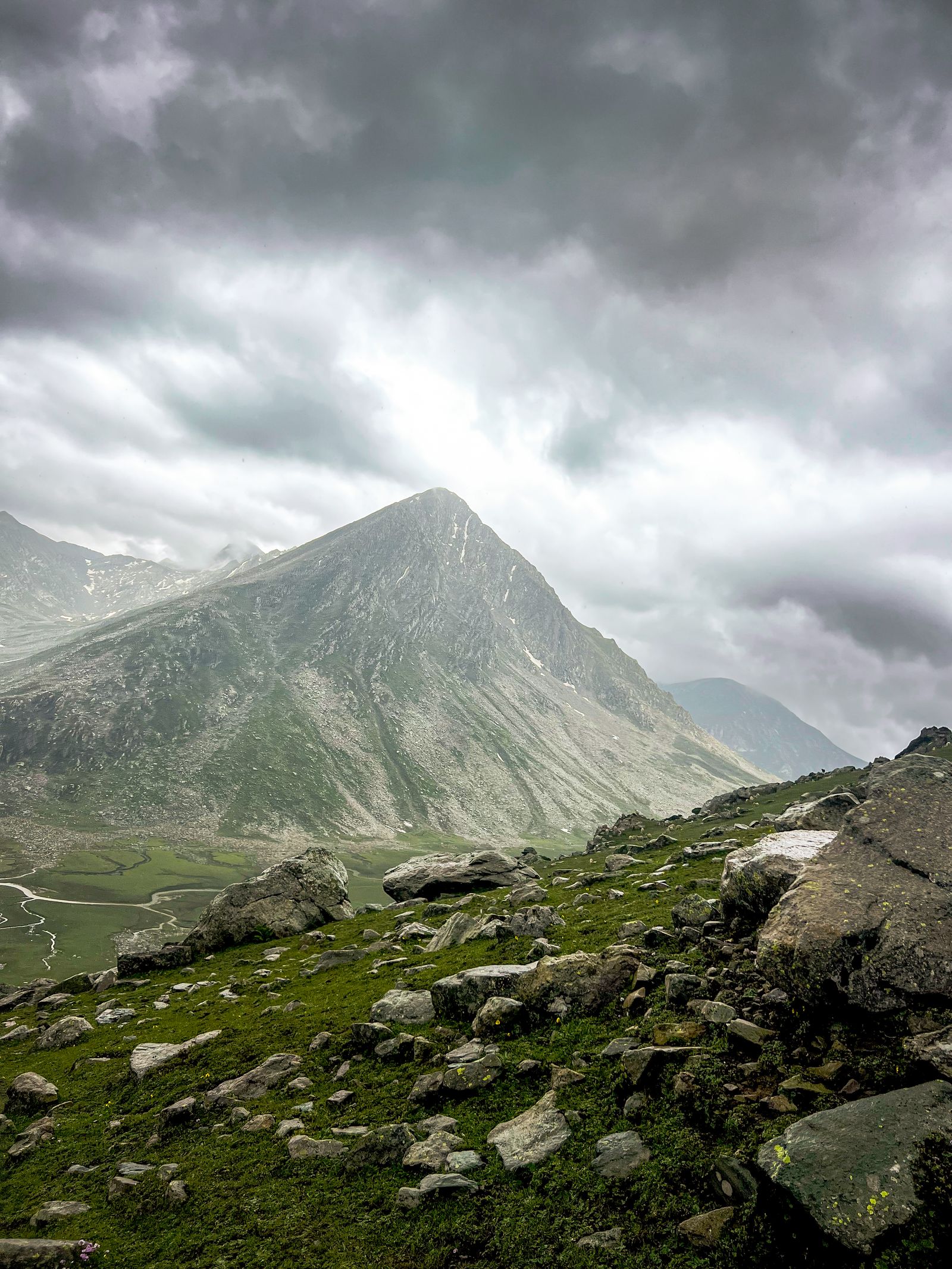
If you already know a scene will need a new sky, shoot it in a way that helps the software. Expose for the foreground, so the land has clean detail and low noise, even if the sky is blown out. Keep the horizon sharp and level. Avoid shooting directly into the sun, which creates flare across the edge. Photograph the scene at a time when the light on the land looks natural and soft, such as early morning or late afternoon, so it is easy to match a warm sky. If the scene has water, keep the surface calm so the reflection looks believable.
 Save
SaveFine-tune the edges
The edge between land and sky is where most replacements are won or lost. Zoom to 100% and scan the full horizon. Trees, grass and branches may show a thin bright fringe from the old sky. Most tools have a slider to fade or shift the edge, or a refine brush to correct areas by hand. Work in small sections, and compare with the original often. For stubborn halos, a small amount of color adjustment to just the edge pixels, pulling them toward the new sky’s tone, usually fixes the issue. Finish by checking the picture at the size people will see it, since a flaw you can see at 300% may not matter on a phone screen.
Keep a consistent look across a series
If you replace skies in several images from the same trip, avoid using obviously different weather in each frame. Pick skies from the same family, with similar color and mood, so the series feels like one day of shooting. Apply the same final color adjustments to every image, and review them side by side before sharing.
Common sky replacement mistakes
- Mismatched light. The sky is bright on the right while the foreground is lit from the left.
- Halos at the edges. A glowing line along the horizon or trees gives it away. Use the edge and fade controls.
- Wrong color temperature. A warm sunset sky above a cool, blue foreground looks fake. Match white balance.
- Missing reflections. Water, glass and wet surfaces must show the new sky.
- A repeated sky. Using the same sky on every image makes your portfolio look the same.
- Too much drama. A subtle change often looks better than a total transformation.
- Forgetting honesty. Tell viewers when a sky is replaced.
Try to get the sky in camera first
Sky replacement is a rescue tool. The better habit is to chase real light. Plan around the weather, arrive early, and stay late. Our guides on how to shoot the perfect sunset and sunrise photography tips cover how to read the sky and be in the right place. When the conditions are plain, you can often still make a strong picture with side light, silhouettes or long exposures. If you do use a replacement, make it a choice and not a habit.
Other ways to improve a flat sky
- Use a graduated ND filter at the shoot. It balances the sky and the land in camera.
- Bracket exposures. Blend a dark frame for the sky with a brighter frame for the ground.
- Use local adjustments. A graduated filter and a brush in Lightroom can restore tone and color to a pale sky. The Lightroom editing course in the Academy walks through these tools in 10 modules and 42+ parts.
- Use a polarizing filter. It deepens blue skies and adds contrast to clouds.
- Convert to black and white. If the sky is dull, a monochrome version relies on shape and tone, and the sky may no longer matter.
You can see these editing ideas applied in how to create a dramatic oceanscape in Lightroom.
Grow your skills with the Academy
The Shut Your Aperture Academy, taught by Edin Chavez, helps you get better skies and better edits at the source. Landscape Photography covers light, composition and planning, Lightroom Editing covers the editing workflow and Color Theory helps you match colors across a scene. All courses have lifetime access. Browse them at the Academy home.
Frequently asked questions
How do I replace the sky in a photo?
Open the photo in an editor with a sky replacement tool such as Luminar Neo’s SkyAI or Photoshop’s Sky Replacement, pick a sky that matches the light, check the mask at the horizon, and match the foreground colors and brightness.
Is Luminar AI still the right tool?
Luminar AI is an older Skylum product, and Skylum now documents sky replacement in Luminar Neo as SkyAI. Check the current Skylum site for what your version supports.
 Save
SaveWhat makes a replaced sky look fake?
Mismatched light direction, wrong color temperature, halos at the horizon and missing reflections. Fixing those four issues solves most problems.
Can I use my own skies?
Yes. Many tools let you load your own JPEG sky images. Skylum suggests JPEGs of at least 1,200 pixels on the short edge for Luminar Neo.
Is it okay to replace a sky?
It is fine for creative work, as long as you are open about it and follow the rules of any contest, publication or client. Do not use it in documentary or news pictures.
What is a better alternative to sky replacement?
Shoot in better light, bracket your exposures, use a graduated filter, or use local adjustments in Lightroom to bring out the sky you have.
Gear box: sky and landscape starting points
These are research starting points, not rankings. Check current specs, reviews and prices before you buy.
- A sturdy tripod, for bracketing: See tripods at B&H or on Amazon.
- Graduated ND filters: Browse filters at B&H.
- A circular polarizer: See polarizers on Amazon.
- A color-accurate monitor: Browse monitors at B&H.
Affiliate disclosure: some links above are affiliate links. If you buy through them, Shut Your Aperture may earn a small commission at no extra cost to you.

