
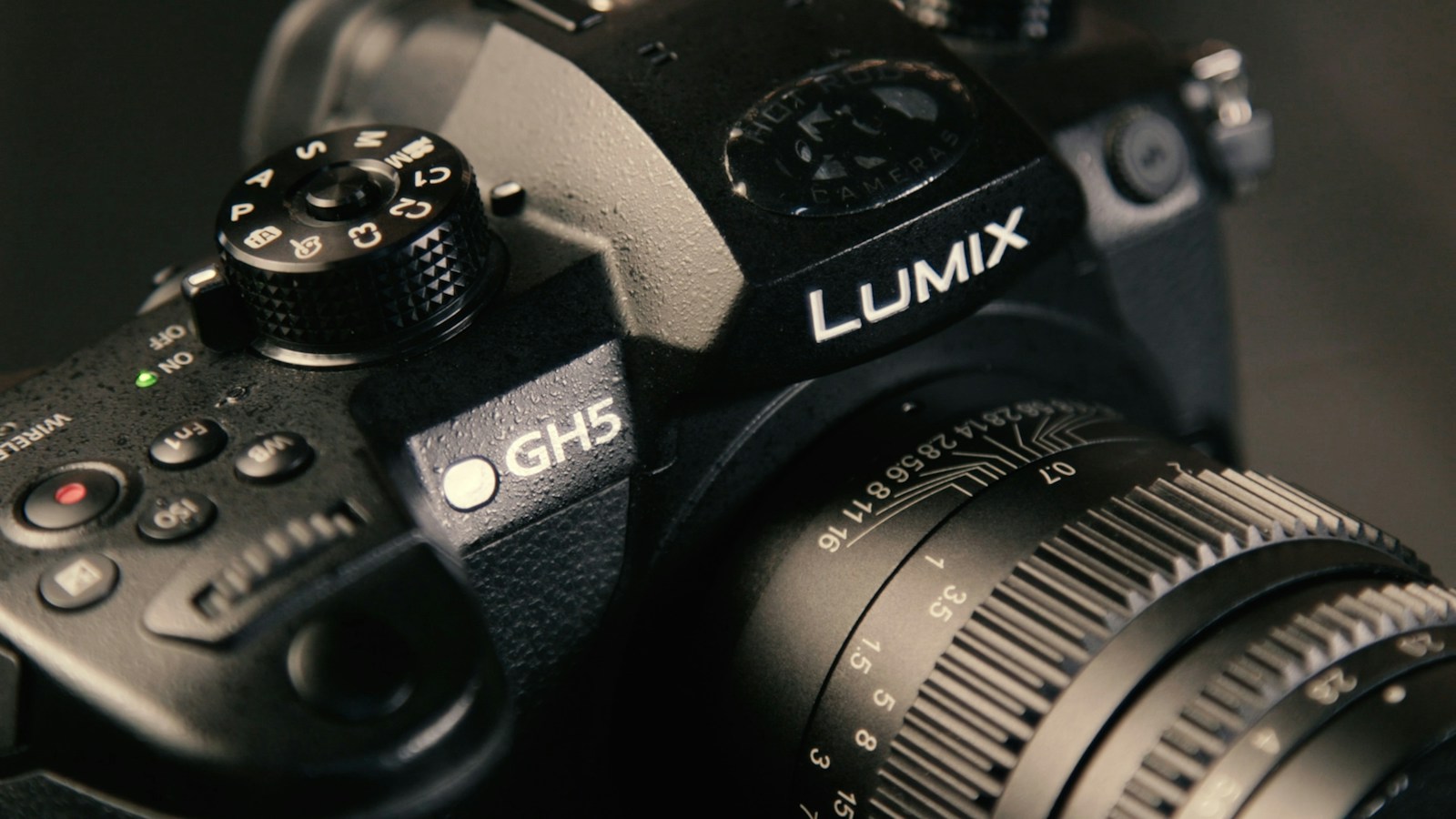
A used Panasonic GH5 can make sense in 2026, but the question is not whether it is still a “beast.” It is whether one particular body, with the right lens and support, can make the stills or video you actually need. The GH5 has a documented Micro Four Thirds mount, a 20.33-megapixel effective sensor, in-body stabilization, dual card slots, and numerous video modes. None of those specifications proves its condition, used value, autofocus yield, or suitability for every assignment. This guide separates what Panasonic documents from what you must inspect before paying.
Panasonic GH5 used buyer guide: decide what you need
Write down your next three real projects. Are you photographing static interiors, people who move, long outdoor scenes, or recording an interview? Note the required delivery size, aspect ratio, frame rate, audio setup, lighting, and turnaround. If your deliverables are mostly still photographs in good light, you will evaluate the GH5 differently from a video shooter who needs continuous autofocus on a fast subject. A camera that is comfortable for controlled work may be frustrating for a one-person event shoot. That is a workflow distinction, not a universal verdict about image quality.
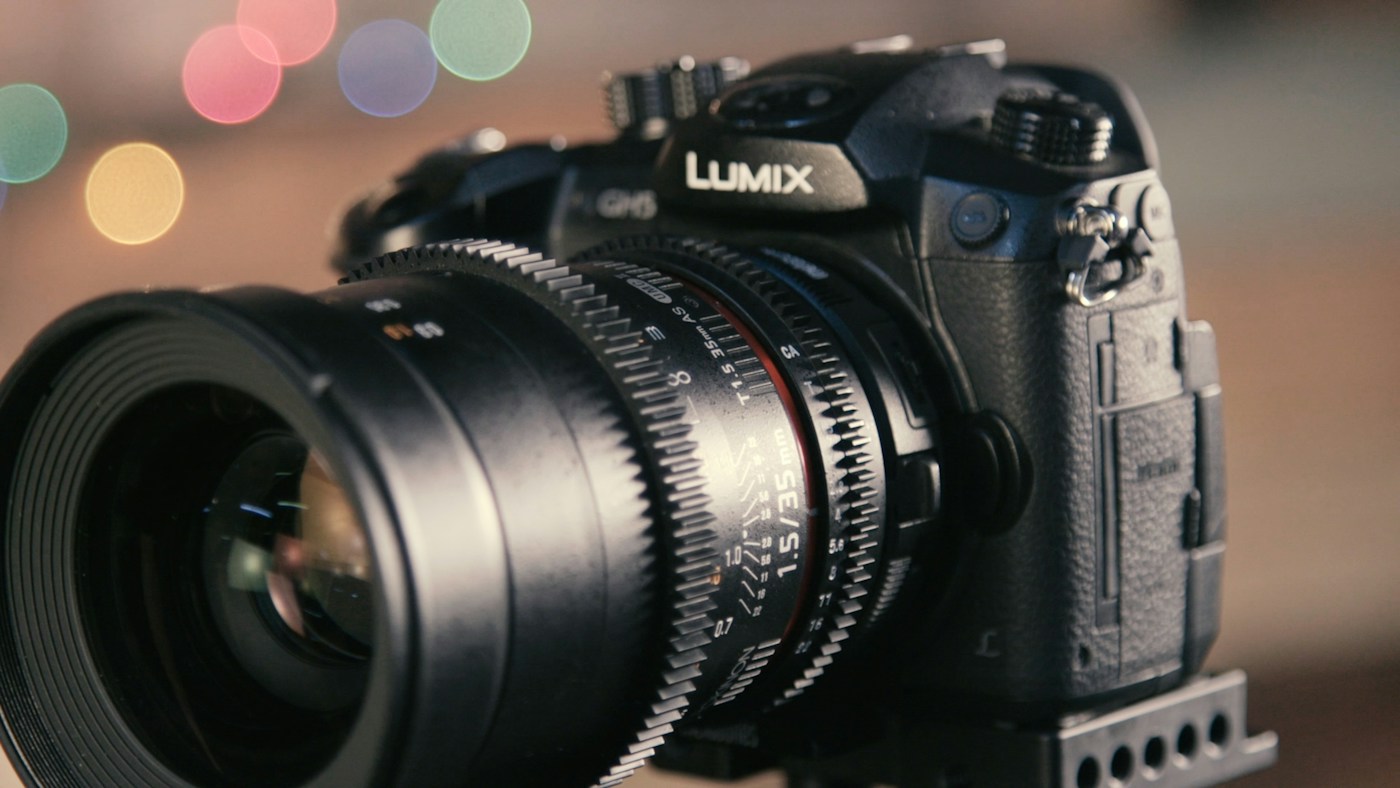
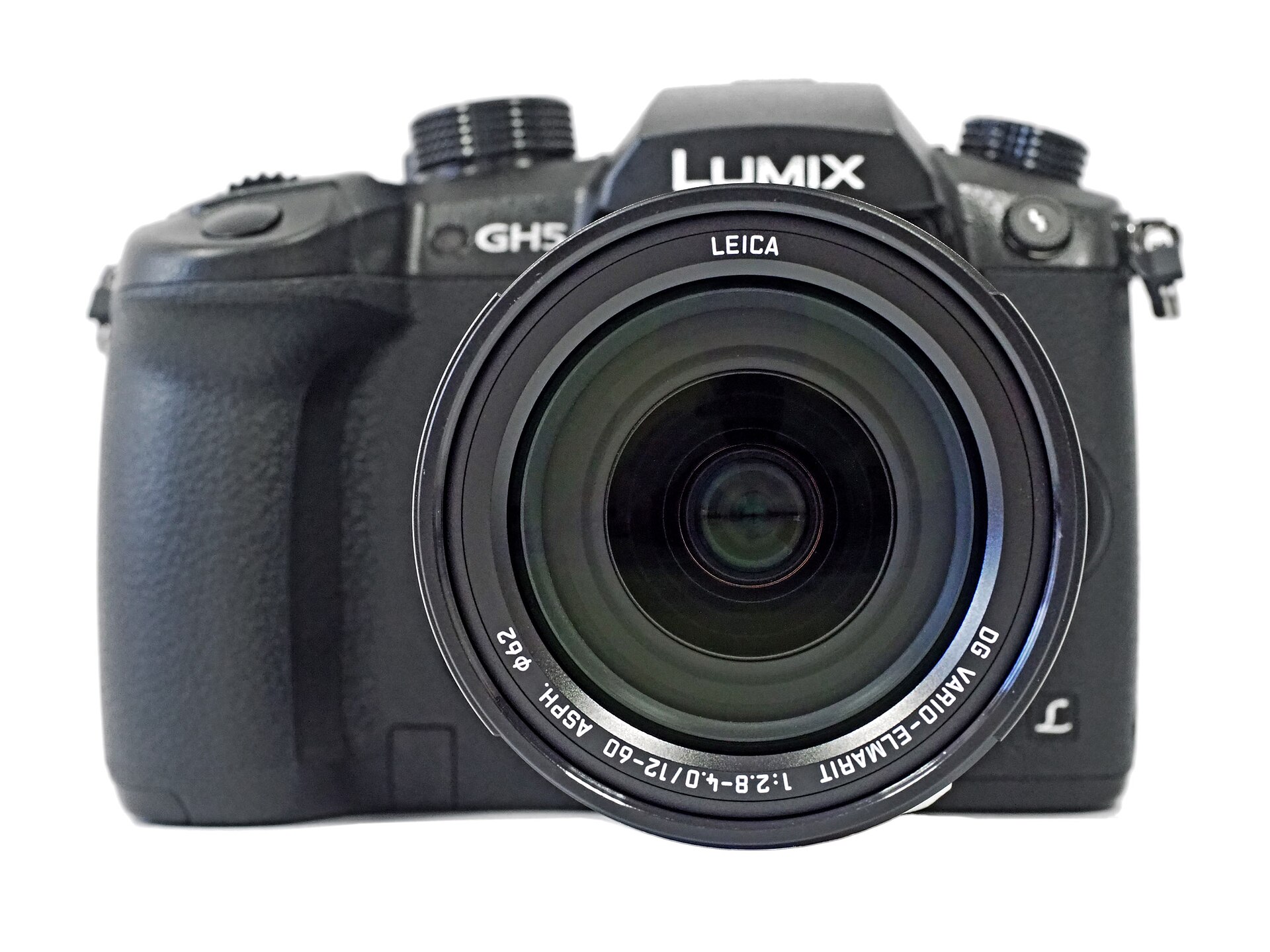
For a hybrid job, include the lenses you already own and the cost of changing mounts. Panasonic lists the GH5’s Micro Four Thirds lens mount in its official specification sheet. Mount compatibility is only the beginning: confirm electronic aperture, stabilization behavior, autofocus, adapters, and the field of view for the lens you plan to use. Do not buy a body because an online comparison says a fast prime always beats a newer kit zoom. Photograph the sort of scene you must deliver and compare the files at the intended size.
 Save
What Panasonic actually specifies
Panasonic gives the GH5’s effective pixel count as 20.33 megapixels on a 17.3 by 13.0 mm Live MOS sensor. It lists a 5-axis sensor-shift stabilization system, with Dual I.S. behavior dependent on a compatible lens. The camera has an OLED electronic live viewfinder and a free-angle rear screen. It has two SD card slots, microphone and headphone connections, and multiple recording formats. These are model specifications, not proof that a secondhand example’s screen, ports, stabilization mechanism, or card slots still work.
The original article said “4K/60p 10-bit internal recording” as if every part of that phrase applied to the same setting. Video specifications are more conditional. Panasonic’s table separates codec, resolution, frame rate, color sampling, bit depth, region/system frequency, firmware, card speed and HDMI output. It lists internal 4K/60p modes and internal 10-bit modes, but you should inspect the exact combination required for your workflow rather than assume 4K/60p internal 10-bit from a shorthand summary. Check the maker’s current table and your camera’s menus with the intended SD card. Some functions and profiles depend on firmware or an optional software key.
Panasonic also lists an approximate 200,000-image shutter life. That is a design specification, not a promise that a body with 40,000 actuations is a bargain or one with 180,000 must fail. Mechanical wear, video usage, impact, moisture, maintenance and repairs can matter more than a single count. A seller’s shutter reading should be one point in a broader inspection. Ask how the count was obtained and keep a return option if you cannot test the camera thoroughly before purchase.
Still-image strengths and boundaries
A 20-megapixel file can be plenty for many uses, but the required crop and output size decide whether it is enough for yours. Make a sample raw photograph of a subject with fine detail and review it at the size you will deliver. If the client expects a large print with a tight crop, compare that output with another camera you can actually afford. If the final image is a modest web gallery, pixel count alone may be a poor reason to change systems. Neither case establishes that every client’s eyes “can’t notice” a resolution difference.
Dynamic range and noise are not one-number claims detached from a scene. Take a raw frame with both a bright window and a darker foreground, then process it in your normal editor. See whether the highlights you need survive and whether shadow noise is acceptable at your delivery size. Repeat at the ISO values your assignments require. A larger sensor may offer advantages under some conditions, but lens aperture, exposure, processing and output matter too. The ISO guide explains the exposure trade-off without promising a fixed number of usable stops.
The GH5’s electronic viewfinder can help with exposure preview and composition. Do not repeat the older article’s suggestion that the body might have an optical finder. Test its display for dead pixels, lag, diopter adjustment and eye-sensor switching. The articulating rear screen should open, rotate and show an image without flicker. Check its hinge and touch controls gently, especially on a camera that may have been used for years of video recording.
Autofocus: test your subject and lens
Panasonic identifies the GH5’s focus system as contrast autofocus with Depth From Defocus technology and lists single, flexible, continuous and manual focus modes. A spec sheet does not tell you the keeper rate for birds, weddings, portraits or an interview on your particular lens. Bring or rent the lens you intend to use. Make repeated frames of a person walking toward the camera, crossing the frame and standing in backlight. For video, record a real focus transition and review the clip at normal playback speed. Compare missed frames and visible hunting with the alternative you are considering.
Separate a body issue from a lens, setting or technique issue. Confirm the correct focus mode and area before a comparison. Look for reliable behavior over more than one attempt. If an assignment depends on fast, unpredictable action and you cannot test it ahead of time, do not assume the GH5 is “just as good” as a newer subject-detection system. It may still be suitable for deliberate manual-focus video or stationary photography. Describe that as a fit for a particular method, not a blanket endorsement.
Stabilization and support
The official specifications list sensor-shift stabilization and Dual I.S. with compatible lenses under defined test conditions. Those lab figures do not promise a sharp half-second handheld frame for everyone. Test the used body with your lens at the focal lengths and shutter speeds you actually use. Make several frames with stabilization on and off, inspect them at full size, and check whether the mechanism makes unusual noises. For video, walk a short route and inspect motion and horizon behavior. Stabilization can reduce camera shake, but it cannot freeze a moving subject.
A tripod or other support may still be necessary for precise framing, repeated product images, long exposures, or interviews. Make sure the tripod socket is intact and that a plate does not block the battery door. Check that your rig leaves the side ports accessible and that a microphone or monitor does not interfere with the screen. The budget is for a working setup, not the camera body alone.
Video workflow: verify the exact mode
Before buying for video, create a delivery checklist. Record the resolution, frame rate, bit depth, color sampling, required profile, maximum continuous take, audio channels, and whether the client requires an external monitor or recorder. Cross-reference every combination against Panasonic’s model table and the firmware on the used body. Do not infer capabilities from a seller’s generic “4K” label. Bring a compatible card and record a long enough test clip to exercise heat, battery, audio and media behavior in a safe test setting.
Panasonic’s listed battery-life figures are under specified test conditions. Your used battery may behave differently, especially in cold weather or with accessories. Ask for genuine or trustworthy replacement batteries, check the charging setup, and price spares before the purchase. Test both SD slots. If you rely on redundant recording, verify that the recording mode you choose supports the card-writing arrangement you expect. A camera with two slots is not automatically backing up every file; the configured mode and functioning cards matter.
Check the microphone input with your actual mic and monitor audio through headphones. Make a short spoken recording in a quiet place and another with ambient noise. Review files in the editing software you use, not only on the camera display. If you plan an external recorder, confirm the exact HDMI output mode and whether firmware is required. These checks are more useful than a generic claim that the camera is “cinema ready.”
Inspect a specific used Panasonic GH5
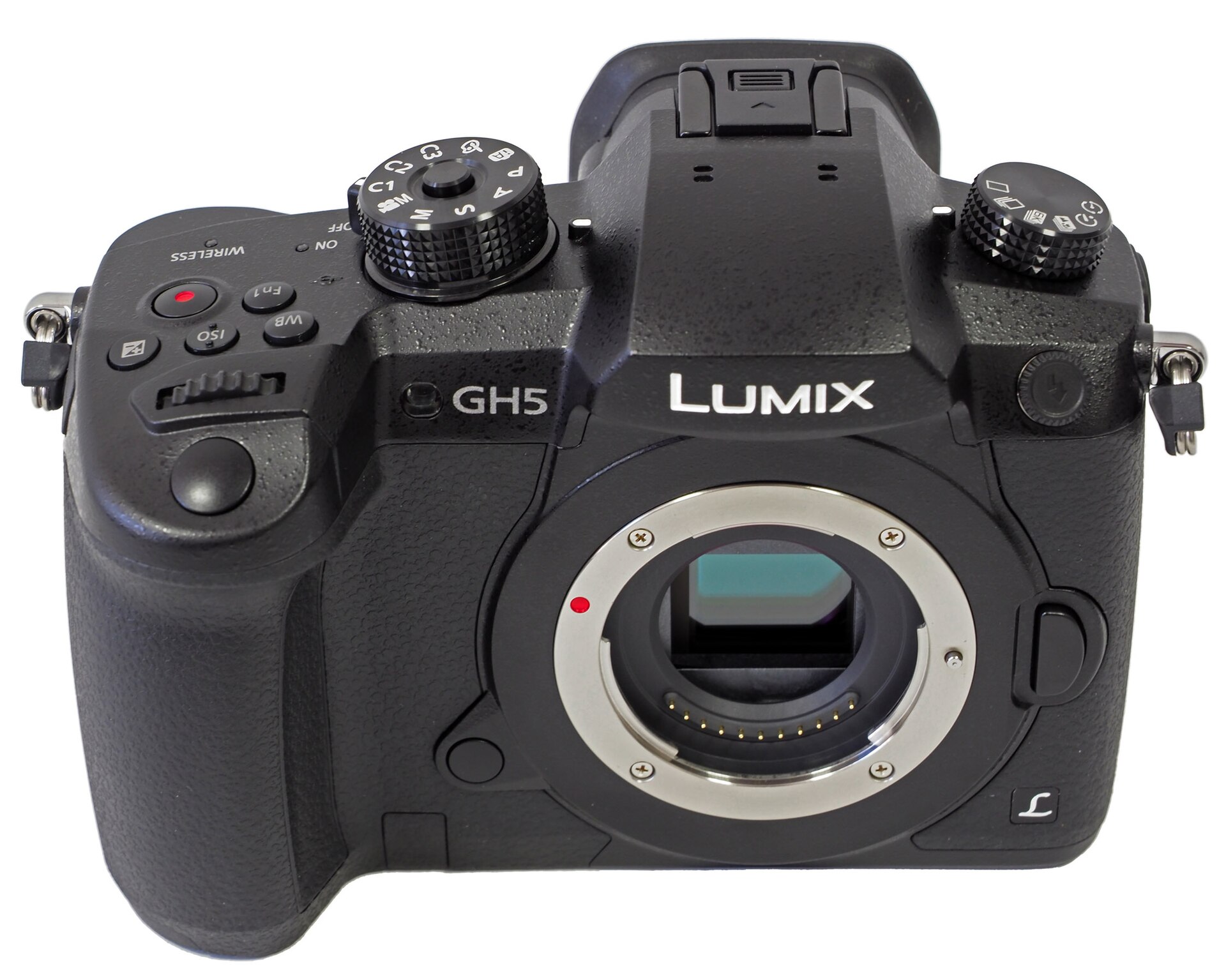
Request photographs of all sides, the lens mount, sensor with no lens attached, rear screen, viewfinder, battery bay, card doors and all ports. Scratches on a body are not the same as damage to a mount or connector. Ask about drops, moisture, repair history, firmware and the original purchase or service documents if available. A seller who can show the camera operating is easier to assess than one offering only catalog photographs. Still, documents and good pictures cannot replace a working test.
In person, mount and remove a lens carefully, test every dial and button, open the screen and each door, insert cards in both slots, make raw and JPEG frames, and review files on a computer. Look for dust and marks with a uniform bright subject at a narrow aperture, but know that ordinary sensor dust can often be cleaned; a scratch or damaged filter is a different risk. Test several shutter speeds and check for abnormal behavior. Record a video clip and play its audio. Test stabilization and autofocus with the lens you mean to use.
If the camera is sold remotely, read the dealer’s exact return, condition and warranty language for that listing. Do not assume every used dealer gives a ninety-day or six-month warranty. If buying privately, ask for a demonstration and a written record of the included accessories and serial number. Stay within the marketplace’s safe transaction process. The point is to make the cost of discovering a defect manageable, not to invent a warranty that may not exist.
Compare the whole system cost
Build a real side-by-side estimate: the tested GH5 body, your needed Micro Four Thirds lens or lenses, batteries, cards, support, microphone or monitor, taxes, shipping and possible repairs. For the alternative, include the same types of costs and a lens that covers the same job. Do not use the old article’s asserted 35 to 55 percent of original retail or a $2,000 to $3,000 “gap” without current listings for comparable condition. Used asking prices vary by market, condition and what is included. A cheap body with a damaged port can become the expensive option.
When ready to compare listings, the site has previously used these B&H used GH5 search and Amazon GH5 listings affiliate destinations. A search page is not a recommendation for a particular seller or unit. Verify the model, serial, condition, exact kit contents, return terms and current total on the listing itself. Do not buy on this guide’s authority alone.
 Save
Buy, skip or wait?
Buy a GH5 if you can test the particular unit, it supports the exact modes you need, the lens system fits your work, and the entire kit costs less than a better-fitting alternative. Skip it when the required subject tracking, format, audio, repair support or carry setup fails your own trial. Wait when you cannot inspect the unit or resolve a mode and license question before the return window closes. Your decision should survive a real assignment checklist, not a headline that says an older body “still rules.”
 Save
Learn faster with a plan. The ShutYourAperture Academy has 22 photography courses, from the fundamentals of aperture, shutter and ISO to genre courses like landscape, portrait and street.
Questions about buying a used GH5
Is the Panasonic GH5 still good for video?
It can fit a video project whose resolution, frame rate, bit depth, autofocus and recording-time needs match a mode documented by Panasonic. Test the exact mode, card, lens, audio and firmware. “Good for video” is not the same as “right for every video project.”
Does the GH5 have an optical viewfinder?
No. Panasonic specifies an OLED electronic live viewfinder. A used body’s finder should be inspected for display and eye-sensor operation.
Can I record internal 4K/60p at 10-bit on the GH5?
Do not combine separate headline features without reading the mode table. Panasonic documents different 4K/60p and 10-bit combinations, with firmware, card and output conditions. Check the precise recording format in the official specifications and on the body before promising a client that mode.
Is a 200,000 shutter-life figure a remaining-life guarantee?
No. Panasonic’s approximate shutter-life specification does not predict the condition or remaining life of an individual used camera. Test the shutter and the rest of the body, and consider the return terms.
Are Micro Four Thirds lenses interchangeable across all cameras?
The shared mount is useful, but confirm each lens’s fit and electronic behavior, especially adapted lenses, stabilization combinations and autofocus functions. The field of view also depends on sensor format and lens focal length.
Where should I spend if the GH5 body is inexpensive?
Put money toward the lens, audio, lighting, cards and support your next project actually requires. Keep a repair and replacement buffer. The best allocation depends on what your test files and clips show, not an invented universal price gap.
Affiliate disclosure: The B&H and Amazon links above are affiliate links. Shut Your Aperture may earn a commission if you buy after following them, at no extra cost to you. Listings and terms can change; inspect the seller’s current page before purchasing.
Images: Bautsch (CC0), via Wikimedia Commons.