Best Camera Settings for Concerts Low Light: The Complete Cheat Sheet
~8 min read · Updated 2026-05-09
shutyouraperture-20). Buying through these links costs you nothing extra and helps fund our free guides.
This is the camera settings cheat sheet for Concerts Low Light: the mode, aperture, shutter speed, ISO, and focus combination that works — explained, then broken down into three real scenarios you will actually face. No filler. Pin the cheat sheet, read the scenarios, and shoot.
Table of contents
 Save
Save1-minute cheat sheet: Concerts Low Light
- Mode: Manual (M)
- Aperture: f/1.4-f/2.0 (widest usable aperture on your lens)
- Shutter Speed: 1/250-1/500 sec (1/320 is the practical minimum for singers)
- ISO: 1600-6400 (push to 3200 first; only go to 6400 if the stage darkens further)
- Focus: Continuous AF with face/subject detection, switch to manual if smoke machine fires
Pin this. Come back to it before every concerts low light session.
Get the complete Concerts Low Light settings guide (PDF, $47): The ShutYourAperture Concert Photography PDF guide: 41 pages covering photo pit access, three-song rule etiquette, lens choices by venue size, and post-processing for mixed-color stage light.
Preset pack ($19): ShutYourAperture Concert preset pack: 6 moods from "Indie Club Dark" to "Festival Stage LED" — preserves stage color atmosphere while cleaning up skin tone.
Bundle both for $54 — save $12. Browse the ShutYourAperture Shop.
Why these settings work
Concert photography is solved almost entirely by your lens speed. A fast prime (f/1.4 or f/1.8) lets you shoot at ISO 1600-3200 and 1/250 sec — the combination that freezes vocalist movement without extreme noise. Without a fast prime, you are trapped at ISO 6400+ or slower shutters that blur motion. Stage lighting changes color, intensity, and direction every few seconds — shoot RAW, set White Balance manually to 3200K as a starting point, and fix per-image in post.
3 scenarios with full settings tables
Three situations you will encounter, with the exact settings for each:
Scenario 1: Club or small venue (dark, spotlight-lit)
| Mode | Manual |
|---|---|
| Aperture | f/1.8 |
| Shutter Speed | 1/320 sec |
| ISO | 3200 |
| Focus Mode | Continuous AF, face detection |
| White Balance | 3200K (manual) |
| Exposure Compensation | N/A (Manual) |
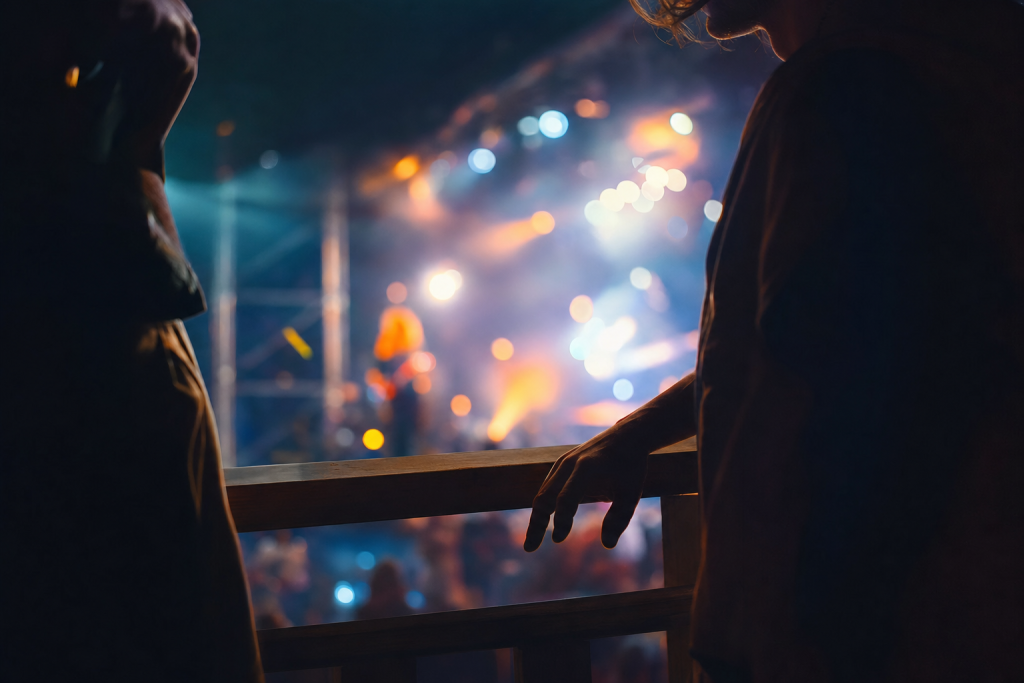
Small venues with one or two spotlights are the hardest concert shooting environment. The subject cycles between being in the spot (very bright) and stepping out of it (near-black). Expose for the spotlight and let the dark areas go black — it is an artistically valid look. At f/1.8 and ISO 3200, 1/320 sec will freeze most singer head movements but may blur fast guitar or drum work. Shoot in short bursts.
Scenario 2: Large arena or festival stage (bright LED rig)
| Mode | Aperture Priority |
|---|---|
| Aperture | f/2.8 |
| Shutter Speed | 1/640-1/1000 sec (camera-metered) |
| ISO | Auto (max 3200) |
| Focus Mode | Continuous AF with subject tracking |
| White Balance | Auto (stage LED changes color too fast for manual WB) |
| Exposure Compensation | -0.7 to -1.0 (stage shows meter bright) |
Festival stages lit by modern LED rigs are bright enough to shoot at f/2.8 and ISO 800-1600. Use Aperture Priority with Auto ISO — the camera meters fast-changing stage colors better than a fixed manual exposure. Set EC at -0.7 to -1.0 to prevent bright color fields from causing underexposure on the performer. A 70-200mm f/2.8 gives you reach from the photo pit plus enough aperture to work at lower ISO.
Scenario 3: Phone camera concert (no professional gear allowed)
| Mode | Pro/Manual mode in camera app |
|---|---|
| Aperture | f/1.8 (phone lens is fixed; use the primary wide camera) |
| Shutter Speed | 1/120-1/250 sec |
| ISO | 800-1600 |
| Focus Mode | AF lock on face |
| White Balance | Tungsten or 3200K manual |
| Exposure Compensation | -0.5 to -1.0 |
Most venue security will allow phone photography throughout a show. Use your phone's Pro or Manual mode (available on all current iPhones via the Camera app at 48MP, and on Samsung S-series via the Pro video/photo mode). Set ISO manually to 800-1600, shutter to 1/120-1/250. Shoot RAW if your phone supports it. Avoid the zoom camera (usually slower aperture); the primary 24mm equivalent camera is your best tool.
Subscribe to the ShutYourAperture Aperture Academy for weekly photography tutorials, or browse the Shop for location PDF guides and Lightroom preset packs.
Gear that helps
You do not need to spend more than your subject demands, but the right gear eliminates the technical obstacles so you can focus on the image. These are the tools the settings above were designed around:
- Sony 85mm f/1.8 — the lightest fast telephoto prime for concert work on FE mount
- Sigma 35mm f/1.4 Art — best all-around fast prime for small to mid-size venues from the photo pit
- Canon RF 85mm f/2 IS — the sharpest budget portrait prime in RF mount, image stabilization helps in pits
- Nikon Z 50mm f/1.8 S — the best-value fast prime on Z mount, exceptional at f/2.0 in stage light
- Think Tank Photo Retrospective 5 — the standard concert shoulder bag that passes security with room for a body and two primes
ShutYourAperture is a B&H Photo affiliate. Links marked with affiliate notation may earn a commission at no extra cost to you.
Lighting and conditions
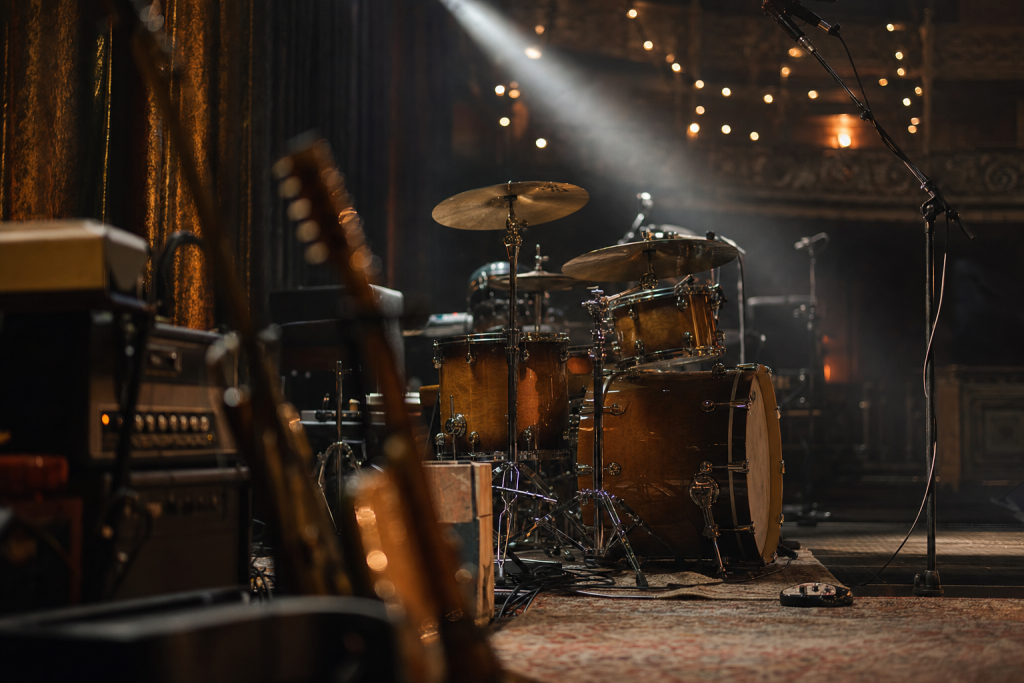
Stage lighting falls into three eras: incandescent/tungsten (classic rock clubs, intimate venues, warm orange tones at 2700-3200K), fluorescent follow-spot (school auditoriums, green-white casts), and LED (all modern touring productions, color changes every bar). For LED stages, Auto White Balance is the safest choice — manual WB set to 3200K will look wrong when the rig shifts to blue. For old incandescent clubs, manual WB at 3200K locks in the warmth and prevents Auto WB from sucking out the atmosphere.
 Save
Save5 common mistakes
These are the five errors that ruin otherwise well-composed images of concerts low light. Read them before the shoot, not after:
- Using a zoom lens slower than f/2.8 — you will be stuck at ISO 12800+ and noise will ruin the shot regardless of technique
- Firing the on-camera flash — prohibited at most venues and creates a flat, unprofessional look that erases the stage lighting atmosphere
- Not chimping after the first song to check exposure — stage brightness changes song to song and you need to re-meter
- Leaving image stabilization on for handheld concert shots above 1/500 sec — IS adds no benefit and may introduce slight motion artifacts
- Using fully automatic focus modes in smoke-machine environments — AF will hunt as the smoke diffuses the stage light
Sample workflow
Here is the shoot checklist condensed into a repeatable sequence:
- Set camera to the recommended mode and aperture before you arrive at the location.
- Dial in the base ISO and shutter speed from the cheat sheet above.
- Take one test frame, check the histogram, and adjust exposure if needed.
- Confirm focus method (AF mode and point, or manual zone) is set correctly.
- Shoot a small burst, chimp once, then commit to the settings and concentrate on the subject.
- At each major lighting change (cloud, shade, new location), repeat the exposure check.
- Back home: import RAW files and apply your base preset before any individual edits.
Post-processing
Concert images benefit from aggressive contrast work. Start with Blacks -20 and Shadows -10 to lean into the dark-stage atmosphere rather than fighting it. Add Clarity +20 to bring texture into faces and instruments. Apply a mild S-curve in the Tone Curve panel. For LED color stages, desaturate Greens -20 and Yellows -20 in HSL to reduce stage-lighting color casts on skin. Apply AI Denoise at strength 40-50 on high-ISO frames. Export at a slightly darker overall exposure than you would for a daytime portrait — concert images read darker and are more atmospheric for it.
Preset shortcut: ShutYourAperture Concert preset pack: 6 moods from "Indie Club Dark" to "Festival Stage LED" — preserves stage color atmosphere while cleaning up skin tone. Available in the ShutYourAperture Shop.
Quick Amazon shortcuts to the gear most useful for this kind of shot. Use them if Prime shipping or Amazon credit makes more sense than B&H. As an Amazon Associate ShutYourAperture earns from qualifying purchases.
Frequently asked questions
What camera settings are best for concert photography?
Manual mode, f/1.8, 1/320 sec, ISO 3200 is the standard starting point for a small indoor venue. Adjust ISO up if the exposure is too dark and shutter to 1/500 if motion blur appears. The single biggest improvement you can make is switching from a slow zoom to a fast prime — the aperture difference between f/2.8 and f/1.8 is one full stop, which is the difference between ISO 3200 and ISO 6400.
Can I use flash at concerts?
Most venues prohibit flash photography, and professional music photographers never use on-camera flash regardless. Flash at concerts flattens the stage lighting atmosphere and draws attention from security. Work with available stage light — it is genuinely beautiful and the technical challenge is what makes concert photography rewarding.
What is the three-song rule in concert photography?
Most major venue productions permit credentialed photographers to shoot from the photo pit (the area between the barrier and the stage) for the first three songs of a set, then they must leave. Plan your focal lengths, positioning, and camera settings before the show starts so you make the most of those 10-15 minutes. Shoot the first song as a metering test, the second for establishing shots, and the third for tight expressions.
How do I get sharp photos at concerts?
Shutter speed is the primary variable — any shutter slower than 1/250 sec will show motion blur on a singing or performing artist. A fast prime (85mm f/1.8 or 50mm f/1.4) allows you to hit 1/320 sec at ISO 3200 in most venues. Continuous AF with face or subject detection handles focus tracking; single-shot AF cannot keep up with movement.
 Save
SaveKeep shooting
More settings cheat sheets from the same cluster:
- Best Camera Settings for Northern Lights
- Best Camera Settings for Milky Way
- Best Camera Settings for Indoor Sports
More at Shut Your Aperture
Browse the Camera Settings Cheat Sheets hub for every genre, or visit the Shop for PDF guides and Lightroom preset packs.
ShutYourAperture participates in affiliate programs. We earn a commission on qualifying purchases at no extra cost to you.
All links go to B&H Photo Video, the trusted pro source. Tagged as affiliate per FTC.