Updated October 2026
Sony A7R V wildlife settings come down to a trade: this camera has a 61-megapixel sensor and some of Sony’s best subject-recognition autofocus, but wildlife lives at fast shutter speeds and long distances, where every setting matters. Get the shutter speed right, check the bird and animal tracking, and the resolution gives you room to crop a distant subject into a keeper.
This guide gives recommended starting points for wildlife and bird photography with the A7R V, from shutter speed to autofocus to burst rate. We built it from Sony’s published specifications, not from a wildlife trip we shot with this body, so treat the numbers as first guesses and test them on your own subjects. For comparison, see our best camera for bird photography guide and the wildlife settings guides for the Nikon Z6 III and Canon EOS R6 Mark II. If you are interested in the landscape side of this body, read our Sony A7R V landscape settings.
 Save
SaveWhat the A7R V offers for wildlife
According to Sony’s A7R V specifications, the camera has approximately 61.0 effective megapixels and 5-axis in-body stabilization rated at up to 8.0 stops (CIPA, pitch and yaw only). Its autofocus recognizes human, animal, bird, insect, car, train and airplane subjects. Continuous shooting is listed at up to 10 fps in Hi+, with Hi at 8 fps, Mid at 6 fps and Lo at 3 fps. Sony qualifies that speed decreases in uncompressed or lossless-compressed RAW, and Hi+ is not a real-time subject view. Sony lists an ISO range of 100 to 32000 for stills, expandable from 50 to 102400, with Auto ISO from 100 to 12800. Flash sync is 1/250 sec at full frame, and the body weighs about 723 g with battery and card. There are two slots, each taking SD UHS-I/II or CFexpress Type A.
The A7R V is a high-resolution body, not a speed specialist. Ten frames per second is good for most wildlife but slower than the fastest sports and action cameras. Expect to pick your moments.
The starting recipe
| Setting | Starting point | Why |
|---|---|---|
| Aperture | Wide open to f/8, depending on the lens | Fast shutter speeds and a clean background |
| Shutter speed | 1/1000 for still animals, 1/2000 or faster for birds in flight | Freezes motion and lens shake at long focal lengths |
| ISO | Auto, 100 to 6400 or 12800 | Lets the shutter stay fast as light changes |
| Focus area | Wide or tracking, with Animal or Bird recognition on | Finds the eye and follows it |
| Focus mode | Continuous AF | Tracks a subject that moves toward you |
| Drive mode | Hi or Hi+ for action, Single for perched subjects | Catches the best wing position |
| File format | RAW | Room for cropping and noise reduction in Lightroom |
Shutter speed comes first
Wildlife photos fail more often from blur than from anything else. A rule of thumb for handheld work is a shutter speed of at least one over the focal length, and for moving animals, much faster. A resting deer can look sharp at 1/500, a walking animal needs about 1/1000, and birds in flight need 1/2000 or more. Small birds with quick wing beats can need 1/3200 or faster to freeze the wings. Sony rates the in-body stabilization at up to 8.0 stops, which helps with camera shake on a resting subject, but it does not freeze a moving animal.
Aperture: shoot wide, stop down a little
A long telephoto lens can improve when stopped down, but the best aperture depends on the exact lens, focal length and focus distance. If your lens opens to f/4 or f/5.6, try one third to one stop down when the light allows. Wide apertures also blur the background, which makes the subject stand out. For a group of animals at different distances, try f/8 for more depth of field, then check the nearest and farthest animal. Focal length and subject distance matter; f/8 does not guarantee both are sharp.
 Save
SaveISO: let it float
In aperture-priority mode, set ISO AUTO Min. SS to a speed that suits your subject. In manual exposure mode, choose the shutter speed directly and let Auto ISO adjust the brightness; ISO AUTO Min. SS is not the shutter control in M. Try 1/2000 for birds in flight, then inspect the result. Sony lists an Auto range of 100 to 12800 with selectable limits. The 61-megapixel sensor packs a lot of pixels onto the chip, so noise is more visible at 100 percent than on lower-resolution cameras. Test a ceiling, perhaps 6400, and expect to use noise reduction in editing for high-ISO frames. Always put the shutter speed first and accept the ISO that comes with it.
Autofocus: bird and animal recognition
Sony lists animal and bird recognition, with right and left eye selection for animal subjects. Turn on the recognition mode that matches what you shoot, use continuous AF and choose a wide or tracking area so the camera can find the subject. When a bird sits in a tangle of branches, the camera can jump to the wrong thing. Switch to a smaller focus area, or place a point on the eye yourself, until the subject is clear. Practice first on a bird at a feeder before you spend a morning at a wetland.
Burst rate and buffer
Sony lists up to 10 fps in Hi+, but that is not a guarantee for every file setting. Sony’s continuous shooting guide says speed decreases in uncompressed or lossless-compressed RAW, and Hi+ does not show the subject in real time on the monitor or viewfinder. Keep those limits in mind with the RAW recipe above. Resolution also means large files. Use short bursts: a half second, not a whole second, as the bird takes off or the animal turns its head. A fast card in the CFexpress Type A slot helps keep the buffer clear, and a second card gives you a backup. Cull aggressively, because bursts at 61 megapixels fill drives quickly.
 Save
SaveUsing the resolution: crop smart
The big sensor is the reason to pick this body for wildlife. A distant bird that fills a small part of the frame can still make a large print after a crop. Frame as well as you can in the field, but do not worry if the animal is small: you can crop to a tighter composition and still have many megapixels. Heavy crops need sharp focus and a fast shutter, because any blur is magnified. For more on framing, see our composition guide.
Lenses
Wildlife needs reach. A 100-400mm zoom is a flexible starting kit, a 200-600mm or 600mm prime reaches farther, and teleconverters add range at a cost to light and sharpness. Mind the weight: a long lens on a 723 g body is front-heavy, so use a monopod, a tripod with a gimbal head, or a good hand-holding technique. Rent a lens before you buy so you know whether the reach and weight suit you.
Handholding a long lens
A long lens magnifies every small movement. Tuck your elbows into your body, support the lens from underneath with your left hand and press the camera lightly against your face. Breathe out slowly and squeeze the shutter instead of stabbing it. Turn on the in-body stabilization, and if your lens has its own stabilization, check the lens manual for how the two systems work together. On a long walk, a monopod takes the weight off your arms and keeps the camera steady, which makes the difference between a sharp frame and a soft one.
Battery, weather and cards
Wildlife days run long and start cold. Carry spare batteries and keep them warm in an inside pocket, since cold drains power faster. Pack a rain cover for the camera and lens, and a microfiber cloth for condensation. Sony lists two card slots that each accept SD UHS-I/II or CFexpress Type A, so you can record to both for backup or send overflow to the second card. Format cards in the camera before you leave and copy the files to two places when you get home.
Where to practice
You do not need a safari to practice. City parks, wetlands, beaches and backyard feeders all have birds that move in useful ways. Pick one place and visit it many times, because familiarity helps you predict behavior. Start with slow subjects, such as herons and ducks, and move to faster ones as your focus tracking gets better. Keep notes on the settings that worked, so you can repeat them when the light changes.
Fieldcraft matters more than settings
- Arrive early. Many animals are most active at sunrise and sunset.
- Learn the animal. Know where it feeds, how it moves and what it does before it flies.
- Keep your distance. Never disturb nests, dens or feeding animals for a better photo.
- Be still and quiet. Let the animal come to you.
- Check the wind and the sun. Put the sun behind you for front-lit subjects.
Light and background
Soft early and late light gives warm color and gentle shadows. In midday sun, look for animals in shade or shoot against a dark background. Think about what is behind the subject: a clean, distant background makes a simple, strong image. Move a few steps to change the background before you shoot.
Birds in flight: a short routine
- Set the shutter to 1/2000 or faster and Auto ISO with a ceiling you have tested.
- Turn on bird recognition, continuous AF and a wide or tracking area.
- Choose a high burst mode, such as Hi or Hi+.
- Find the bird early and keep it in the frame before you press the shutter fully.
- Follow it smoothly and keep shooting through the movement.
- Check a few frames at 100 percent and adjust shutter speed if the wings are soft.
Reviewing your frames
After a session, sort by sharpness first. Zoom to 100 percent on the eye and discard soft frames quickly. Keep the best frame from each sequence and note which shutter speeds gave you sharp wings or steady heads. That record teaches you more than any guide, and next time you can start from numbers that you know work for your lens and your subjects.
Editing wildlife photos
Crop to improve the composition, correct exposure, open the shadows and add a little contrast. Apply noise reduction to high-ISO frames and sharpen carefully. Avoid heavy edits that change the look of the animal. If you add or remove elements, say so, since honest wildlife photography builds trust. Our Lightroom guide covers a clean workflow.
 Save
SaveMistakes to avoid
- Letting the shutter speed fall below 1/1000 for moving animals
- Keeping a wide focus area in a cluttered scene and losing the subject
- Shooting long bursts and filling the buffer
- Pushing ISO so high that the 61-megapixel files look noisy at full size
- Getting too close to an animal for the shot
Wildlife session checklist
- Shutter 1/1000 or faster, 1/2000 or more for birds in flight
- Auto ISO with a tested ceiling
- Bird or Animal recognition on, continuous AF
- A long lens, a monopod or a tripod, and a lens cloth
- Spare batteries and two fast cards
For more on gear, read our camera buyer guide.
Sony A7R V wildlife questions
What shutter speed should I use for wildlife on the A7R V?
1/1000 for walking animals, 1/2000 or faster for birds in flight, and 1/3200 for small birds with quick wing beats.
Does the A7R V have bird eye autofocus?
Sony lists bird and animal recognition, along with several other subjects. Turn on the one that matches your subject and use continuous AF.
How fast does the A7R V shoot?
Sony lists up to 10 fps in Hi+, but speed decreases in uncompressed or lossless-compressed RAW. Hi+ does not display the subject in real time. Hi is listed at 8 fps, Mid at 6 fps and Lo at 3 fps.
What ISO should I use for wildlife?
Auto ISO with a shutter speed floor and a tested ceiling, such as 6400.
Is 61 megapixels useful for wildlife?
Yes, for cropping a distant subject. The tradeoff is large files and more visible noise at high ISO.
Is the A7R V the best camera for wildlife?
It is a strong choice if you value resolution and cropping room. If you mostly shoot fast action, a body built for speed may suit you better.
Sharp wildlife frames are only the start. Build a repeatable import, color and finishing workflow with my Complete Lightroom Editing Course at ShutYourAperture Academy. Use the instruction to finish your bird and animal photographs without letting heavy processing bury the detail you worked to capture.
Gear box: the Sony A7R V for wildlife
Sony A7R V, Sony E mount. This is the camera discussed above. Budget separately for a long telephoto lens, a CFexpress Type A or SD UHS-II card, a monopod or gimbal head and spare batteries.
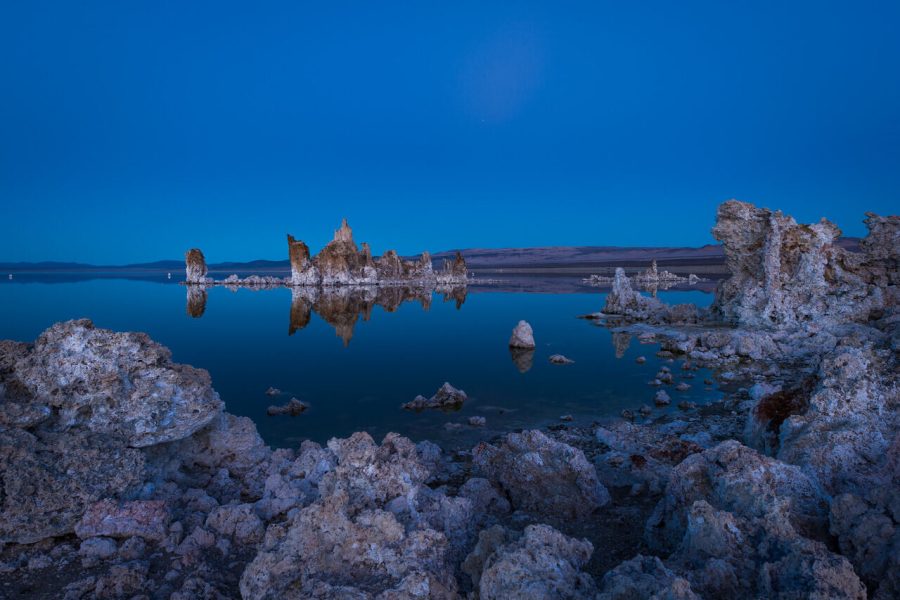
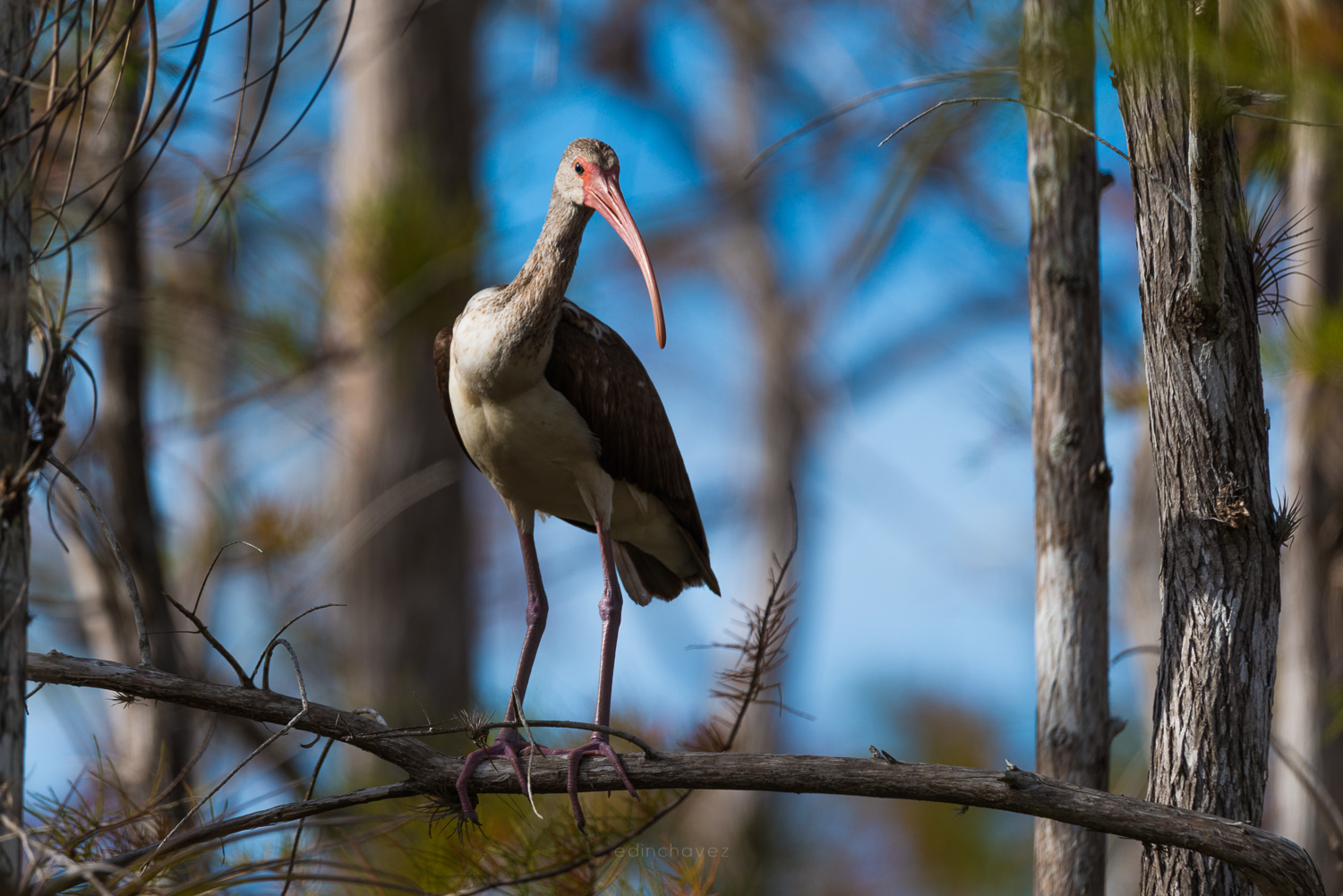
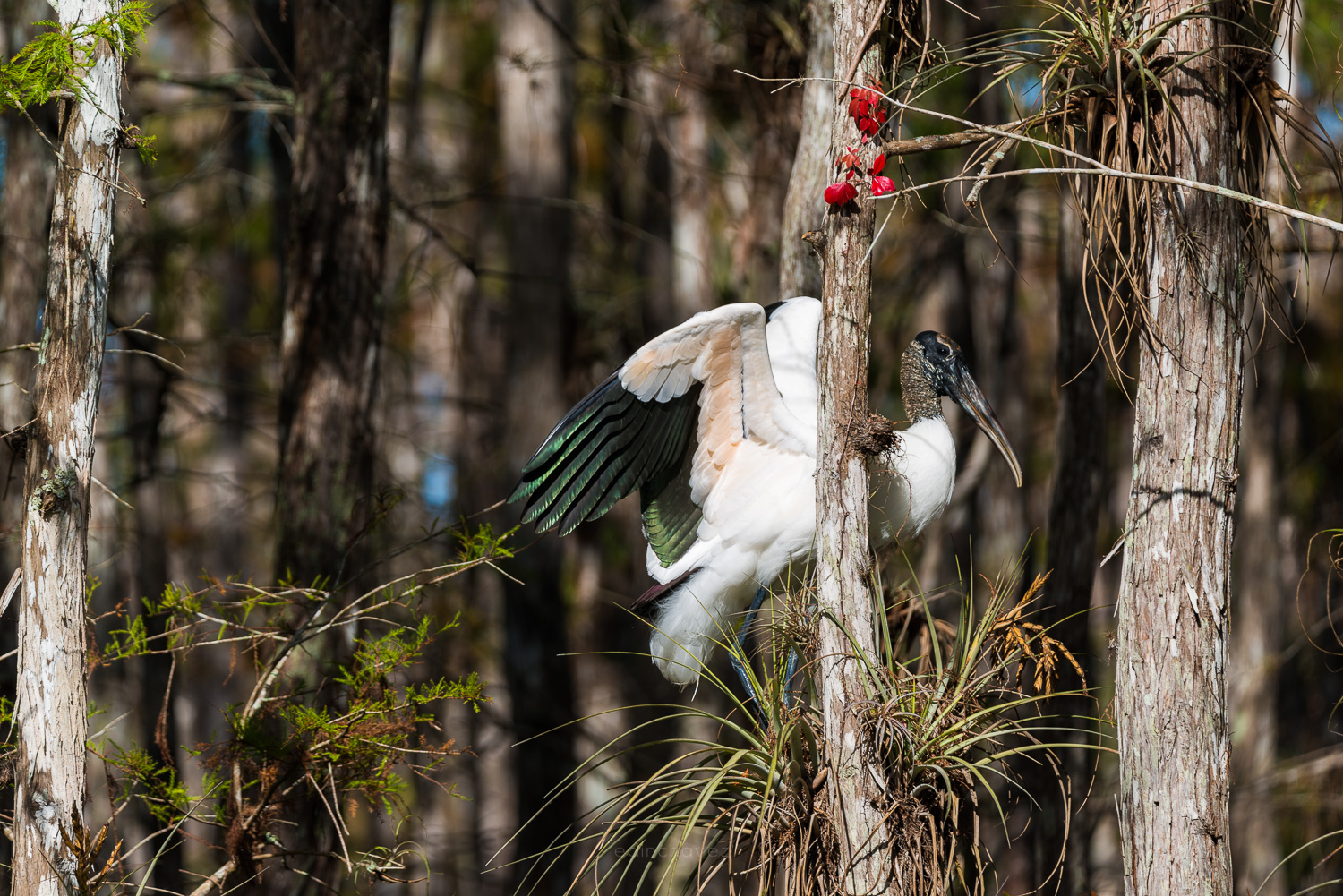
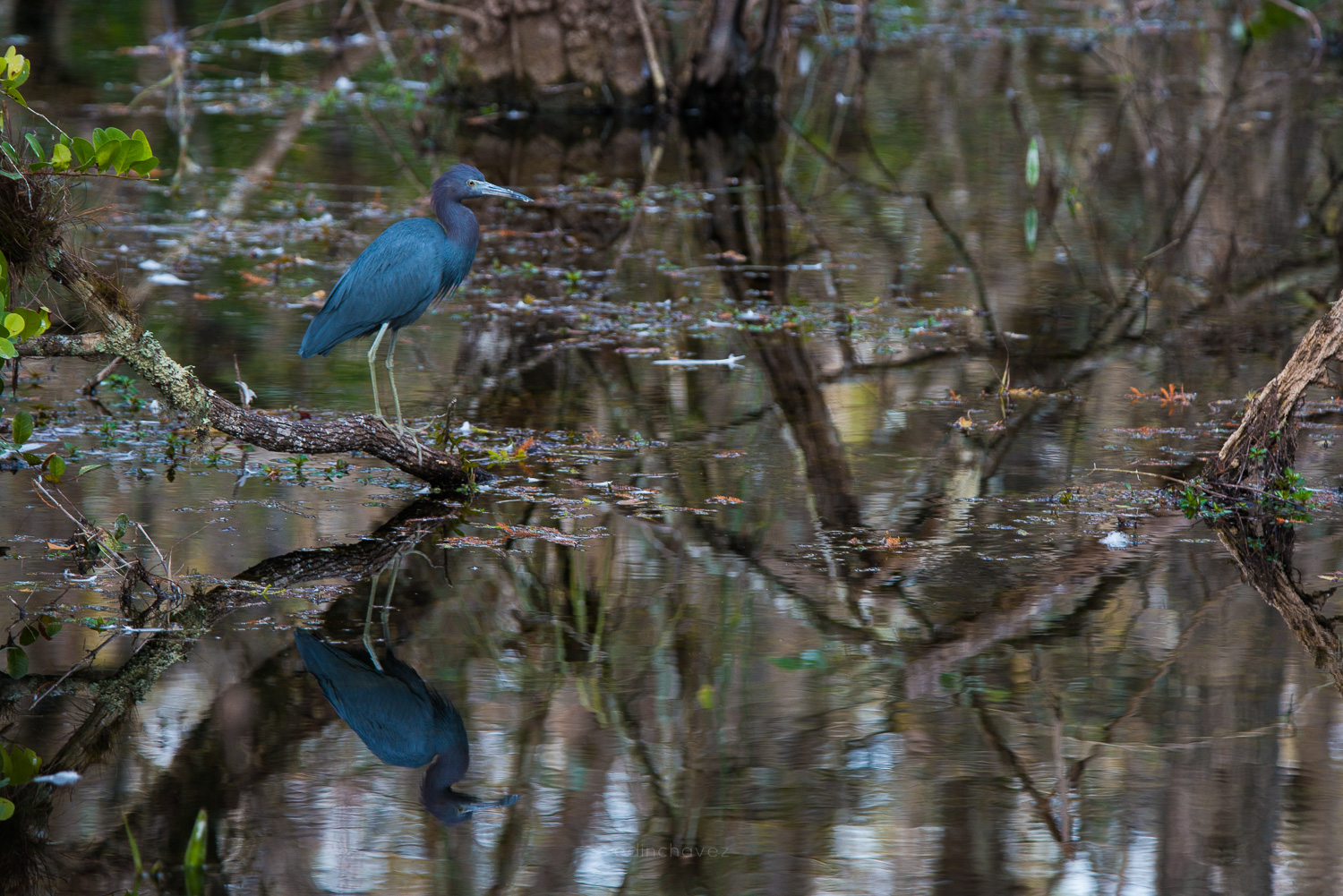
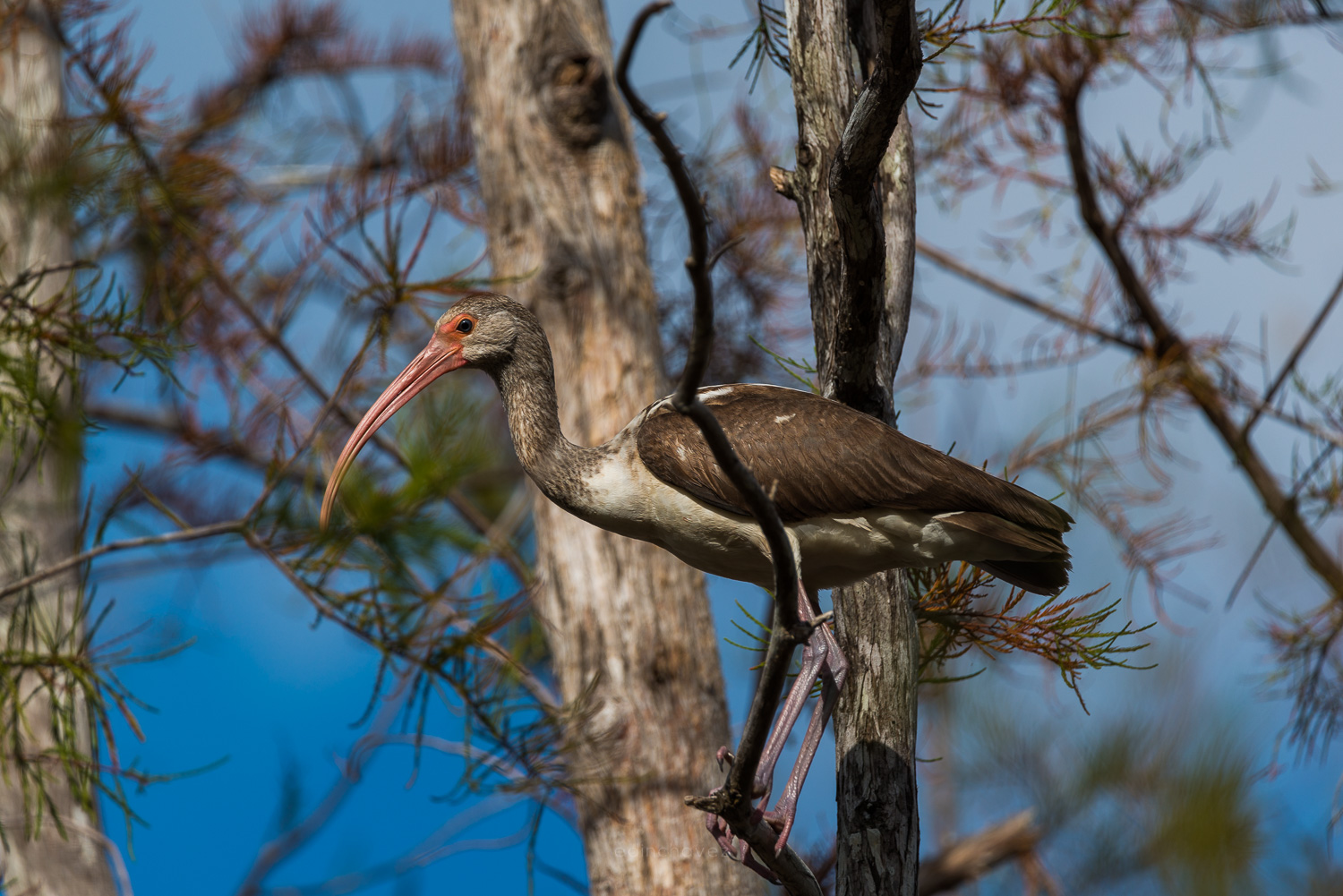
Affiliate disclosure: We may earn a commission from qualifying purchases through the Amazon and B&H links, at no extra cost to you. Settings are starting points based on Sony’s published specifications, not hands-on testing with this body. Photos: Edin Chavez. The photographs illustrate wildlife composition, not testing with this camera. Prices and stock can change.