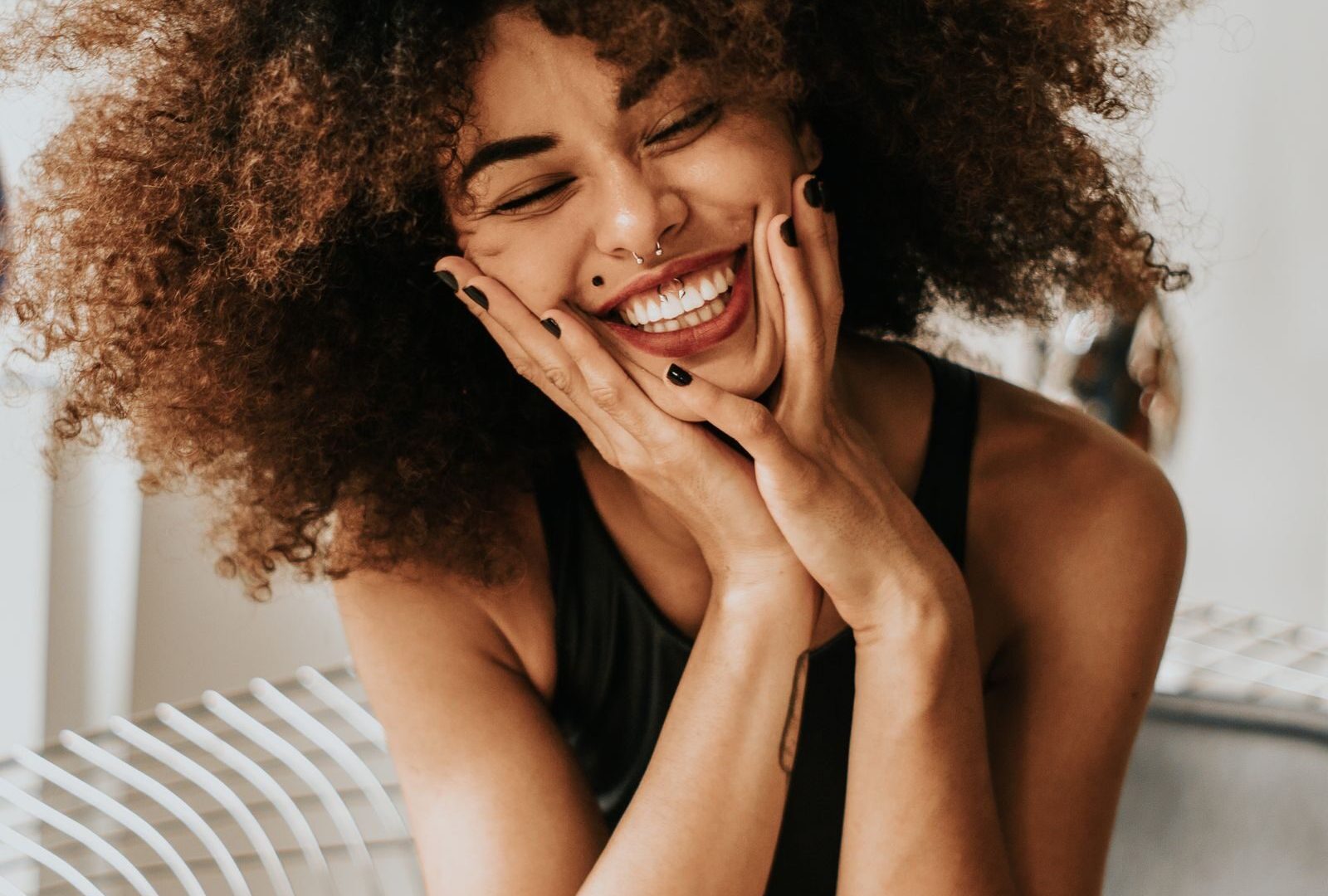

Portrait photographers run a different gallery problem than wedding or event shooters. The volume per session is lower — you might deliver 40 keepers from a senior session, 20 from a corporate headshot booking, 100 from a family session that ran long. But the polish-per-image expectation is far higher. One blown-out highlight on a headshot gallery and the executive client emails you the next morning. The gallery has to look like the work and behave like a private show, not a Dropbox link.
SmugMug handles this niche well because the platform was originally built around individual photographers showing client work, not around mass-volume event delivery. The customization options favor the portrait shooter who wants the gallery to read as an extension of the studio brand. Per-client password protection, custom color and font choices, watermarking that doesn’t look like a banner ad — the small details add up over a season of bookings.
Below is the working portrait shooter’s setup: how to structure galleries that clients actually use, where the print sales side earns its keep, and where SmugMug falls short for high-volume family or school work.
Why portrait galleries need different structure
A portrait gallery is one person, one family, or one small group. The viewer is the subject — not a stranger looking for themselves at an event. That changes everything about how the gallery should be designed. The hero image, the order of photos, the way the gallery loads on a phone in their kitchen at 9 PM after the kids are in bed — all of it has to feel like a presentation, not a download page.
The single highest-impact decision in portrait gallery setup is curation. Don’t dump every keeper into one flat gallery. Build a small lead gallery of your 8-10 strongest frames, hero-sized, on a clean dark or muted background. Below that, build the full delivery gallery with the rest. The client sees the best work first, falls in love with one or two hero shots, and then explores the full set.
SmugMug supports this with nested galleries and custom landing pages. The lead gallery becomes the splash page. The full delivery is one click away. The client never sees the deselects or the technical seconds — only the keepers, in the order you want them in.
Color, fonts, and the studio brand
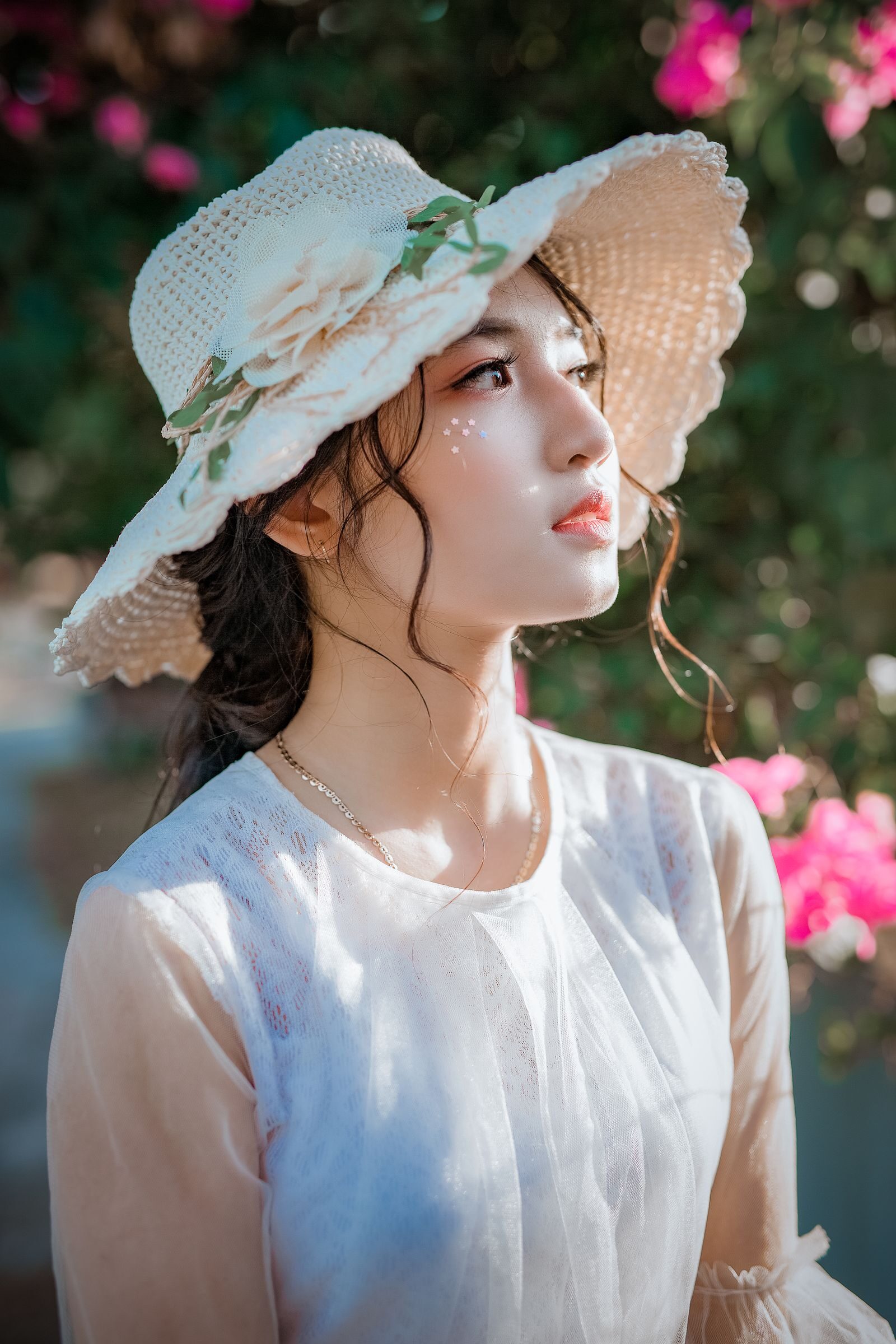
The fastest visual upgrade you can give a portrait gallery is matching the studio brand. SmugMug’s customization lets you set background color, accent color, header font, and gallery thumbnail spacing per client or per gallery. A muted off-black background with a serif header font reads completely different than the platform default. Five minutes of setup, applied to every gallery from that point forward.
If your studio runs a logo, upload it into the header so it sits above every gallery. The client forwards the link to their mother, their sister, their HR coordinator — and the brand travels with the photos. That recognition compounds over a season into recurring referrals you didn’t pay for.
For the URL, run a custom domain. SmugMug supports a CNAME setup that maps your studio domain to the gallery. Instead of yourstudio.smugmug.com, the gallery URL reads galleries.yourstudio.com or even your full domain. It’s invisible to clients who don’t care about the technical detail, but it makes the brand feel like yours, not the platform’s.
The print sale: where portrait shooters actually earn back the platform cost
Wedding and event shooters often skip prints. Portrait shooters shouldn’t. Print sales on portrait work are real revenue when the gallery is structured to support them. The family session that produced a $400 booking can produce another $200-400 in framed prints, canvas wraps, or albums if the gallery makes it easy.
SmugMug’s integrated print lab (Bay Photo handles the fulfillment) lets you set per-product pricing with your margin baked in. A 16×20 print might cost the lab $32, sell to the client for $95, and you keep $63. Run the math across 30-40 portrait sessions a year and the print revenue can fund the platform several times over.
The key is gallery structure. Don’t hide the print option behind a sub-menu. Set the “Buy Print” button to display on hover or below each image. The family clicking through grandma’s portrait sees the print option naturally, the way they’d see a download option on a free gallery. Friction removed equals more print orders, especially for clients who aren’t reflexive online shoppers.
Watermarking for portrait work
Portrait watermarking sits in a specific spot. The client paid for the session and the deliverable images. You don’t want a watermark on the final downloads. But the preview gallery before payment clears — or for any client who hasn’t paid the print balance — should have a small studio mark in the corner.
SmugMug’s watermarking handles this with a single setting: watermark on previews, none on paid full-resolution downloads. The watermark template is editable — use your studio logo at 12-15% opacity in the bottom-right corner. Visible enough to credit the work if the client screenshots and posts, subtle enough that the gallery still feels like a private show.
Gear for portrait sessions that holds up over a season
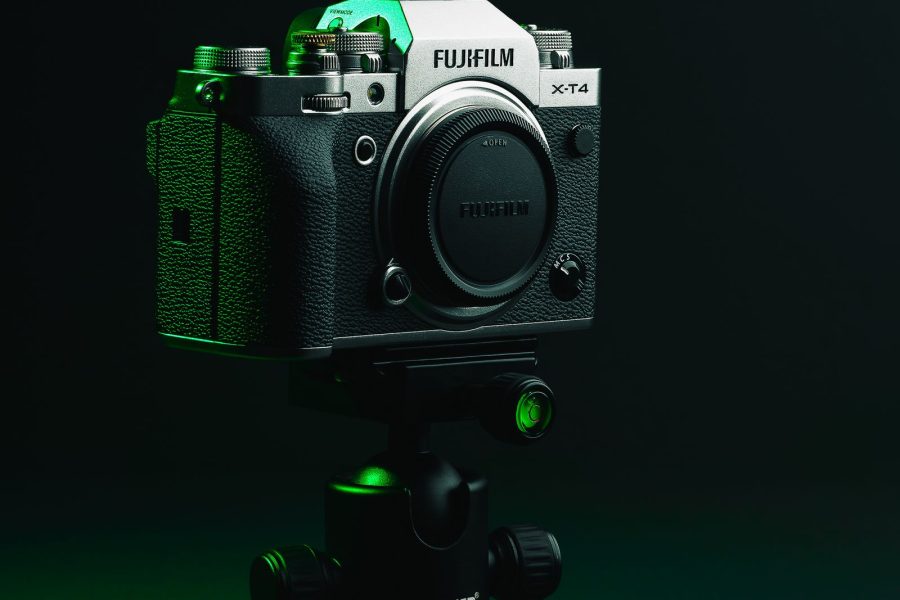
The gallery is the back end. The gear is still where the session lives or dies. Portrait work has tightened significantly as fast 85mm and 135mm primes have improved and as modern mirrorless bodies have made eye-tracking AF reliable enough to forget about. Below is the working portrait stack for a one-shooter studio running headshots, families, and high school seniors in 2026.
| Best for | Pick | B&H | Amazon | Why |
|---|---|---|---|---|
| Classic portrait | Sony 85mm f/1.4 GM II | Check at B&H | Check on Amazon | Lighter than gen-1, sharper wide open, focus breathing eliminated. The new go-to single-subject lens. |
| Compressed headshot | Sony 135mm f/1.8 GM | Check at B&H | Check on Amazon | Pure compression at 135mm flattens features beautifully for corporate headshots. Pair with f/2 for shallow depth. |
| Group + family | Sony 35mm f/1.4 GM | Check at B&H | Check on Amazon | Family groups, environmental portraits, lifestyle work. Fast enough for indoor natural light without losing context. |
| Studio strobe | Profoto B10X Plus | Check at B&H | Check on Amazon | 500Ws in a body that fits a small backpack. Battery-powered, modeling light, full TTL. Worth the price for serious portrait work. |
The session-to-delivery workflow that compounds
The shooters who run portrait operations cleanly treat the gallery as part of the session, not as a post-session afterthought. Build a session template in SmugMug once: lead gallery + full gallery + print pricing + watermark settings + branded header. Clone it per client. Five minutes of setup per session, and every delivery looks like the same studio.
For naming, use date-firstname-lastname-session-type: 2026-06-24-johnson-family-summer. Sortable, scannable, easy to find when the client emails six months later asking for a re-upload. Set the gallery to remain active for 90 days unless the client purchases prints — then extend to a year. The expiration nudge turns into upsell conversations more often than you’d think.
For corporate headshot bookings specifically, build a per-subject sub-gallery so HR coordinators can pull individual people without sending you ten separate emails. Acme-Corp-2026-Q2 / Sarah-Chen / Marcus-Brooks / Priya-Patel. Each sub-gallery contains the 4-6 keepers for that subject. The HR contact opens the parent gallery, clicks the name, downloads. Workflow saved on their end builds the relationship for the next quarterly booking.
Where SmugMug falls short for portrait work
The two real weaknesses for portrait shooters are proofing and high-volume school work. SmugMug doesn’t have native client-proofing with explicit per-image selections the way ShootProof or Pixieset do. You can run a workaround — clients favorite images, you export the favorites list — but it’s not as clean as a dedicated proofing platform. If your business model depends on a strict 20-image-per-session selection workflow, SmugMug isn’t the best fit out of the box.

For high-volume school photography — 200 students through your studio in two days, parents shopping individual portraits by student ID — SmugMug isn’t optimized for the per-subject password and shopping cart flow. The platform handles it with workarounds, but the dedicated school-photography platforms beat it on the specific workflow.
For most one-shooter or small-team portrait operations doing families, seniors, headshots, and lifestyle work, those limitations don’t matter. SmugMug covers the 90% case beautifully. The 10% edge cases (strict proofing, school volume) need separate tools or workarounds.
The light still rules the session
Gallery polish doesn’t save a flat portrait. Read up on aperture for subject isolation (f/1.8-f/2.8 for single subjects, f/4-f/5.6 for couples and families), ISO discipline for clean indoor portrait work (modern bodies handle ISO 1600-3200 cleanly), and shutter speed for sharp eyes (minimum 1/250 for fidgety kids, 1/125 for adults). Get the capture right and the gallery becomes a presentation layer, not a recovery layer.
The verdict for portrait shooters
SmugMug works well for the portrait studio that values brand polish, print sales, and per-client customization without forcing you to bolt on a third platform. The shooters who get the most out of it run a clean session template, lean into the print revenue side, and treat the gallery as part of the studio brand. The per-session cost amortizes to a few dollars across a normal booking calendar, and the print margins more than cover the platform fee if you actually set up the print pricing.
If you’re running portraits and your current delivery is a Google Drive folder or a free WordPress gallery, SmugMug is worth a 14-day trial. Set up one client gallery with full custom branding, send the link, and watch the difference in how clients respond. The print order conversation usually follows on its own.