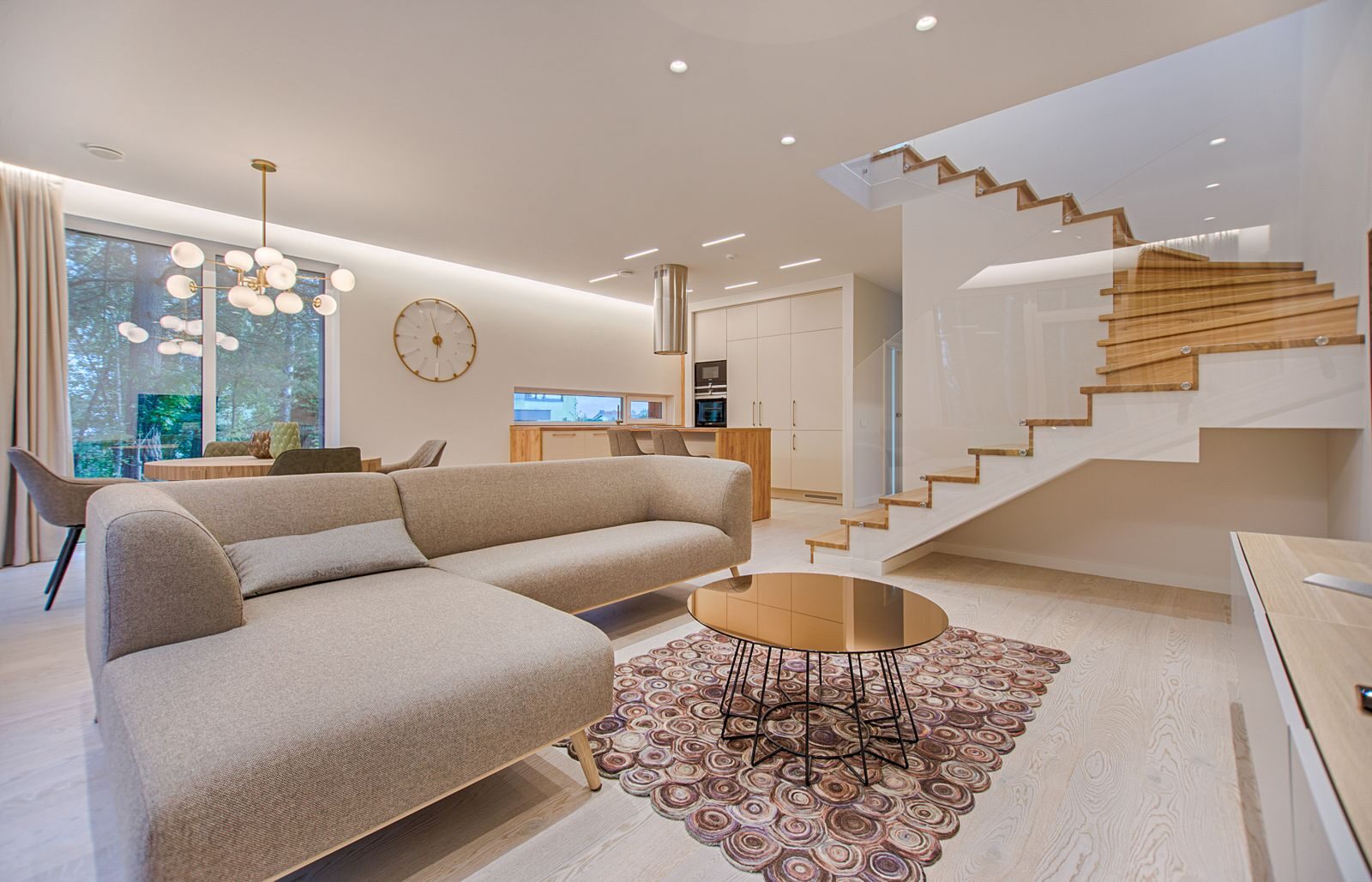
If you shoot real estate, you already know the workflow doesn’t end when the shutter clicks. Twenty exterior shots, forty interiors, drone overheads, twilight pulls — then the agent wants them tonight, the brokerage wants them branded, and the MLS wants them at exact pixel dimensions. The gallery you hand over is part of the job. SmugMug has quietly become one of the better answers for that part of the job, and it’s not because of fancy marketing. It’s because the platform was built around galleries, not around selling courses or running a marketplace.
I’ve used SmugMug as a client-delivery backbone for real estate shoots for years. Below is the working photographer’s breakdown: what it actually does for property shoots, where it falls short, and how to set it up so an agent can grab MLS-sized JPEGs and high-res prints from the same page without confusion.
Why real estate photographers reach for SmugMug
Real estate galleries have a strange dual purpose. The agent needs web-sized files immediately for the listing. The seller and the brokerage might want larger versions for print, social, or marketing collateral down the line. The shooter wants one delivery link that handles both without endless email back-and-forth. SmugMug nails this because every uploaded image is automatically resized into a stack of resolutions, and the client picks what they need at download time.
That single workflow detail saves real hours over a season. No more zipping a folder of MLS-sized files plus another folder of high-res, naming them by room, emailing them in pieces because the attachments are too large. The agent opens one link, hits download, picks “MLS Web” or “Full Print,” done.
SmugMug also runs unlimited uploads on every plan tier, which matters when a single luxury listing might generate 90 finished frames after twilight and drone passes. You aren’t metering storage against your delivery volume the way you would on a generic cloud service. SmugMug’s plan structure is built around photographers who deliver, not around storage tiers that throttle you mid-shoot-season.
Setting up a property gallery the agent will actually use
The biggest setup mistake real estate shooters make is dumping every frame into one flat gallery. Agents skim. If they have to scroll past 80 unsorted thumbnails to find the kitchen shot they need for an Instagram post, they’ll stop using your galleries and start asking for one-off emails. The fix is structural.
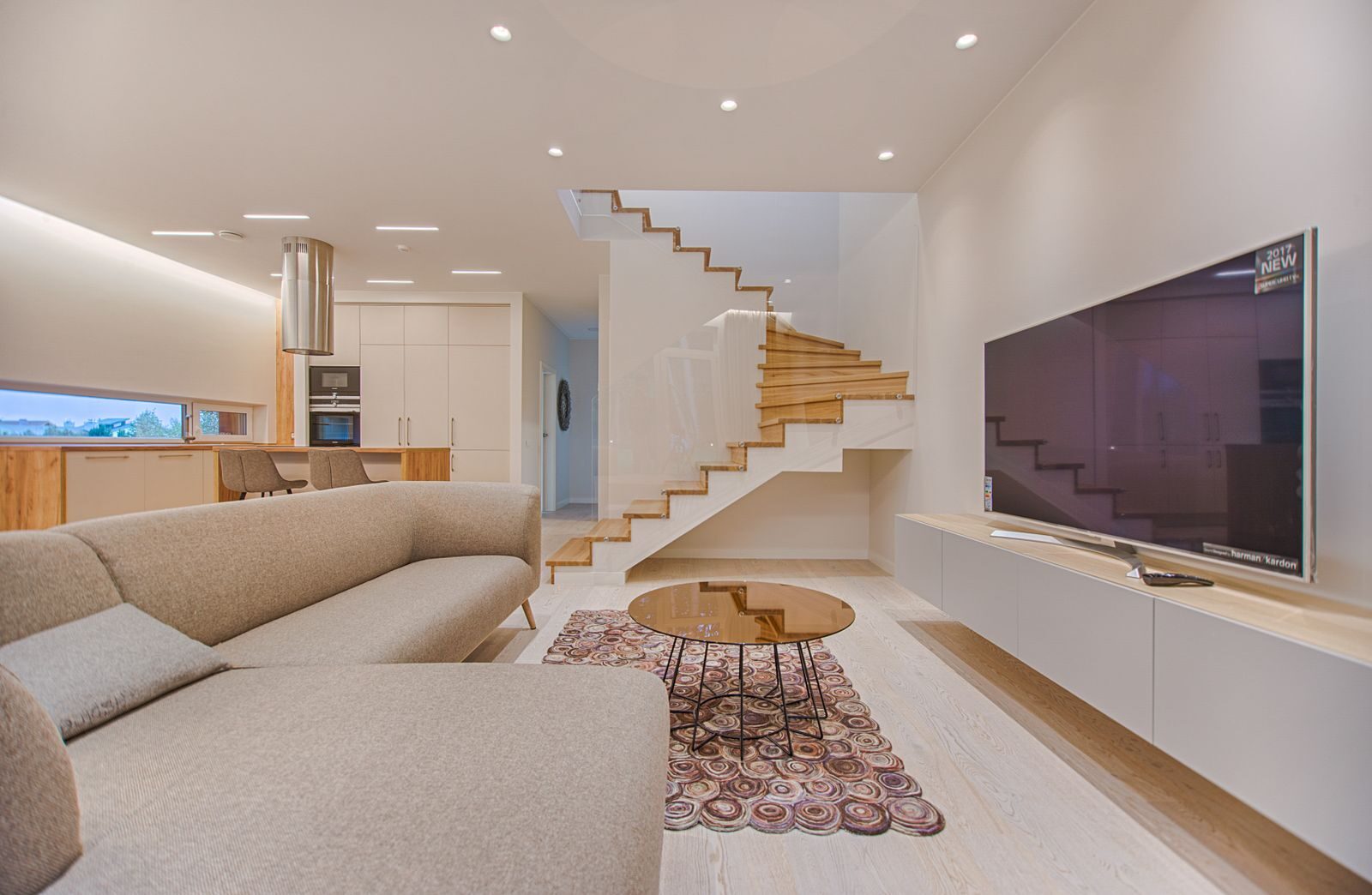
Build a top-level folder per property address. Inside that folder, create sub-galleries: Exterior, Main Floor, Kitchen, Bedrooms, Bathrooms, Outdoor Space, Twilight, Drone. The agent now has a navigable map. They click “Kitchen,” grab the two shots they need, move on. The image count per sub-gallery stays under 15, which is the readable limit on a phone screen where most agents work.
Customize the gallery title with the listing address, not your studio name. The agent is forwarding this link to a seller or to their marketing coordinator, and the URL is more useful when it reads as the property than as your brand. SmugMug lets you set a custom URL slug per gallery — use it.
Watermarking, download permissions, and the print question
Real estate is one of the few photography genres where you want minimum watermarking on web previews. Agents will screenshot anyway, and a watermark across a hero exterior shot looks worse on the MLS than the photo would on its own. Set watermarking to off on the gallery, but lock downloads behind a password or a per-client access setting. The contract handles the licensing — SmugMug handles the access gate.
For downloads, run two presets per gallery: “MLS Web” (1920px long edge, sRGB, ~300KB) and “Full Print” (original resolution). The agent grabs MLS Web for the listing site, the seller can request Full Print if they want a print or a billboard. SmugMug stores both off the single uploaded master file, so you upload once.
If the brokerage wants prints fulfilled directly — for closing gifts, office walls, marketing — SmugMug’s print lab integration covers that. The brokerage orders, the lab fulfills, you get a margin. It isn’t the main revenue stream for most real estate shooters, but the closing-gift print order is real money on a slow week.
The gear behind a working real estate workflow
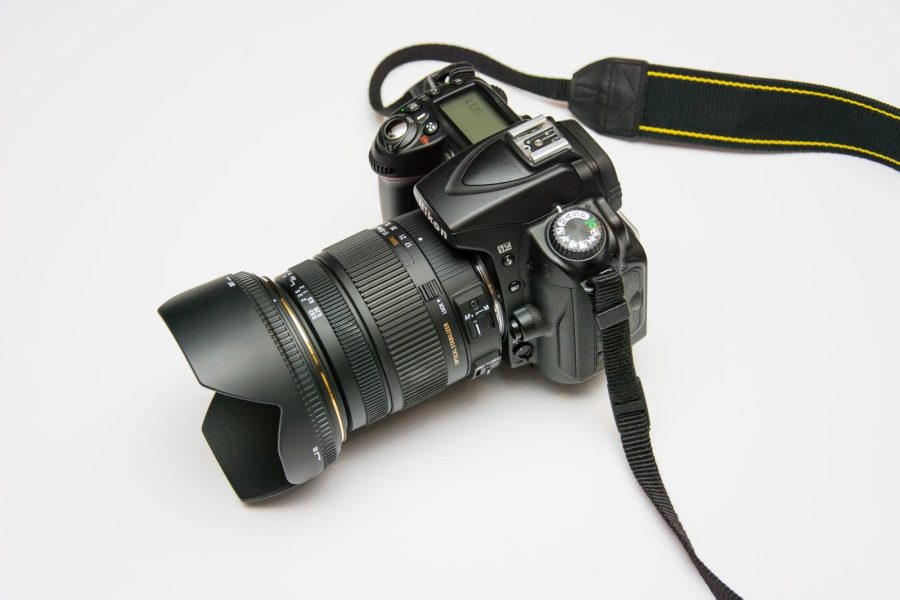
Gallery delivery is the back end. The front end is still the gear, and the right kit for real estate has tightened considerably as wide zooms have improved and tilt-shift options have come back into reach. If you’re running an aging body and a kit lens, the gallery polish won’t save the listing.
Below is the working stack we recommend for a one-person real estate operation in 2026 — ultra-wide, tilt-shift for the perspective-critical shots, drone for the exterior pulls, and a tripod that holds up to repeated bracketing without drift.
| Best for | Pick | B&H | Amazon | Why |
|---|---|---|---|---|
| Ultra-wide interior | Sony 14-24mm f/2.8 GM | Check at B&H | Check on Amazon | 14mm gets the full room without distortion at the corners; sharp wide open for low-light bracketing. |
| Perspective correction | Canon TS-E 17mm f/4L | Check at B&H | Check on Amazon | Verticals stay vertical without keystone correction in post. Worth it for luxury listings and architectural work. |
| Bracketing tripod | Manfrotto MT055CXPRO4 | Check at B&H | Check on Amazon | Center column tilts horizontal for overhead shots; 4-section legs collapse small enough to fit in any property. |
| Exterior aerial | DJI Mavic 3 Pro | Check at B&H | Check on Amazon | Triple-lens setup covers wide property pulls and tight architectural details from the same flight. |
Pricing the gallery into your shoot
This is the question I get most from real estate shooters who haven’t moved to a platform: doesn’t SmugMug add overhead I have to absorb? On the math, the per-shoot cost is tiny. A Pro plan amortizes to a few dollars per delivered listing if you’re shooting four or more properties a week. The agent saves time on their end, you save time on yours, and the polish of a branded gallery often justifies a $25-50 bump on the next shoot quote.
The shooters who get the most out of SmugMug treat it as part of the deliverable. The gallery URL goes into the email with the invoice. The branded landing page on your custom domain reinforces the studio — not a generic Dropbox folder. Some shooters even point their domain at SmugMug and use it as their whole site, which works fine for a real estate operation that doesn’t need a blog or a course funnel.
Where SmugMug falls short for real estate
It’s not perfect. SmugMug doesn’t have native MLS integration — you can’t push directly to RPR or a local MLS feed. You’ll still hand the agent a download link and they’ll upload to the MLS themselves. For most one-person operations that’s a non-issue. If you’re running a high-volume real estate studio doing 50+ listings a week, you’ll want a workflow that includes a direct-to-MLS uploader, and SmugMug isn’t that tool.

The mobile app for clients is also weaker than the desktop experience. Agents working off a phone might miss the “download all” option if the gallery isn’t set up with clear navigation. Build the folder structure assuming phone use first, desktop second — that’s where the agent will open it the first time.
For watermarking enforcement, SmugMug uses a sensible compromise: visible watermarks on previews when you turn them on, no watermark on paid downloads. That works for portrait or wedding shooters, but real estate often wants the opposite — no watermark on previews because the agent screenshots, but a hard lock on full-res downloads until payment clears. You’ll handle that with a password-protected gallery and a contract clause, not with built-in DRM.
Workflow tightening that compounds over a season
Three small habits separate the shooters who treat SmugMug as a tool from the ones who treat it as a checkbox. First, build a gallery template once and clone it for every listing — same sub-folder names, same download presets, same watermark setting. You set it up in November, you reuse it every shoot through October. Second, name your master folder by date-address: 2026-06-23_142-elm-street. Sortable, scannable, searchable.
Third, set the gallery to expire 90 days after the listing closes. Storage is unlimited but client clarity isn’t — you don’t want agents pulling from a two-year-old gallery for a re-listing without coming back to you. The expiration date forces a conversation when the listing relists, which usually means a fresh shoot. That’s found revenue you’d miss otherwise.
The exposure side — getting the room right before the gallery matters
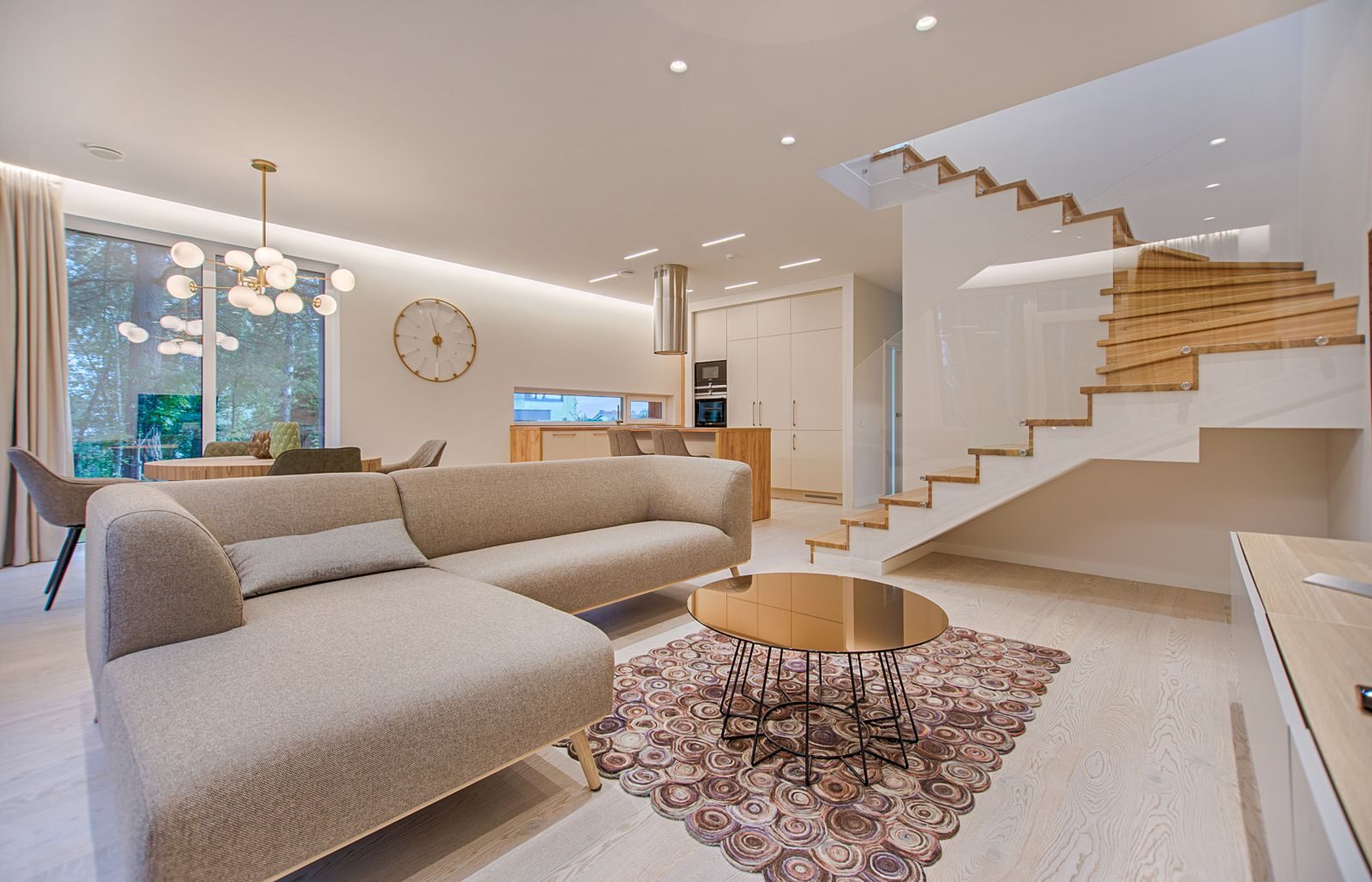
None of this matters if the photos themselves don’t hold up. Real estate interiors are dynamic-range nightmares: bright windows, dim corners, mixed tungsten and daylight in the same frame. The fundamentals fix more than the post-processing does. Read up on aperture for depth control in tight rooms where you can’t physically back up, ISO discipline for clean low-light interiors, and shutter speed for window-pull bracketing. Brackets at 1/60, 1/250, and 1/15 cover most interior dynamic-range scenes when blended properly.
The gallery is the last step. The first step is still light. Get the room right at capture and SmugMug becomes a delivery polish layer, not a save layer.
The verdict for real estate shooters
SmugMug isn’t the loudest platform in the photographer-website space, and that’s exactly why it works for real estate work. It does galleries well, runs unlimited uploads, lets clients pick their resolution at download, and handles the print-and-payment side without forcing you to bolt on a third service. The shooters who get the most out of it treat the gallery as part of the brand, not as an afterthought, and they set up the folder structure assuming the agent is reading on a phone at the listing.
If you’re running a one-person or small-team real estate operation, SmugMug is worth a 14-day trial — spin up one property gallery, send the link to an agent you trust, and ask if it’s easier than what you’re currently doing. The answer is usually yes, and once you’ve set the template up, the next 50 listings cost you twenty minutes each to deliver.